Baby Shark Music Light Tiles for PC
Kamran Nagiyev
Unduh Baby Shark Music Light Tiles di PC Dengan Emulator GameLoop
Baby Shark Music Light Tiles di PC
Baby Shark Music Light Tiles, berasal dari pengembang Kamran Nagiyev, berjalan di sistem Android di masa lalu.
Sekarang, Anda dapat memainkan Baby Shark Music Light Tiles di PC dengan GameLoop dengan lancar.
Unduh di perpustakaan GameLoop atau hasil pencarian. Tidak ada lagi memperhatikan baterai atau panggilan frustasi pada waktu yang salah lagi.
Nikmati saja Baby Shark Music Light Tiles PC di layar besar secara gratis!
Baby Shark Music Light Tiles Pengantar
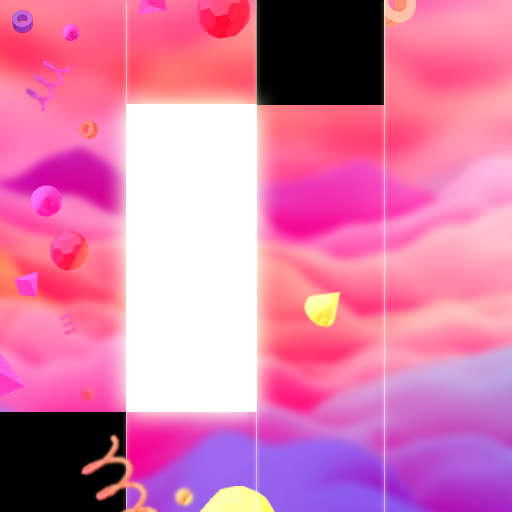
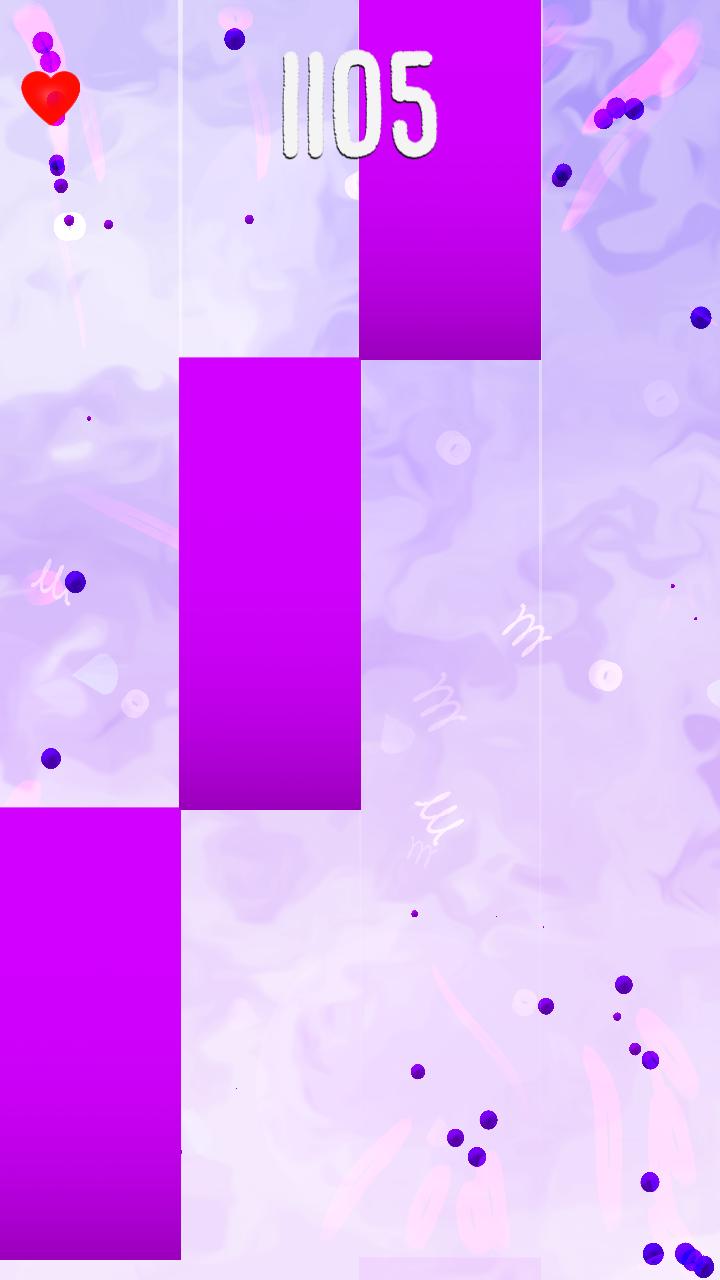
All Your Favorite Tracks In One GAME! Sweet colored musical Backgrounds will Blow You Away! Perfect Synchronization beetween Tapping and Rythm. Never get bored of TURBO GAMEPLAY, try to Keep Up and Beat your friends highscores!
Tired of simple piano games with boring piano music? EDM tracks will bring you joy! Awesome bright tiles will feel like magic. The further you go the more magic appears behind the tiles. Gets crazy with piano keys but EDM Songs!
PERFECT AWESOME GAMEPLAY INCLUDE:
-AWESOME COLORS!!
-Fun Songs
-Unique Effects!
-FAST GAMEPLAY
-Unique and long song list
Pratinjau

Tag
Teka-TekiInformasi
Pengembang
Kamran Nagiyev
Versi Terbaru
1.0
Terakhir Diperbarui
2021-09-20
Kategori
Teka-Teki
Tersedia di
Google Play
Menampilkan lebih banyak
Cara memainkan Baby Shark Music Light Tiles dengan GameLoop di PC
1. Download GameLoop dari situs resminya, lalu jalankan file exe untuk menginstal GameLoop.
2. Buka GameLoop dan cari “Baby Shark Music Light Tiles”, temukan Baby Shark Music Light Tiles di hasil pencarian dan klik “Install”.
3. Nikmati bermain Baby Shark Music Light Tiles di GameLoop.
Minimum requirements
OS
Windows 8.1 64-bit or Windows 10 64-bit
GPU
GTX 1050
CPU
i3-8300
Memory
8GB RAM
Storage
1GB available space
Recommended requirements
OS
Windows 8.1 64-bit or Windows 10 64-bit
GPU
GTX 1050
CPU
i3-9320
Memory
16GB RAM
Storage
1GB available space