
Skool - for students for PC
Skool - mobile
Unduh Skool - for students di PC Dengan Emulator GameLoop
Skool - for students di PC
Skool - for students, berasal dari pengembang Skool - mobile, berjalan di sistem Android di masa lalu.
Sekarang, Anda dapat memainkan Skool - for students di PC dengan GameLoop dengan lancar.
Unduh di perpustakaan GameLoop atau hasil pencarian. Tidak ada lagi memperhatikan baterai atau panggilan frustasi pada waktu yang salah lagi.
Nikmati saja Skool - for students PC di layar besar secara gratis!
Skool - for students Pengantar
Designed exclusively for students. A different way to Study, Organize and Connect with students from all over the world.
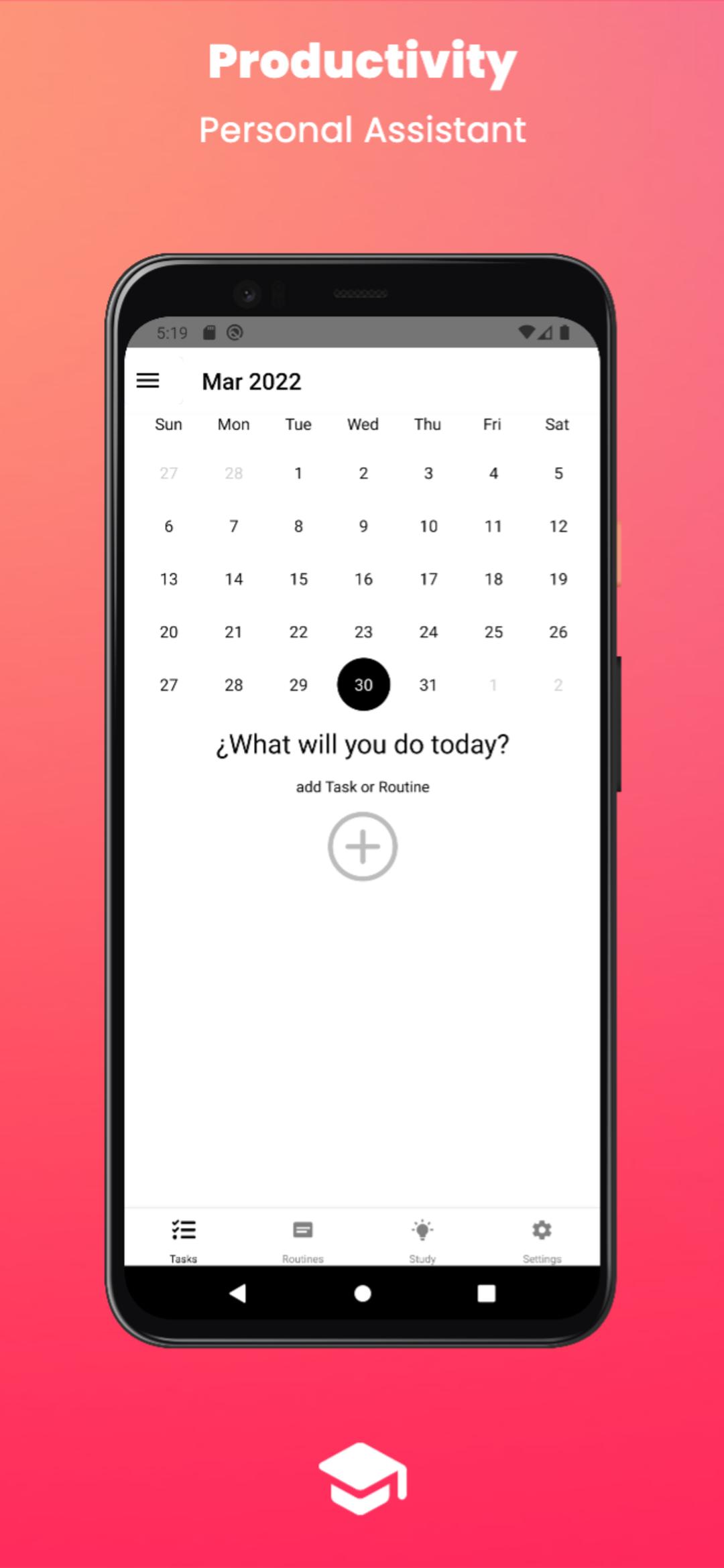
Productivity and organization: you can create as many tasks as you want on the day you want at the time you want and be remembered.
Study:
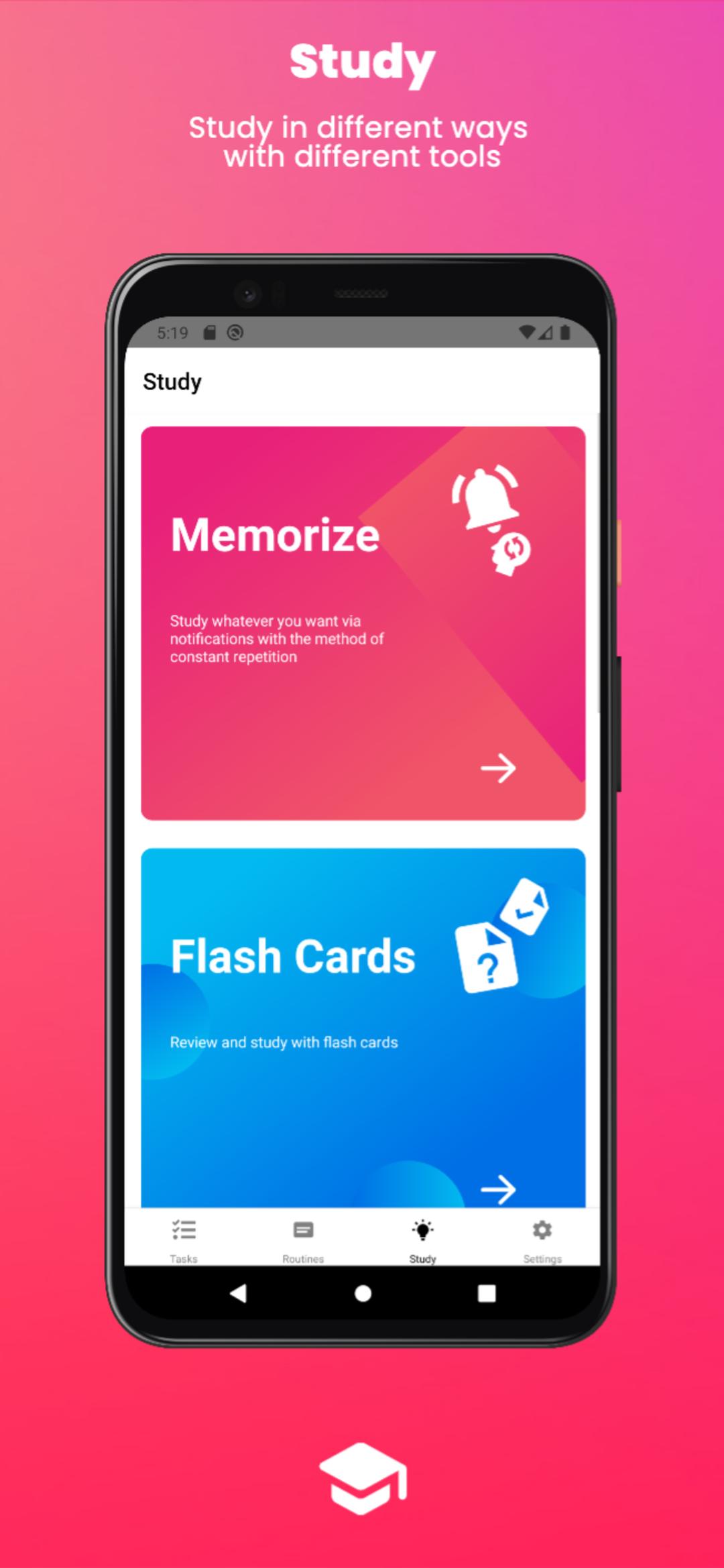
•Memorize: Study whatever you want via notifications with the method of constant repetition. (you can separate it by courses, e.g.: mathematics, history, chemistry)
•Flash Cards: Review and study with flash cards. (you can separate it by courses, e.g.: mathematics, history, chemistry)
•Pomodoros: Focus on studying with study and rest intervals to maximize your productivity.
•Exams: Set the date of your exams and organize your study time, you can set up to be reminded with pre-exam notifications.
•Schedules: Configure your class schedule.
Routines: Routines are a package of tasks to save time by not having to create and add the recurring tasks you do every day, you simply create the routine once with all the tasks you want and add it to the calendar, you can share your routines with students around the world or also use the routines of other students, it would be like trying the life of other students, it's amazing.
Available for computers, download it at www.theskool.info
Pratinjau
Tag
ProduktivitasInformasi
Pengembang
Skool - mobile
Versi Terbaru
1.1
Terakhir Diperbarui
2022-05-21
Kategori
Produktivitas
Tersedia di
Google Play
Menampilkan lebih banyak
Cara memainkan Skool - for students dengan GameLoop di PC
1. Download GameLoop dari situs resminya, lalu jalankan file exe untuk menginstal GameLoop.
2. Buka GameLoop dan cari “Skool - for students”, temukan Skool - for students di hasil pencarian dan klik “Install”.
3. Nikmati bermain Skool - for students di GameLoop.
Minimum requirements
OS
Windows 8.1 64-bit or Windows 10 64-bit
GPU
GTX 1050
CPU
i3-8300
Memory
8GB RAM
Storage
1GB available space
Recommended requirements
OS
Windows 8.1 64-bit or Windows 10 64-bit
GPU
GTX 1050
CPU
i3-9320
Memory
16GB RAM
Storage
1GB available space