
Sensitivity Finder for PC
Luke C Nelson
Unduh Sensitivity Finder di PC Dengan Emulator GameLoop
Sensitivity Finder di PC
Sensitivity Finder, berasal dari pengembang Luke C Nelson, berjalan di sistem Android di masa lalu.
Sekarang, Anda dapat memainkan Sensitivity Finder di PC dengan GameLoop dengan lancar.
Unduh di perpustakaan GameLoop atau hasil pencarian. Tidak ada lagi memperhatikan baterai atau panggilan frustasi pada waktu yang salah lagi.
Nikmati saja Sensitivity Finder PC di layar besar secara gratis!
Sensitivity Finder Pengantar
(This app is designed to be used with the game CS:GO, however, there is no affiliation between this app and Valve Corporation or Counter-Strike Global Offensive)
Need a better sensitivity in CS:GO, but don't where to start?
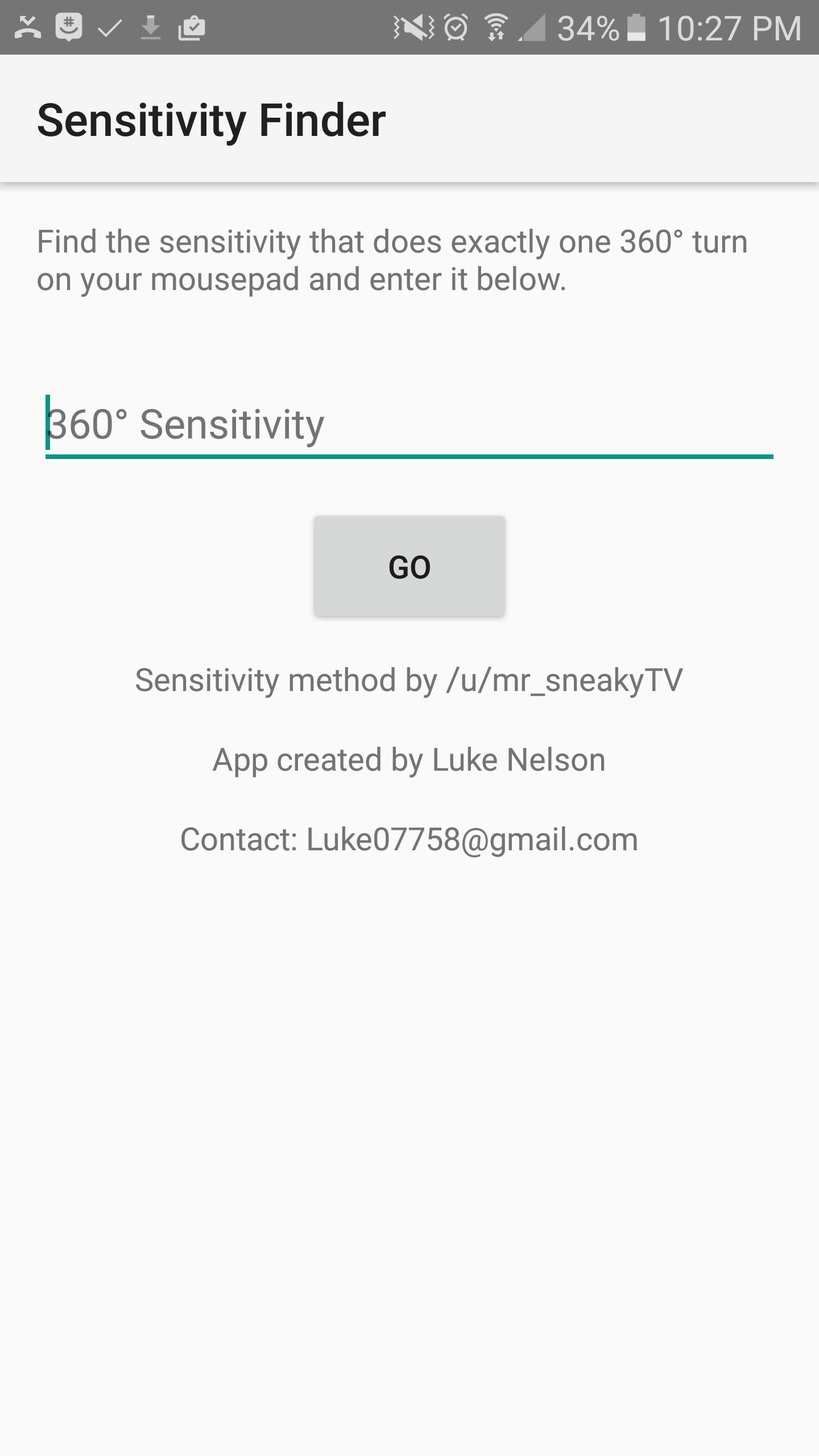
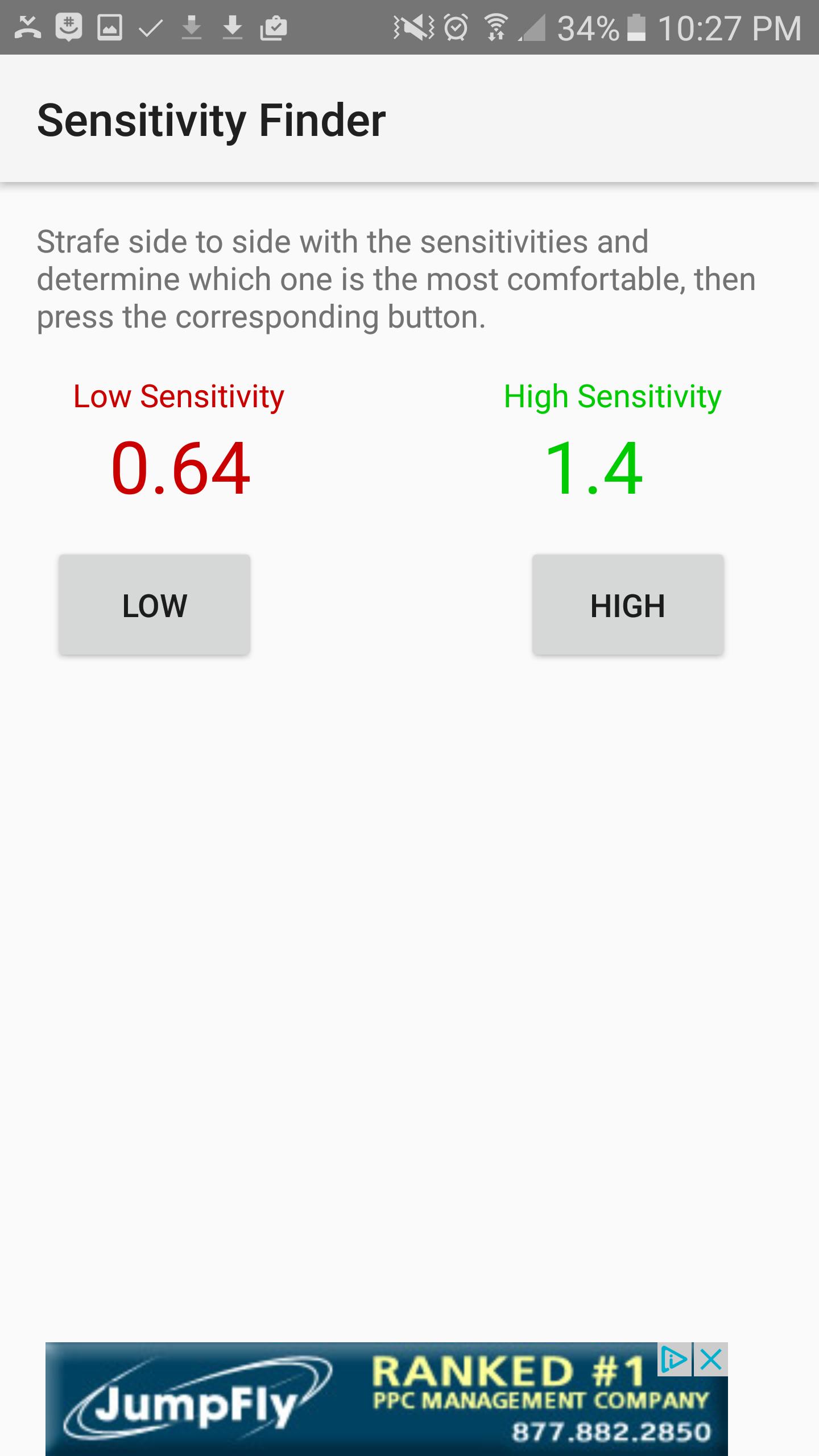
This app will help you find your PERFECT sensitivity to get better at the game. How it works is, you first open the game and find which sensitivity it is that does exactly one 360 degree turn from one side of your mouse pad to the other, and you will enter that sensitivity into the first screen. Next, the app will show you two sensitivities, a Low, colored in red, and a High colored in green. Try each of these sensitivities out and determine which one you like better. I recommend strafing back and forth and trying to keep your crosshair fixed on one point on a wall. Once you figure out which one you like better, select the corresponding High or low button, and the app will show you updated sensitivities, and then you try those sensitivities. Repeat the process over and over until the app finds the perfect sensitivity for you. The entire process takes up to an hour, but it is worth it, and your sensitivity will be much better.
Pratinjau
Informasi
Pengembang
Luke C Nelson
Versi Terbaru
1.0
Terakhir Diperbarui
2017-01-28
Kategori
Produktivitas
Tersedia di
Google Play
Menampilkan lebih banyak
Cara memainkan Sensitivity Finder dengan GameLoop di PC
1. Download GameLoop dari situs resminya, lalu jalankan file exe untuk menginstal GameLoop.
2. Buka GameLoop dan cari “Sensitivity Finder”, temukan Sensitivity Finder di hasil pencarian dan klik “Install”.
3. Nikmati bermain Sensitivity Finder di GameLoop.
Minimum requirements
OS
Windows 8.1 64-bit or Windows 10 64-bit
GPU
GTX 1050
CPU
i3-8300
Memory
8GB RAM
Storage
1GB available space
Recommended requirements
OS
Windows 8.1 64-bit or Windows 10 64-bit
GPU
GTX 1050
CPU
i3-9320
Memory
16GB RAM
Storage
1GB available space