Scan Document - PDF Scanner for PC
Devkrushna Infotech
Unduh Scan Document - PDF Scanner di PC Dengan Emulator GameLoop
Scan Document - PDF Scanner di PC
Scan Document - PDF Scanner, berasal dari pengembang Devkrushna Infotech, berjalan di sistem Android di masa lalu.
Sekarang, Anda dapat memainkan Scan Document - PDF Scanner di PC dengan GameLoop dengan lancar.
Unduh di perpustakaan GameLoop atau hasil pencarian. Tidak ada lagi memperhatikan baterai atau panggilan frustasi pada waktu yang salah lagi.
Nikmati saja Scan Document - PDF Scanner PC di layar besar secara gratis!
Scan Document - PDF Scanner Pengantar
PDF Scanner App - Free Document Scanner & Scan PDF, If you need to scan multiple documents then open your smartphone and scan documents free in your device within just one touch by using the cam scanner to scan PDF which is a popular app to scan PDF documents and PDF files.
It is a PDF scanner, a document editor, a text recognition means, photo scan, qr code scanner, PDF editor and an e-signature maker—all in one. Camera scanner can turn your device into a portable multi-tool designed to improve your productivity and save your time.
Scan your documents anytime, anywhere. Document scanner lets you quickly scan any kind of documents in your office, universities, and anything that needs to be there. cam scanner app scans your all kinds of paper documents, files, ID, scan to PDF, and scan pictures in high quality and also convert it into PDF or JPEG format by using the Free document scanner app. Scanner app PDF document scan free also has a long tap on an item at the home page to enable selection mode to create multi-page PDF by using mobile scanner free.
DOCUMENT SCANNER
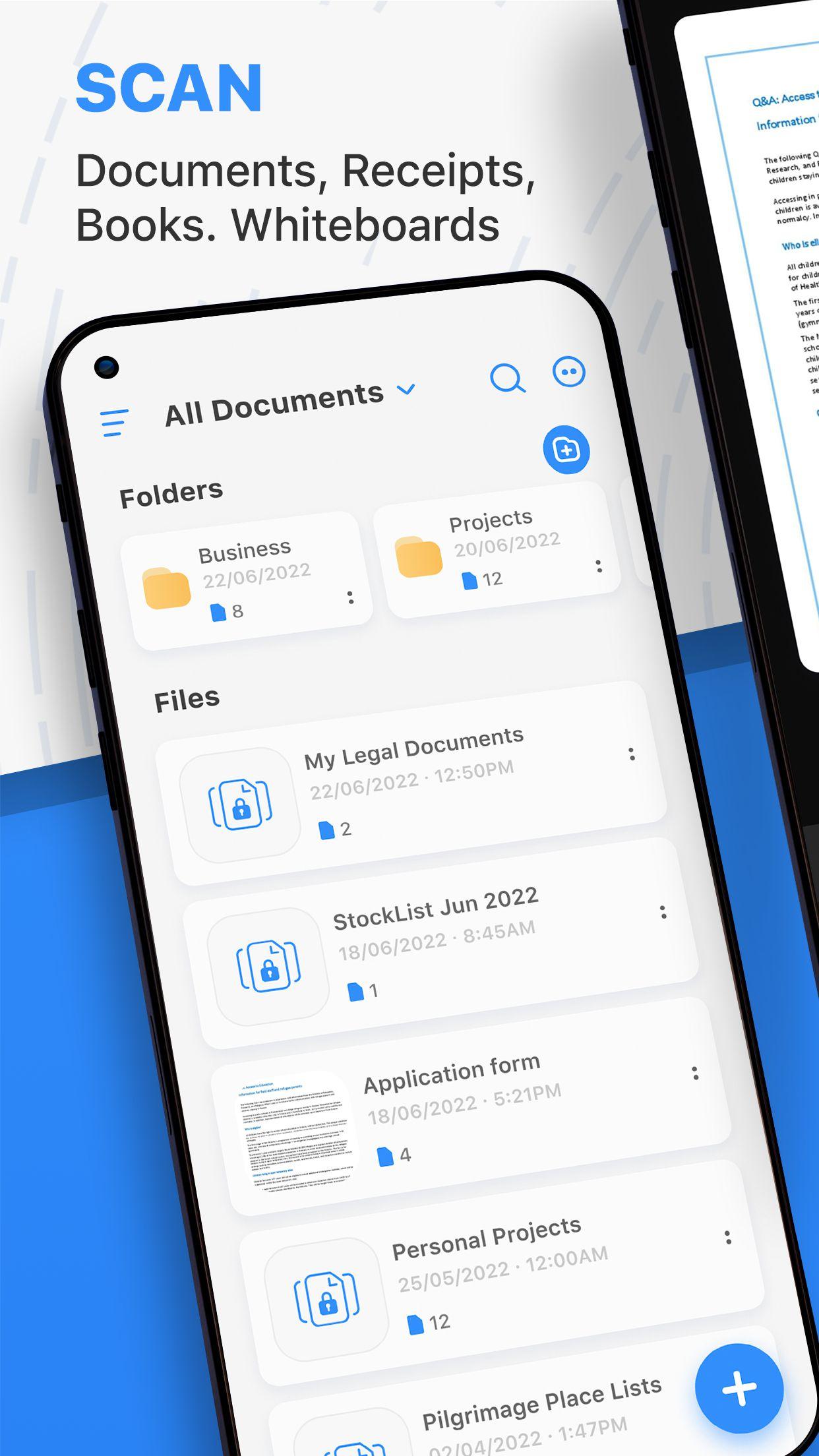
• With our pocket PDF scanner, you can digitize all your important papers—just take a photo or add files from the Gallery. Scan documents, Ids, photos, books, business cards, bills, receipts, invoices, study notes, contracts, scan to PDF, and more with our multi-functional scanner app!
CLEANUP UP YOUR SCANS
• Remove and edit imperfections, erase stains, marks, creases, even handwriting.
• Convert any photo to PDF, edit them using color correction and noise removing features, mark up the important information you want to use later, and share the result with our user-friendly document scanner.
E-SIGNATURE AND TEXT TOOL
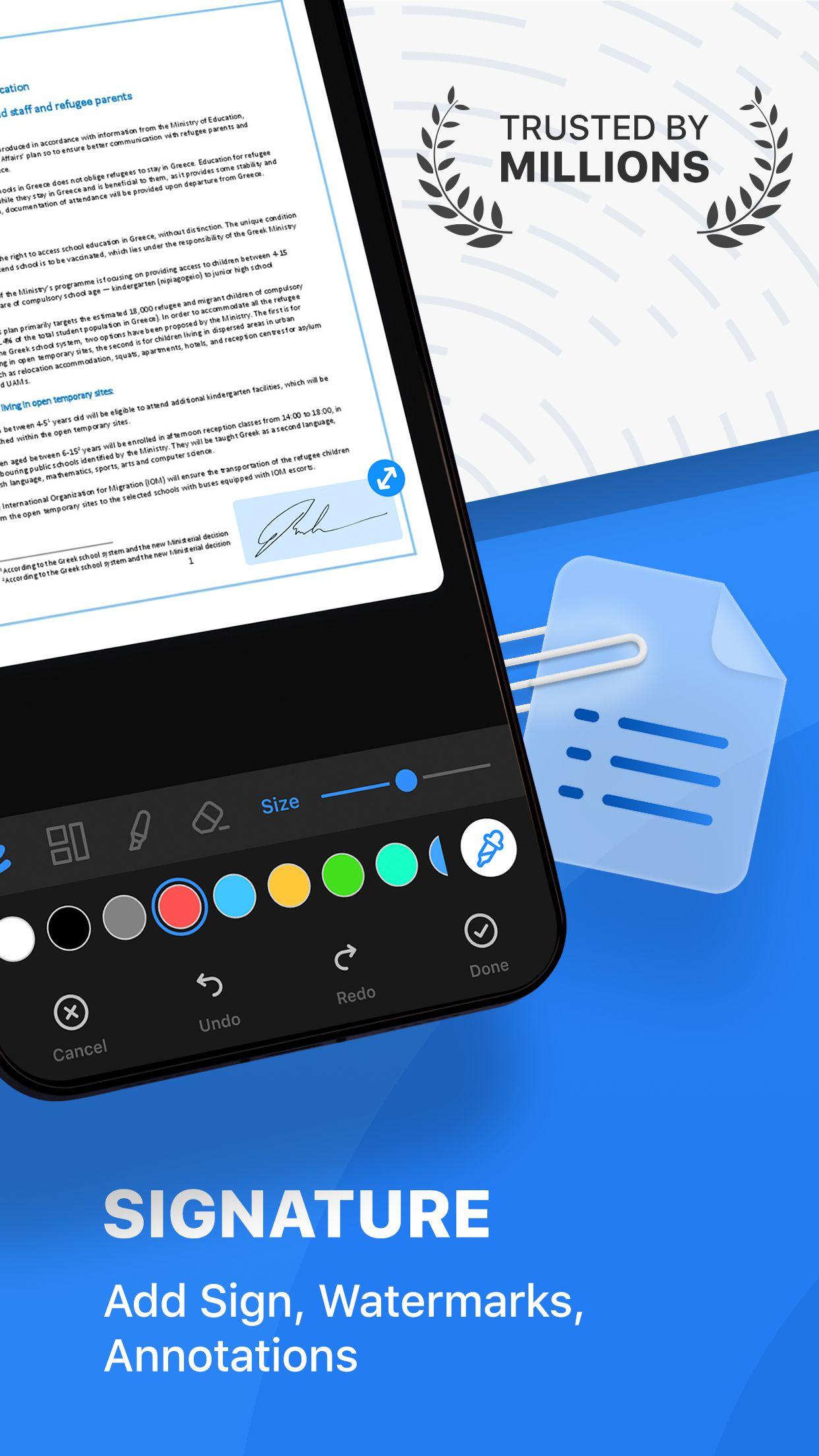
• Sign and fill out contracts, bills, and invoices and email them to your clients. Save your signature and create custom templates to use them later.
TEXT RECOGNITION (OCR)
• Easily extract text from a scanned page and edit it with our highly accurate OCR scanner app. PDF scanner recognizes all popular languages and can even identify multiple languages within one file.
QR CODE SCANNER
• QR scanner can scan and decode all kinds of QR codes and barcodes.
PDF CONVERTER
• Image to PDF Converter, Just select some images or take a picture with your camera and convert it into a PDF file, convert document file (doc, docx, ppt, pptx) to PDF.
• You can open any PDF with Camera Scanner, Also highlight key sections, add comments, fill and sign.
PIN-PROTECTION
• Set up a PIN for the entire app or lock individual folders or docs to protect your private information.
• Also Lock PDF with password to keep your documents secure.
Feature of PDF Scanner App
• Automatically document edge recognition and perspective correction
• Scanner enhance the scan quality automatically and manually
• Scanner app free for scan documents and photos scan
• Advanced Document Editing supports to Make annotations, adding customized watermarks
• Camera scanner manages your files, to organize your documents better
• Arrange your docs in folders and sub-folders with the cam scanner app
• Access to PDF tools like PDF compress, image to PDF converter, remove PDF password, Jpg to PDF, and PDF editor etc.
• PDF creator can create PDF in different sizes from A1 to A-6 and like postcards, letters, notes, etc.
• Make a Collage of two separate documents
• Scan & print documents with a free scanner app
• Backup & Restore your data with Camera Scanner
Install our powerful scanner app to scan documents in a tap.
Camera Scan is the perfect PDF converter trusted by millions worldwide.
Pratinjau
Tag
ProduktivitasInformasi
Pengembang
Devkrushna Infotech
Versi Terbaru
1.0.3
Terakhir Diperbarui
2022-09-01
Kategori
Produktivitas
Tersedia di
Google Play
Menampilkan lebih banyak
Cara memainkan Scan Document - PDF Scanner dengan GameLoop di PC
1. Download GameLoop dari situs resminya, lalu jalankan file exe untuk menginstal GameLoop.
2. Buka GameLoop dan cari “Scan Document - PDF Scanner”, temukan Scan Document - PDF Scanner di hasil pencarian dan klik “Install”.
3. Nikmati bermain Scan Document - PDF Scanner di GameLoop.
Minimum requirements
OS
Windows 8.1 64-bit or Windows 10 64-bit
GPU
GTX 1050
CPU
i3-8300
Memory
8GB RAM
Storage
1GB available space
Recommended requirements
OS
Windows 8.1 64-bit or Windows 10 64-bit
GPU
GTX 1050
CPU
i3-9320
Memory
16GB RAM
Storage
1GB available space