
MindBoard Free ( for S Pen ) for PC
MindBoard Apps
Unduh MindBoard Free ( for S Pen ) di PC Dengan Emulator GameLoop
MindBoard Free ( for S Pen ) di PC
MindBoard Free ( for S Pen ), berasal dari pengembang MindBoard Apps, berjalan di sistem Android di masa lalu.
Sekarang, Anda dapat memainkan MindBoard Free ( for S Pen ) di PC dengan GameLoop dengan lancar.
Unduh di perpustakaan GameLoop atau hasil pencarian. Tidak ada lagi memperhatikan baterai atau panggilan frustasi pada waktu yang salah lagi.
Nikmati saja MindBoard Free ( for S Pen ) PC di layar besar secara gratis!
MindBoard Free ( for S Pen ) Pengantar
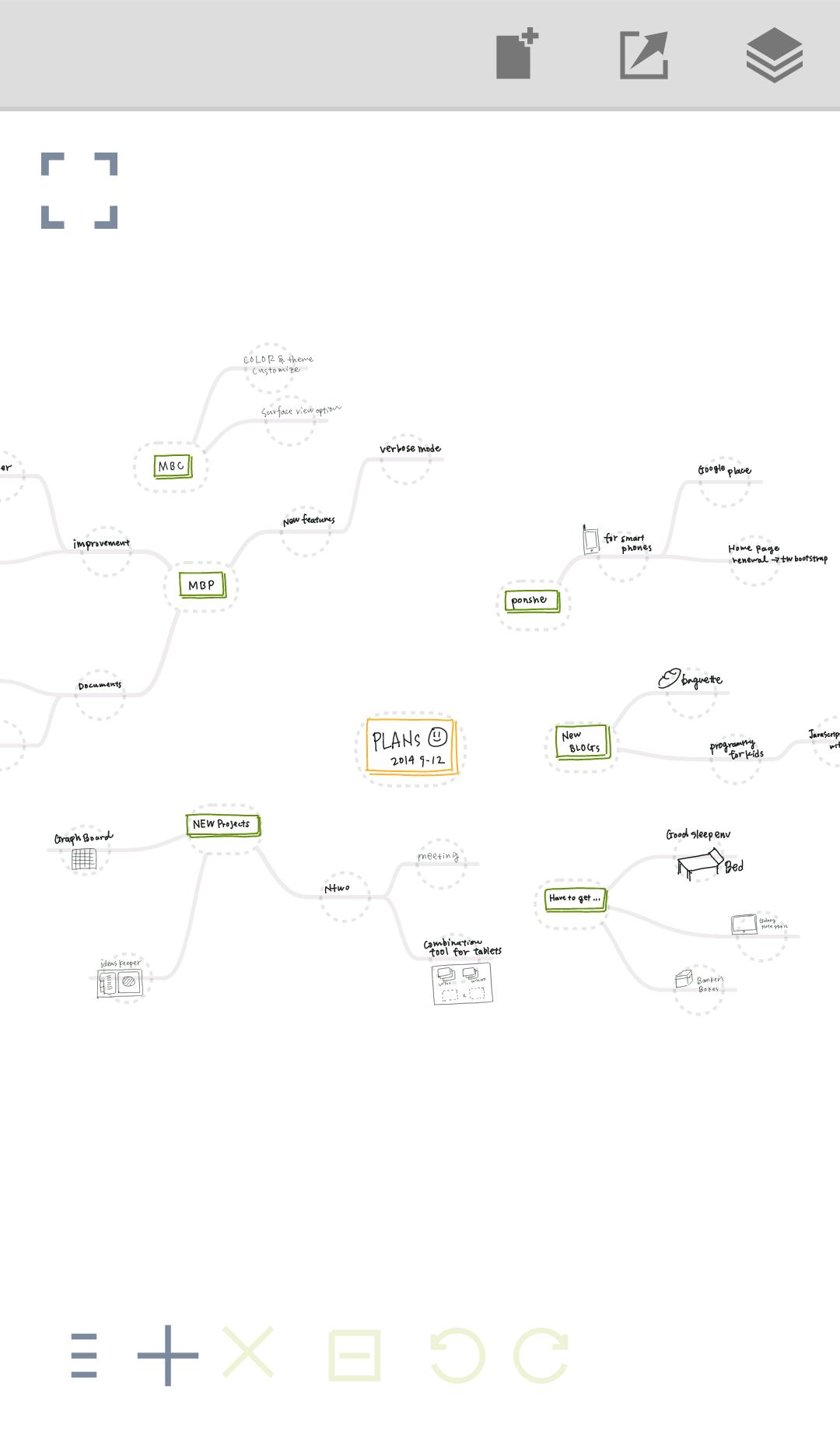
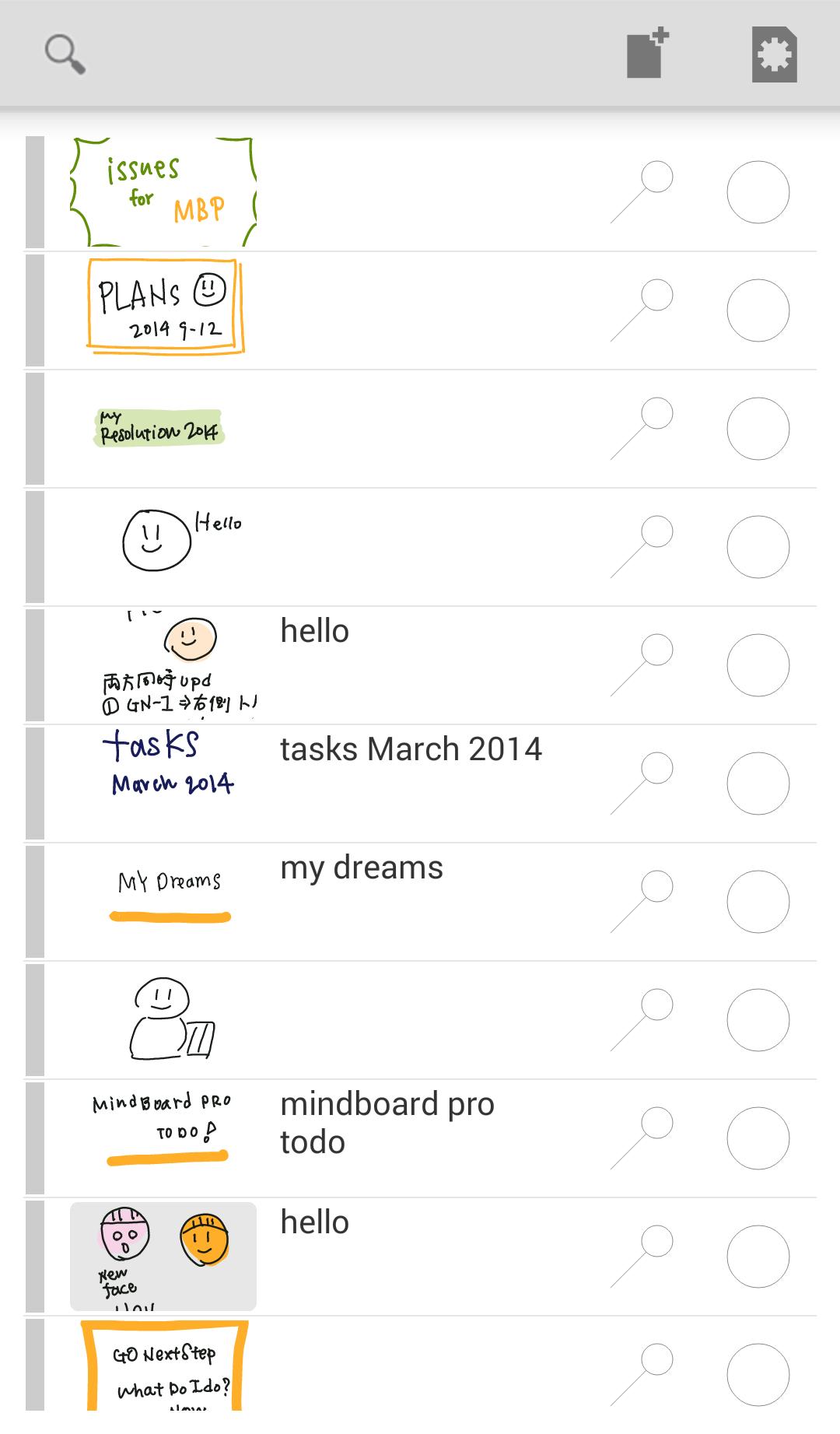
This is a simple handwriting mind mapping app for tablets.
# User Guide
* https://mindboard.github.io/mindboard-user-guide/
# Key Features
* Freehand / handwriting mind mapping
* Map : zoom and scroll , node collapsing and expanding
* Pen : multiple colours and multiple weight
* Branch : multiple colours
* Multipule undo / redo
* PNG / PDF export
* It's tested with Galaxy Tab A with S Pen.
# Free Edition Limitation
* PDF export
* Theme Editor
Your question or comment will be much appreciated.
* Contact Information : https://www.mindboardapps.com/contact.html
Pratinjau
Informasi
Pengembang
MindBoard Apps
Versi Terbaru
1.3.2
Terakhir Diperbarui
2019-10-12
Kategori
Produktivitas
Tersedia di
Google Play
Menampilkan lebih banyak
Cara memainkan MindBoard Free ( for S Pen ) dengan GameLoop di PC
1. Download GameLoop dari situs resminya, lalu jalankan file exe untuk menginstal GameLoop.
2. Buka GameLoop dan cari “MindBoard Free ( for S Pen )”, temukan MindBoard Free ( for S Pen ) di hasil pencarian dan klik “Install”.
3. Nikmati bermain MindBoard Free ( for S Pen ) di GameLoop.
Minimum requirements
OS
Windows 8.1 64-bit or Windows 10 64-bit
GPU
GTX 1050
CPU
i3-8300
Memory
8GB RAM
Storage
1GB available space
Recommended requirements
OS
Windows 8.1 64-bit or Windows 10 64-bit
GPU
GTX 1050
CPU
i3-9320
Memory
16GB RAM
Storage
1GB available space