
iButton Assist for PC
TIK Institute, ETH Zurich
Unduh iButton Assist di PC Dengan Emulator GameLoop
iButton Assist di PC
iButton Assist, berasal dari pengembang TIK Institute, ETH Zurich, berjalan di sistem Android di masa lalu.
Sekarang, Anda dapat memainkan iButton Assist di PC dengan GameLoop dengan lancar.
Unduh di perpustakaan GameLoop atau hasil pencarian. Tidak ada lagi memperhatikan baterai atau panggilan frustasi pada waktu yang salah lagi.
Nikmati saja iButton Assist PC di layar besar secara gratis!
iButton Assist Pengantar
iButton Assist allows you to distribute and maintain massive amounts of Maxim iButton temperature loggers.
- Programming of DS1921G, DS1921H, DS1921Z, DS1922L, DS1922T, DS1922E and DS1923 type iButton temperature/humidity logger devices
- User-controllable mission settings: Sampling rate, rollover (yes/no), mission start delay (optional), measurement accuracy (DS1922/DS1923 only), temperature/humidity software correction (DS1922/DS1923 only)
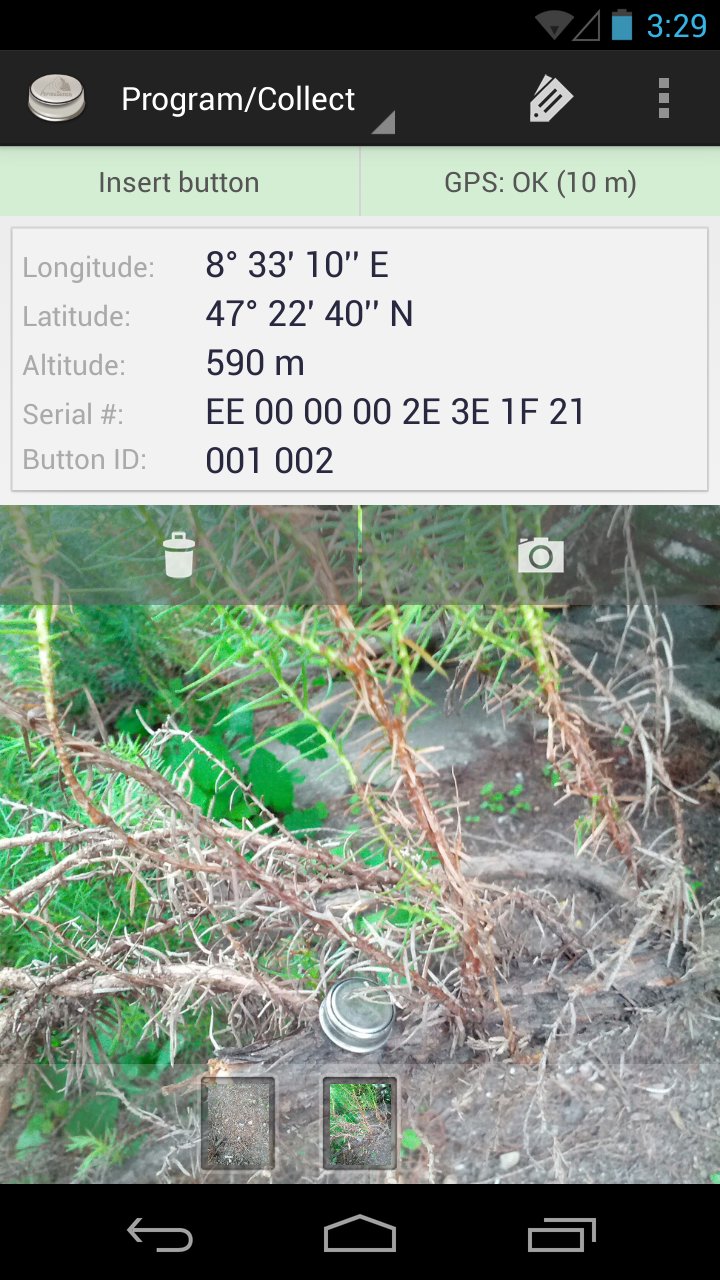
- Deployment time and location are automatically stored, the internal iButton clock is set on programming
- Users can take and attach pictures for easier locating logger devices in outdoor scenarios
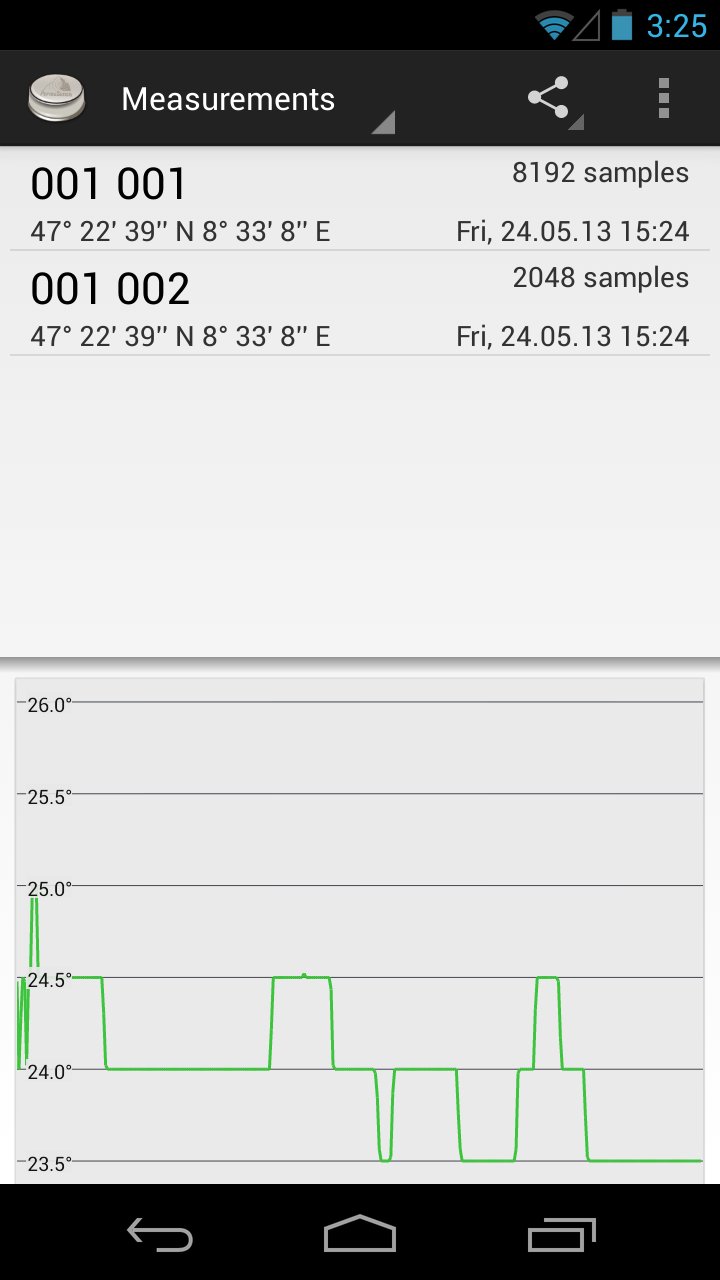
- CSV export of measurements to Dropbox, GMail, Skype, etc.
- Mission parameters and measurement data are stored in a SQLite database, the SQLite database can be exported to various applications (e.g., Dropbox, GMail, ...)
- Over-the-air synchronisation in conjunction with a Global Sensor Networks (GSN) server
ATTENTION:
Using this app requires a USB OTG cable and a DS9490 USB 1-Wire iButton reader device.
If you do not own an Android phone yet, please take care that you will need a device that supports USB host mode. For example: Samsung Galaxy Nexus, Samsung Galaxy S3, ... the new Google Nexus 4 does unfortunately NOT support USB host mode.
Pratinjau
Informasi
Pengembang
TIK Institute, ETH Zurich
Versi Terbaru
1.3.1
Terakhir Diperbarui
2013-11-18
Kategori
Produktivitas
Tersedia di
Google Play
Menampilkan lebih banyak
Cara memainkan iButton Assist dengan GameLoop di PC
1. Download GameLoop dari situs resminya, lalu jalankan file exe untuk menginstal GameLoop.
2. Buka GameLoop dan cari “iButton Assist”, temukan iButton Assist di hasil pencarian dan klik “Install”.
3. Nikmati bermain iButton Assist di GameLoop.
Minimum requirements
OS
Windows 8.1 64-bit or Windows 10 64-bit
GPU
GTX 1050
CPU
i3-8300
Memory
8GB RAM
Storage
1GB available space
Recommended requirements
OS
Windows 8.1 64-bit or Windows 10 64-bit
GPU
GTX 1050
CPU
i3-9320
Memory
16GB RAM
Storage
1GB available space