
QR Scanner - QR Code Scanner for PC
Apps Wing
Unduh QR Scanner - QR Code Scanner di PC Dengan Emulator GameLoop
QR Scanner - QR Code Scanner di PC
QR Scanner - QR Code Scanner, berasal dari pengembang Apps Wing, berjalan di sistem Android di masa lalu.
Sekarang, Anda dapat memainkan QR Scanner - QR Code Scanner di PC dengan GameLoop dengan lancar.
Unduh di perpustakaan GameLoop atau hasil pencarian. Tidak ada lagi memperhatikan baterai atau panggilan frustasi pada waktu yang salah lagi.
Nikmati saja QR Scanner - QR Code Scanner PC di layar besar secara gratis!
QR Scanner - QR Code Scanner Pengantar
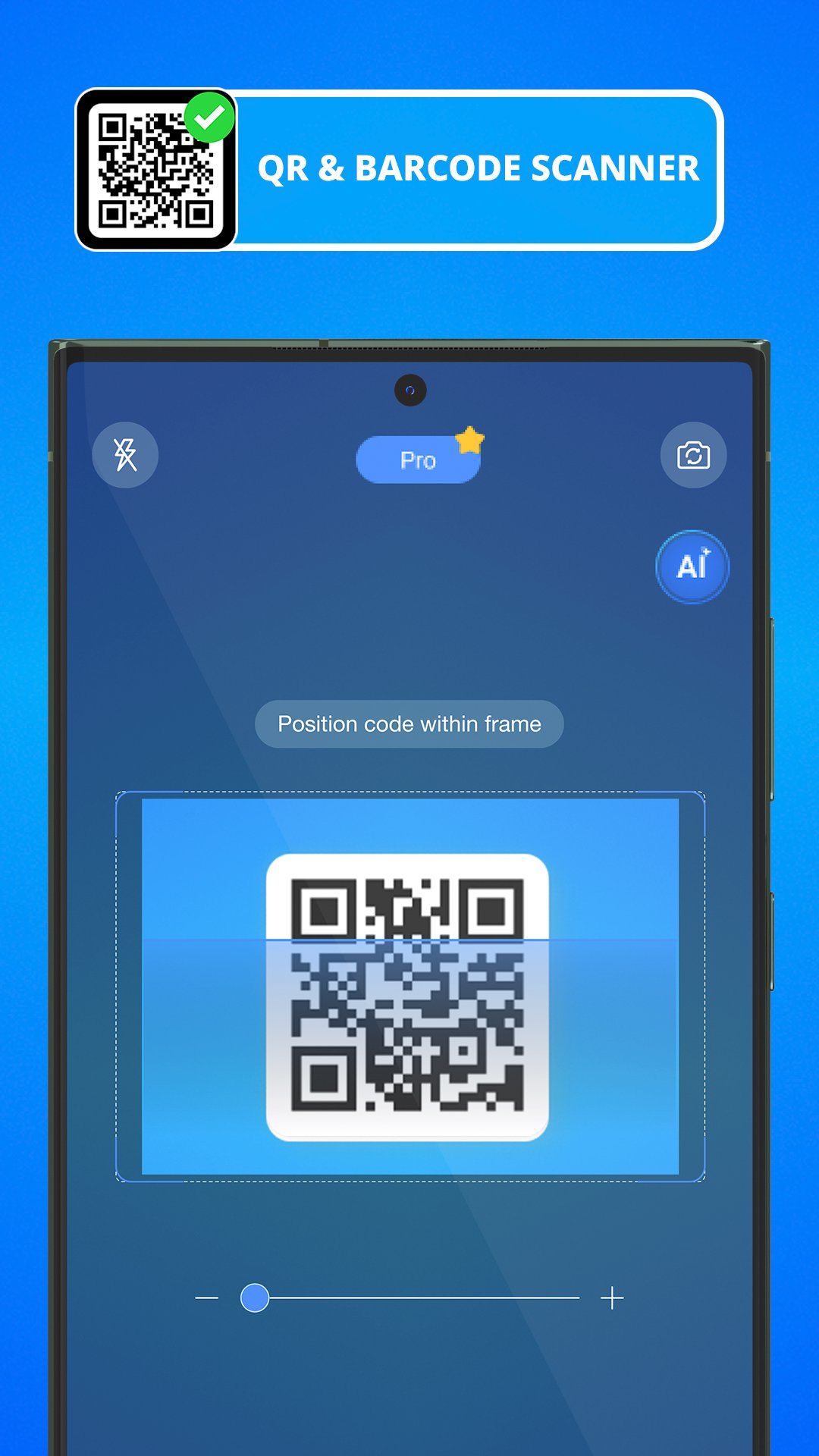
QR Scanner is a fast **QR code scanner**, **QR code reader**, and **barcode scanner** for Android. Scan QR codes and barcodes instantly from your camera or gallery, or use the **QR code generator** to create custom codes in seconds. Save every scan in history so you can quickly open websites, connect to Wi‑Fi, or share details again whenever you need.
Fast QR Code & Barcode Scanning
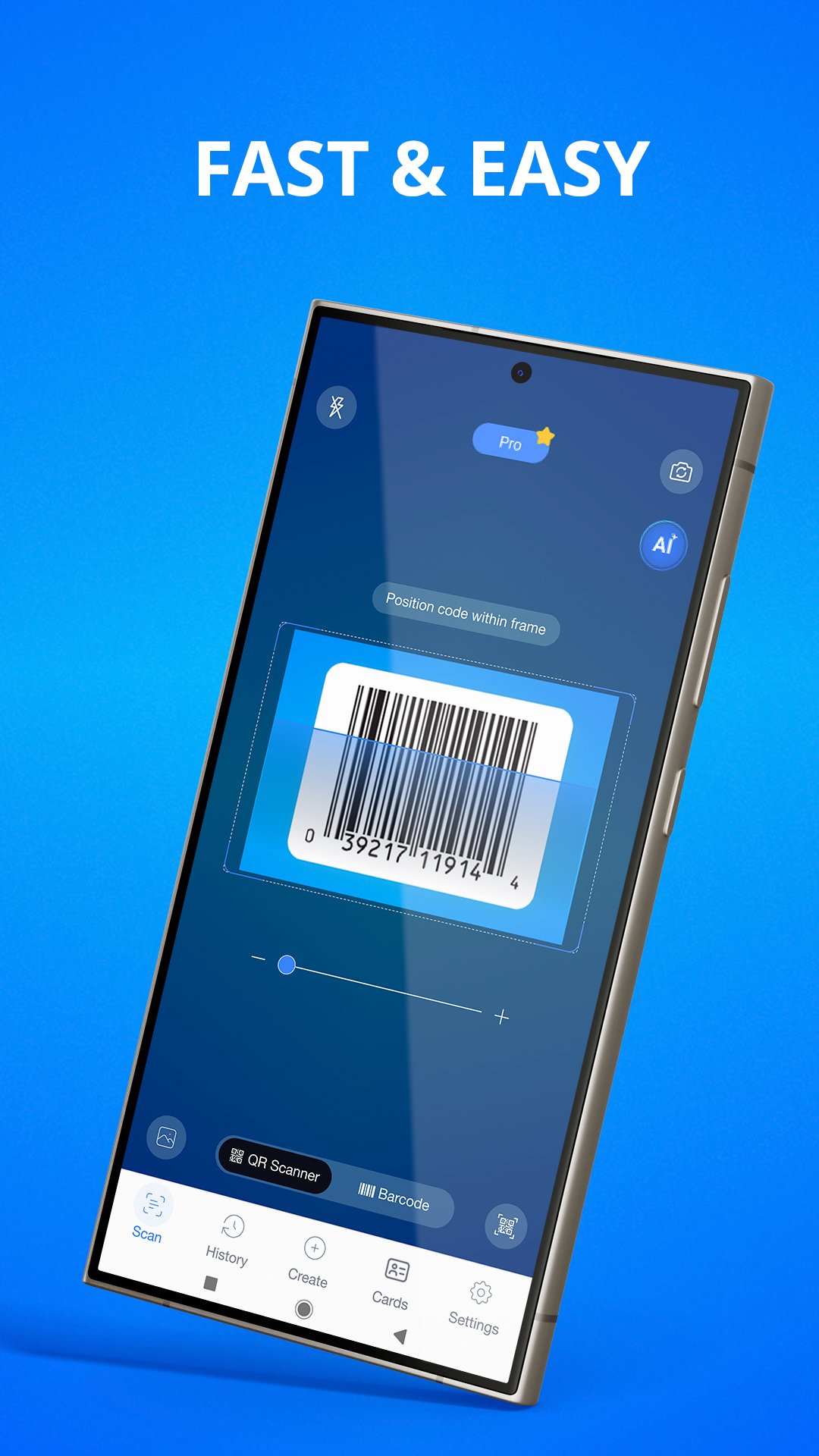
Point your camera at any QR code or barcode and QR Scanner reads it automatically – no manual zoom or extra taps. Use the QR code scanner to open URLs, check products, join Wi‑Fi networks, save contacts, open calendar events, and more. When you don’t have a physical code, you can scan QR codes and barcodes directly from images in your gallery.
All‑in‑One QR Code Reader & Generator
QR Scanner combines a powerful QR code reader, barcode scanner, and QR code generator in one simple app. Create custom QR codes for links, text, contact cards, Wi‑Fi passwords, and more. Share your codes with friends, customers, or teammates so they can scan and open the info in seconds.
Smart Tools for Everyday Use
• Price scanner and product barcode reader to compare prices while shopping.
• Batch scan mode to scan many QR codes and barcodes quickly.
• Business card generator with QR code for your contact details.
• Scan history to reopen previously scanned QR codes and barcodes.
• Light and Dark modes in the QR code reader for comfortable use.
• Flashlight support so the QR code scanner works in low light.
Use QR Scanner Anywhere
Use QR Scanner as a QR barcode reader at home to open links from packaging, instructions, and tickets. Take it to stores as a price scanner and product checker. Use it at work or school to access Wi‑Fi, share documents with QR codes, or quickly save contact details from business cards and posters.
Designed for Android
QR Scanner is optimized as a fast QR barcode scanner and QR barcode reader for Android devices. Use it at home, in stores, at work, or at events whenever you need to scan or show a QR code. Turn any link, product, or contact into a shareable QR code with the QR code generator.
Private & Easy to Use
QR Scanner only needs camera permission to work as a QR code scanner and barcode scanner. Your scans stay on your device and are easy to manage from the history screen.
Download **QR Scanner - QR Code Scanner** now to scan, read, and generate QR codes and barcodes quickly and easily.
Pratinjau
Tag
ProduktivitasInformasi
Pengembang
Apps Wing
Versi Terbaru
3.4.5
Terakhir Diperbarui
2026-08-27
Kategori
Produktivitas
Tersedia di
Google Play
Menampilkan lebih banyak
Cara memainkan QR Scanner - QR Code Scanner dengan GameLoop di PC
1. Download GameLoop dari situs resminya, lalu jalankan file exe untuk menginstal GameLoop.
2. Buka GameLoop dan cari “QR Scanner - QR Code Scanner”, temukan QR Scanner - QR Code Scanner di hasil pencarian dan klik “Install”.
3. Nikmati bermain QR Scanner - QR Code Scanner di GameLoop.
Minimum requirements
OS
Windows 8.1 64-bit or Windows 10 64-bit
GPU
GTX 1050
CPU
i3-8300
Memory
8GB RAM
Storage
1GB available space
Recommended requirements
OS
Windows 8.1 64-bit or Windows 10 64-bit
GPU
GTX 1050
CPU
i3-9320
Memory
16GB RAM
Storage
1GB available space