
Equil Note for PC
Luidia Global Co., Ltd
Unduh Equil Note di PC Dengan Emulator GameLoop
Equil Note di PC
Equil Note, berasal dari pengembang Luidia Global Co., Ltd, berjalan di sistem Android di masa lalu.
Sekarang, Anda dapat memainkan Equil Note di PC dengan GameLoop dengan lancar.
Unduh di perpustakaan GameLoop atau hasil pencarian. Tidak ada lagi memperhatikan baterai atau panggilan frustasi pada waktu yang salah lagi.
Nikmati saja Equil Note PC di layar besar secara gratis!
Equil Note Pengantar
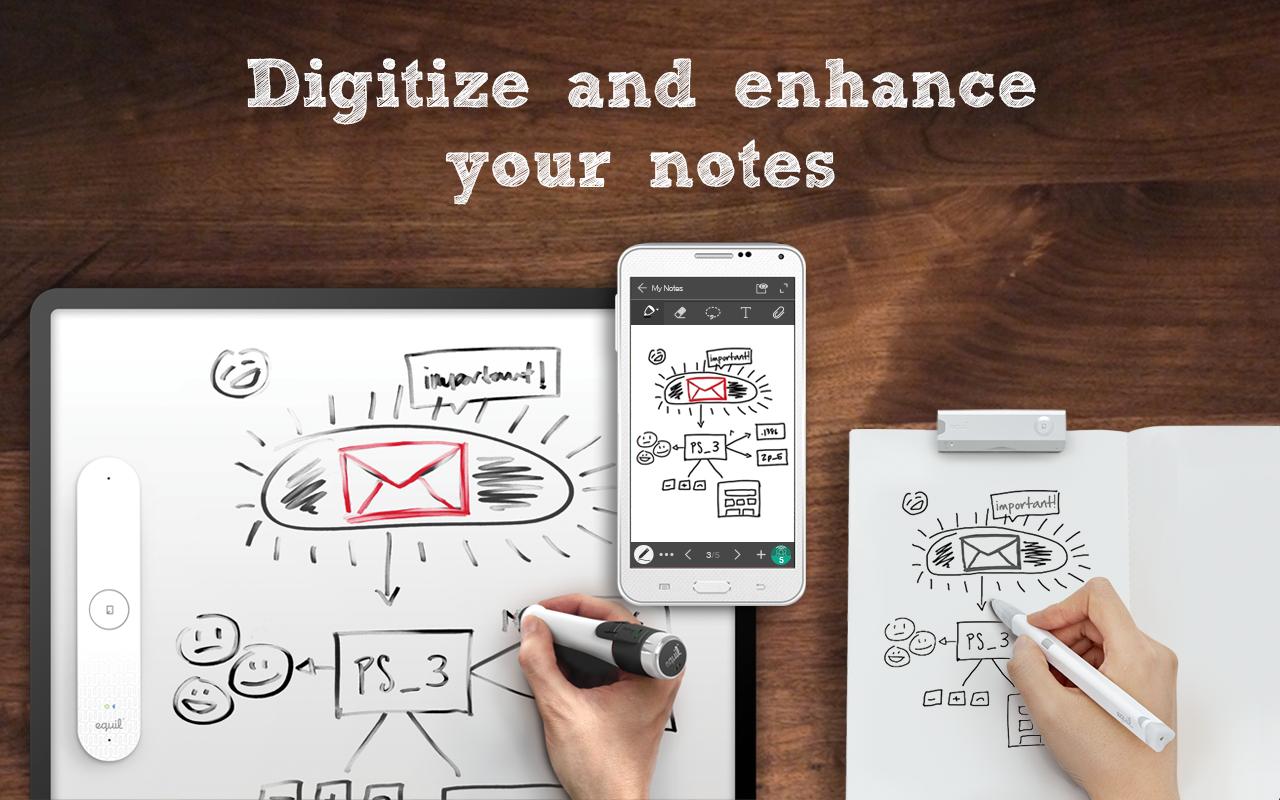
Equil Note is the ultimate note-taking app for everyone who wants to capture, enhance, stream, share, and organize their paper and whiteboard notes: business professionals, educators and students, parents and homemakers, designers and project managers, and more!
ANY PAPER, ANY WHITEBOARD
Equil Note, when used with Equil Smartpen and Equil Smartmarker, lets you write notes and diagram ideas on any paper or whiteboard surface––and save them to your favorite device in real-time. Notes can be digitally reviewed, edited and enhanced on the fly, or later, when it’s convenient.
DIGITAL WRITING AND EDITING TOOLS
Use a variety of tools and colors to highlight key ideas. Customize your notes using different pen colors, line thicknesses, and various backgrounds. Annotate, insert photographs, record audio, resize sketches, and more.
STREAM YOUR IDEAS
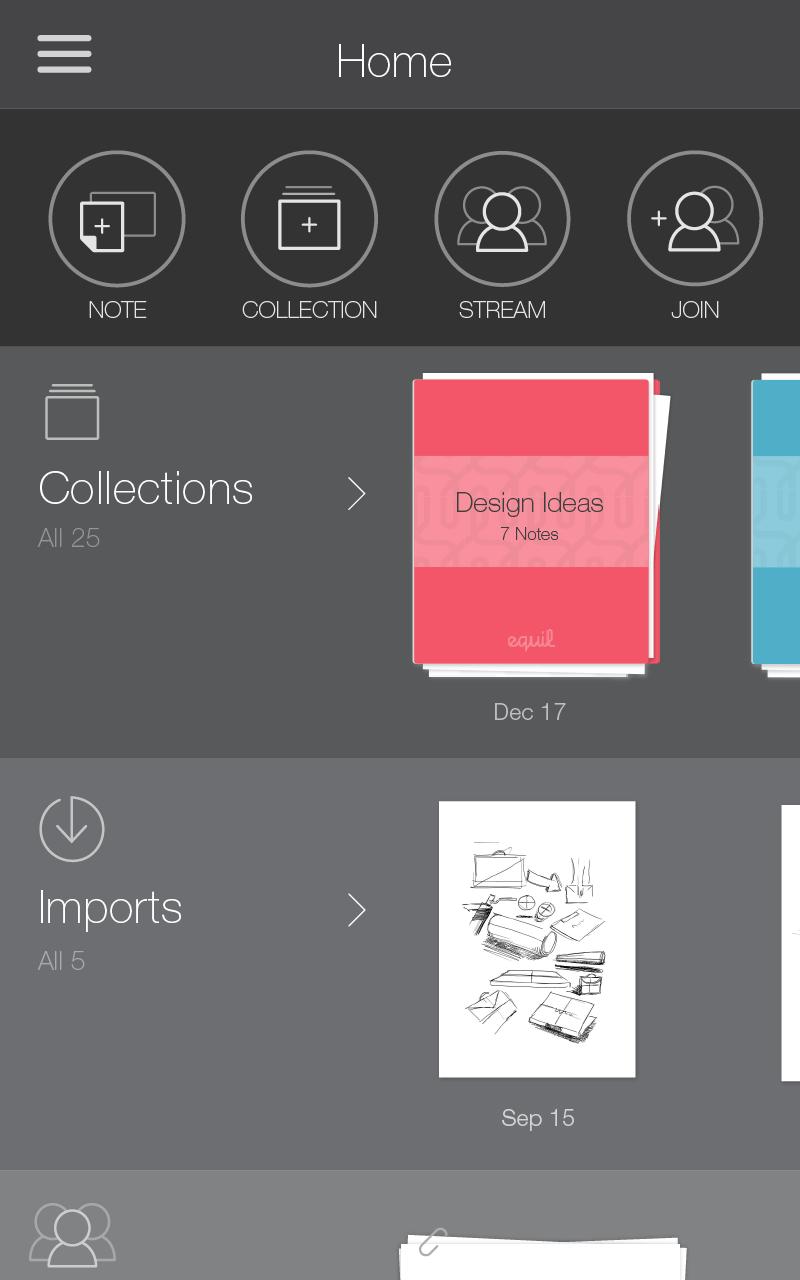
Host a live session––called a Note Stream––with remote colleagues and friends by streaming your paper or whiteboard notes. Or, collaborate and participate by joining someone else’s Note Stream.
TRANSFORM YOUR HANDWRITTEN NOTES
Convert your writing into editable text using the handwriting recognition feature, available in 11 languages through in-app purchase, or by connecting Equil Smartpen 2 or Equil Smartmarker. Send text in an email, insert it back into your note for better readability, or convert your writing into a title or tag to make your notes more searchable.
SAVE YOUR NOTES TO MEMORY
Using Equil Smartpen 2 or Equil Smartmarker, record your notes anytime your device is not connected to your Equil product. Import your saved notes when you are connected.
STAY ORGANIZED
Organize your ideas into notes and collections. Tag your notes to make it easy to find important information with the search tool.
SHARE YOUR IDEAS
Share drawings, notes, and collections instantly with colleagues, students, family, and friends. Attach your notes to an email or share them on Facebook and Twitter.
ACCESS YOUR NOTES EVERYWHERE
Sync your notes between devices using Dropbox. Access your notes from anywhere by linking your Evernote account!
Pratinjau
Informasi
Pengembang
Luidia Global Co., Ltd
Versi Terbaru
3.5.1
Terakhir Diperbarui
2018-11-09
Kategori
Produktivitas
Tersedia di
Google Play
Menampilkan lebih banyak
Cara memainkan Equil Note dengan GameLoop di PC
1. Download GameLoop dari situs resminya, lalu jalankan file exe untuk menginstal GameLoop.
2. Buka GameLoop dan cari “Equil Note”, temukan Equil Note di hasil pencarian dan klik “Install”.
3. Nikmati bermain Equil Note di GameLoop.
Minimum requirements
OS
Windows 8.1 64-bit or Windows 10 64-bit
GPU
GTX 1050
CPU
i3-8300
Memory
8GB RAM
Storage
1GB available space
Recommended requirements
OS
Windows 8.1 64-bit or Windows 10 64-bit
GPU
GTX 1050
CPU
i3-9320
Memory
16GB RAM
Storage
1GB available space