
Cospaces for PC
ABLworkspaces
Unduh Cospaces di PC Dengan Emulator GameLoop
Cospaces di PC
Cospaces, berasal dari pengembang ABLworkspaces, berjalan di sistem Android di masa lalu.
Sekarang, Anda dapat memainkan Cospaces di PC dengan GameLoop dengan lancar.
Unduh di perpustakaan GameLoop atau hasil pencarian. Tidak ada lagi memperhatikan baterai atau panggilan frustasi pada waktu yang salah lagi.
Nikmati saja Cospaces PC di layar besar secara gratis!
Cospaces Pengantar
Introducing Cospaces!
Cospaces app helps members share their personal experiences, collaborate with each other, book meeting rooms conveniently and avail member only discounts.
Features of Cospaces
1. Socialize
2. Book Meeting Rooms
3. Member only offers
4. Events!
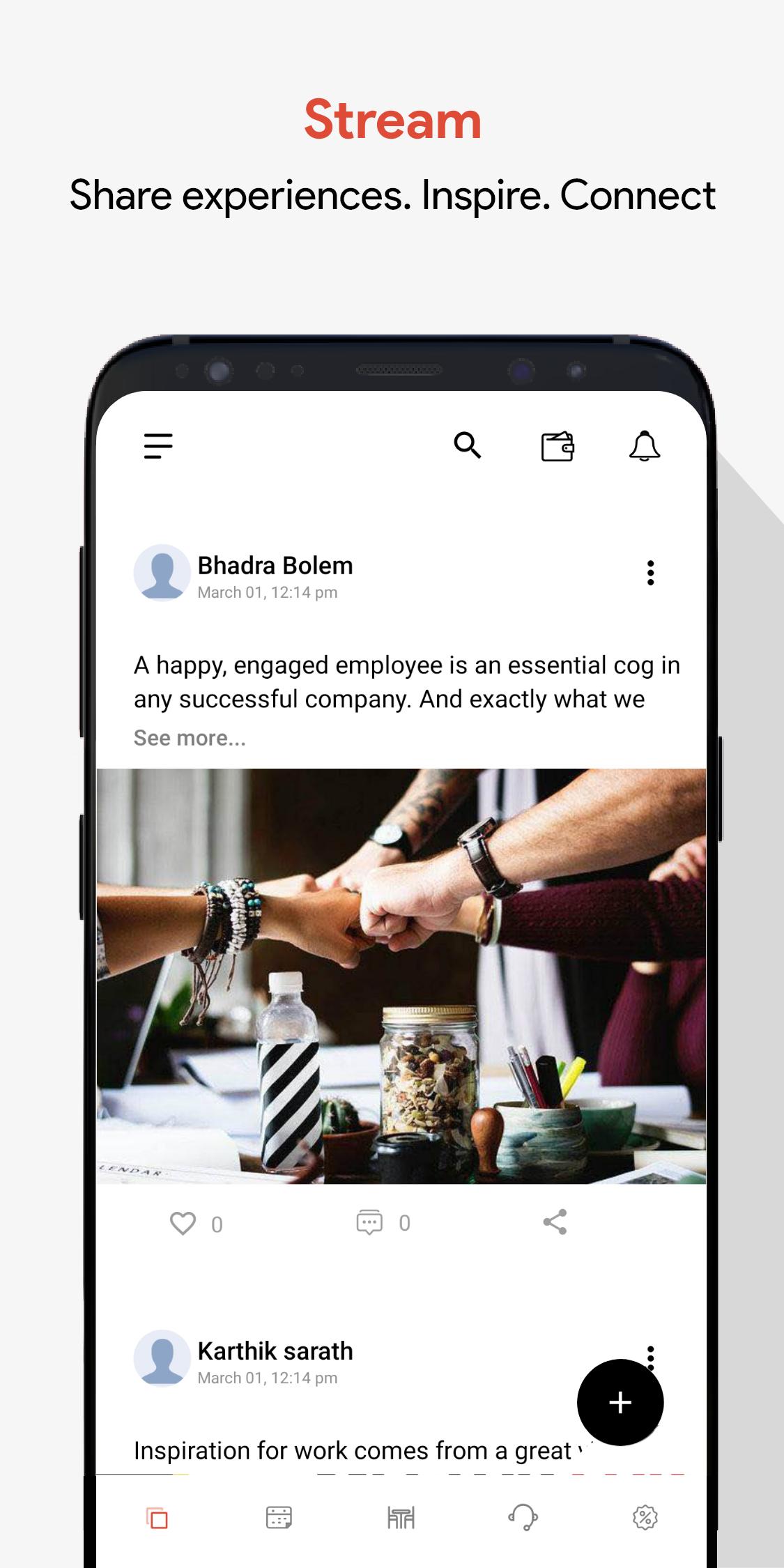
1. Socialize
Share your experiences. Announce what you are upto and engage with fellow coworkers.
2. Events
Lookout for upcoming events in your work spaces and a chance to connect with your fellow coworkers.
3. Book Meeting Rooms
Easily book meeting rooms with credits assigned. No more fighting, only productive meetings!
4. Offers
We team up with hundreds of players from tech, hospitality, recreations and finance to get members exclusive discounts.
Pratinjau
Tag
ProduktivitasInformasi
Pengembang
ABLworkspaces
Versi Terbaru
1.0.1
Terakhir Diperbarui
2021-03-05
Kategori
Produktivitas
Tersedia di
Google Play
Menampilkan lebih banyak
Cara memainkan Cospaces dengan GameLoop di PC
1. Download GameLoop dari situs resminya, lalu jalankan file exe untuk menginstal GameLoop.
2. Buka GameLoop dan cari “Cospaces”, temukan Cospaces di hasil pencarian dan klik “Install”.
3. Nikmati bermain Cospaces di GameLoop.
Minimum requirements
OS
Windows 8.1 64-bit or Windows 10 64-bit
GPU
GTX 1050
CPU
i3-8300
Memory
8GB RAM
Storage
1GB available space
Recommended requirements
OS
Windows 8.1 64-bit or Windows 10 64-bit
GPU
GTX 1050
CPU
i3-9320
Memory
16GB RAM
Storage
1GB available space