Dragon Remote Microphone for PC
Dragon Speech Recognition
Unduh Dragon Remote Microphone di PC Dengan Emulator GameLoop
Dragon Remote Microphone di PC
Dragon Remote Microphone, berasal dari pengembang Dragon Speech Recognition, berjalan di sistem Android di masa lalu.
Sekarang, Anda dapat memainkan Dragon Remote Microphone di PC dengan GameLoop dengan lancar.
Unduh di perpustakaan GameLoop atau hasil pencarian. Tidak ada lagi memperhatikan baterai atau panggilan frustasi pada waktu yang salah lagi.
Nikmati saja Dragon Remote Microphone PC di layar besar secara gratis!
Dragon Remote Microphone Pengantar
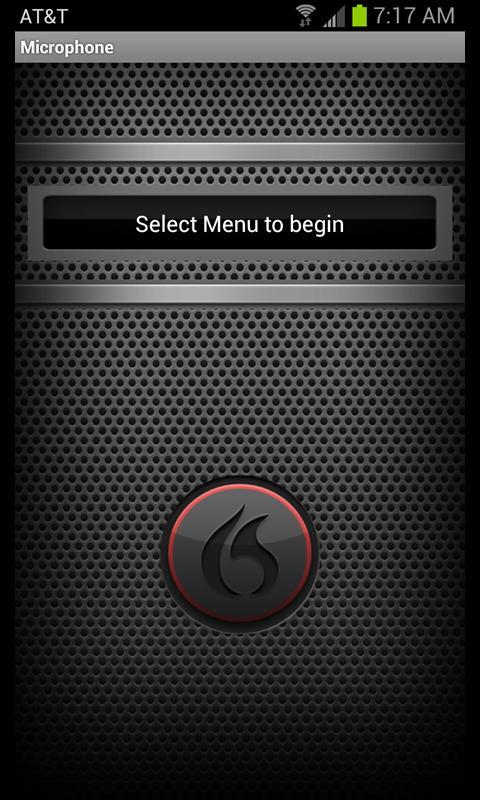
Dragon Remote Microphone App for Android lets you turn your Android device into a wireless microphone for use with Dragon NaturallySpeaking version 12 over a WiFi network. Dragon Speech recognition for your PC will change how you work, communicate, create and live. Dragon NaturallySpeaking has been designed to turn your talk into text faster and more accurately than ever before. Just speak your mind to capture ideas, create content, cruise through email, search the Web, or control your PC. Unleash your inner Dragon today with Dragon NaturallySpeaking 12 and the Android Remote Microphone.
The Android Remote Microphone will work on devices using OS 2.2 and higher. It’s easier than ever to use this app with Dragon NaturallySpeaking version 12. Simply use the camera on your device to scan the barcode.
Once the Remote Microphone App is installed, you will need to create a profile in Dragon NaturallySpeaking or Dragon Dictate. Steps include:
• Ensure your PC or Mac and Android device are connected to the same WiFi network. Note: if there are firewalls in your network, the app might not communicate successfully with Dragon.
• In the settings of the app, to set up the profile you will need the following (this information is presented to you when you create a profile selecting the Dragon Remote Microphone in Dragon NaturallySpeaking and Dragon Dictate):
o Current Dragon Profile Name
o Computer Name
o IP Address
o Computer Port
• You are now ready to get started using the Android Remote Microphone and Dragon NaturallySpeaking 12!
Pratinjau
Informasi
Pengembang
Dragon Speech Recognition
Versi Terbaru
1.0.1
Terakhir Diperbarui
2012-11-05
Kategori
Produktivitas
Tersedia di
Google Play
Menampilkan lebih banyak
Cara memainkan Dragon Remote Microphone dengan GameLoop di PC
1. Download GameLoop dari situs resminya, lalu jalankan file exe untuk menginstal GameLoop.
2. Buka GameLoop dan cari “Dragon Remote Microphone”, temukan Dragon Remote Microphone di hasil pencarian dan klik “Install”.
3. Nikmati bermain Dragon Remote Microphone di GameLoop.
Minimum requirements
OS
Windows 8.1 64-bit or Windows 10 64-bit
GPU
GTX 1050
CPU
i3-8300
Memory
8GB RAM
Storage
1GB available space
Recommended requirements
OS
Windows 8.1 64-bit or Windows 10 64-bit
GPU
GTX 1050
CPU
i3-9320
Memory
16GB RAM
Storage
1GB available space