MyClass Student's App for PC
Gotisheel Technologies LLP
Unduh MyClass Student's App di PC Dengan Emulator GameLoop
MyClass Student's App di PC
MyClass Student's App, berasal dari pengembang Gotisheel Technologies LLP, berjalan di sistem Android di masa lalu.
Sekarang, Anda dapat memainkan MyClass Student's App di PC dengan GameLoop dengan lancar.
Unduh di perpustakaan GameLoop atau hasil pencarian. Tidak ada lagi memperhatikan baterai atau panggilan frustasi pada waktu yang salah lagi.
Nikmati saja MyClass Student's App PC di layar besar secara gratis!
MyClass Student's App Pengantar
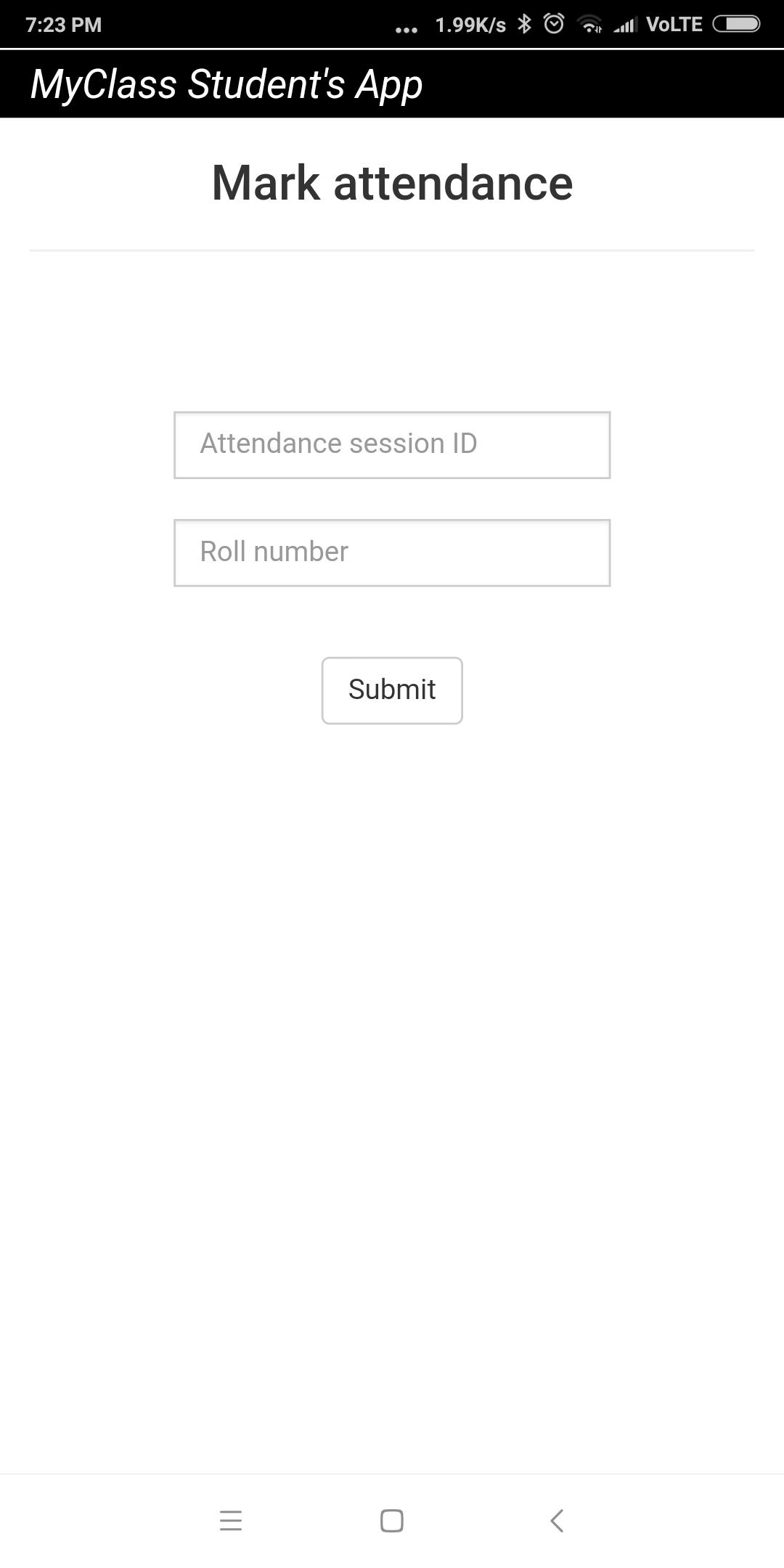
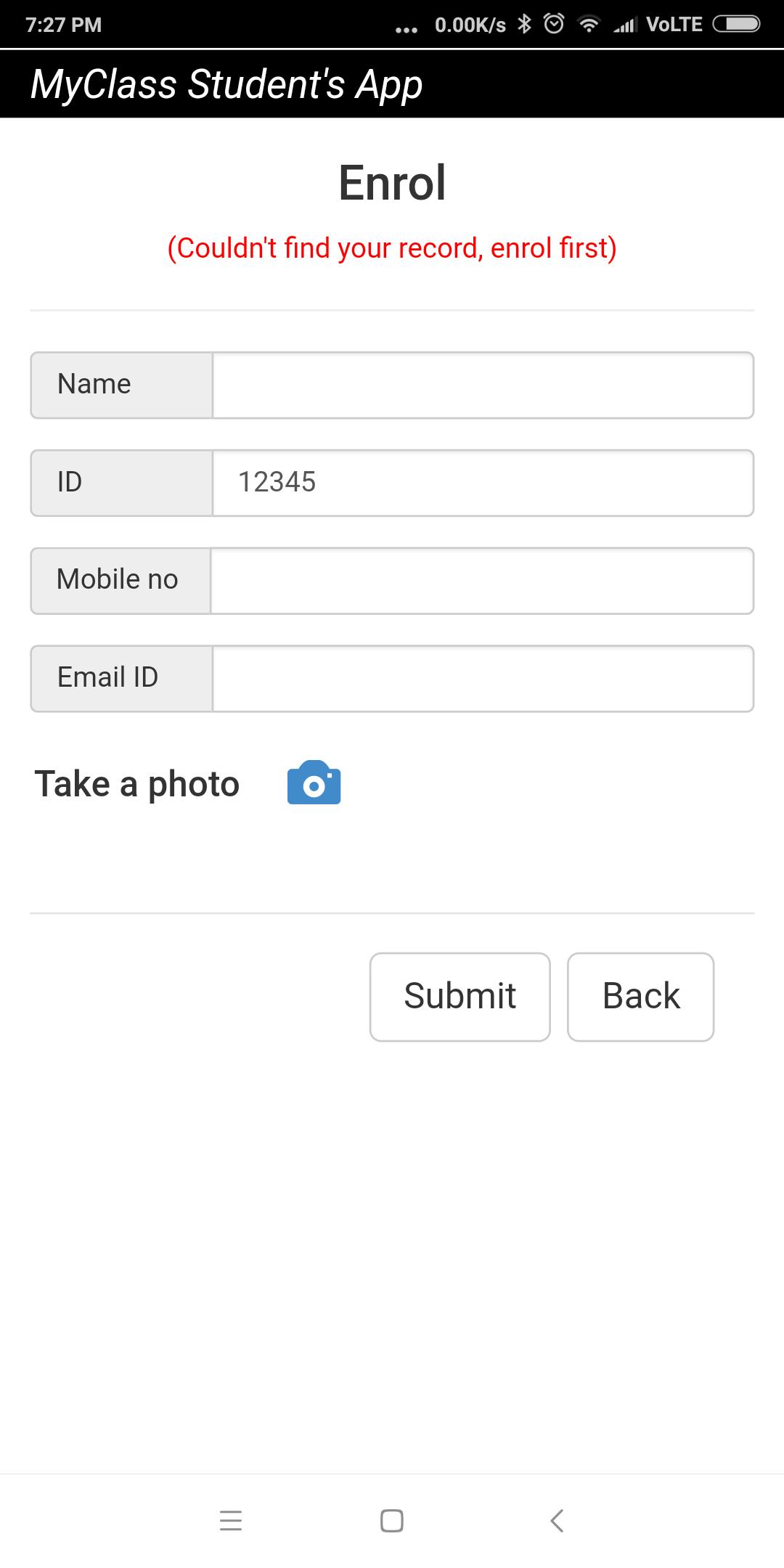
This app must to be used in conjunction with MyClass Attendance teacher's app. Using this app, students or attendees can mark their attendance remotely using their smart phones. The teacher or trainer needs to use MyClass Attendance app and start a remote attendance session. The students or attendees need to enter the attendance session id given by the teacher in order to mark attendance using this app. For the first-time user, the app initiates an enrollment session too. During enrollment, the app prompts user to enter details like name, phone no, email id and photo which get saved in teacher or trainer's app as records.
Pratinjau
Informasi
Pengembang
Gotisheel Technologies LLP
Versi Terbaru
1.3.2
Terakhir Diperbarui
2020-12-17
Kategori
Produktivitas
Tersedia di
Google Play
Menampilkan lebih banyak
Cara memainkan MyClass Student's App dengan GameLoop di PC
1. Download GameLoop dari situs resminya, lalu jalankan file exe untuk menginstal GameLoop.
2. Buka GameLoop dan cari “MyClass Student's App”, temukan MyClass Student's App di hasil pencarian dan klik “Install”.
3. Nikmati bermain MyClass Student's App di GameLoop.
Minimum requirements
OS
Windows 8.1 64-bit or Windows 10 64-bit
GPU
GTX 1050
CPU
i3-8300
Memory
8GB RAM
Storage
1GB available space
Recommended requirements
OS
Windows 8.1 64-bit or Windows 10 64-bit
GPU
GTX 1050
CPU
i3-9320
Memory
16GB RAM
Storage
1GB available space