
My Aadhar Download Aadhar Card for PC
The Digital Edge India
Unduh My Aadhar Download Aadhar Card di PC Dengan Emulator GameLoop
My Aadhar Download Aadhar Card di PC
My Aadhar Download Aadhar Card, berasal dari pengembang The Digital Edge India, berjalan di sistem Android di masa lalu.
Sekarang, Anda dapat memainkan My Aadhar Download Aadhar Card di PC dengan GameLoop dengan lancar.
Unduh di perpustakaan GameLoop atau hasil pencarian. Tidak ada lagi memperhatikan baterai atau panggilan frustasi pada waktu yang salah lagi.
Nikmati saja My Aadhar Download Aadhar Card PC di layar besar secara gratis!
My Aadhar Download Aadhar Card Pengantar
Maadhar Card - Check Status, Update, Guide Address Change Scanner - e aadhar
The easiest way to apply new aadhar card, check status & scanner for future use.
Check the status of your aadhar card online. This service is provided by the Unique Identification Authority of India (UIDAI). Users can check status of their aadhar card by entering enrolment number, date and time given on acknowledgement slip.
download aadhar update, check status by using enrolment number by aadhar service
You can also download your E-card from internet which is called E-card. To get E-card online, you must have a UID (12-digit E-card) or EID (enrolment id on E-card). In this way, you can download the E-card with two options.
Updated Name Pata Photo Badle Guide
We Provide You complete free guidelines For How To Do And What To Do?
How To Correction online and check linking status of your ID card ?
Features : My Aadhar
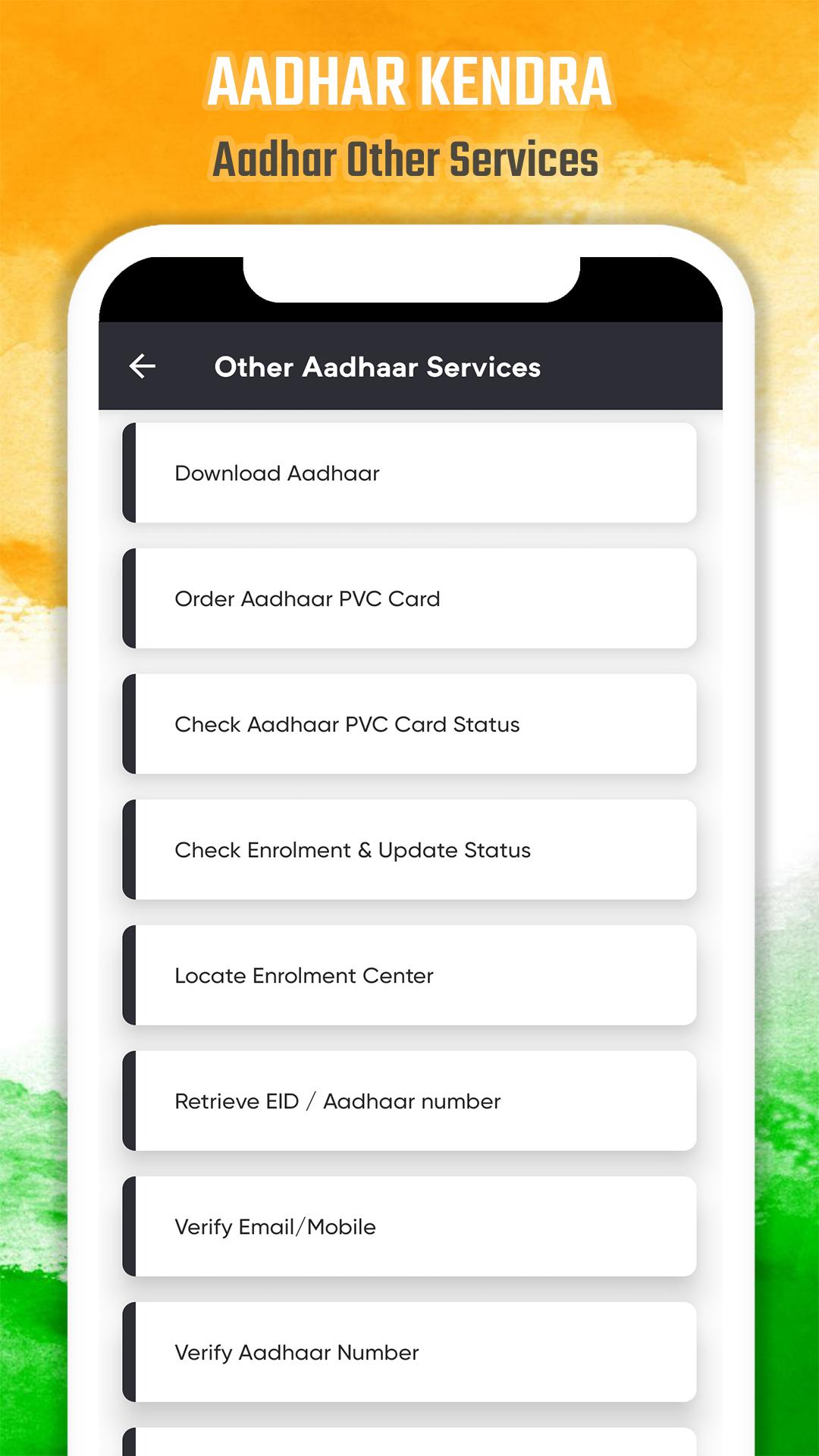
-> Retrieve UID/EID.
-> Check you E-card application status
-> Check aadhar card Complaint Status.
-> Update E-card Details Online.
-> E-card Update History
-> Check and link aadhar card with pan card application status
-> verify aadhar
-> download aadhar card
-> apply aadhar card online
-> update aadhar card
-> Verify Email/Mobile Number.
We Provide You Only Free guidelines.
By doing this you will know the status of your aadhar enrolment application. Let me tell you that through this process you can only know the status of a new application. If you have lost your card and take out a digital copy of it
The above features can also be accessed on our portal i.e. https://resident.uidai.gov.in
Usage Guidelines:
1. "How to download aadhar card Guide 2020" needs to connect to UIDAI Server to work smoothly. So ensure that internet connectivity is available on your phone.
2. In case of any issue or query, please write to portalsupport@uidai.net.in
Disclaimer:
This is NOT an official aadhar app and we are not affiliated with the UIDAI in any way.
The purpose of this app is only a Guide to How To know aadhar details And How It Works.
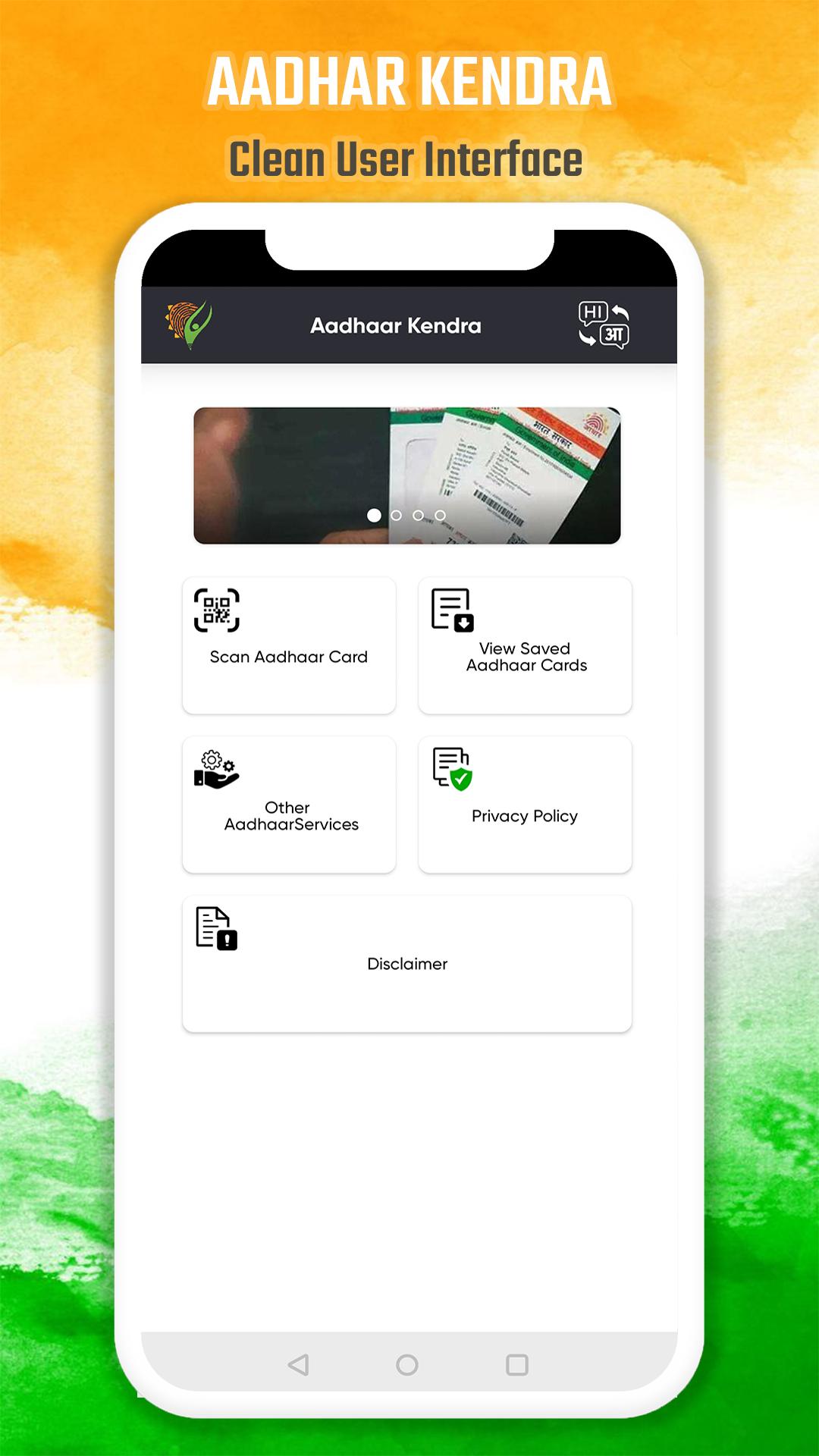
Pratinjau
Tag
ProduktivitasInformasi
Pengembang
The Digital Edge India
Versi Terbaru
1.2
Terakhir Diperbarui
2022-02-27
Kategori
Produktivitas
Tersedia di
Google Play
Menampilkan lebih banyak
Cara memainkan My Aadhar Download Aadhar Card dengan GameLoop di PC
1. Download GameLoop dari situs resminya, lalu jalankan file exe untuk menginstal GameLoop.
2. Buka GameLoop dan cari “My Aadhar Download Aadhar Card”, temukan My Aadhar Download Aadhar Card di hasil pencarian dan klik “Install”.
3. Nikmati bermain My Aadhar Download Aadhar Card di GameLoop.
Minimum requirements
OS
Windows 8.1 64-bit or Windows 10 64-bit
GPU
GTX 1050
CPU
i3-8300
Memory
8GB RAM
Storage
1GB available space
Recommended requirements
OS
Windows 8.1 64-bit or Windows 10 64-bit
GPU
GTX 1050
CPU
i3-9320
Memory
16GB RAM
Storage
1GB available space