Checklist Warna for PC
Kenzap Pte Ltd
Unduh Checklist Warna di PC Dengan Emulator GameLoop
Checklist Warna di PC
Checklist Warna, berasal dari pengembang Kenzap Pte Ltd, berjalan di sistem Android di masa lalu.
Sekarang, Anda dapat memainkan Checklist Warna di PC dengan GameLoop dengan lancar.
Unduh di perpustakaan GameLoop atau hasil pencarian. Tidak ada lagi memperhatikan baterai atau panggilan frustasi pada waktu yang salah lagi.
Nikmati saja Checklist Warna PC di layar besar secara gratis!
Checklist Warna Pengantar
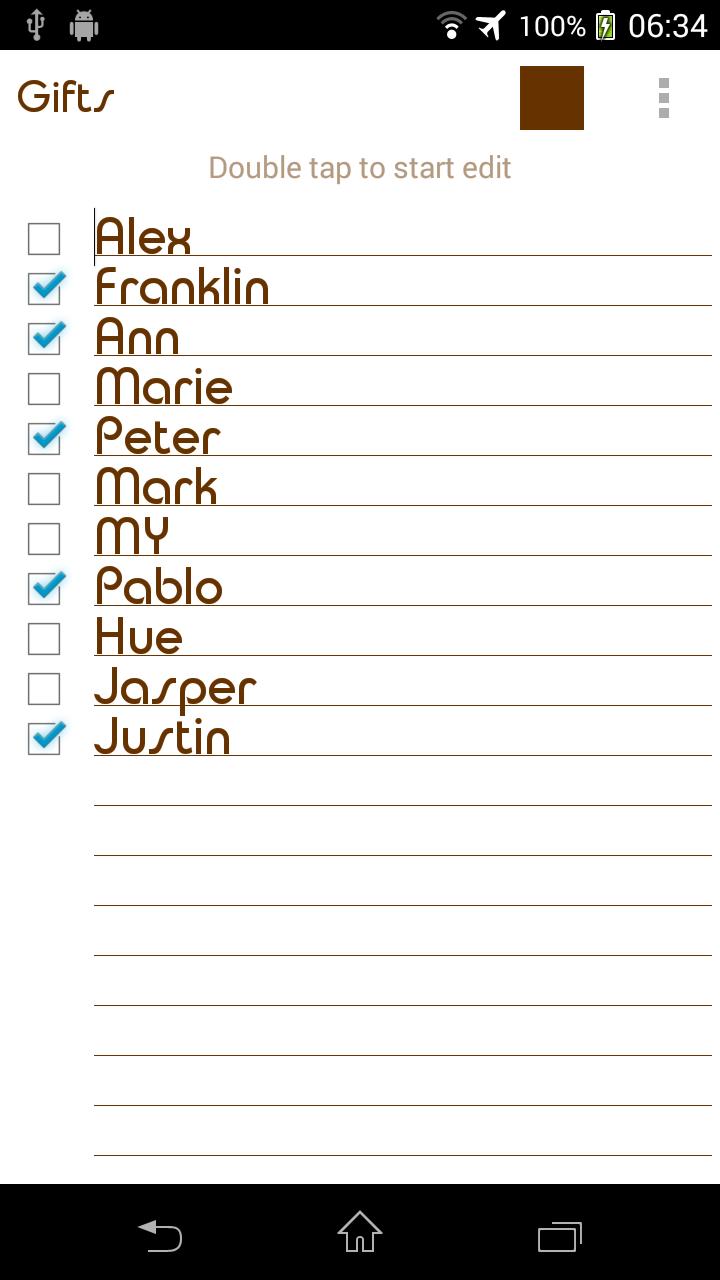
Checklist warna adalah sangat sederhana dan mudah digunakan todo daftar aplikasi. Cocok untuk menyimpan beberapa daftar belanja panjang. Mengontrol apa yang Anda butuhkan untuk membeli dan telah membeli. Gunakan checklist sebagai pengingat sehari-hari Anda dan mengatur pemberitahuan.
Features:
- Check/Uncheck items, products from list
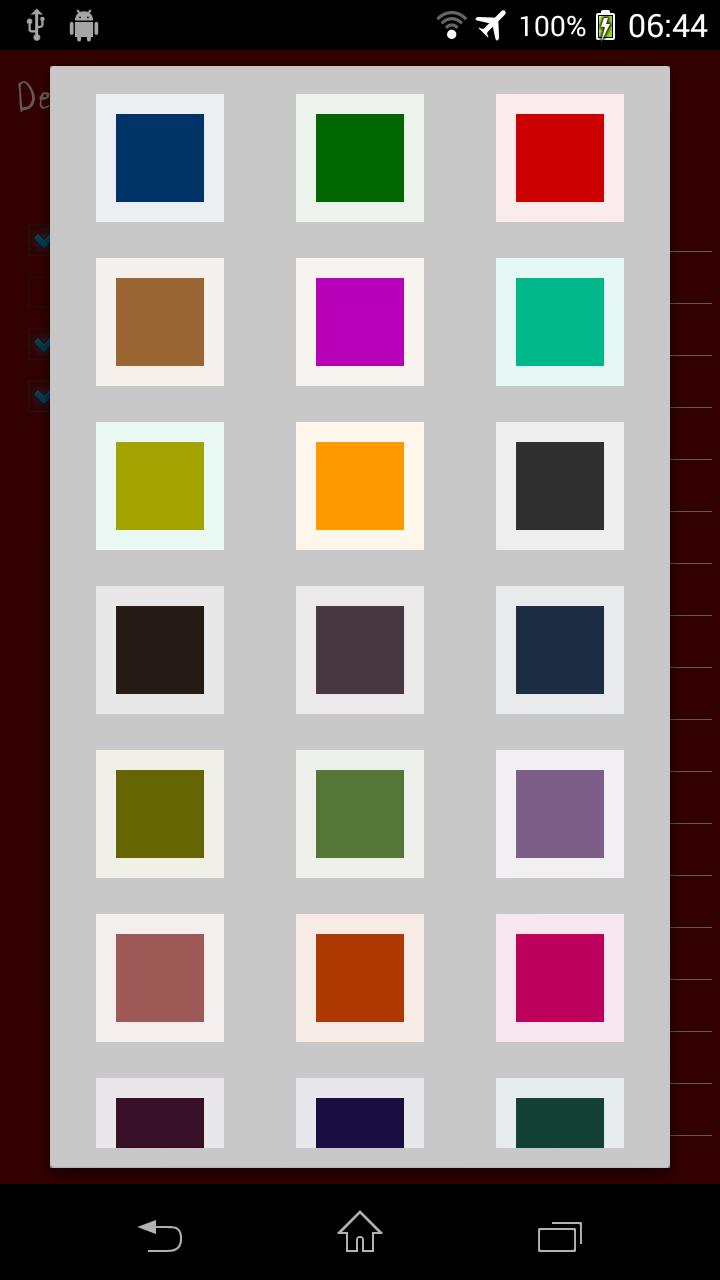
- Color customization.
- Organize checklists by color.
- Status bar notifications (PUSH)
- Font size and style adjustment.
- Different sorting methods.
- No Internet or GPS permissions, so no third party that can upload your private notes.
- Edit text files sent from other devices and save changes locally.
- Set reminders.
- Global search through all notes.
- Backup/Restore notes.
FAQ:
Q: How do I put a checklist widget on the home screen (sticker)?
A: Under the home screen hold down your finger on an empty space once the new window arise choose widget. Find Color Checklist from the list and position it on your home screen.
Q: How do I rename my checklist, change color or font?
A: Open desired checklist. Under the top right corner of your screen find three vertical dots menu. Click on menu and find appropriate option from the list. Depending on your android version menu list may show up by pressing options button down on your screen or phone panel.
Q: How do I password protect my lists?
A: Open main app window where list of all notes is located. Long press on desired note and wait till new options menu show up. Select password protect.
Q: How do I enter master settings?
A: Open main app window where list of all notes is located. Under the top right corner of your screen find three vertical dots menu. Depending on your android version menu list may show up by pressing options button down on your screen or phone panel.
Q: How do I find backed up checklist notes?
A: All you backed up notes are stored in a single file. Which is usually located here:
"/data/KenzapChecklist"
or here:
"/Android/data/com.kenzap.checklist/files”
Pratinjau
Tag
ProduktivitasInformasi
Pengembang
Kenzap Pte Ltd
Versi Terbaru
2.0
Terakhir Diperbarui
2018-10-04
Kategori
Produktivitas
Tersedia di
Google Play
Menampilkan lebih banyak
Cara memainkan Checklist Warna dengan GameLoop di PC
1. Download GameLoop dari situs resminya, lalu jalankan file exe untuk menginstal GameLoop.
2. Buka GameLoop dan cari “Checklist Warna”, temukan Checklist Warna di hasil pencarian dan klik “Install”.
3. Nikmati bermain Checklist Warna di GameLoop.
Minimum requirements
OS
Windows 8.1 64-bit or Windows 10 64-bit
GPU
GTX 1050
CPU
i3-8300
Memory
8GB RAM
Storage
1GB available space
Recommended requirements
OS
Windows 8.1 64-bit or Windows 10 64-bit
GPU
GTX 1050
CPU
i3-9320
Memory
16GB RAM
Storage
1GB available space