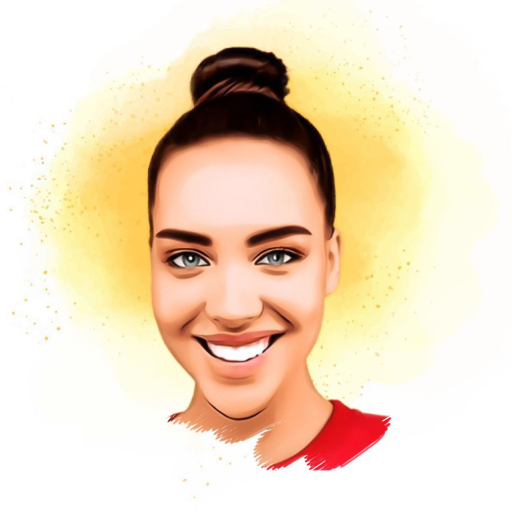
ToonApp – Cartoon Photo Editor for PC
Glitter App
Unduh ToonApp – Cartoon Photo Editor di PC Dengan Emulator GameLoop
ToonApp – Cartoon Photo Editor di PC
ToonApp – Cartoon Photo Editor, berasal dari pengembang Glitter App, berjalan di sistem Android di masa lalu.
Sekarang, Anda dapat memainkan ToonApp – Cartoon Photo Editor di PC dengan GameLoop dengan lancar.
Unduh di perpustakaan GameLoop atau hasil pencarian. Tidak ada lagi memperhatikan baterai atau panggilan frustasi pada waktu yang salah lagi.
Nikmati saja ToonApp – Cartoon Photo Editor PC di layar besar secara gratis!
ToonApp – Cartoon Photo Editor Pengantar
ToonArt – Cartoon Photo Editor is the best toon app to carton yourself and creates digital art. Toon app caricature maker offers astounding AI filters for pictures to turn photos into cartoons.
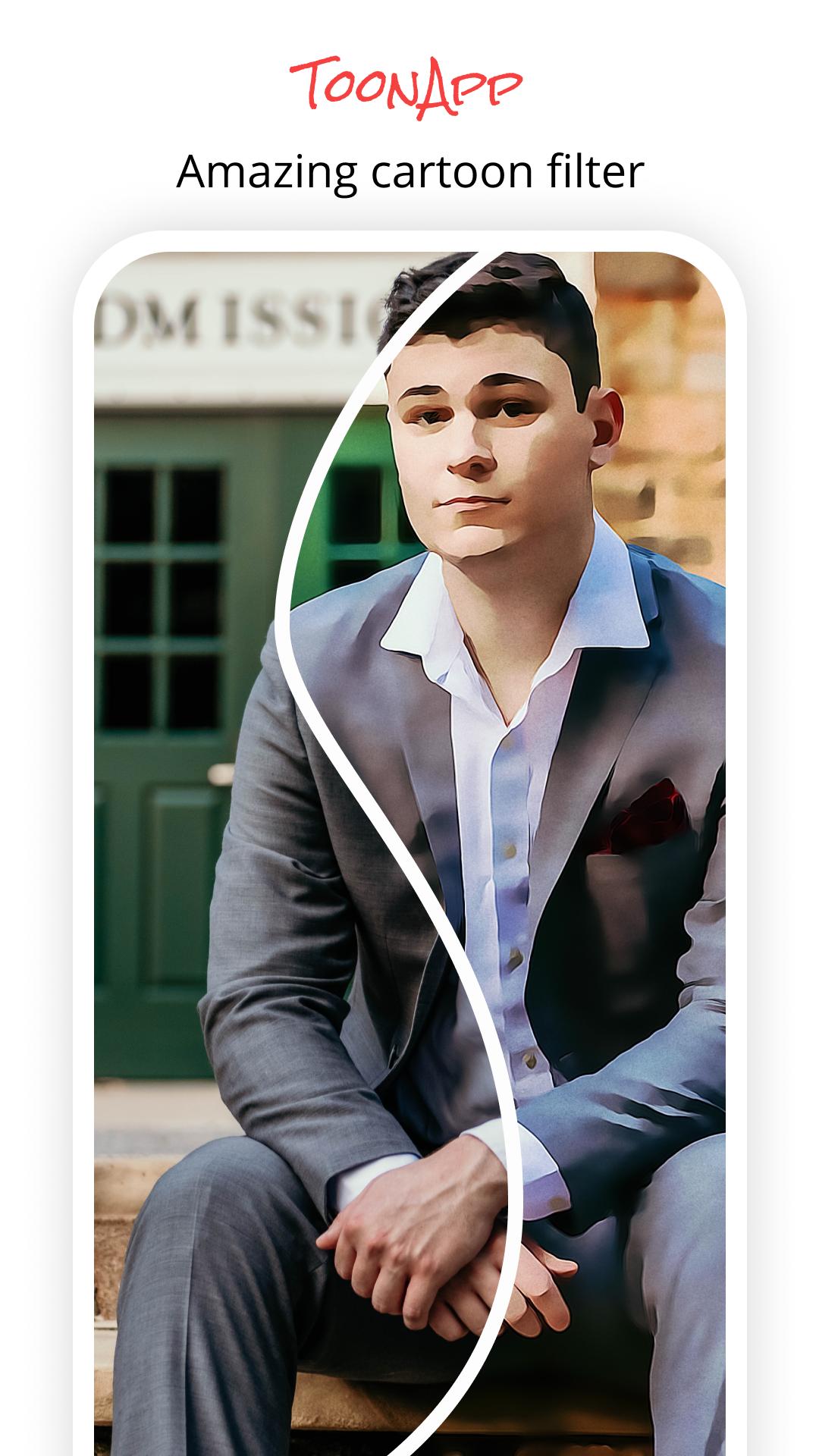
Get your portrait re-draw in cartoon or vector style automatically using the magic of Artificial Intelligence in Toon App. What used to take several days to be made and could only be ordered from professional artists is now available with just one tap, making you your own digital artist.
Oil Painting and Sketch Filters and Photo to Sketch Options
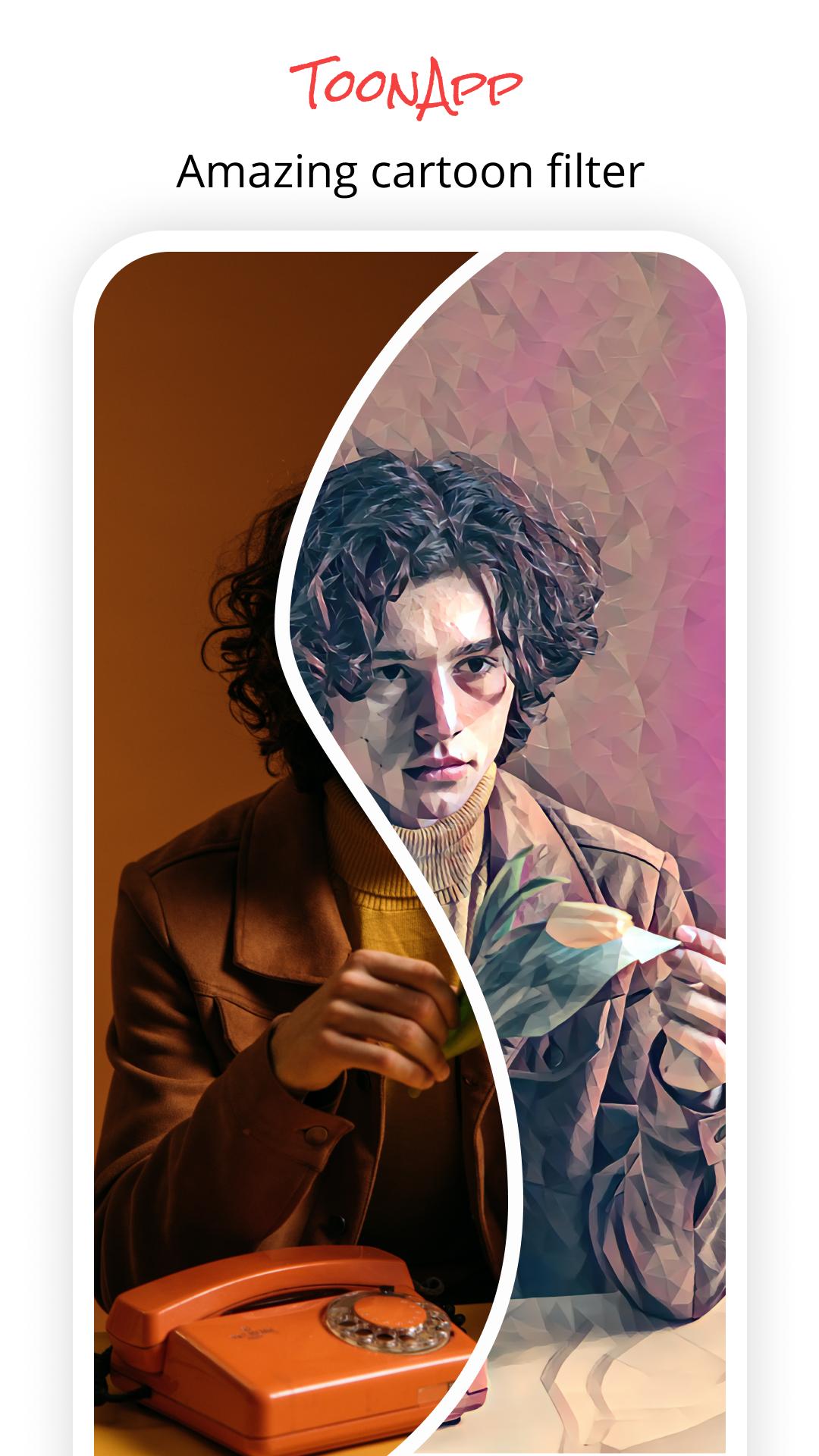
ToonApp art editor turns your images into artistic paintings using animated pictures and sketch effects. In this caricature photo editor, you can find cartoon effects in addition to artisan sketches and photo drawings.
In addition to cartoon face filters many vector art effects, oil painting filters, sketch art, poly art, pen art… are available! Breathtaking oil painting photo editor converts your photo to painting or bitmoji.
Cartoon yourself to procreate wonderful avatar profile pictures with ToonApp creator, bitmoji, and emoji maker. You can add pencil sketch effects and superb background to bring even more fun to your caricatures with a caricature photo editor. For epic picture editing use cartoon portrait editor and fun cartoon maker. Anime capcut editor has the best AI cartoon filter ever.
ToonApp cartoon photo editor is an all-in-one picture editing app to toon up photos. You don’t need any other apps to edit photos once you have this toon maker. ToonApp photo editing app also offers dripping effect, portrait mode, and much more. Picture editing with the free anime photo editor is so much fun. Awesome toon face filters to cartoon yourself free!
Pratinjau
Tag
FotografiInformasi
Pengembang
Glitter App
Versi Terbaru
1.0.2
Terakhir Diperbarui
2021-10-25
Kategori
Fotografi
Tersedia di
Google Play
Menampilkan lebih banyak
Cara memainkan ToonApp – Cartoon Photo Editor dengan GameLoop di PC
1. Download GameLoop dari situs resminya, lalu jalankan file exe untuk menginstal GameLoop.
2. Buka GameLoop dan cari “ToonApp – Cartoon Photo Editor”, temukan ToonApp – Cartoon Photo Editor di hasil pencarian dan klik “Install”.
3. Nikmati bermain ToonApp – Cartoon Photo Editor di GameLoop.
Minimum requirements
OS
Windows 8.1 64-bit or Windows 10 64-bit
GPU
GTX 1050
CPU
i3-8300
Memory
8GB RAM
Storage
1GB available space
Recommended requirements
OS
Windows 8.1 64-bit or Windows 10 64-bit
GPU
GTX 1050
CPU
i3-9320
Memory
16GB RAM
Storage
1GB available space