Photo Editor & Background Remover for PC
kkyada
Unduh Photo Editor & Background Remover di PC Dengan Emulator GameLoop
Photo Editor & Background Remover di PC
Photo Editor & Background Remover, berasal dari pengembang kkyada, berjalan di sistem Android di masa lalu.
Sekarang, Anda dapat memainkan Photo Editor & Background Remover di PC dengan GameLoop dengan lancar.
Unduh di perpustakaan GameLoop atau hasil pencarian. Tidak ada lagi memperhatikan baterai atau panggilan frustasi pada waktu yang salah lagi.
Nikmati saja Photo Editor & Background Remover PC di layar besar secara gratis!
Photo Editor & Background Remover Pengantar
* Lightroom - Photo Editor & Background Remover offers everything you want to edit in your pictures.
* You can directly post your artworks to Instagram, WhatsApp, Facebook etc....
* Unlock your creativity, and edit pictures like a pro!
* This is the best background eraser which helps you automatically cut out pictures with AI tools.
* Remove background and make a transparent PNG stamp in high quality.
* With Background Eraser, your life will be easier.
* No complex photo processing skill needed.
* Photo filters, picture frames, effects for quick touch.
* Edit photo like a PRO! Free photo editor with filters.
* Magic Eraser & White Background.
* Background Eraser App & PNG Maker, Transparent Background for pictures.
* Background photo filters editor with AI Cutout picture layer and background eraser.
* There are so many interesting features wait for your discovering.
* KEY FEATURES
+ Powerful and easy photo editing tools;
+ Filters for pictures and photo effects;
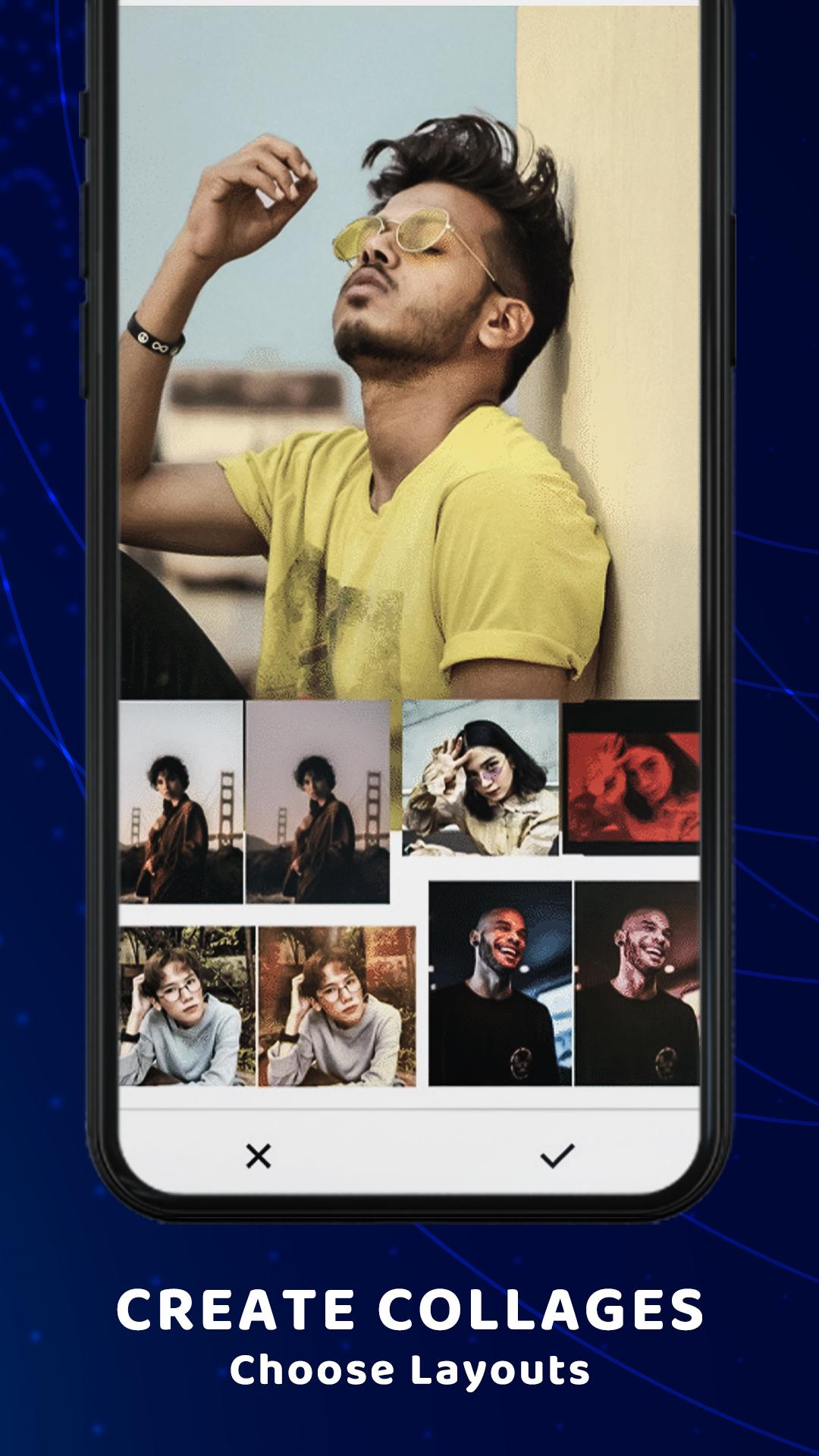
+ Massive fun stickers, backgrounds, frames, filters to choose from;
+ Draw and add text with various art fonts;
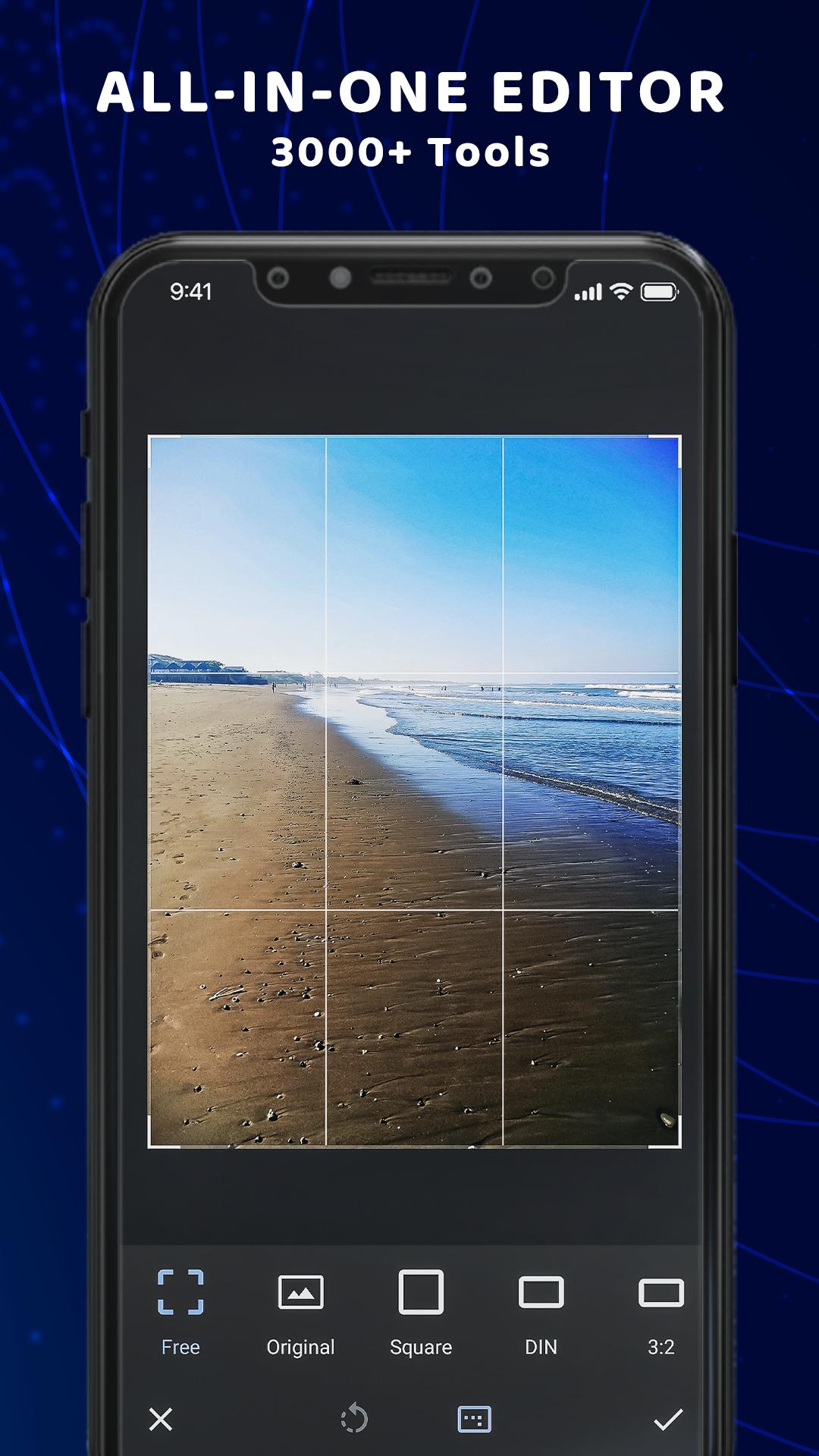
+ Crop, rotate, vertical and horizon;
+ Share pictures of high resolution to Instagram, Facebook, WhatsApp, etc...
+ Transparent background PNG picture;
+ Change background;
* From Gallery
- Choose image from gallery, Which you edit and make It like PRO!
- Crop image, add text, brush, eraser, filter, and more...
* Background remover
- This is the easiest background remover app that helps you to remove backgrounds from photos and make PNG in one second.
- Its advanced AI cutout tool will cut out your picture automatically, And it is totally for free!
- Want to change background for your photo? Try this photo editor to remove background from photos at first then you can change the background you like for it.
- many backgrounds you can downloaded from internet and set directly to image background.
* Cutout photo editor
- Use this advanced cutout photo editor, erase background perfectly with this editor.
- It is also a background photo editor and nature photo editor designed for you to make artworks easily and quickly.
* Manual Mode
- Quickly outline the object on your photo you want to cut.
- Erase and repair the cutout picture easily.
* Photo frames:
- Choose one of our beautiful frames if you need a final touch to your favorite picture.
* About our permissions:
- Lightroom asks for permissions "READ_EXTERNAL_STORAGE, WRITE_EXTERNAL_STORAGE" to read your photos so that we can edit, remove background from photos and make transparent background, share, and save photos.
- We do not use this permission for any other purpose.
Lightroom - Photo Editor & Background Remover deserves your try right away. It is the simplest but the most useful photo editor, PNG maker, background remover that erase background, add frame, and make transparent background for you. With this app your moment will be as brilliant as an artwork. If you have any problems or suggestions, feel free to let us know. Email: kkyada8154@gmail.com.
Pratinjau
Informasi
Pengembang
kkyada
Versi Terbaru
2.1.3
Terakhir Diperbarui
2021-03-13
Kategori
Fotografi
Tersedia di
Google Play
Menampilkan lebih banyak
Cara memainkan Photo Editor & Background Remover dengan GameLoop di PC
1. Download GameLoop dari situs resminya, lalu jalankan file exe untuk menginstal GameLoop.
2. Buka GameLoop dan cari “Photo Editor & Background Remover”, temukan Photo Editor & Background Remover di hasil pencarian dan klik “Install”.
3. Nikmati bermain Photo Editor & Background Remover di GameLoop.
Minimum requirements
OS
Windows 8.1 64-bit or Windows 10 64-bit
GPU
GTX 1050
CPU
i3-8300
Memory
8GB RAM
Storage
1GB available space
Recommended requirements
OS
Windows 8.1 64-bit or Windows 10 64-bit
GPU
GTX 1050
CPU
i3-9320
Memory
16GB RAM
Storage
1GB available space