
iPixel - Modern Image Editor for PC
oneAppz
Unduh iPixel - Modern Image Editor di PC Dengan Emulator GameLoop
iPixel - Modern Image Editor di PC
iPixel - Modern Image Editor, berasal dari pengembang oneAppz, berjalan di sistem Android di masa lalu.
Sekarang, Anda dapat memainkan iPixel - Modern Image Editor di PC dengan GameLoop dengan lancar.
Unduh di perpustakaan GameLoop atau hasil pencarian. Tidak ada lagi memperhatikan baterai atau panggilan frustasi pada waktu yang salah lagi.
Nikmati saja iPixel - Modern Image Editor PC di layar besar secara gratis!
iPixel - Modern Image Editor Pengantar
ipixel is a best free powerful photo editing application.
If you have some knowledge of photography, you can do a lot with ipixel,
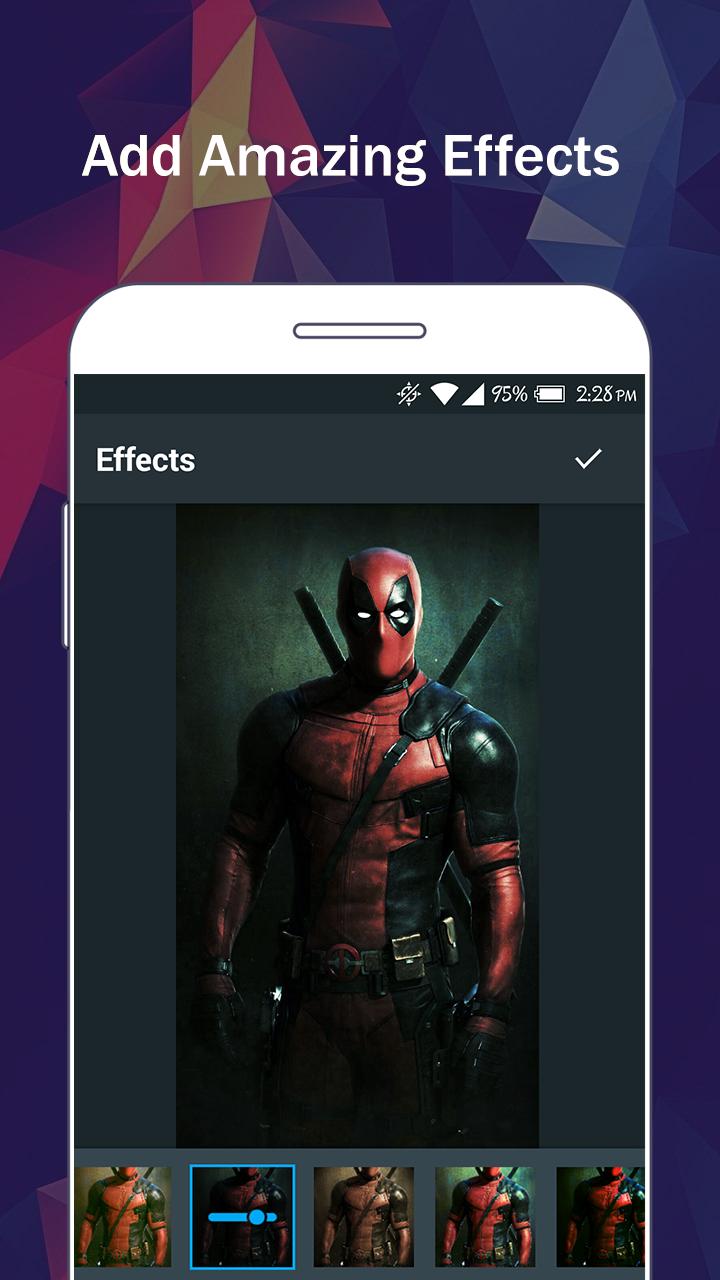
There are so many effects, stickers and features to apply to your photos!
Main Features:
- Photo filters
- Magic photo effects and frames
- Awesome stickers
- One-tap auto enhance
- Color balance
- Crop, rotate, and straighten your photo
- Adjust brightness, contrast, color temperature, and saturation
- Sharpen and blur
- Color : exposure, brightness, contrast, saturation, tint and hue
- Color temperature ("Warmth")
- Color Splash
- Easily edit with the touch and pinch-to-zoom interface
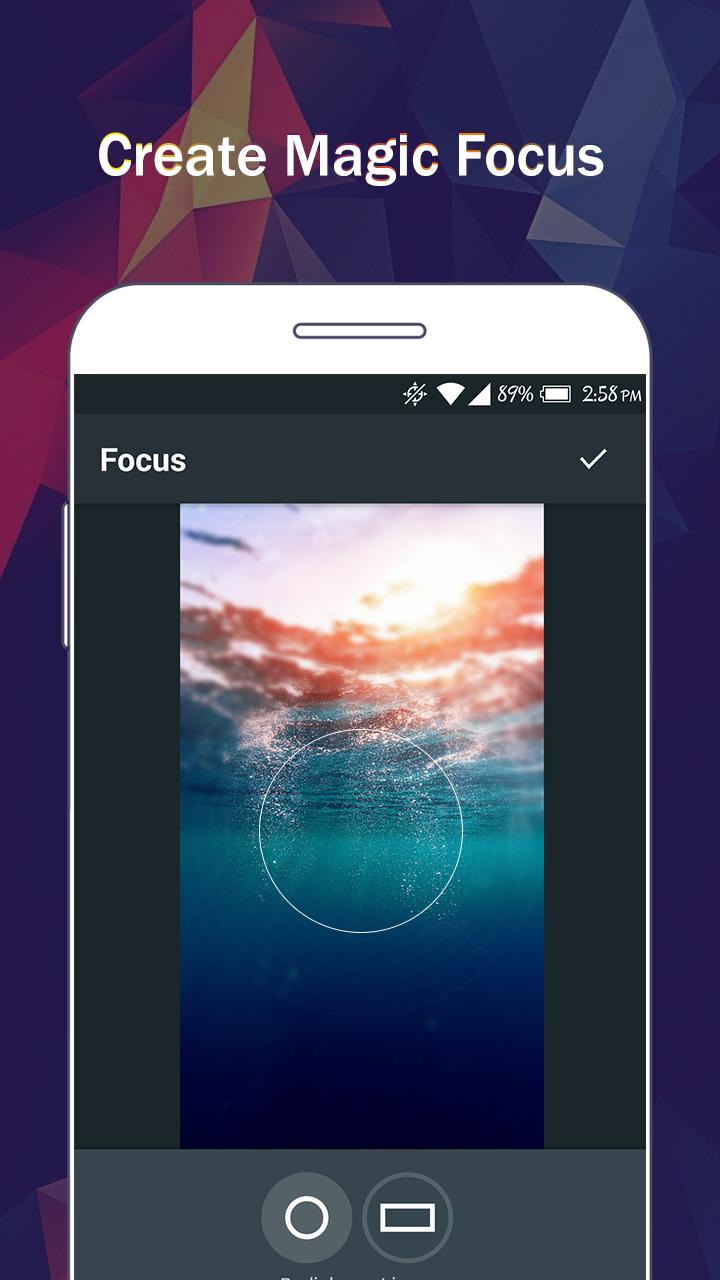
- Focus (Tilt Shift)
- Draw and add text
- Create your own memes
- Share photos with e-mail, SNS and more
Pratinjau
Tag
FotografiInformasi
Pengembang
oneAppz
Versi Terbaru
1.2.2000
Terakhir Diperbarui
2019-12-23
Kategori
Fotografi
Tersedia di
Google Play
Menampilkan lebih banyak
Cara memainkan iPixel - Modern Image Editor dengan GameLoop di PC
1. Download GameLoop dari situs resminya, lalu jalankan file exe untuk menginstal GameLoop.
2. Buka GameLoop dan cari “iPixel - Modern Image Editor”, temukan iPixel - Modern Image Editor di hasil pencarian dan klik “Install”.
3. Nikmati bermain iPixel - Modern Image Editor di GameLoop.
Minimum requirements
OS
Windows 8.1 64-bit or Windows 10 64-bit
GPU
GTX 1050
CPU
i3-8300
Memory
8GB RAM
Storage
1GB available space
Recommended requirements
OS
Windows 8.1 64-bit or Windows 10 64-bit
GPU
GTX 1050
CPU
i3-9320
Memory
16GB RAM
Storage
1GB available space