
HD Photo Editor: Image editor for PC
G3 Studio
Unduh HD Photo Editor: Image editor di PC Dengan Emulator GameLoop
HD Photo Editor: Image editor di PC
HD Photo Editor: Image editor , berasal dari pengembang G3 Studio, berjalan di sistem Android di masa lalu.
Sekarang, Anda dapat memainkan HD Photo Editor: Image editor di PC dengan GameLoop dengan lancar.
Unduh di perpustakaan GameLoop atau hasil pencarian. Tidak ada lagi memperhatikan baterai atau panggilan frustasi pada waktu yang salah lagi.
Nikmati saja HD Photo Editor: Image editor PC di layar besar secara gratis!
HD Photo Editor: Image editor Pengantar
HD Photo Editor: Image editor & Photo effects is a photo editing app, a cloud, a sky correction app, a beautiful color correction app, a free photo editor with powerful photo editing tools. HD Photo Editor: Image editor & Photo effects helps you: beautiful pictures editor, crop pictures, join photos, delete the background, insert text, insert stickers, add effects, add frames, add wallpapers, ...
HD Photo Editor: Image editor & Photo effects with superior photo filters easily adjust the contrast, brightness, saturation of the image, in addition to the mode of blurring the image, blurring the background as desired. More HD Photo Editor: Image editor & Photo effects also supports stitching up to 9 pictures in 1 with an extremely unique and stylish layout collection.
HD Photo Editor: Image editor & Photo effects support saving HD photos on your phone, sharing photos on social networks with many different formats and sizes. Especially it is completely free with the most powerful and optimized toolset.
FEATURES
HD photo editor
A powerful set of photo editing tools
- Photo filters
- Photo effects
- Background effects
- Cut photos
- Collage
- Rotate, flip photos, change sides of photos
- Zoom in and out photos
- Blur
- Borders
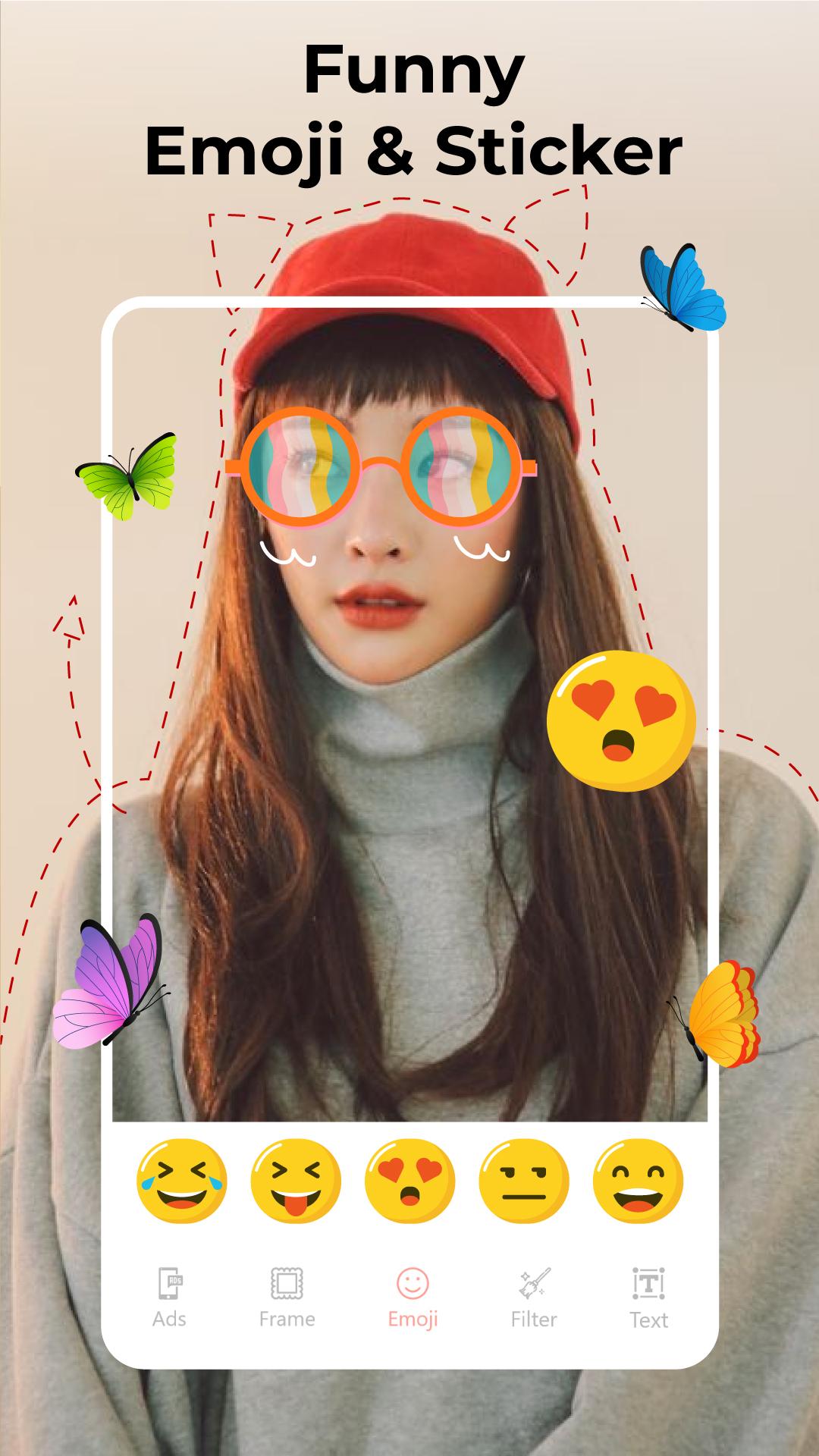
- Add sticker
- Insert the word
- Share HD photos on social networks
Photo fix does not reduce image quality
Collage artwork
Join up to 9 photos in 1
Collage photos with beautiful layouts
Borders for collages
- Insert pattern for the compound border
- Insert size adjustment for the edge
- Bo corner for contour
- Adjust image size accordingly
Photo Cropping with no loss of quality
Crop photos according to custom sizes
Crop photo to size: 1: 1, 2: 3, 3: 2, 3: 4, 3: 5, 4: 3, 4: 5, 5: 3, 5: 4, 9:16, 10:16, 16: 9, 16:10
Crop the photo in a circle
Inserts effect
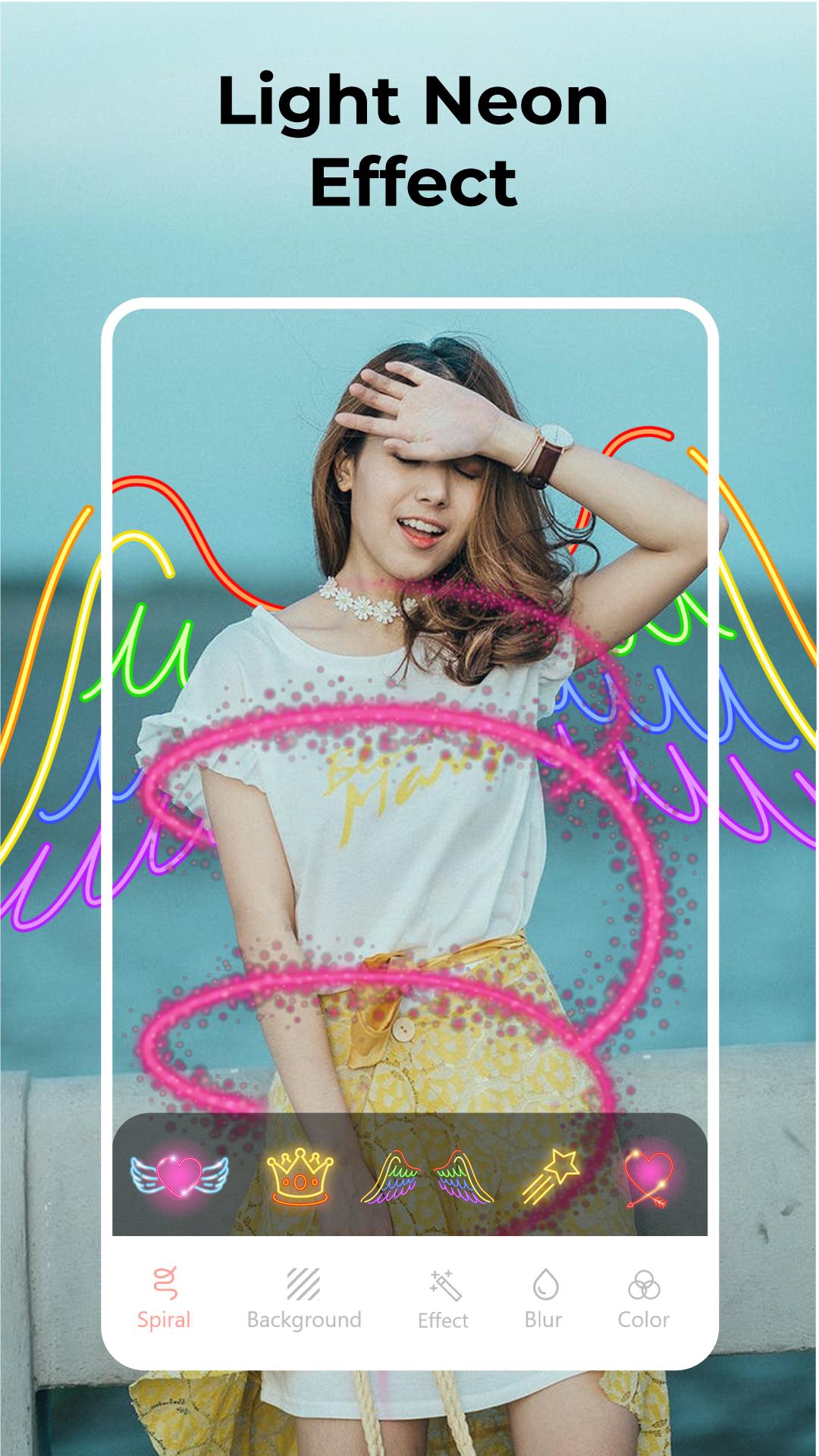
Spiral effect
Effects with different shapes
Angel wings effect
3D frame effect
Background editor
Insert a beautiful 3D background
Insert emoji background
- Adjust the size of the emojis
- Adjust net sharpness, blurring of emojis
- Rotate emojis as you like
Insert a colored background
Blur the background
HD Photo Editor: Image editor & Photo effects are not only an ordinary photo editing software, but it is also a set of effective photo editing tools for you. Download now because it's free!
Pratinjau
Informasi
Pengembang
G3 Studio
Versi Terbaru
3.1
Terakhir Diperbarui
2021-02-18
Kategori
Fotografi
Tersedia di
Google Play
Menampilkan lebih banyak
Cara memainkan HD Photo Editor: Image editor dengan GameLoop di PC
1. Download GameLoop dari situs resminya, lalu jalankan file exe untuk menginstal GameLoop.
2. Buka GameLoop dan cari “HD Photo Editor: Image editor ”, temukan HD Photo Editor: Image editor di hasil pencarian dan klik “Install”.
3. Nikmati bermain HD Photo Editor: Image editor di GameLoop.
Minimum requirements
OS
Windows 8.1 64-bit or Windows 10 64-bit
GPU
GTX 1050
CPU
i3-8300
Memory
8GB RAM
Storage
1GB available space
Recommended requirements
OS
Windows 8.1 64-bit or Windows 10 64-bit
GPU
GTX 1050
CPU
i3-9320
Memory
16GB RAM
Storage
1GB available space