
PhotoGrid Lite - Collage Maker & Photo Collage for PC
Photo Collage maker
Unduh PhotoGrid Lite - Collage Maker & Photo Collage di PC Dengan Emulator GameLoop
PhotoGrid Lite - Collage Maker & Photo Collage di PC
PhotoGrid Lite - Collage Maker & Photo Collage, berasal dari pengembang Photo Collage maker, berjalan di sistem Android di masa lalu.
Sekarang, Anda dapat memainkan PhotoGrid Lite - Collage Maker & Photo Collage di PC dengan GameLoop dengan lancar.
Unduh di perpustakaan GameLoop atau hasil pencarian. Tidak ada lagi memperhatikan baterai atau panggilan frustasi pada waktu yang salah lagi.
Nikmati saja PhotoGrid Lite - Collage Maker & Photo Collage PC di layar besar secara gratis!
PhotoGrid Lite - Collage Maker & Photo Collage Pengantar
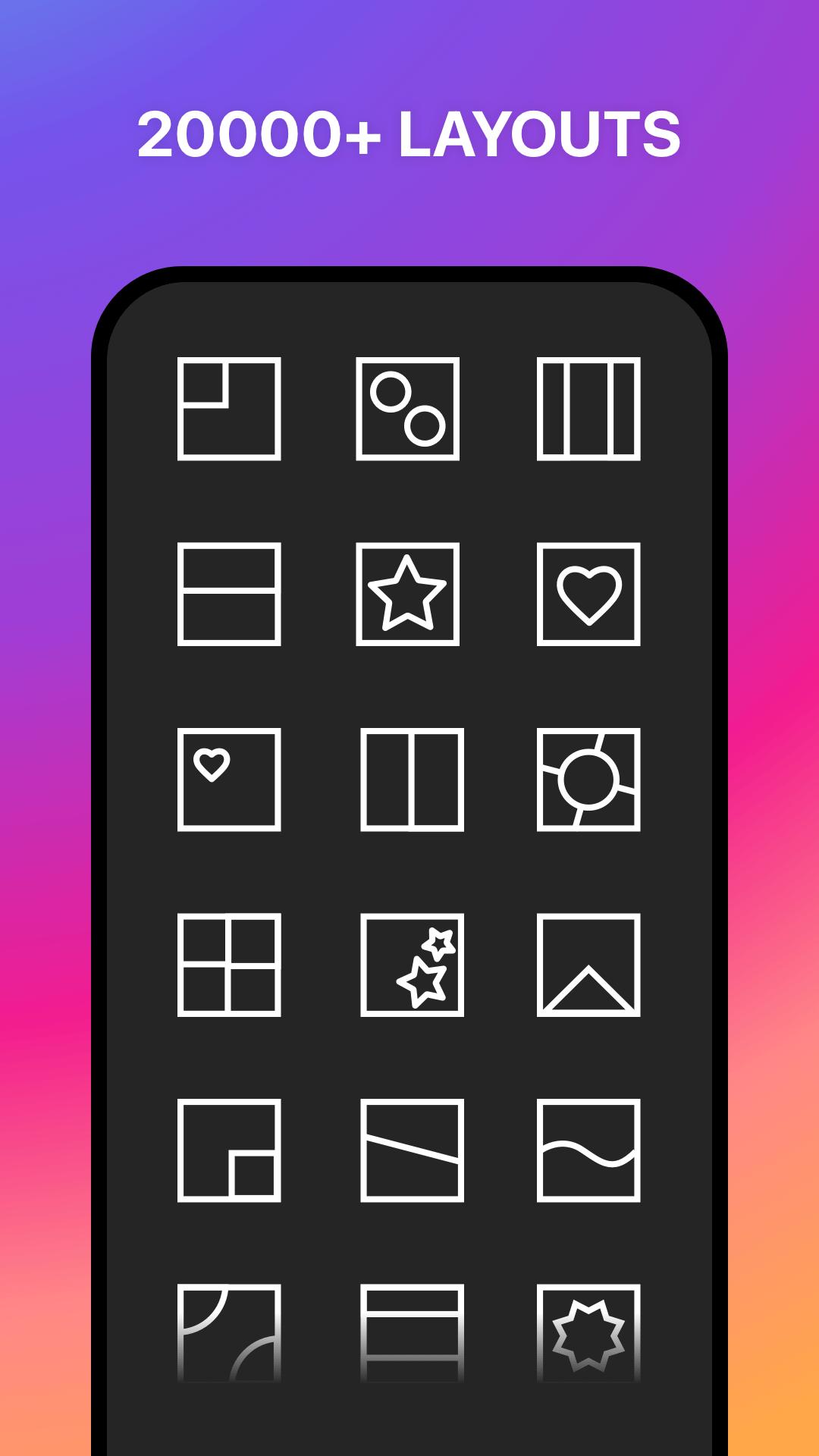
A Free Photo Collage maker: Full Pic collage editor, Instagram story maker, up to 20,000 layouts, no ads, and no paid feature.
Instant sharing to your favorite social networks like Instagram, Facebook, and Twitter...
Highlight Features
◉ 20,000+ Free Collages
◉ 1,000+ Text Styles & Fonts
◉ No Ads. No In-app Purchase
Photo Collage Maker
◉ 20,000+ flexible collages and frames. Try scrapbook, photo grid, freestyle collage, and frames for photos
◉ Combine up to 16 photos to create pic collage
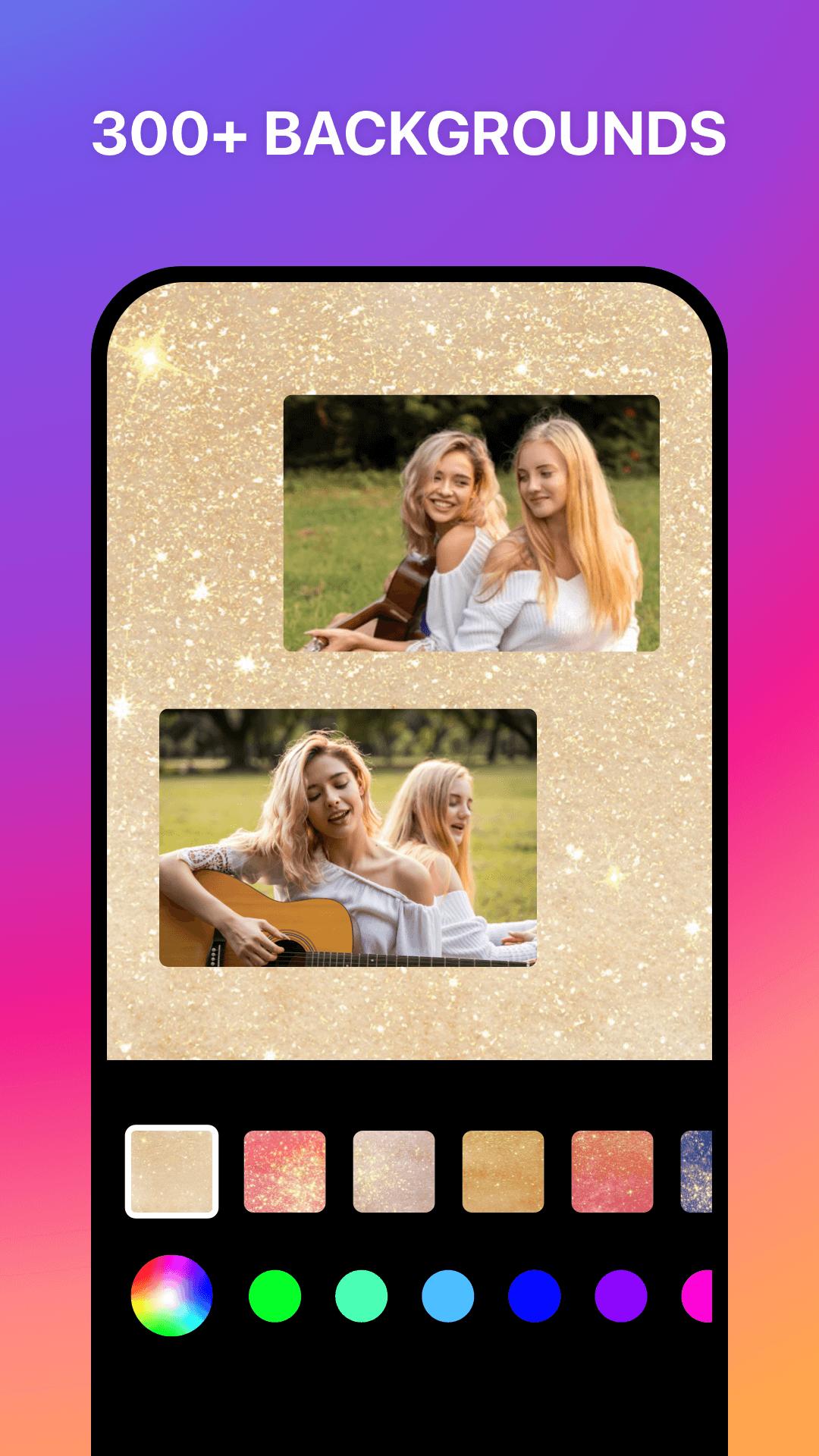
◉ Edit your layout by adjusting the frame, border, and shapes
Text Editor
◉ Add words/captions on photo collages easily using our best fonts
◉ Free 1000+ fonts and 100+ colors
◉ Text curve feature for free
Batch Photo editing
◉ Edit up to 10 photos at once
◉ Resizing, converting, cropping, or rotating them, brand them with a logo or text watermark with one click
◉ The simple interface makes it easy to use from the get-go
Photo Editor
◉ Instasize - No crop, 1:1 square, and blur background for Instagram
◉ Aspect ratios for social media - FB cover/post, Twitter post, iPhone wallpaper
◉ Crop, rotation, resize, blur and beautify your photos easily
Pratinjau
Informasi
Pengembang
Photo Collage maker
Versi Terbaru
7.61
Terakhir Diperbarui
2021-05-07
Kategori
Fotografi
Tersedia di
Google Play
Menampilkan lebih banyak
Cara memainkan PhotoGrid Lite - Collage Maker & Photo Collage dengan GameLoop di PC
1. Download GameLoop dari situs resminya, lalu jalankan file exe untuk menginstal GameLoop.
2. Buka GameLoop dan cari “PhotoGrid Lite - Collage Maker & Photo Collage”, temukan PhotoGrid Lite - Collage Maker & Photo Collage di hasil pencarian dan klik “Install”.
3. Nikmati bermain PhotoGrid Lite - Collage Maker & Photo Collage di GameLoop.
Minimum requirements
OS
Windows 8.1 64-bit or Windows 10 64-bit
GPU
GTX 1050
CPU
i3-8300
Memory
8GB RAM
Storage
1GB available space
Recommended requirements
OS
Windows 8.1 64-bit or Windows 10 64-bit
GPU
GTX 1050
CPU
i3-9320
Memory
16GB RAM
Storage
1GB available space