Launcher iOS 15 Control Center for PC
Future 4 Tomorrow
Unduh Launcher iOS 15 Control Center di PC Dengan Emulator GameLoop
Launcher iOS 15 Control Center di PC
Launcher iOS 15 Control Center, berasal dari pengembang Future 4 Tomorrow, berjalan di sistem Android di masa lalu.
Sekarang, Anda dapat memainkan Launcher iOS 15 Control Center di PC dengan GameLoop dengan lancar.
Unduh di perpustakaan GameLoop atau hasil pencarian. Tidak ada lagi memperhatikan baterai atau panggilan frustasi pada waktu yang salah lagi.
Nikmati saja Launcher iOS 15 Control Center PC di layar besar secara gratis!
Launcher iOS 15 Control Center Pengantar
1OS Control center is easy and instant icenter 14 for access on your device looks like a professional launcher.
Control center 1OS 15 launchers for your android phone with easy to using 1OS 13 launcher and smooth & clean user interface. You can experience the 1OS control center with the assistive touch 1OS 14.
1OS control center launcher has a convenient feature of iCenter 14 - 1OS assistive touch 14.
↦ Key Features of 1OS launcher
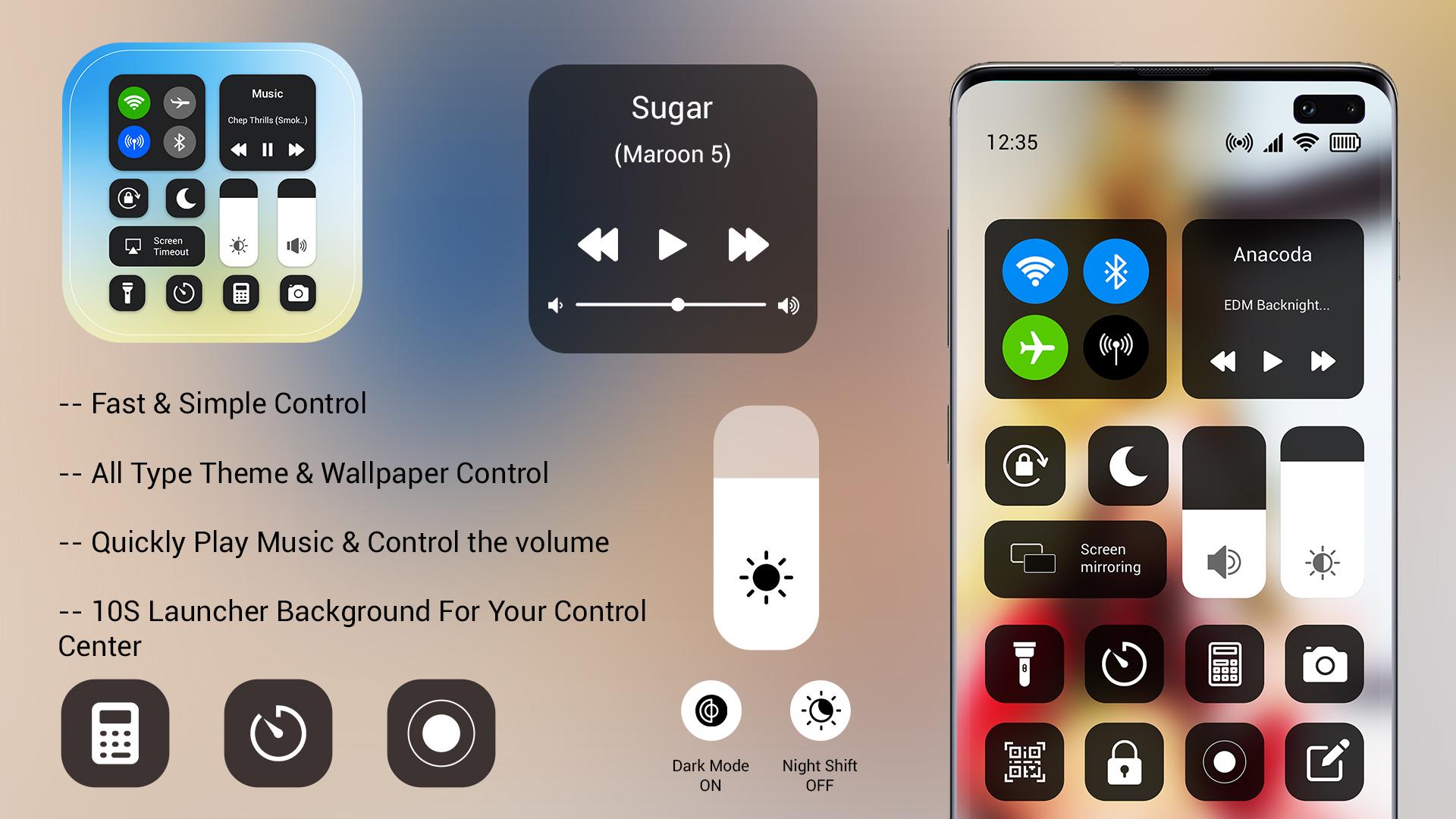
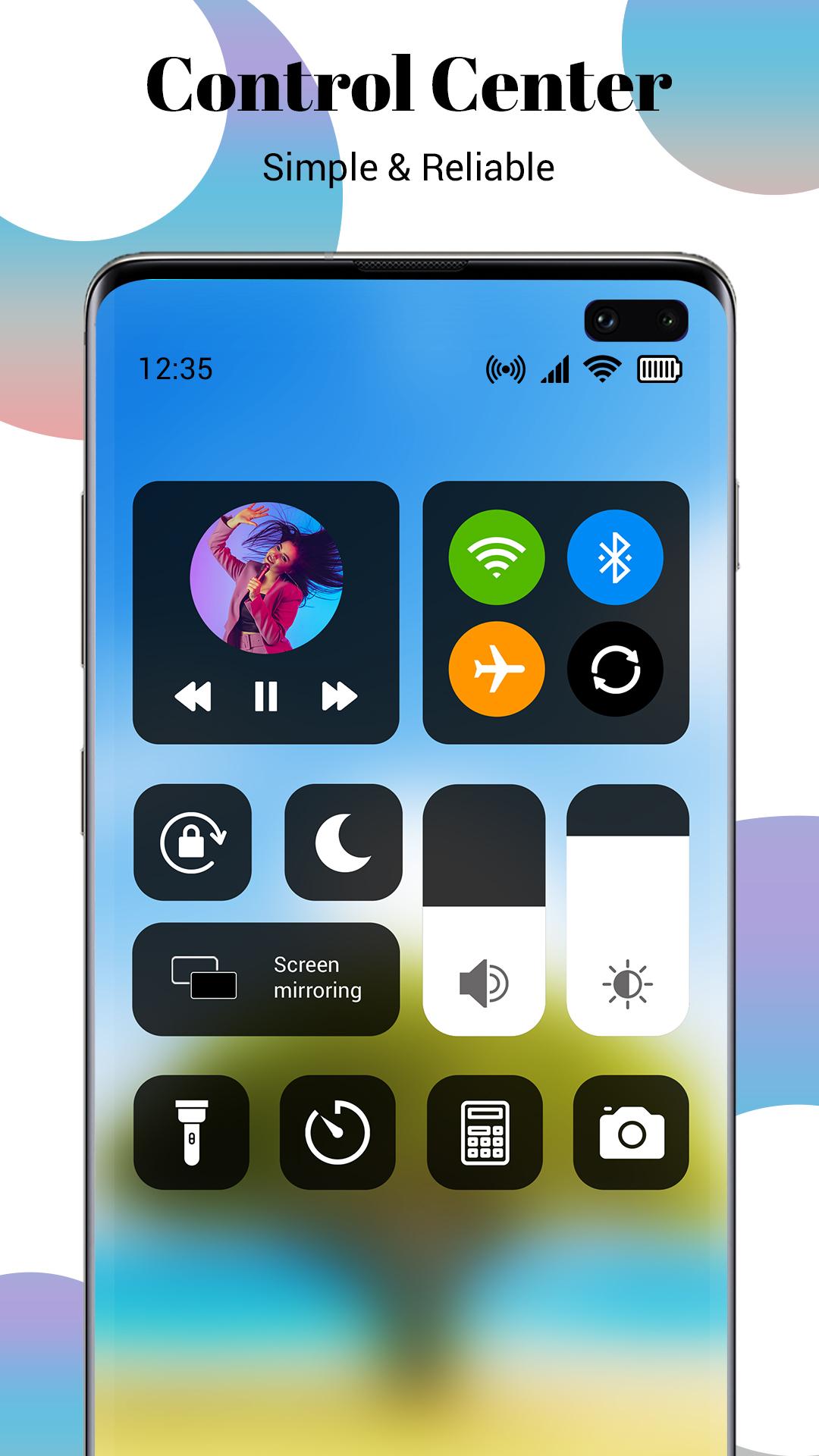
⦁ All-in-one 1OS control center like the home screen, icontrol center, 1OS lock screen, assistive touch
⦁ Quick search gesture by just swiping down anywhere on the screen
⦁ Make multiple groups of applications with you can hide the app by 1OS launcher
⦁ Gets all application icons similar to myOS center
⦁ Check notification in 1OS style on left down swiping
⦁ Manage all control in one icontrol center
Note: For use, this launcher sets 1OS launcher as the default OS on your smartphone.
In control center for 1OS 15 launcher has an inbuilt 1OS assistive touch 14 control center which all control access in one touch. It can use as a quick control center placed on the screen anywhere. Add ilock screen on mobile with check all notification get in 1OS style notification launcher. In 1OS launcher, you get all features of the same as I launcher.
↦ Disclaimer:
⦁ This 1OS launcher is not linked with the iOS system. This is launcher app.
⦁ This icon collection for iOS was designed by fans and does not infringe on any copyrights or trademarks.
⦁ It is purely a fan-made third-party application for customizing Android phones and is in no way linked with Apple Inc.
⦁ Please contact the team directly if you have a problem.
Pratinjau
Tag
PersonalisasiInformasi
Pengembang
Future 4 Tomorrow
Versi Terbaru
1.0
Terakhir Diperbarui
2022-01-11
Kategori
Personalisasi
Tersedia di
Google Play
Menampilkan lebih banyak
Cara memainkan Launcher iOS 15 Control Center dengan GameLoop di PC
1. Download GameLoop dari situs resminya, lalu jalankan file exe untuk menginstal GameLoop.
2. Buka GameLoop dan cari “Launcher iOS 15 Control Center”, temukan Launcher iOS 15 Control Center di hasil pencarian dan klik “Install”.
3. Nikmati bermain Launcher iOS 15 Control Center di GameLoop.
Minimum requirements
OS
Windows 8.1 64-bit or Windows 10 64-bit
GPU
GTX 1050
CPU
i3-8300
Memory
8GB RAM
Storage
1GB available space
Recommended requirements
OS
Windows 8.1 64-bit or Windows 10 64-bit
GPU
GTX 1050
CPU
i3-9320
Memory
16GB RAM
Storage
1GB available space