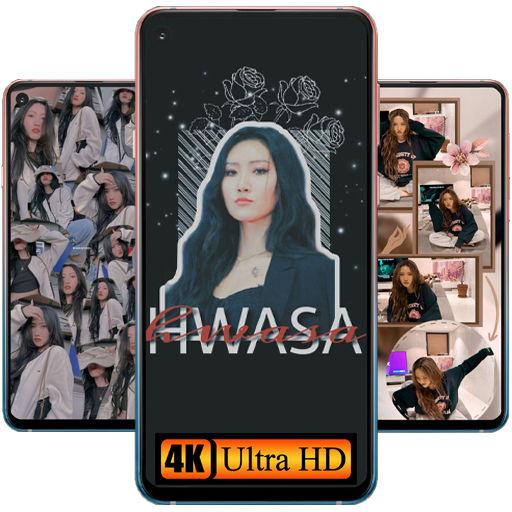
Hwasa Wallpaper Aesthetic HD for PC
Ms Pengejar Mimpi
Unduh Hwasa Wallpaper Aesthetic HD di PC Dengan Emulator GameLoop
Hwasa Wallpaper Aesthetic HD di PC
Hwasa Wallpaper Aesthetic HD, berasal dari pengembang Ms Pengejar Mimpi, berjalan di sistem Android di masa lalu.
Sekarang, Anda dapat memainkan Hwasa Wallpaper Aesthetic HD di PC dengan GameLoop dengan lancar.
Unduh di perpustakaan GameLoop atau hasil pencarian. Tidak ada lagi memperhatikan baterai atau panggilan frustasi pada waktu yang salah lagi.
Nikmati saja Hwasa Wallpaper Aesthetic HD PC di layar besar secara gratis!
Hwasa Wallpaper Aesthetic HD Pengantar
Ahn Hye-jin (Korean: 안혜진, born July 23, 1995), known professionally by her stage name Hwasa (Korean: 화사, most often stylized as Hwa Sa), is a South Korean singer, rapper, songwriter, model, and television personality currently signed to RBW. She debuted as a member of the girl group Mamamoo in 2014.
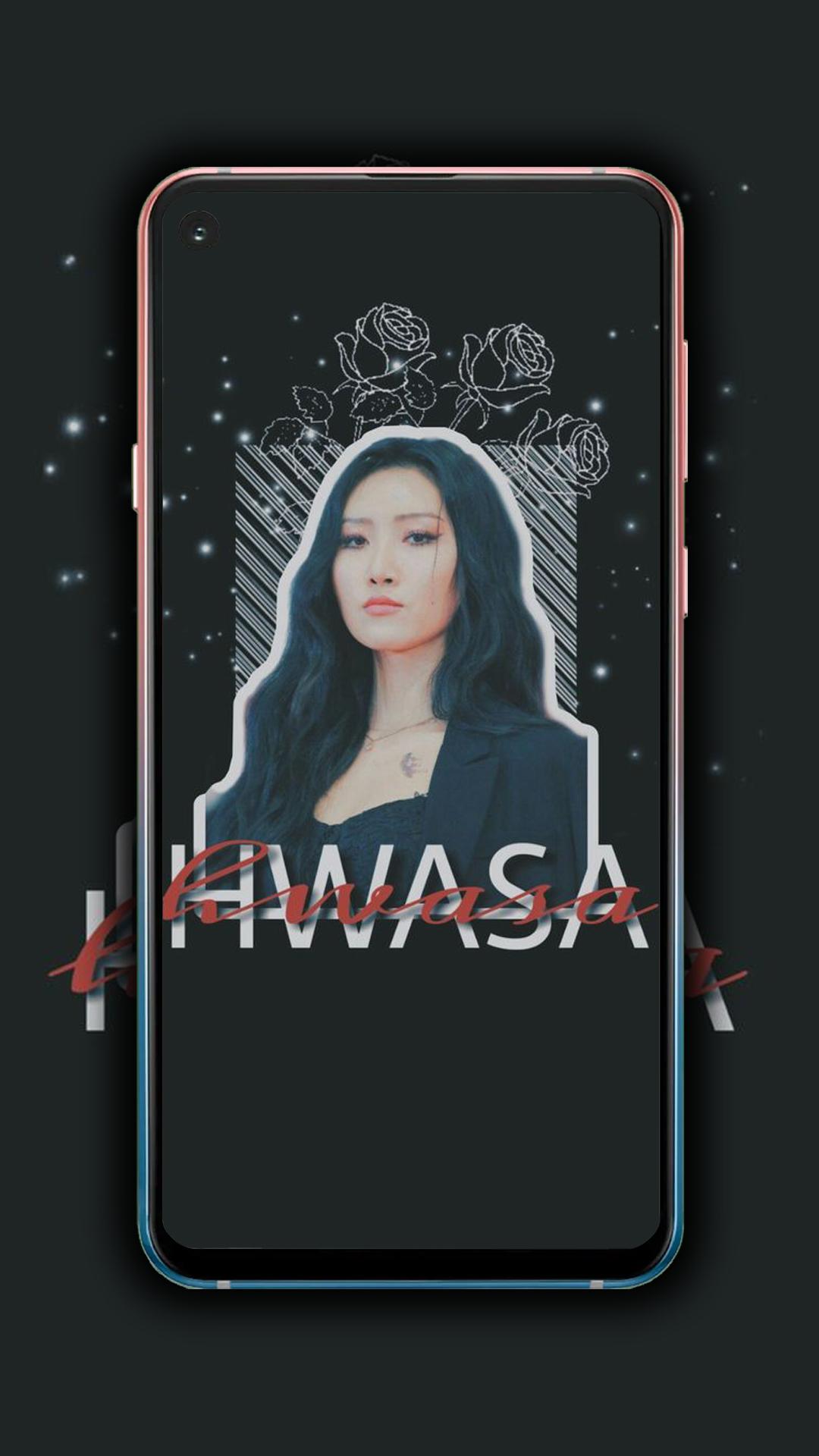
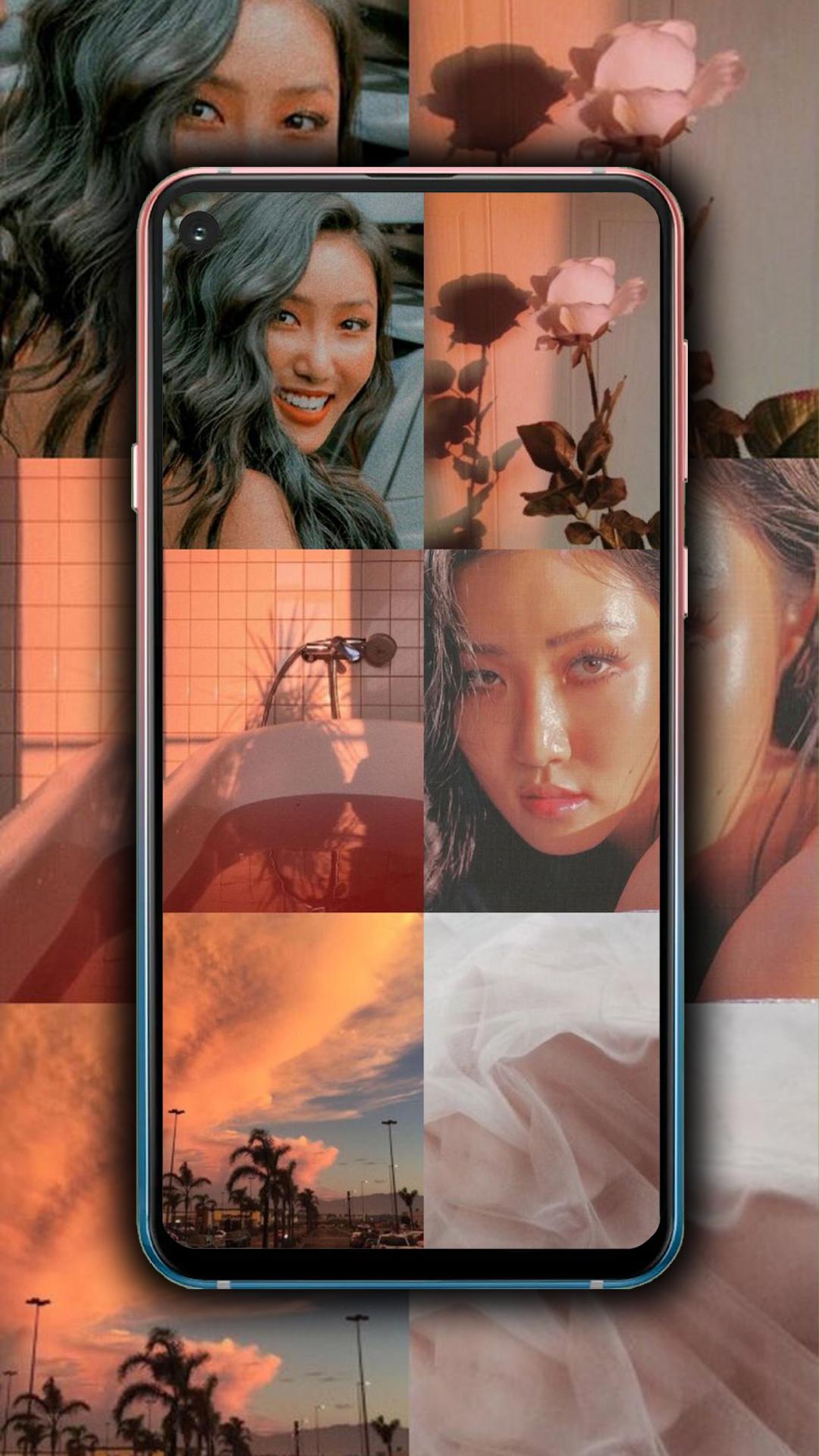
Hwasa Wallpaper Aesthetic HD provide collection of wallpapers to customize your phone wallpaper and lockscreen background.
Hwasa Wallpaper Aesthetic HD is an application that provides the highest photos for 3103 fans.
By installing Hwasa Wallpaper Aesthetic HD you will get a collection of highest quality wallpapers of 310315.
This application is made for the lovers of the KPOP. With a friendly user interface and easy to use.
HOW TO USE
1. Open Hwasa Wallpaper Aesthetic HD
2. Choose your favorite photos
3. Click "Set Wallpaper" to set home screen or Lock screen, or both.
4. Click "Save" to download the photo to your phone.
5. Click "Share" if you want to share the photo on Facebook, Twitter, Message, etc
6. Click "Favorite" if you want to save photo to favorites menu.
APPLICATION ADVANTAGES
✅ Photos updated daily and weekly
✅ High-quality photos (HD, Full HD, 2k, 4k)
✅ Update notification
✅ Easy to use
✅ Autofit wallpaper to your device resolution
✅ There are Many Categories
✅ Full Screen Images
✅ Save Image
✅ There is a favorite Menu
✅ There is Photo Editing
✅ There is Crop Photo (Manual, 1:2, 1:1, Original, 3:4, & 9:16)
✅ Set Wallpaper on Home Screen
✅ Set Wallpaper on Lock Screen
✅ Set Wallpaper Home & Lock Screen
DISCLAIMER
This application is made by Hwasa fans, and it is unofficial. The content in this app is not affiliated with, endorsed, sponsored, or specifically approved by any company. This app is mainly for entertainment and for all fans to enjoy these Hwasa wallpapers. If we have violated any copyright by use of any images included in this app, please get in touch with us at pengejarmimpi574@gmail.com. Thank you!
Enjoy Hwasa Wallpaper Aesthetic HD ~
Pratinjau
Tag
PersonalisasiInformasi
Pengembang
Ms Pengejar Mimpi
Versi Terbaru
5.0.0
Terakhir Diperbarui
2023-04-09
Kategori
Personalisasi
Tersedia di
Google Play
Menampilkan lebih banyak
Cara memainkan Hwasa Wallpaper Aesthetic HD dengan GameLoop di PC
1. Download GameLoop dari situs resminya, lalu jalankan file exe untuk menginstal GameLoop.
2. Buka GameLoop dan cari “Hwasa Wallpaper Aesthetic HD”, temukan Hwasa Wallpaper Aesthetic HD di hasil pencarian dan klik “Install”.
3. Nikmati bermain Hwasa Wallpaper Aesthetic HD di GameLoop.
Minimum requirements
OS
Windows 8.1 64-bit or Windows 10 64-bit
GPU
GTX 1050
CPU
i3-8300
Memory
8GB RAM
Storage
1GB available space
Recommended requirements
OS
Windows 8.1 64-bit or Windows 10 64-bit
GPU
GTX 1050
CPU
i3-9320
Memory
16GB RAM
Storage
1GB available space