DashClock Widget for PC
Roman Nurik and Ian Lake
Unduh DashClock Widget di PC Dengan Emulator GameLoop
DashClock Widget di PC
DashClock Widget, berasal dari pengembang Roman Nurik and Ian Lake, berjalan di sistem Android di masa lalu.
Sekarang, Anda dapat memainkan DashClock Widget di PC dengan GameLoop dengan lancar.
Unduh di perpustakaan GameLoop atau hasil pencarian. Tidak ada lagi memperhatikan baterai atau panggilan frustasi pada waktu yang salah lagi.
Nikmati saja DashClock Widget PC di layar besar secara gratis!
DashClock Widget Pengantar
** NOTE: The weather extension is currently not working due to changes in the Yahoo! Weather API. Stay tuned. **
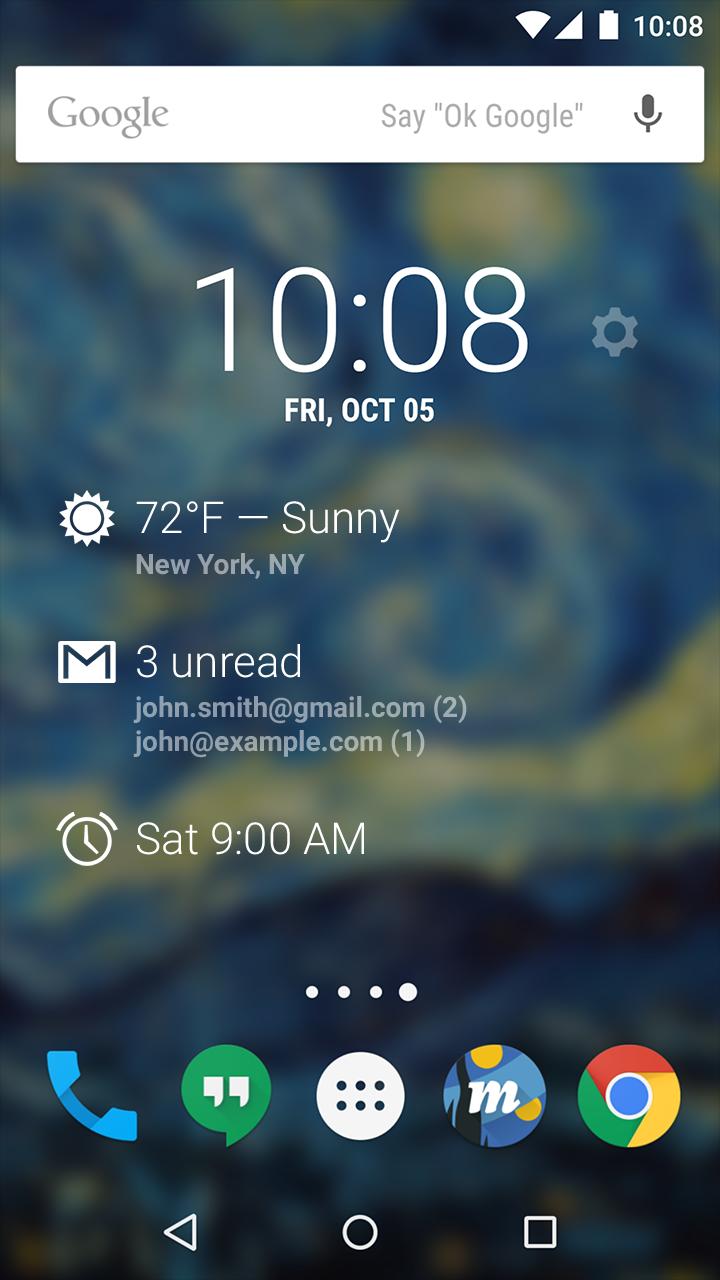
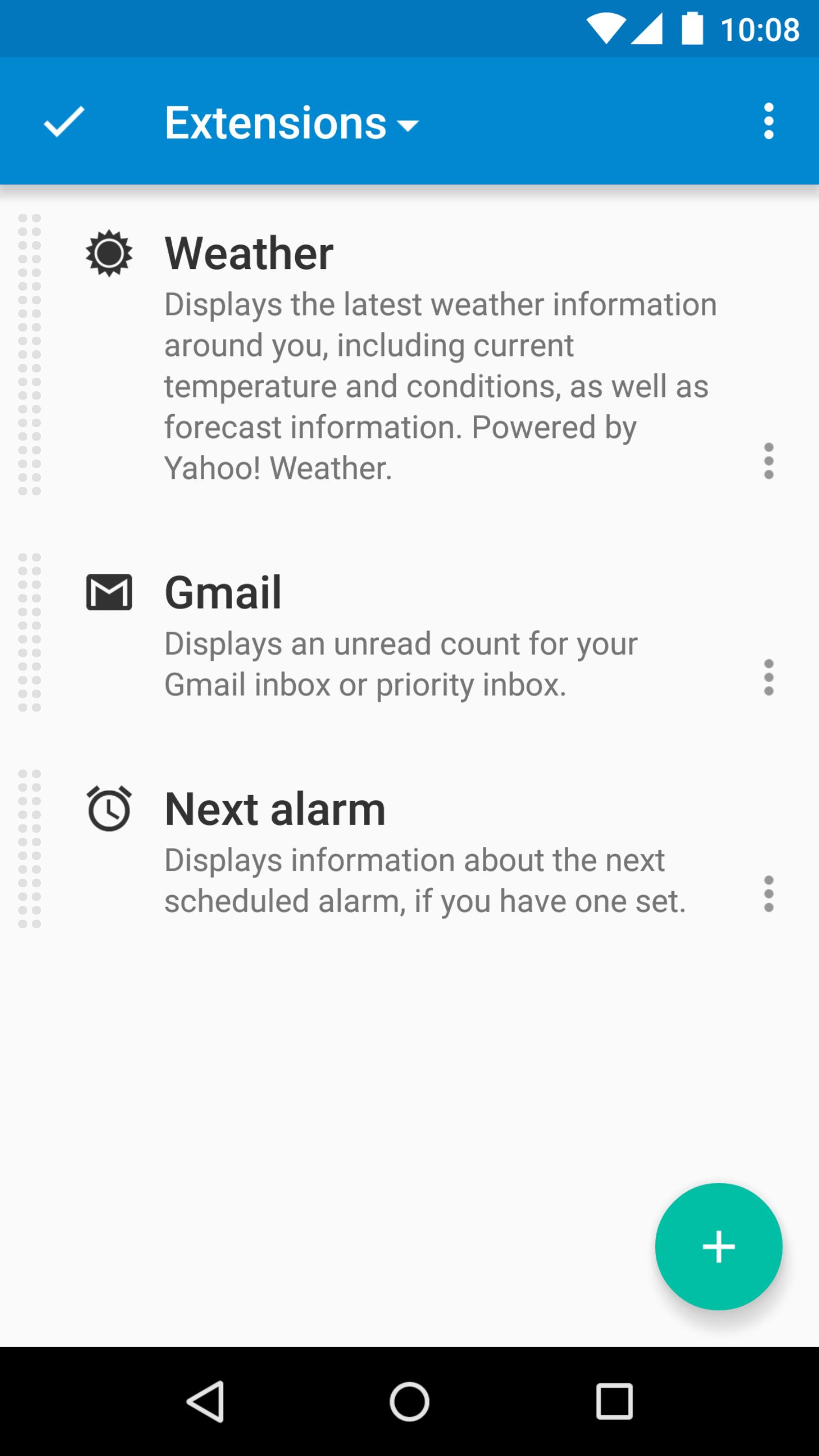
DashClock is a home screen clock widget for Android 4.2+ phones and tablets, with lock screen support for Android 4.2-4.4. It also exposes additional status items called extensions. The widget comes bundled with extensions that give you instant access to:
• Your current local weather
• Missed calls and unread text messages
• Your next calendar appointment
• Unread Gmail inbox or priority inbox conversations
• Your next scheduled alarm
To add the widget to your Android 4.2 device's lock screen, first make sure that "Enable widgets" is turned on in your security settings. Then, simply swipe to the left-most page of your lock screen and touch the "+" icon. Finally, select "DashClock" to customize and add the widget. You can make this the primary lock screen widget, replacing the default clock, by first touching-and-holding it and then dragging it horizontally to the very rightmost position.
Developers: DashClock is extensible! Visit the open source project at http://code.google.com/p/dashclock to learn more or just check out the source.
Have a bug report or feature request? Just find the issue or file a new one here: http://code.google.com/p/dashclock/issues/list
Pratinjau
Informasi
Pengembang
Roman Nurik and Ian Lake
Versi Terbaru
1.7.2
Terakhir Diperbarui
2016-05-11
Kategori
Personalisasi
Tersedia di
Google Play
Menampilkan lebih banyak
Cara memainkan DashClock Widget dengan GameLoop di PC
1. Download GameLoop dari situs resminya, lalu jalankan file exe untuk menginstal GameLoop.
2. Buka GameLoop dan cari “DashClock Widget”, temukan DashClock Widget di hasil pencarian dan klik “Install”.
3. Nikmati bermain DashClock Widget di GameLoop.
Minimum requirements
OS
Windows 8.1 64-bit or Windows 10 64-bit
GPU
GTX 1050
CPU
i3-8300
Memory
8GB RAM
Storage
1GB available space
Recommended requirements
OS
Windows 8.1 64-bit or Windows 10 64-bit
GPU
GTX 1050
CPU
i3-9320
Memory
16GB RAM
Storage
1GB available space