Dark Chic LINE Launcher theme for PC
dodol theme
Unduh Dark Chic LINE Launcher theme di PC Dengan Emulator GameLoop
Dark Chic LINE Launcher theme di PC
Dark Chic LINE Launcher theme, berasal dari pengembang dodol theme, berjalan di sistem Android di masa lalu.
Sekarang, Anda dapat memainkan Dark Chic LINE Launcher theme di PC dengan GameLoop dengan lancar.
Unduh di perpustakaan GameLoop atau hasil pencarian. Tidak ada lagi memperhatikan baterai atau panggilan frustasi pada waktu yang salah lagi.
Nikmati saja Dark Chic LINE Launcher theme PC di layar besar secara gratis!
Dark Chic LINE Launcher theme Pengantar
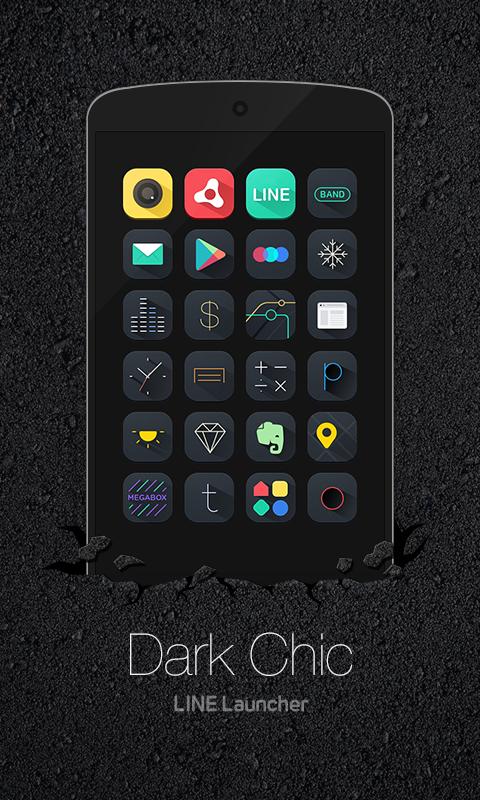
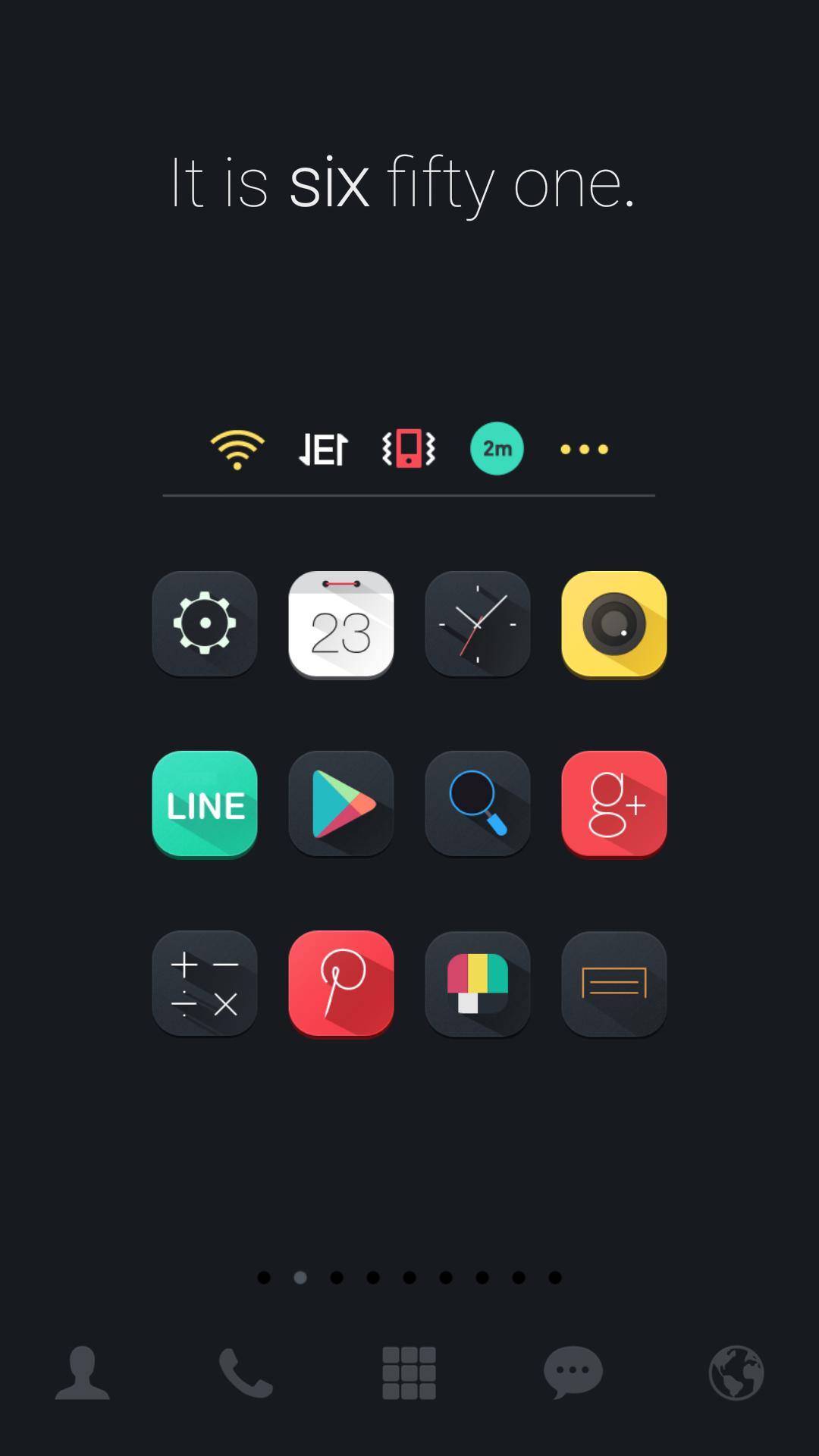
Feel the thrill of discovering color-splashing icons on darkness that lie so chicly on your phone +.+
Dark Chic dodol theme is certainly an eye-opener for you to its attractive image 0_0
LINE Launcher theme
* Apply the theme to transform your background screen, icon and launcher widget! :D
* How to apply a theme
- Install LINE Launcher (if you haven't yet).
- Press the home button and set the LINE Launcher as the default home launcher by selecting [Use as default value for this task] or [Always].
- Open the launcher menu by swiping the home screen upwards, select the [Theme] menu, then select and apply the theme of your choice.
***Customer Support***
- Facebook: https://www.facebook.com/linelauncher
***Precaution***
- Is available only in Android ver. 4.0.3 and above (ICS, Jellybean)
- Some functions cannot be applied in certain devices.
Pratinjau
Informasi
Pengembang
dodol theme
Versi Terbaru
4.9
Terakhir Diperbarui
2015-08-31
Kategori
Personalisasi
Tersedia di
Google Play
Menampilkan lebih banyak
Cara memainkan Dark Chic LINE Launcher theme dengan GameLoop di PC
1. Download GameLoop dari situs resminya, lalu jalankan file exe untuk menginstal GameLoop.
2. Buka GameLoop dan cari “Dark Chic LINE Launcher theme”, temukan Dark Chic LINE Launcher theme di hasil pencarian dan klik “Install”.
3. Nikmati bermain Dark Chic LINE Launcher theme di GameLoop.
Minimum requirements
OS
Windows 8.1 64-bit or Windows 10 64-bit
GPU
GTX 1050
CPU
i3-8300
Memory
8GB RAM
Storage
1GB available space
Recommended requirements
OS
Windows 8.1 64-bit or Windows 10 64-bit
GPU
GTX 1050
CPU
i3-9320
Memory
16GB RAM
Storage
1GB available space