
Bixby Home Commands - 3.0: Device commands for PC
Bixby-Commands
Unduh Bixby Home Commands - 3.0: Device commands di PC Dengan Emulator GameLoop
Bixby Home Commands - 3.0: Device commands di PC
Bixby Home Commands - 3.0: Device commands, berasal dari pengembang Bixby-Commands, berjalan di sistem Android di masa lalu.
Sekarang, Anda dapat memainkan Bixby Home Commands - 3.0: Device commands di PC dengan GameLoop dengan lancar.
Unduh di perpustakaan GameLoop atau hasil pencarian. Tidak ada lagi memperhatikan baterai atau panggilan frustasi pada waktu yang salah lagi.
Nikmati saja Bixby Home Commands - 3.0: Device commands PC di layar besar secara gratis!
Bixby Home Commands - 3.0: Device commands Pengantar
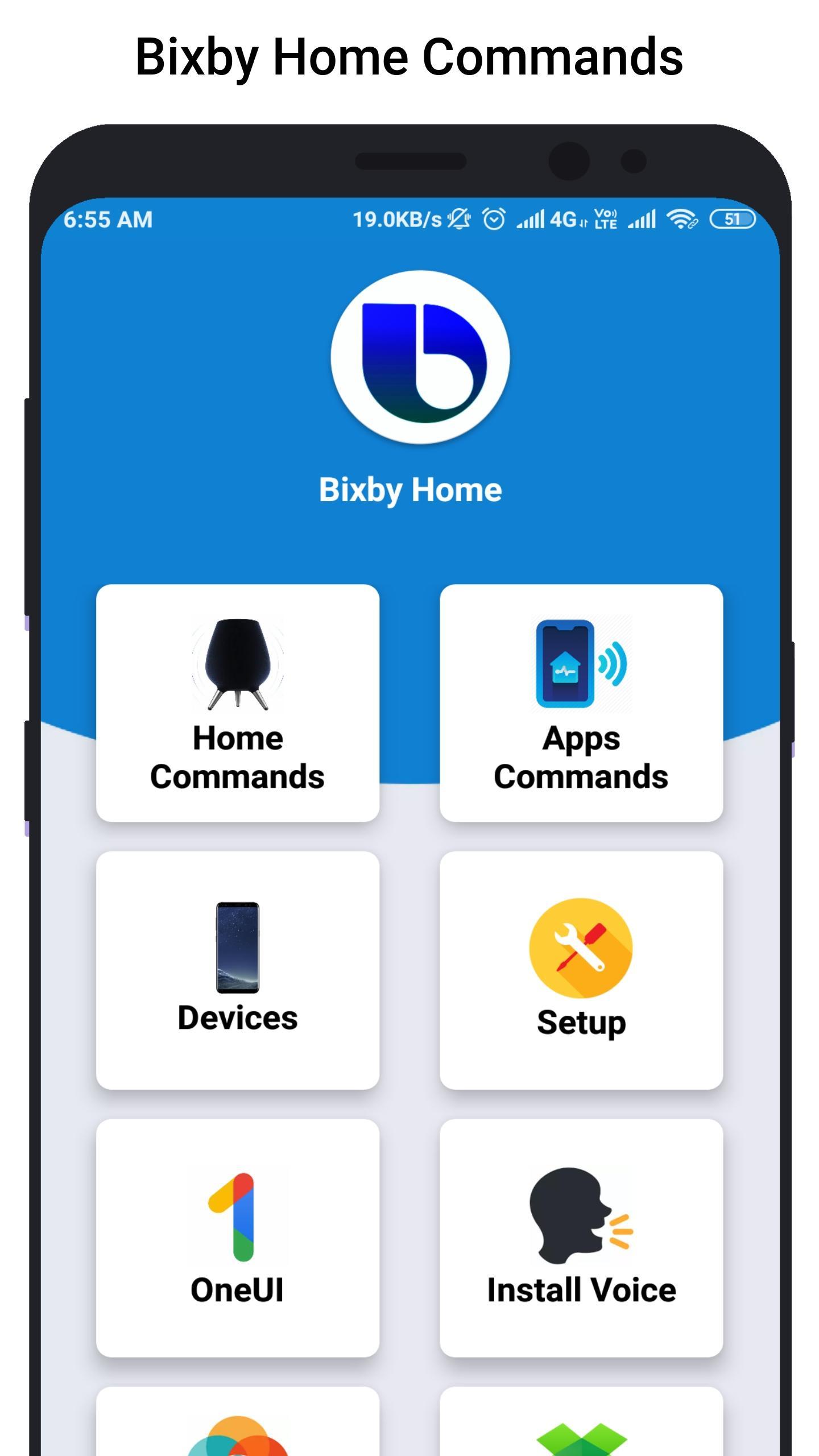
Bixby Home helps you unlock the full potential of your device. By providing useful commands and you can learn what you like and working with your favorite apps, Bixby Home makes it easy for you to get more done.
Bixby Home is always growing by adding new services and expanding supported devices, so you can focus on getting more done.
Bixby Home provides useful commands for every device so, you can learn and implement this real world commands in your smart phone or smart devices.
Hi Bixby Home "show this on my TV" to see your phone screen mirrored to a Samsung TV.
Hi Bixby Home "use this as my wallpaper" to saves the onscreen image as your phone wallpaper.
Hi Bixby Home Say "take a selfie and share it will Facebook" to force your device to do exactly that.
Hello Bixby Home "remind me to take medicine at 3pm" so that Bixby Home will save reminder.
Bixby Home "open Messages" to open the Messages app.
Bixby Home "turn on HDR" to turn on that feature in the Camera app.
Although Bixby Home is in beta stage, we cannot guarantee full functional of the app and we constantly thriving to make app better.
Pratinjau
Informasi
Pengembang
Bixby-Commands
Versi Terbaru
1.0
Terakhir Diperbarui
2019-07-07
Kategori
Personalisasi
Tersedia di
Google Play
Menampilkan lebih banyak
Cara memainkan Bixby Home Commands - 3.0: Device commands dengan GameLoop di PC
1. Download GameLoop dari situs resminya, lalu jalankan file exe untuk menginstal GameLoop.
2. Buka GameLoop dan cari “Bixby Home Commands - 3.0: Device commands”, temukan Bixby Home Commands - 3.0: Device commands di hasil pencarian dan klik “Install”.
3. Nikmati bermain Bixby Home Commands - 3.0: Device commands di GameLoop.
Minimum requirements
OS
Windows 8.1 64-bit or Windows 10 64-bit
GPU
GTX 1050
CPU
i3-8300
Memory
8GB RAM
Storage
1GB available space
Recommended requirements
OS
Windows 8.1 64-bit or Windows 10 64-bit
GPU
GTX 1050
CPU
i3-9320
Memory
16GB RAM
Storage
1GB available space