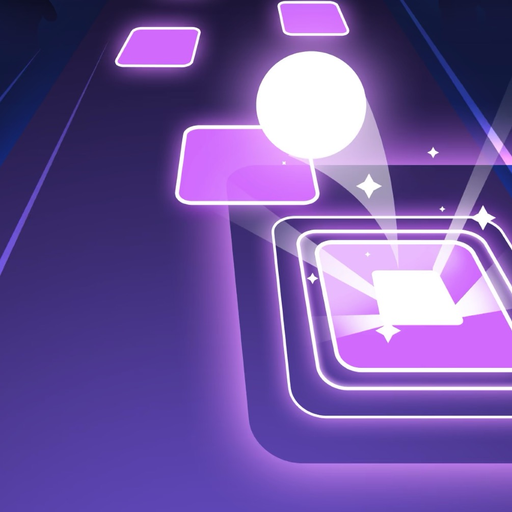
Tiles Hop Ball - EDM Rush for PC
Piano Tiles 3: Music Games, Tiles Hop, EDM Rush
Unduh Tiles Hop Ball - EDM Rush di PC Dengan Emulator GameLoop
Tiles Hop Ball - EDM Rush di PC
Tiles Hop Ball - EDM Rush, berasal dari pengembang Piano Tiles 3: Music Games, Tiles Hop, EDM Rush, berjalan di sistem Android di masa lalu.
Sekarang, Anda dapat memainkan Tiles Hop Ball - EDM Rush di PC dengan GameLoop dengan lancar.
Unduh di perpustakaan GameLoop atau hasil pencarian. Tidak ada lagi memperhatikan baterai atau panggilan frustasi pada waktu yang salah lagi.
Nikmati saja Tiles Hop Ball - EDM Rush PC di layar besar secara gratis!
Tiles Hop Ball - EDM Rush Pengantar
Have you ever heard “Tiles Hop Ball - EDM Rush”? It will be your favorite EDM game to relax yourself and kill time after busy works. Let’s play & enjoy the music on the go EDM Tiles. We suggest using headphones to feel the beats.
How to play “Tiles Hop Ball - EDM Rush”
1.Hold & Drag to control the ball.
2.Hop on the tiles.
3.Don’t miss tiles.
4.You can upload your own local song to play.
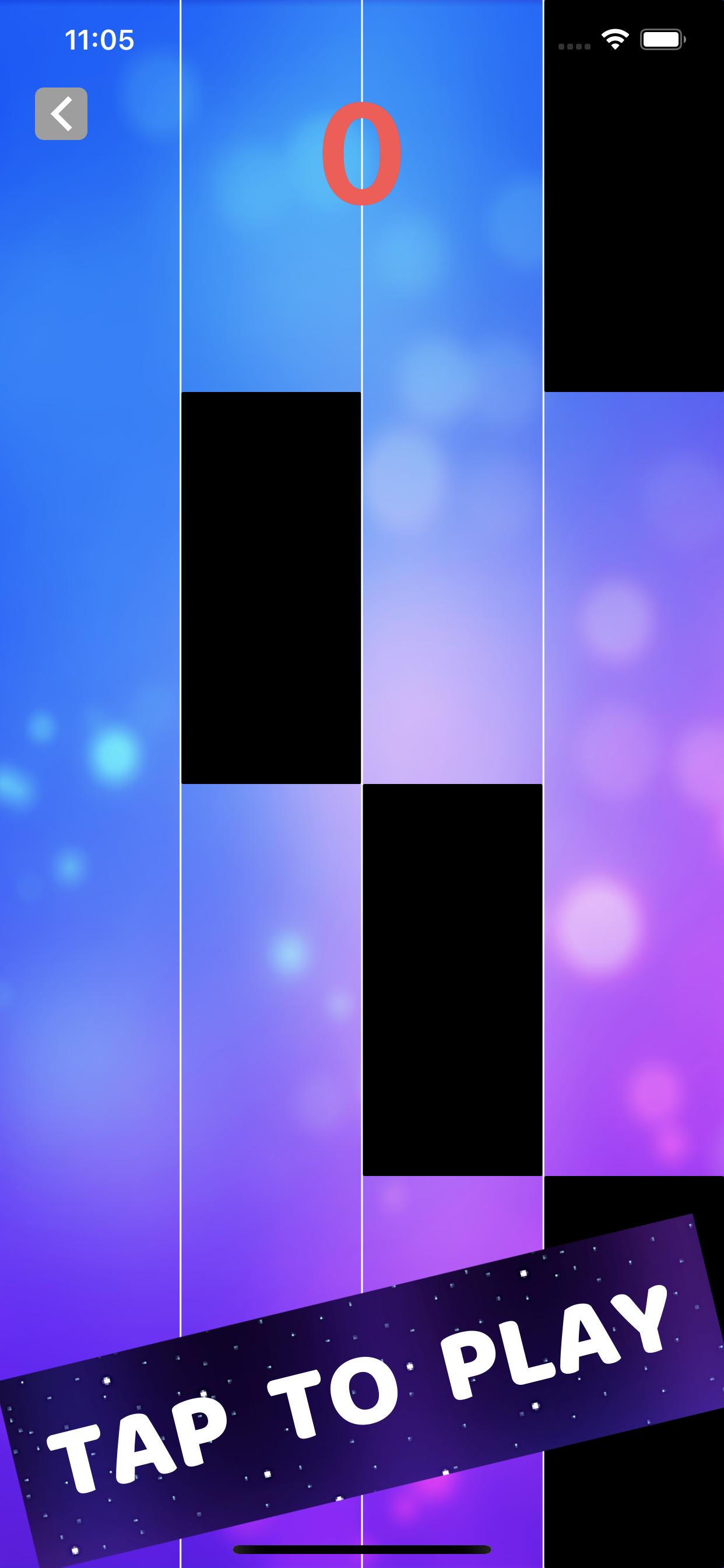
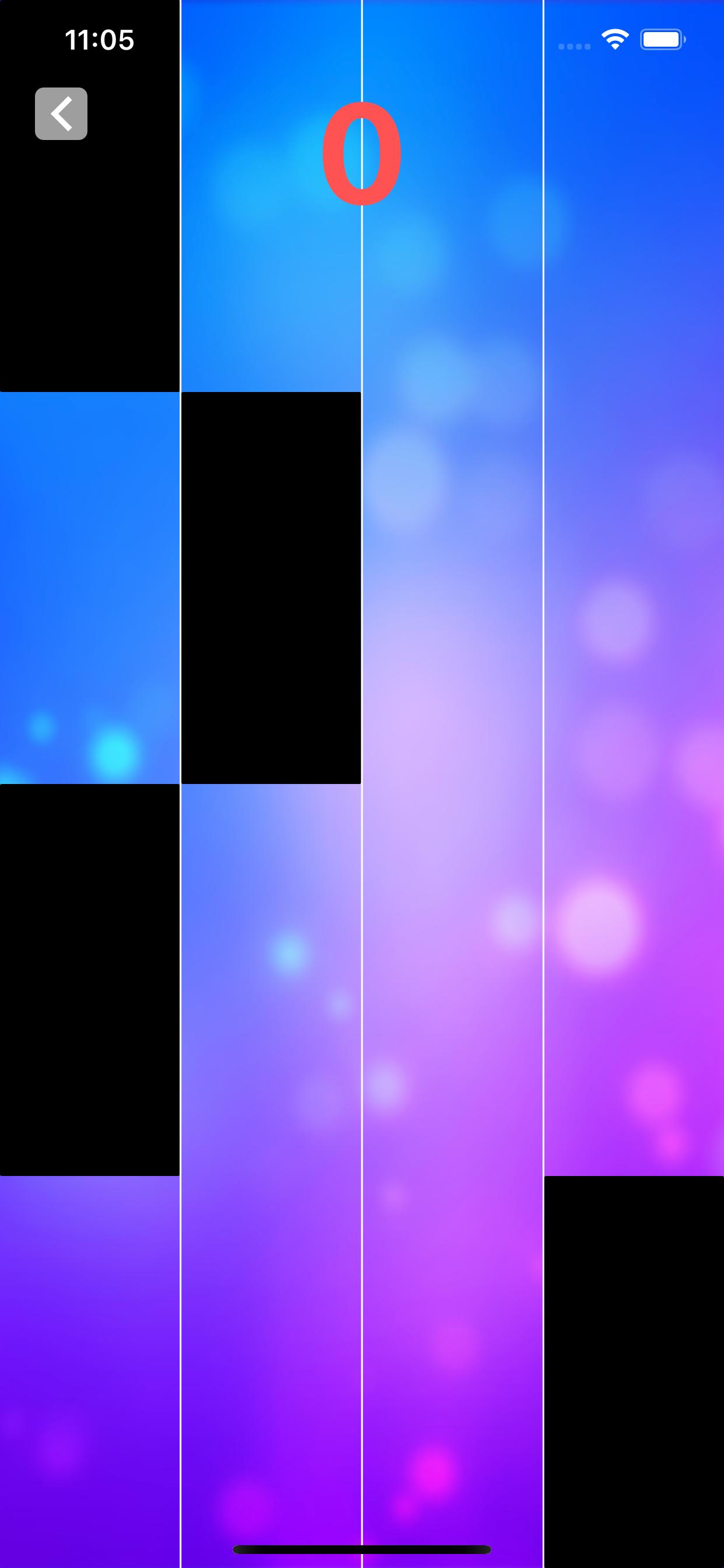
The Neon Ball will jump on the Beats Drop from slow to fast. Then listen to the music beat, follow the rhythm and use your musical reflexes to guide the ball from tiles to tiles. Don’t tap! This is not a Tap Tap game. Don’t forget to make insane combos!
“Tiles Hop Ball - EDM Rush” has attractive and addictive Game features!
-Auto-generated content: upload your favorite songs to the music
-One-button control, easy to play
-Breathtaking 3D visual effects and effects
-The ever-changing backgrounds will truly bring you a new experience in every scene!
-Collect beautiful skins for the prom
-Keep breaking your highest scores
What’s new?
New popular music songs added. Now you can play various types of music online, from the best rhythm Piano to guitar songs, Pop, Rock and EDM.
“Tiles Hop Ball - EDM Rush” is totally free now! Let’s enjoy this EDM music rush game now!
“Tiles Hop Ball - EDM Rush” is very easy to play and extremely enjoyable. Come in and join the music adventure in tiles hop universe with us.
Pratinjau
Informasi
Pengembang
Piano Tiles 3: Music Games, Tiles Hop, EDM Rush
Versi Terbaru
1.0.0
Terakhir Diperbarui
2021-01-12
Kategori
Musik
Tersedia di
Google Play
Menampilkan lebih banyak
Cara memainkan Tiles Hop Ball - EDM Rush dengan GameLoop di PC
1. Download GameLoop dari situs resminya, lalu jalankan file exe untuk menginstal GameLoop.
2. Buka GameLoop dan cari “Tiles Hop Ball - EDM Rush”, temukan Tiles Hop Ball - EDM Rush di hasil pencarian dan klik “Install”.
3. Nikmati bermain Tiles Hop Ball - EDM Rush di GameLoop.
Minimum requirements
OS
Windows 8.1 64-bit or Windows 10 64-bit
GPU
GTX 1050
CPU
i3-8300
Memory
8GB RAM
Storage
1GB available space
Recommended requirements
OS
Windows 8.1 64-bit or Windows 10 64-bit
GPU
GTX 1050
CPU
i3-9320
Memory
16GB RAM
Storage
1GB available space