
Smule: Sing, Duet & Karaoke for PC
Smule
Unduh Smule: Sing, Duet & Karaoke di PC Dengan Emulator GameLoop
Smule: Sing, Duet & Karaoke di PC
Smule: Sing, Duet & Karaoke, berasal dari pengembang Smule, berjalan di sistem Android di masa lalu.
Sekarang, Anda dapat memainkan Smule: Sing, Duet & Karaoke di PC dengan GameLoop dengan lancar.
Unduh di perpustakaan GameLoop atau hasil pencarian. Tidak ada lagi memperhatikan baterai atau panggilan frustasi pada waktu yang salah lagi.
Nikmati saja Smule: Sing, Duet & Karaoke PC di layar besar secara gratis!
Smule: Sing, Duet & Karaoke Pengantar
Sing your favorite songs, explore your voice, and enjoy karaoke your way on Smule. Record your singing, create duets, and turn every performance into something worth sharing with powerful audio and video tools.
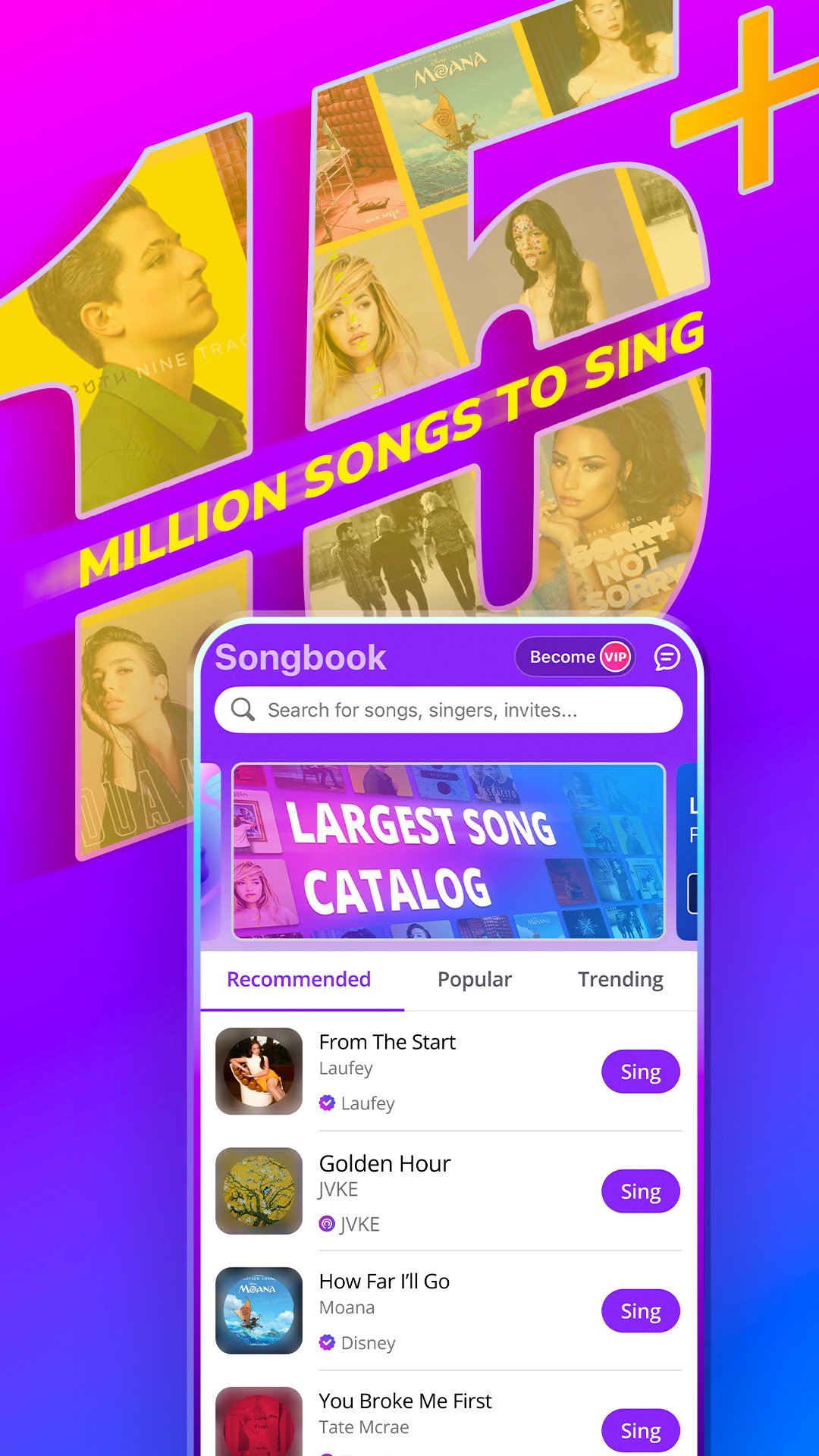
Explore over 15 million songs across pop, rock, R&B, country, K-pop, musicals, classics, and today’s biggest hits. With scrolling lyrics and studio-quality sound, you can sing anytime, whether you’re practicing privately or performing for an audience.
Duet with singers and global artists
Singing is better together. Join duets with friends, creators, and singers around the world. Add your voice to an existing song, harmonize, or create group performances that bring music to life.
Sing alongside global artists through recorded duets inspired by Ed Sheeran, Dua Lipa, Olivia Rodrigo, Disney favorites, and more. Experience what it feels like to perform the songs you love next to the artists who made them famous.
Create with powerful audio, video & AI tools
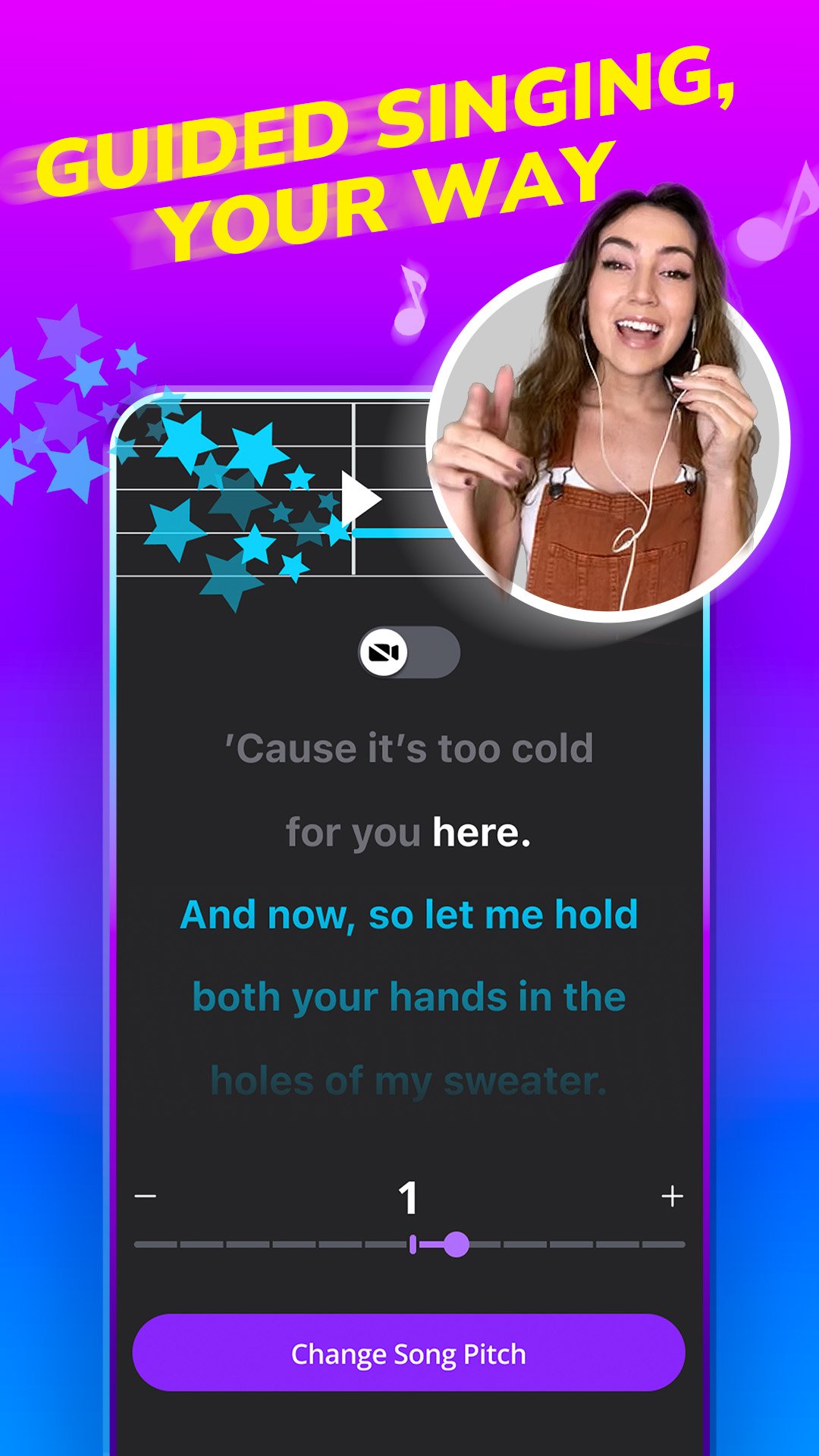
Smule gives you professional tools to shape your sound. Enhance your song recordings with reverb, vocal effects, filters, and pitch guidance. Adjust the key to match your vocal range so every song fits your voice.
Create music videos with dynamic visual effects and lyric overlays. Explore smart voice tools and optional AI-powered features to experiment with tone, texture, and style while keeping your sound authentic.
Start free and grow your way
Begin by joining duets for free and singing with other creators right away. When you’re ready for more creative control, upgrade to VIP to record solo, start your own duets, and create private group performances. Smule grows with you, whether you’re singing casually or building your artistry.
Go live and grow your audience
Host or join live karaoke sessions and perform in real time. Connect with fans, collaborate instantly, and build your following in a global community of singers across 190+ countries.
Join challenges, discover trending songs, and share your performances across social platforms. Whether you’re singing for fun or building a fanbase, Smule gives you a stage.
Grow as a singer
Build confidence through practice, collaboration, and guided tools designed to help you improve your singing. Use on-screen pitch guides to refine accuracy, experiment with harmonies and melodies, and explore new genres to strengthen your range.
Practice solo, perform in duets, or create layered group songs. Every recording is an opportunity to grow.
Built for every voice
Smule is for beginners discovering karaoke, casual singers who love sharing songs, aspiring artists developing their craft, and established creators expanding their reach.
There’s no single way to use Smule. Choose your song, choose how you sing, and decide how far your music journey goes.
Download Smule today and start singing. Explore millions of songs, create music videos, join duets, sing alongside global artists, and share your voice with a worldwide community that celebrates creativity and music.
Pratinjau
Tag
Music-&Informasi
Pengembang
Smule
Versi Terbaru
12.8.5
Terakhir Diperbarui
2026-03-23
Kategori
Music-audio
Tersedia di
Google Play
Menampilkan lebih banyak
Cara memainkan Smule: Sing, Duet & Karaoke dengan GameLoop di PC
1. Download GameLoop dari situs resminya, lalu jalankan file exe untuk menginstal GameLoop.
2. Buka GameLoop dan cari “Smule: Sing, Duet & Karaoke”, temukan Smule: Sing, Duet & Karaoke di hasil pencarian dan klik “Install”.
3. Nikmati bermain Smule: Sing, Duet & Karaoke di GameLoop.
Minimum requirements
OS
Windows 8.1 64-bit or Windows 10 64-bit
GPU
GTX 1050
CPU
i3-8300
Memory
8GB RAM
Storage
1GB available space
Recommended requirements
OS
Windows 8.1 64-bit or Windows 10 64-bit
GPU
GTX 1050
CPU
i3-9320
Memory
16GB RAM
Storage
1GB available space