Roland D-50 tone patcher for PC
Synthkorea
Unduh Roland D-50 tone patcher di PC Dengan Emulator GameLoop
Roland D-50 tone patcher di PC
Roland D-50 tone patcher, berasal dari pengembang Synthkorea, berjalan di sistem Android di masa lalu.
Sekarang, Anda dapat memainkan Roland D-50 tone patcher di PC dengan GameLoop dengan lancar.
Unduh di perpustakaan GameLoop atau hasil pencarian. Tidak ada lagi memperhatikan baterai atau panggilan frustasi pada waktu yang salah lagi.
Nikmati saja Roland D-50 tone patcher PC di layar besar secara gratis!
Roland D-50 tone patcher Pengantar
★ What is synth Patcher App?
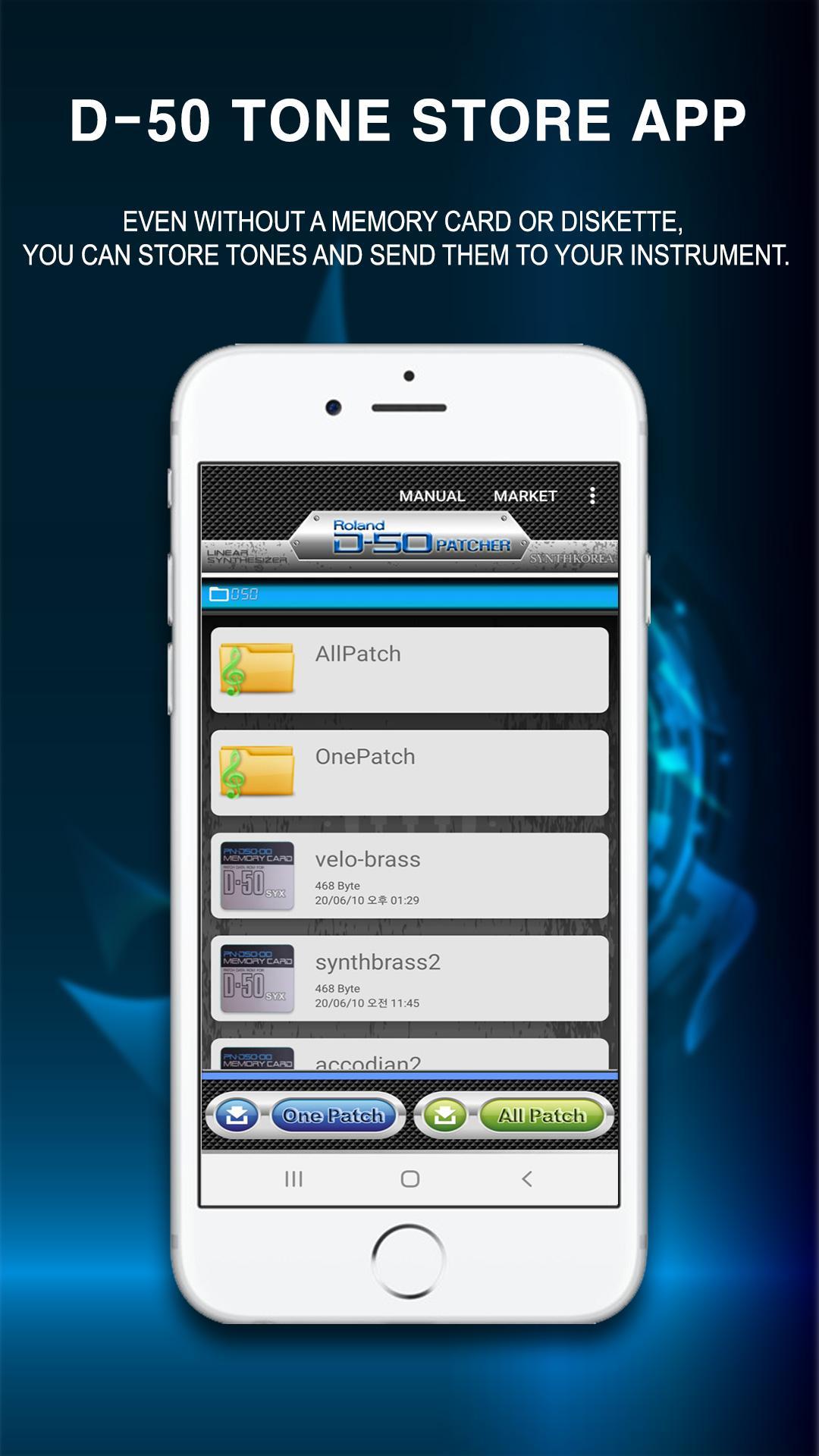
It is a synthesizer-only tone storage application that stores instrument sound sources with a smartphone and transfers them back to the instrument even without a synthesizer or keyboard storage device (memory pack, card, diskette).
[Features of the Patcher App]
▷ Any beginner can easily and conveniently put the tone into the synth instrument.
▷ All synthesizers are provided with factory-released sound sources for free.
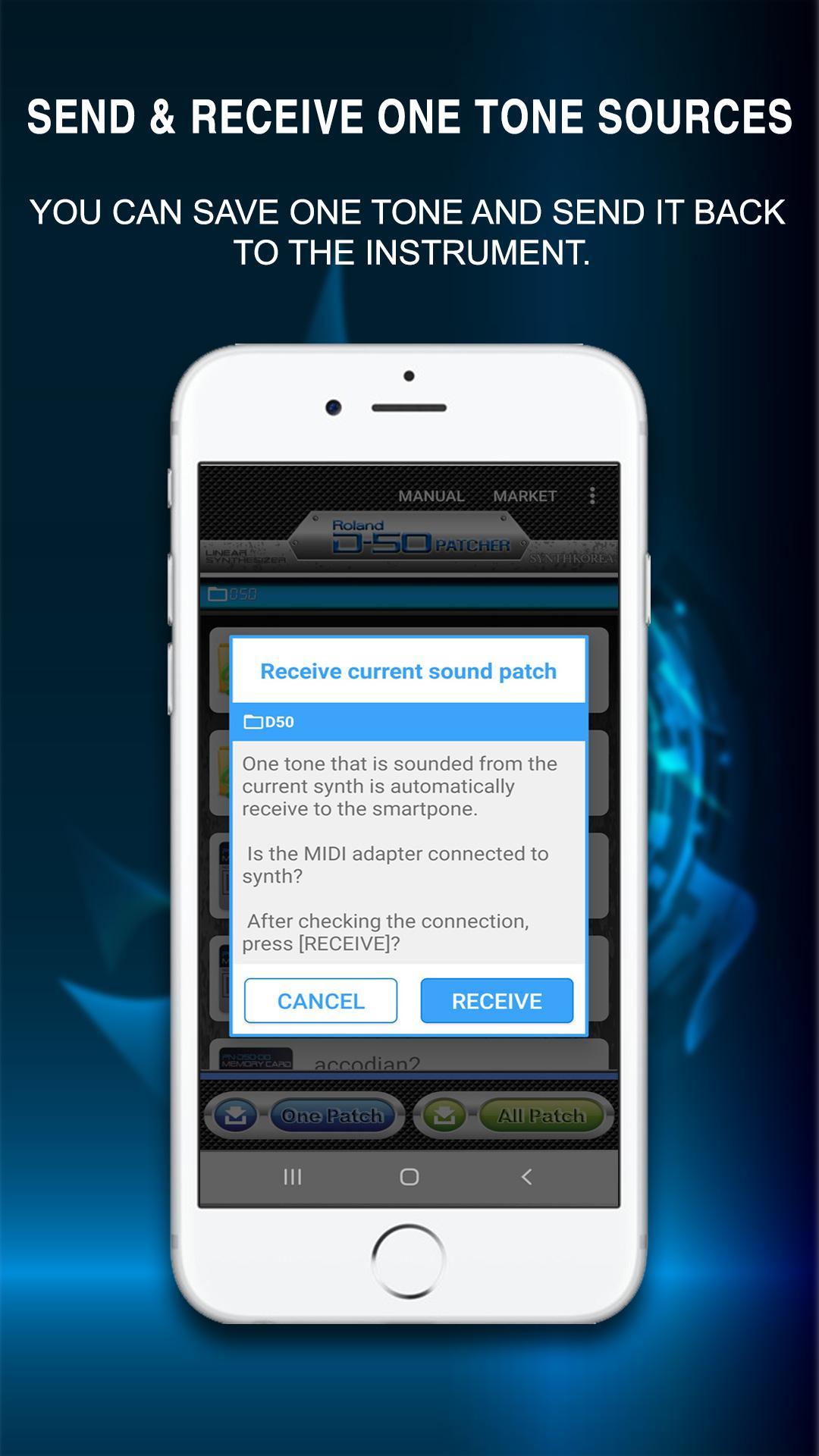
▷ You can save one tone individually.
▷ Dozens of parts can be stored in the same way as the instrument's internal sound source is stored in the memory pack.
▷ You can download various voices for free from the patch market and share them with your friends.
▷ Sound source can be easily saved by using the wireless Bluetooth MIDI adapter.
▷ Musician representatives or related workers can easily manage sound source files for each customer.
▷ When a new tone is registered, you can receive an automatic notification.
▶ Preparations when using the patcher app
→ To use the patcher app, you need a wireless Bluetooth MIDI adapter or a wired USB MIDI cable.
→ Synthkorea recommends using a wireless Bluetooth MIDI adapter.
※ The wireless Bluetooth MIDI adapter for Synthkorea app is a product of YAMAHA MD-BT01.
※ App-compatible USB MIDI cable
*Alesis USB-MIDI CABLE (Recommended)
*Roland UM-ONE mk2
*Edirol UM-1X
→ For detailed information on the wireless Bluetooth MIDI adapter and USB MIDI cable, please refer to the User Manual at the top of the app.
▶ We strongly recommend synth patcher app to the following people.
→ When a dedicated voice memory pack is not available
→ When the instrument's floppy disk is broken
→ When the sound of the instrument is abnormal (download the instrument initialization sound from the application sound source market)
→ When only a few specific tones are needed
→ When you often get tired of musical instrument tone
※ For detailed information and various application information, please check the website of Synthkorea.
http://synthkorea.com
>> Available for Android version 6.0 or higher. <<
Pratinjau
Tag
Music-&Informasi
Pengembang
Synthkorea
Versi Terbaru
5.0
Terakhir Diperbarui
2021-11-04
Kategori
Music-audio
Tersedia di
Google Play
Menampilkan lebih banyak
Cara memainkan Roland D-50 tone patcher dengan GameLoop di PC
1. Download GameLoop dari situs resminya, lalu jalankan file exe untuk menginstal GameLoop.
2. Buka GameLoop dan cari “Roland D-50 tone patcher”, temukan Roland D-50 tone patcher di hasil pencarian dan klik “Install”.
3. Nikmati bermain Roland D-50 tone patcher di GameLoop.
Minimum requirements
OS
Windows 8.1 64-bit or Windows 10 64-bit
GPU
GTX 1050
CPU
i3-8300
Memory
8GB RAM
Storage
1GB available space
Recommended requirements
OS
Windows 8.1 64-bit or Windows 10 64-bit
GPU
GTX 1050
CPU
i3-9320
Memory
16GB RAM
Storage
1GB available space