
Noke for PC
Noke LLC
Unduh Noke di PC Dengan Emulator GameLoop
Noke di PC
Noke, berasal dari pengembang Noke LLC, berjalan di sistem Android di masa lalu.
Sekarang, Anda dapat memainkan Noke di PC dengan GameLoop dengan lancar.
Unduh di perpustakaan GameLoop atau hasil pencarian. Tidak ada lagi memperhatikan baterai atau panggilan frustasi pada waktu yang salah lagi.
Nikmati saja Noke PC di layar besar secara gratis!
Noke Pengantar
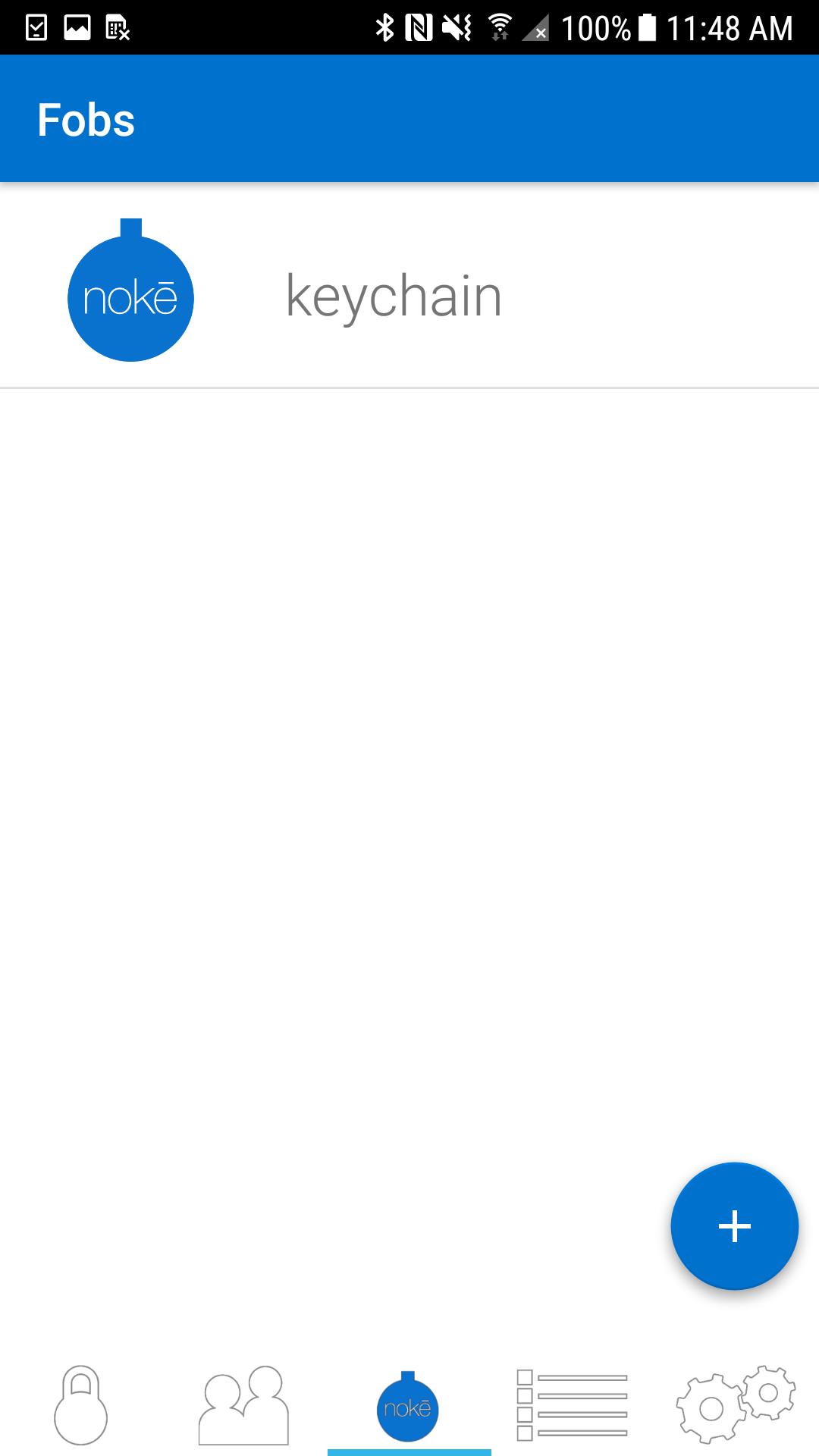
The Nokē app is used to operate and manage Bluetooth enabled Nokē smart-locks to eliminate the hassle of keys and combinations forever. With Nokē, convenience is key.
Its features include:
Locking: Once you’ve downloaded the Nokē app, you can simply and safely lock and unlock your Nokē smart-lock using Bluetooth 4.0 technology. The lock will sense your approach and can instantly unlock without you having to turn on your phone.
Sharing: Invite family and friends to have access to your lock using their own Bluetooth device. Within the Nokē app, you can share and revoke access with custom settings including day, time, or individual usage. For example, you can give unlimited access to your spouse, while giving just Monday afternoon access to your gardener.
GPS Location: Track where your lock is being used and view activity location on a map with the unique Nokē GPS feature.
History: The Nokē app provides you with an activity log so you can easily see who’s used your lock and exactly when and where they did.
For more information, or to buy a Nokē smart-lock, visit www.noke.com
Pratinjau
Tag
Gaya hidupInformasi
Pengembang
Noke LLC
Versi Terbaru
2.1.3
Terakhir Diperbarui
2022-03-31
Kategori
Gaya hidup
Tersedia di
Google Play
Menampilkan lebih banyak
Cara memainkan Noke dengan GameLoop di PC
1. Download GameLoop dari situs resminya, lalu jalankan file exe untuk menginstal GameLoop.
2. Buka GameLoop dan cari “Noke”, temukan Noke di hasil pencarian dan klik “Install”.
3. Nikmati bermain Noke di GameLoop.
Minimum requirements
OS
Windows 8.1 64-bit or Windows 10 64-bit
GPU
GTX 1050
CPU
i3-8300
Memory
8GB RAM
Storage
1GB available space
Recommended requirements
OS
Windows 8.1 64-bit or Windows 10 64-bit
GPU
GTX 1050
CPU
i3-9320
Memory
16GB RAM
Storage
1GB available space