BTS Suga | Fake Video Call for PC
BAKSO
Unduh BTS Suga | Fake Video Call di PC Dengan Emulator GameLoop
BTS Suga | Fake Video Call di PC
BTS Suga | Fake Video Call, berasal dari pengembang BAKSO, berjalan di sistem Android di masa lalu.
Sekarang, Anda dapat memainkan BTS Suga | Fake Video Call di PC dengan GameLoop dengan lancar.
Unduh di perpustakaan GameLoop atau hasil pencarian. Tidak ada lagi memperhatikan baterai atau panggilan frustasi pada waktu yang salah lagi.
Nikmati saja BTS Suga | Fake Video Call PC di layar besar secara gratis!
BTS Suga | Fake Video Call Pengantar
Min Yoon-gi, better known as Suga, is a South Korean rapper, songwriter, and record producer. BTS Suga is a member of the male vocal group BTS, which is managed by Big Hit Music. BTS Suga released his first solo album in the form of a mixtape entitled Agust D.
On June 13, 2013, BTS Suga debuted as a member of BTS on the Mnet M! Countdown with the song "No More Dream" from the debut single album 2 Cool 4 Skool. BTS Suga produced and wrote lyrics for various songs on all of BTS' albums. On December 9, 2013, during their promotions in Japan, BTS Suga was diagnosed with appendicitis and had to fly back to Korea for surgery. Due to the operation, BTS Suga was unable to participate in some BTS activities, such as SBS Gayo Daejeon and MBC Gayo Daejejeon year-end shows.
His first mixtape was released on August 16, 2016 under the name Agust D which is the opposite of his name Agus=Suga and t D=DT (Daegu Town) where he was born. The music videos for two songs from his mixtape, "Agust D" and "Give it to Me", were released on YouTube and racked up over 1 million views within 12 hours.
How to use :
- open the app
- select the available menu
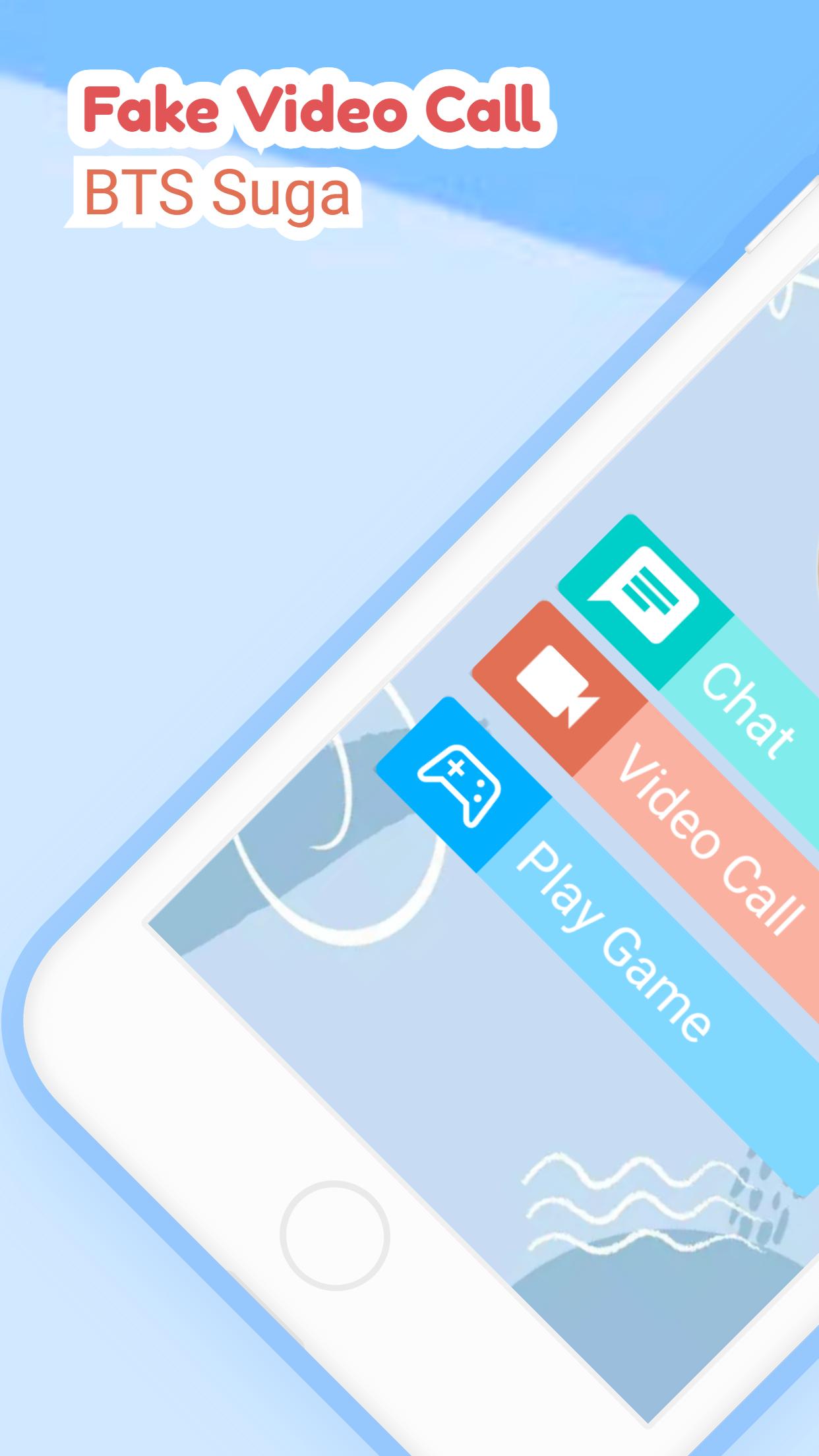
- chat, video call or play puzzle
- simple and easy to use
Feature :
- Suga BTS Puzzle
- Contact BTS Suga
- Chat with BTS Suga
- Video call with BTS Suga
- Prank called by BTS Suga
- Lightweight and easy to use.
Pratinjau

Tag
Gaya hidupInformasi
Pengembang
BAKSO
Versi Terbaru
3.1.0
Terakhir Diperbarui
2022-09-28
Kategori
Gaya hidup
Tersedia di
Google Play
Menampilkan lebih banyak
Cara memainkan BTS Suga | Fake Video Call dengan GameLoop di PC
1. Download GameLoop dari situs resminya, lalu jalankan file exe untuk menginstal GameLoop.
2. Buka GameLoop dan cari “BTS Suga | Fake Video Call”, temukan BTS Suga | Fake Video Call di hasil pencarian dan klik “Install”.
3. Nikmati bermain BTS Suga | Fake Video Call di GameLoop.
Minimum requirements
OS
Windows 8.1 64-bit or Windows 10 64-bit
GPU
GTX 1050
CPU
i3-8300
Memory
8GB RAM
Storage
1GB available space
Recommended requirements
OS
Windows 8.1 64-bit or Windows 10 64-bit
GPU
GTX 1050
CPU
i3-9320
Memory
16GB RAM
Storage
1GB available space