
RHB Mobile Banking for PC
RHB Bank
Unduh RHB Mobile Banking di PC Dengan Emulator GameLoop
RHB Mobile Banking di PC
RHB Mobile Banking, berasal dari pengembang RHB Bank, berjalan di sistem Android di masa lalu.
Sekarang, Anda dapat memainkan RHB Mobile Banking di PC dengan GameLoop dengan lancar.
Unduh di perpustakaan GameLoop atau hasil pencarian. Tidak ada lagi memperhatikan baterai atau panggilan frustasi pada waktu yang salah lagi.
Nikmati saja RHB Mobile Banking PC di layar besar secara gratis!
RHB Mobile Banking Pengantar
RHB Mobile Banking – Banking Right By You!
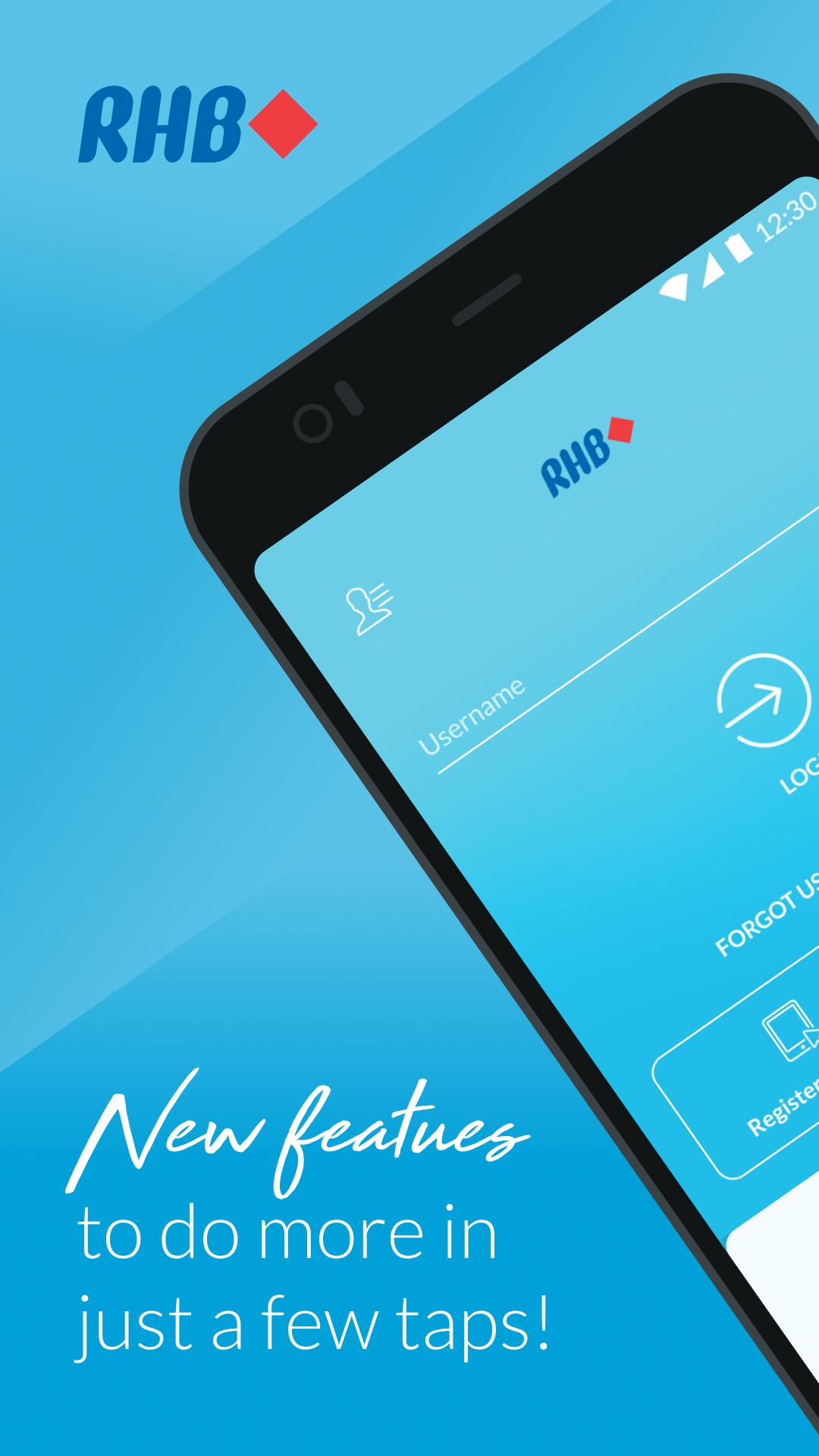
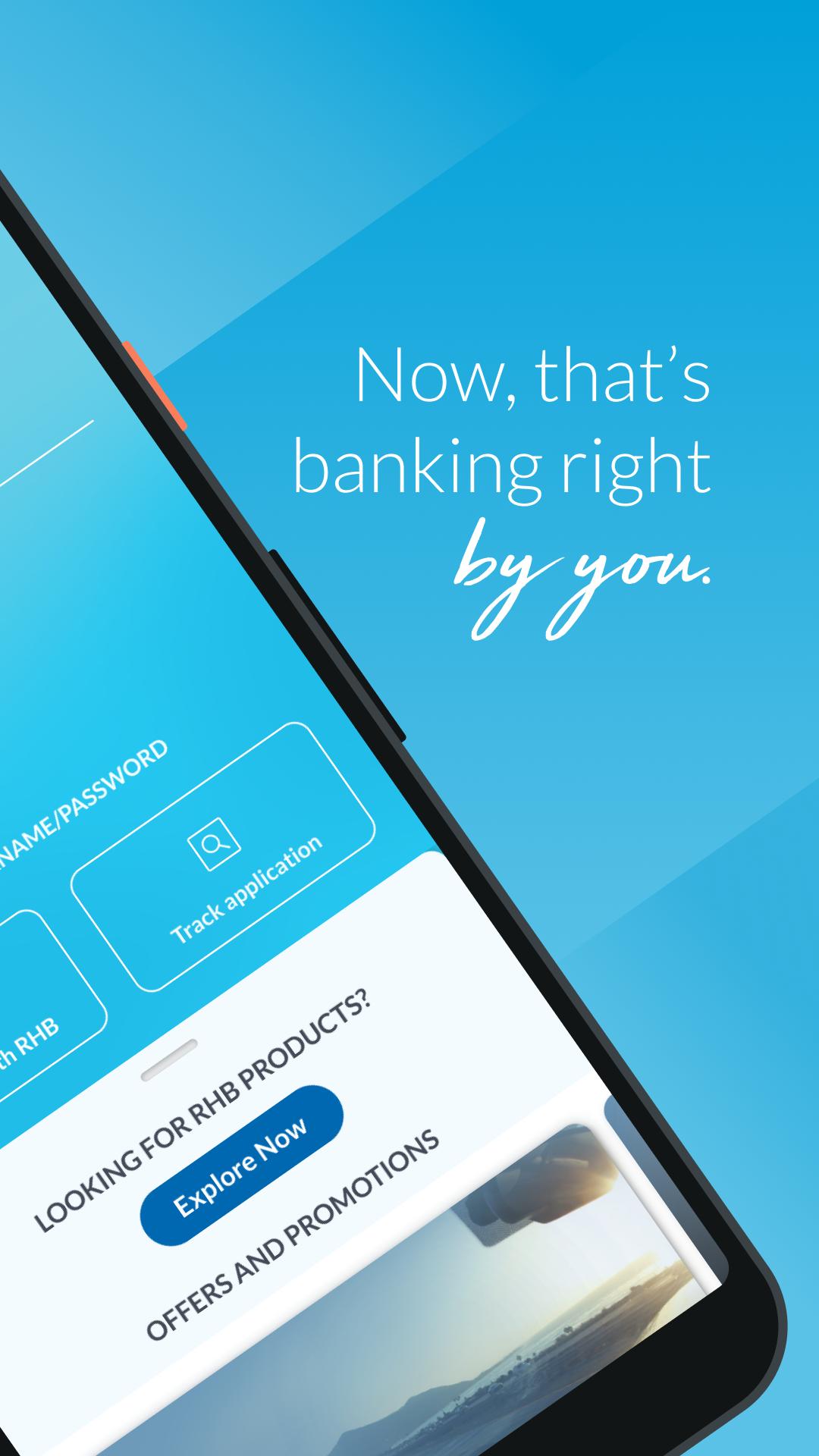
Designed with innovative and intuitive features, the new RHB Mobile Banking App offers unparalleled convenience with simpler and seamless functions.
It’s 24/7 banking that you can enjoy at your convenience – anytime, anywhere.
Perform everyday banking matters on-the-go
• Get important account information at one quick glance
• Download e-statements for your accounts wherever you are
• Pay your favourite individuals and bills with just one tap
• Make seamless QR payments at selected merchants
• Transfer funds securely without OTP
• Collect RHB Loyalty Points from every transaction you make and redeem rewards
• Schedule payments to JomPAY billers and individuals via DuitNow easily
Manage your finances with just a few taps
• Make Term Deposit placements or withdrawals
• Invest in 24 foreign currencies or 2 Precious Metals
• Top up ASNB funds for you and your loved ones
• Get quick cash from your RHB Credit Card’s limit
Customise your account wherever you are
• Update payment limits for your account
• Manage your DuitNow account settings
• Change your card pin and personal details
No RHB Online Banking access?
Download the app and register now. Get your cards ready to register online with us – yes, it’s that simple!
Not a RHB Customer?
Download the app anyway! You can now apply for a RHB Savings or Current Account from home with ID verification. No bank visits, just clicks!
Pratinjau
Tag
KeuanganInformasi
Pengembang
RHB Bank
Versi Terbaru
2.5.0
Terakhir Diperbarui
2022-09-16
Kategori
Keuangan
Tersedia di
Google Play
Menampilkan lebih banyak
Cara memainkan RHB Mobile Banking dengan GameLoop di PC
1. Download GameLoop dari situs resminya, lalu jalankan file exe untuk menginstal GameLoop.
2. Buka GameLoop dan cari “RHB Mobile Banking”, temukan RHB Mobile Banking di hasil pencarian dan klik “Install”.
3. Nikmati bermain RHB Mobile Banking di GameLoop.
Minimum requirements
OS
Windows 8.1 64-bit or Windows 10 64-bit
GPU
GTX 1050
CPU
i3-8300
Memory
8GB RAM
Storage
1GB available space
Recommended requirements
OS
Windows 8.1 64-bit or Windows 10 64-bit
GPU
GTX 1050
CPU
i3-9320
Memory
16GB RAM
Storage
1GB available space