
Sphero Golf for PC
Sphero Inc.
Unduh Sphero Golf di PC Dengan Emulator GameLoop
Sphero Golf di PC
Sphero Golf, berasal dari pengembang Sphero Inc., berjalan di sistem Android di masa lalu.
Sekarang, Anda dapat memainkan Sphero Golf di PC dengan GameLoop dengan lancar.
Unduh di perpustakaan GameLoop atau hasil pencarian. Tidak ada lagi memperhatikan baterai atau panggilan frustasi pada waktu yang salah lagi.
Nikmati saja Sphero Golf PC di layar besar secara gratis!
Sphero Golf Pengantar
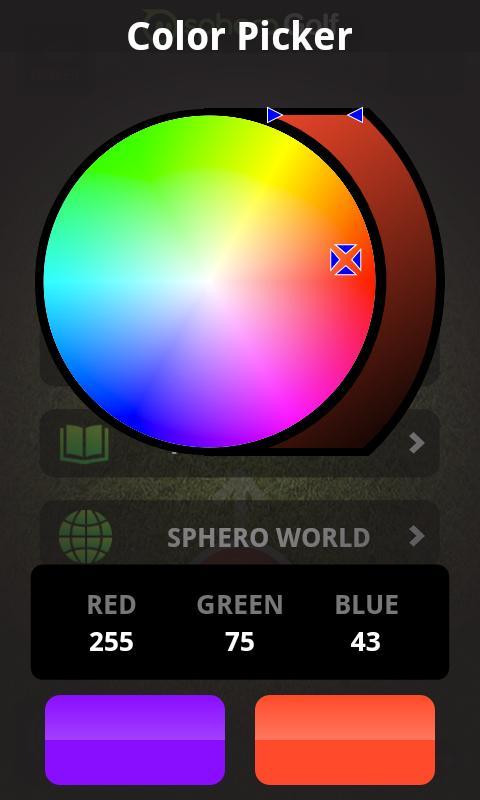
Sphero is the ball and your phone is the club. Create a “hole” then swing your phone or flick a finger to hit. Challenge friends to a round of office golf, create your own course at home, or venture out and make your own course practically anywhere.
You need to own a Sphero Robotic Ball in order to use this application! Visit gosphero.com to get Sphero, learn more from our tutorial videos, or become part of the Sphero community.
For exclusive content and the latest updates, become a fan of Sphero on Facebook at facebook.com/gosphero and follow us on Twitter at @gosphero
Enjoy Golf!
******************************************************
FEATURES:
******************************************************
° Simple putting style game play.
° Choose from Swing or Flick mode.
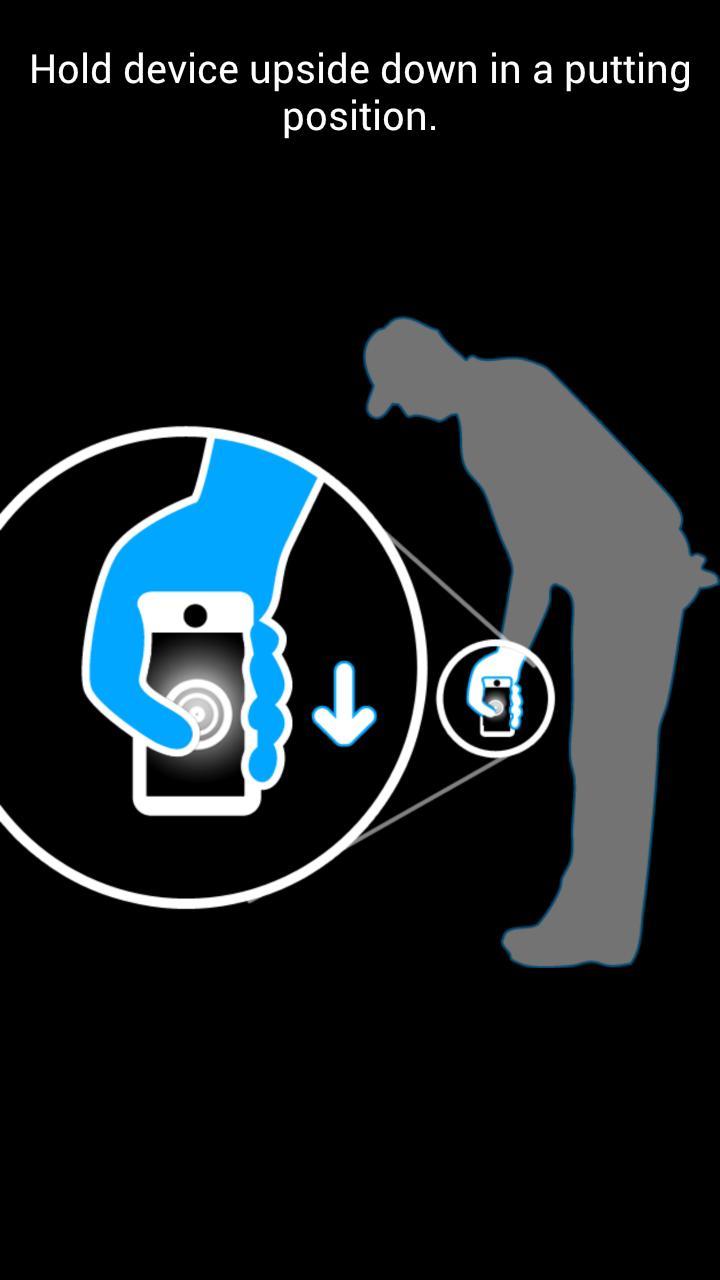
° Use Swing mode to swing your device like a golf club and make Sphero roll.
° Use Flick mode to flick the virtual ball onscreen and make Sphero roll.
° Take practice shots.
° Simple 2-finger gesture to adjust Sphero’s heading.
Pratinjau
Informasi
Pengembang
Sphero Inc.
Versi Terbaru
1.3.3
Terakhir Diperbarui
2014-06-17
Kategori
Hiburan
Tersedia di
Google Play
Menampilkan lebih banyak
Cara memainkan Sphero Golf dengan GameLoop di PC
1. Download GameLoop dari situs resminya, lalu jalankan file exe untuk menginstal GameLoop.
2. Buka GameLoop dan cari “Sphero Golf”, temukan Sphero Golf di hasil pencarian dan klik “Install”.
3. Nikmati bermain Sphero Golf di GameLoop.
Minimum requirements
OS
Windows 8.1 64-bit or Windows 10 64-bit
GPU
GTX 1050
CPU
i3-8300
Memory
8GB RAM
Storage
1GB available space
Recommended requirements
OS
Windows 8.1 64-bit or Windows 10 64-bit
GPU
GTX 1050
CPU
i3-9320
Memory
16GB RAM
Storage
1GB available space