School Minecraft map for PC
BoyCrafter
Unduh School Minecraft map di PC Dengan Emulator GameLoop
School Minecraft map di PC
School Minecraft map, berasal dari pengembang BoyCrafter, berjalan di sistem Android di masa lalu.
Sekarang, Anda dapat memainkan School Minecraft map di PC dengan GameLoop dengan lancar.
Unduh di perpustakaan GameLoop atau hasil pencarian. Tidak ada lagi memperhatikan baterai atau panggilan frustasi pada waktu yang salah lagi.
Nikmati saja School Minecraft map PC di layar besar secara gratis!
School Minecraft map Pengantar
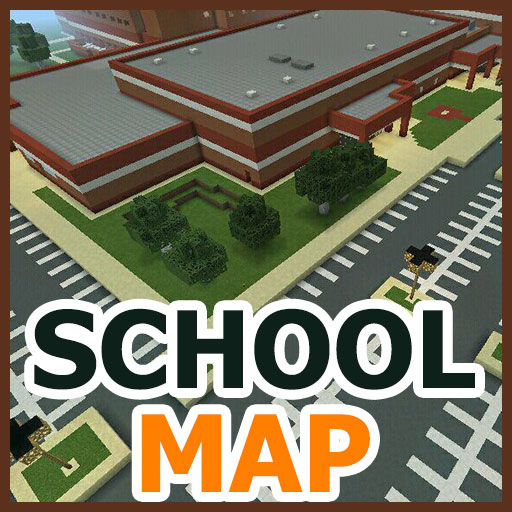
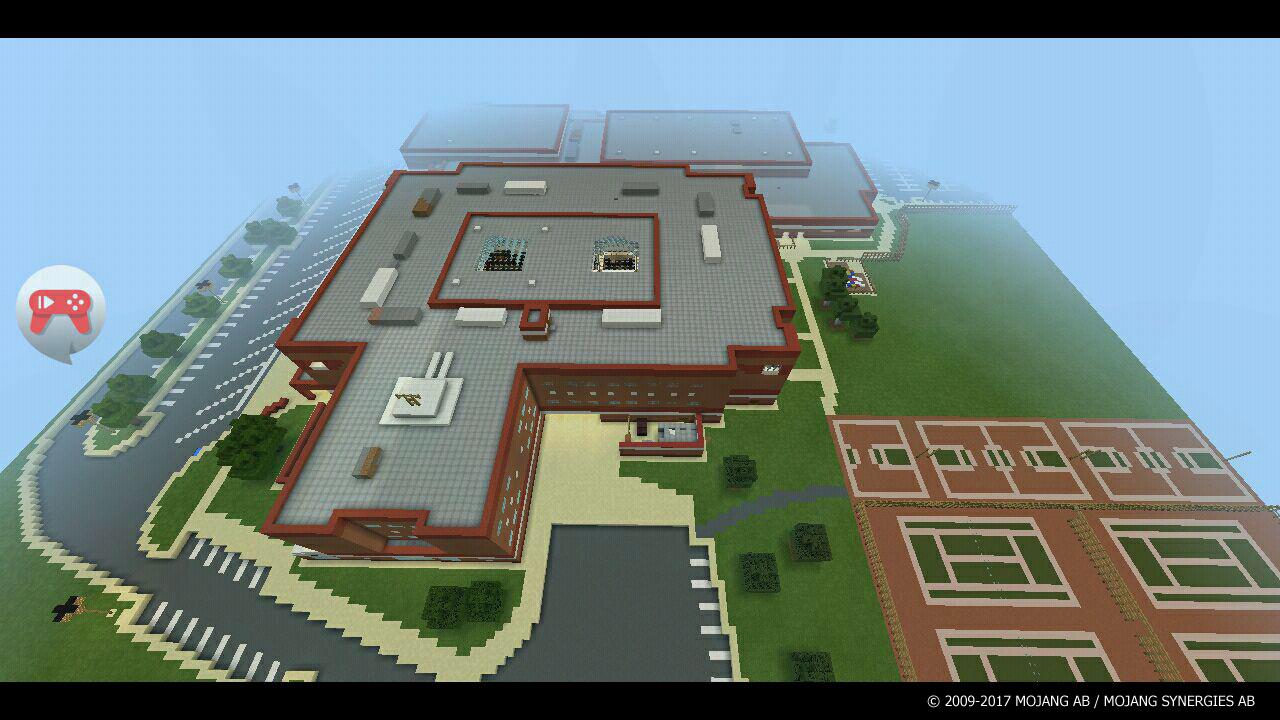
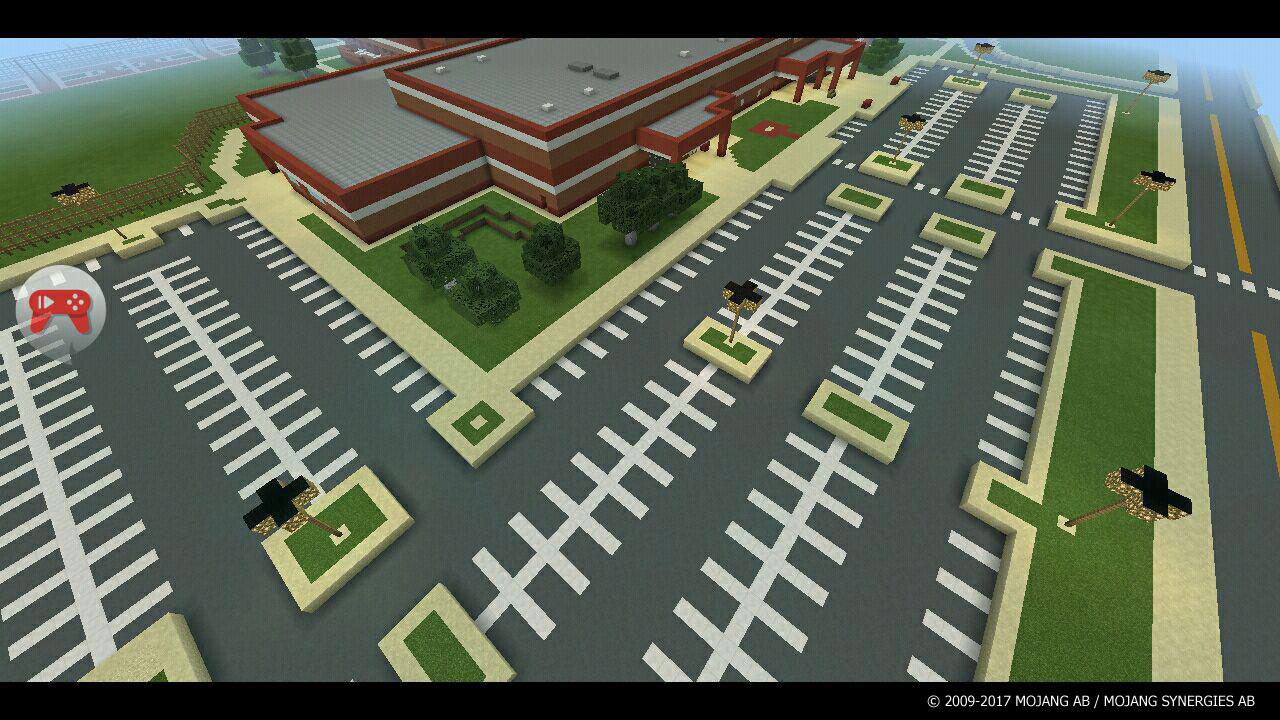
The school map is a stunning map for the Minecraft PE game because it is a reproduction of the real Marriotts Ridge High School! This is a common community school featuring primary and secondary classes, a big car parking, sports ground, and a lawn tennis court. The map boasts 4 floors, infinitely long corridors, a canteen, a gym, and perfect rooms detailing. It is performed in the creative mode, meaning you will just walk along school passages and behave as a schoolboy or as a strict teacher. Drop into the teachers' lounge, sit down to a student table, and start creating chaos around you - isn’t it what you were dreaming of at school? In reality, you would be strictly punished for your sketchy conduct at the lessons, but in the Minecraft incredible world, you are allowed to do anything you wish!
In addition, we suggest you playing hide-and-seek with your friends, since the huge school-yard provides you this opportunity. Here, you even can arrange a PVP battle between teachers and students!
Inside the app, you will find a detailed instruction how to install the map. The School Map supports all Minecraft versions starting with 1.0.+
This is a non-official application. And this application has nothing to do with the Mojang AB Company.
The name, brand, and a trademark of minecraft exclusively belong to the Mojang AB and we highly respect their property. All rights are reserved according to the http://account.mojang.com/documents/brand_guidelines Internet portal.
Pratinjau
Informasi
Pengembang
BoyCrafter
Versi Terbaru
1.0.0
Terakhir Diperbarui
2017-07-13
Kategori
Hiburan
Tersedia di
Google Play
Menampilkan lebih banyak
Cara memainkan School Minecraft map dengan GameLoop di PC
1. Download GameLoop dari situs resminya, lalu jalankan file exe untuk menginstal GameLoop.
2. Buka GameLoop dan cari “School Minecraft map”, temukan School Minecraft map di hasil pencarian dan klik “Install”.
3. Nikmati bermain School Minecraft map di GameLoop.
Minimum requirements
OS
Windows 8.1 64-bit or Windows 10 64-bit
GPU
GTX 1050
CPU
i3-8300
Memory
8GB RAM
Storage
1GB available space
Recommended requirements
OS
Windows 8.1 64-bit or Windows 10 64-bit
GPU
GTX 1050
CPU
i3-9320
Memory
16GB RAM
Storage
1GB available space