Pixel Coloring for PC
Dataverse games
Unduh Pixel Coloring di PC Dengan Emulator GameLoop
Pixel Coloring di PC
Pixel Coloring, berasal dari pengembang Dataverse games, berjalan di sistem Android di masa lalu.
Sekarang, Anda dapat memainkan Pixel Coloring di PC dengan GameLoop dengan lancar.
Unduh di perpustakaan GameLoop atau hasil pencarian. Tidak ada lagi memperhatikan baterai atau panggilan frustasi pada waktu yang salah lagi.
Nikmati saja Pixel Coloring PC di layar besar secara gratis!
Pixel Coloring Pengantar
Pixel Coloring is the best way to pass the time and relax in free time. Enjoy and color hours of fun and relaxation, develop your skill on drawings. Choose from the variety of super fun and cute-looking images, color by number the one you like to create your own album of artworks! Release the inner artist in you with Pixel Coloring!
Features:
- Easy to color. Enjoy intuitive design and smooth performance of coloring book;
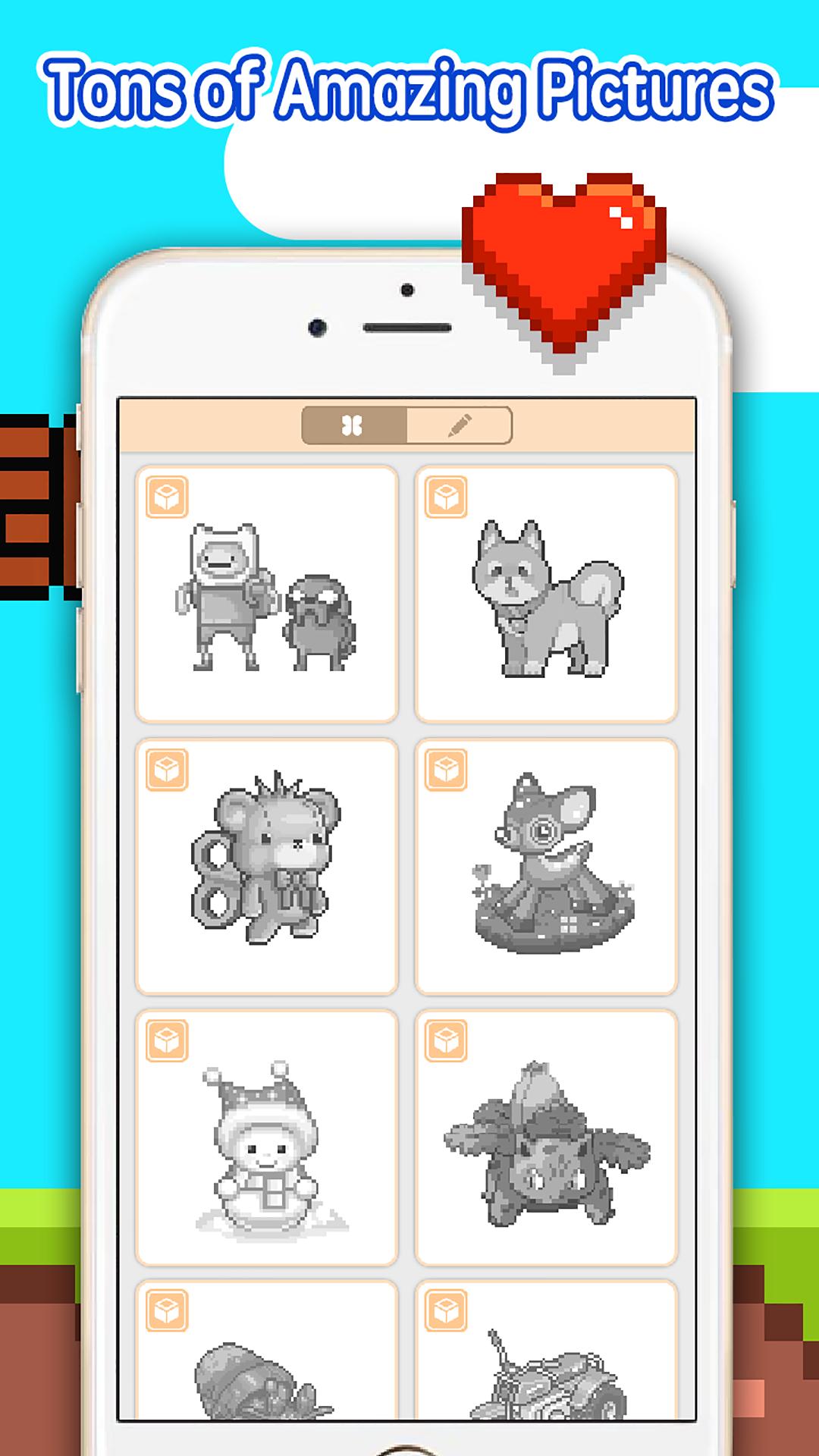
- Suitable for all ages. Lots of coloring page from Animals, Magical Creatures, Cartoon Characters, and more. Even kids will love it;
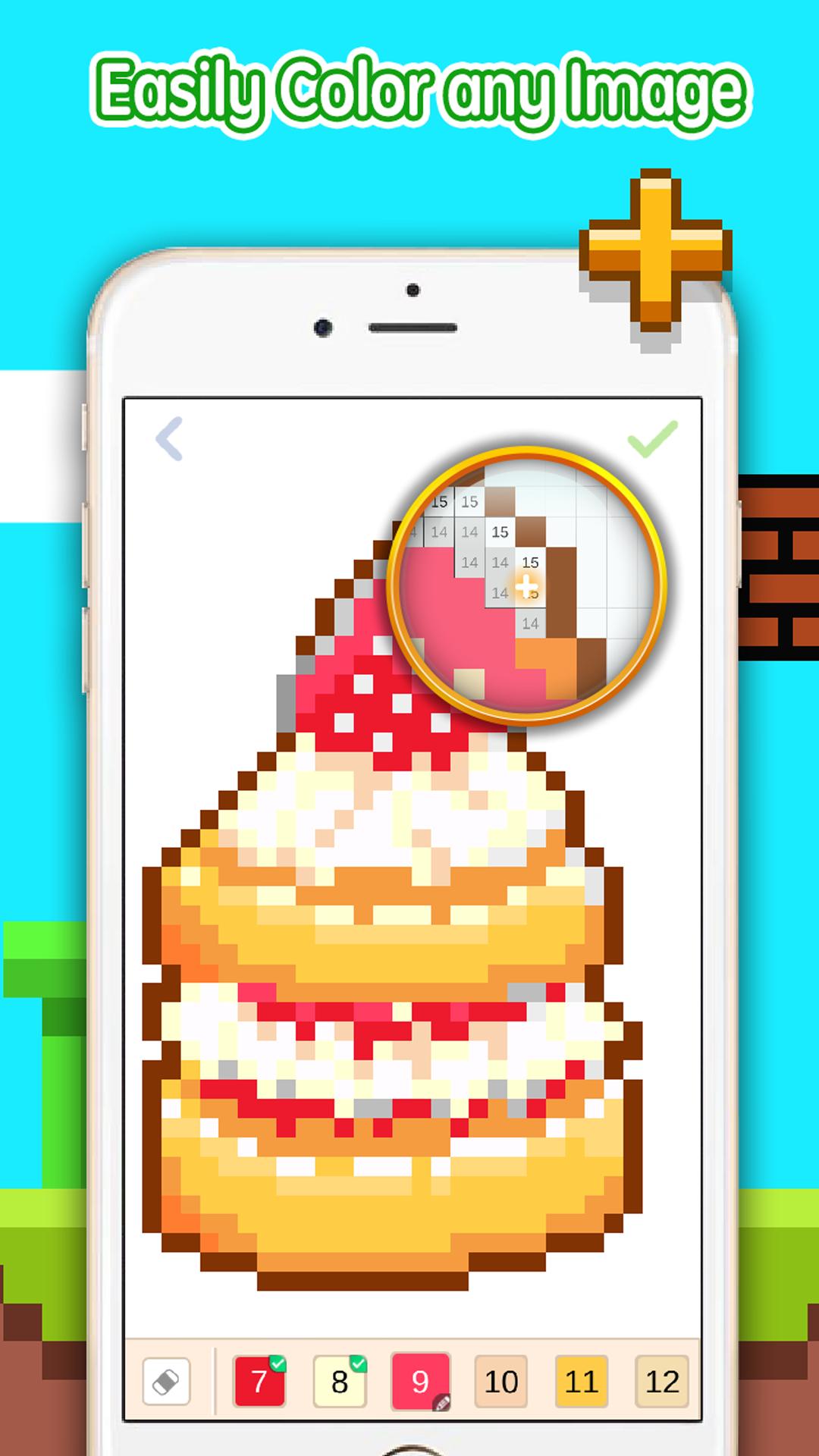
- Magnifying glass. Using magnifying glass makes your coloring easier and more enjoyable than ever;
- Quick sharing. Share your colorful pictures with friends on social networks or email in just one tap.
How to Play Pixel Coloring:
- Choose colors from the palette and fill in the boxes with matching numbers
- Double tap to zoom in the picture, zoom in and out by pinching with two fingers
- Long tap to show magnifying glass and drag to color the boxes
- Slide across the palette with your fingers to discover all colors
Pratinjau
Informasi
Pengembang
Dataverse games
Versi Terbaru
1.1.1
Terakhir Diperbarui
2018-04-16
Kategori
Hiburan
Tersedia di
Google Play
Menampilkan lebih banyak
Cara memainkan Pixel Coloring dengan GameLoop di PC
1. Download GameLoop dari situs resminya, lalu jalankan file exe untuk menginstal GameLoop.
2. Buka GameLoop dan cari “Pixel Coloring”, temukan Pixel Coloring di hasil pencarian dan klik “Install”.
3. Nikmati bermain Pixel Coloring di GameLoop.
Minimum requirements
OS
Windows 8.1 64-bit or Windows 10 64-bit
GPU
GTX 1050
CPU
i3-8300
Memory
8GB RAM
Storage
1GB available space
Recommended requirements
OS
Windows 8.1 64-bit or Windows 10 64-bit
GPU
GTX 1050
CPU
i3-9320
Memory
16GB RAM
Storage
1GB available space