Panasonic TV Remote Control for PC
Peel Technologies Inc.
Unduh Panasonic TV Remote Control di PC Dengan Emulator GameLoop
Panasonic TV Remote Control di PC
Panasonic TV Remote Control, berasal dari pengembang Peel Technologies Inc., berjalan di sistem Android di masa lalu.
Sekarang, Anda dapat memainkan Panasonic TV Remote Control di PC dengan GameLoop dengan lancar.
Unduh di perpustakaan GameLoop atau hasil pencarian. Tidak ada lagi memperhatikan baterai atau panggilan frustasi pada waktu yang salah lagi.
Nikmati saja Panasonic TV Remote Control PC di layar besar secara gratis!
Panasonic TV Remote Control Pengantar
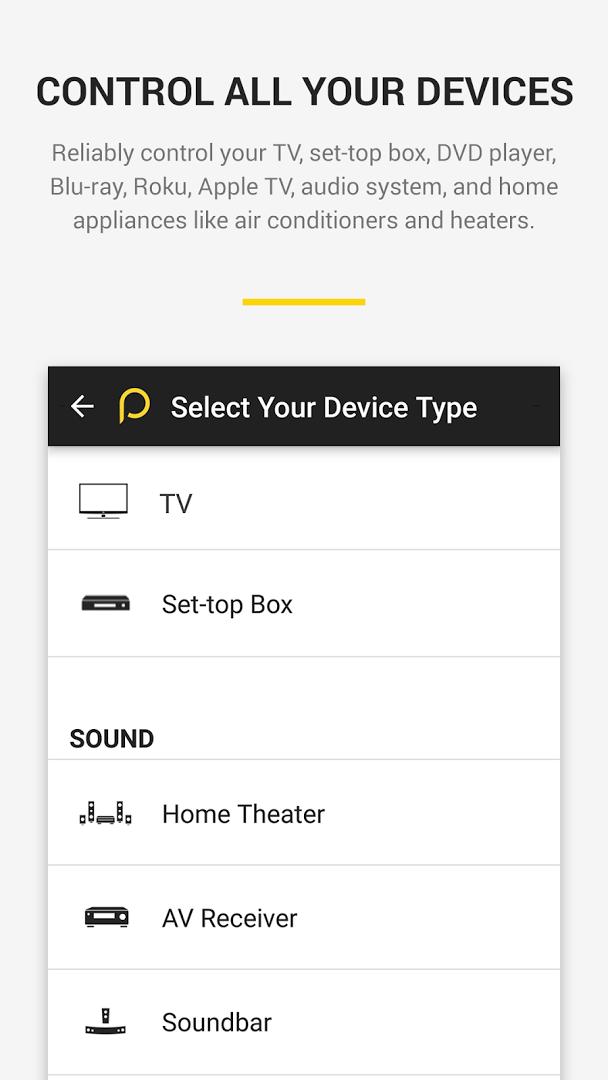
Use your smartphone to control your TV, Cable / Satellite box and many more devices! This remote app can control all popular brands of :
TVs - Panasonic, Samsung, LG, Sony, Vizio, Toshiba etc.,
Cable/Satellite box - Comcast, Dish, DirecTV, , DirectTV etc.
Streaming Media players - Apple TV, Roku, XBox, Chromecast
Home appliances ( AC and Heaters) - Samsung, LG, Panasonic . etc.
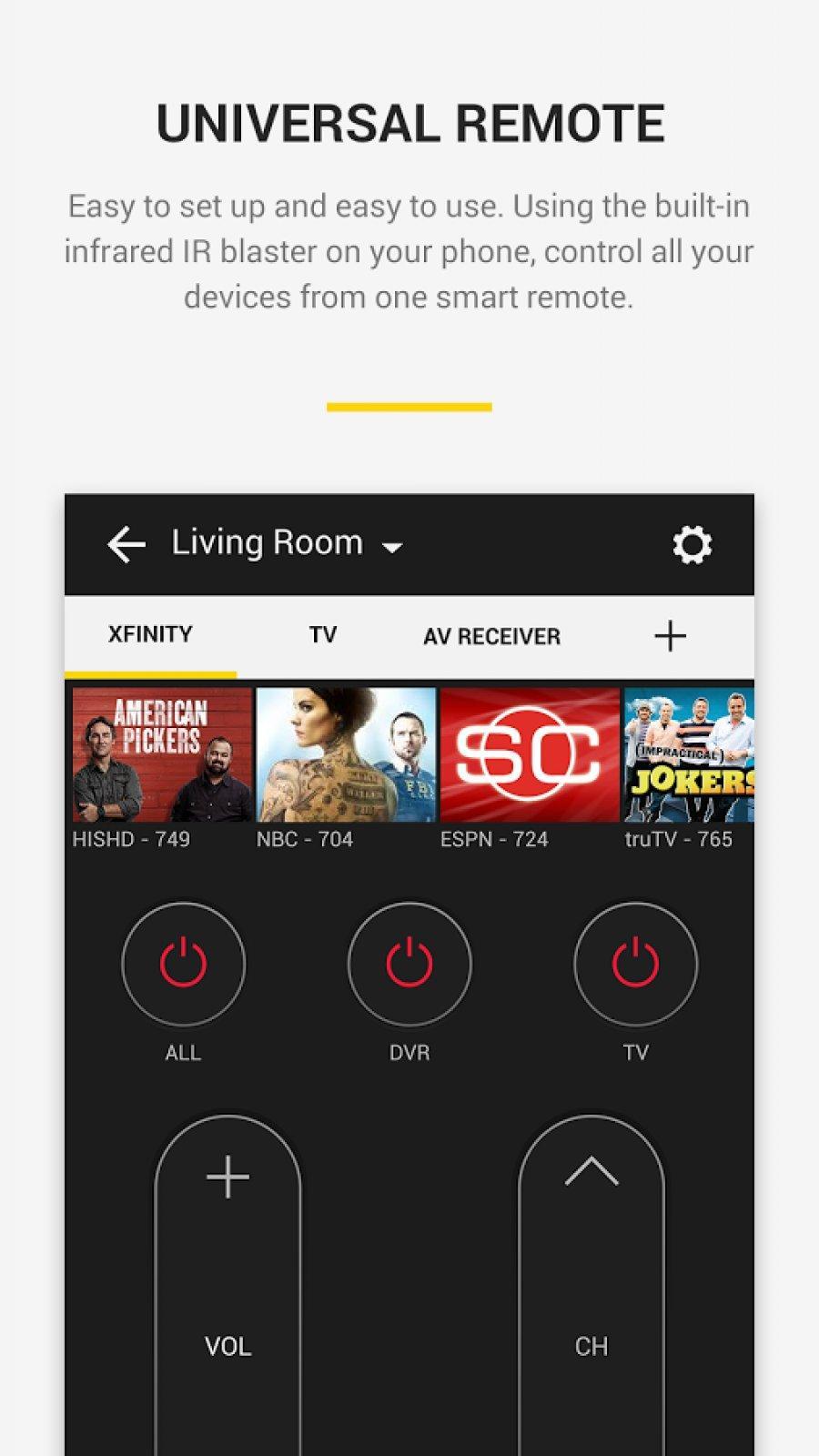
This remote uses built-in IR hardware on phone models such as LG G2/G4/G5, Huawei Honor 7 / 8, Xiaomi Mi 4 / 5 / Redmi and many more. For phones without the IR hardware such as Samsung S8 and S7, it uses WiFi to discover and control devices.
Easy to setup
• This app automatically sets up all the devices in your Wi-Fi network which can be controlled through IR
o Else, you can setup Remotes for your TV and cable / Satellite box and use your phone to control your TV and DTH / Cable box.
This app enables You to
• Use the remote widget on the lock screen to do basic control of TV and Satellite box
• Use the full remote on tapping the yellow bubble
• Tune into your favorite shows / movies by tapping on the show images
• Get a list of shows, games and movies which are 'Trending Now' and you 'Recently Watched Channels' , just tune into those shows by tapping on shows
• Get ribbons of shows of each genre
• Set up reminders to watch your favorite shows /Games / Movies
• Search your favorite shows /sport teams /channels
• Get Notifications on popular sports games, Movie premieres and Show premieres, on tapping them, you will into those shows
• Browse the channel guide and see the schedules of your favorite channels.
• See trailers, highlights, short clips of your favorite shows in the 'Videos' section.
Pratinjau
Informasi
Pengembang
Peel Technologies Inc.
Versi Terbaru
10.7.7.0
Terakhir Diperbarui
2019-05-10
Kategori
Hiburan
Tersedia di
Google Play
Menampilkan lebih banyak
Cara memainkan Panasonic TV Remote Control dengan GameLoop di PC
1. Download GameLoop dari situs resminya, lalu jalankan file exe untuk menginstal GameLoop.
2. Buka GameLoop dan cari “Panasonic TV Remote Control”, temukan Panasonic TV Remote Control di hasil pencarian dan klik “Install”.
3. Nikmati bermain Panasonic TV Remote Control di GameLoop.
Minimum requirements
OS
Windows 8.1 64-bit or Windows 10 64-bit
GPU
GTX 1050
CPU
i3-8300
Memory
8GB RAM
Storage
1GB available space
Recommended requirements
OS
Windows 8.1 64-bit or Windows 10 64-bit
GPU
GTX 1050
CPU
i3-9320
Memory
16GB RAM
Storage
1GB available space