NameSake Radio for PC
My Radio Pal
Unduh NameSake Radio di PC Dengan Emulator GameLoop
NameSake Radio di PC
NameSake Radio, berasal dari pengembang My Radio Pal, berjalan di sistem Android di masa lalu.
Sekarang, Anda dapat memainkan NameSake Radio di PC dengan GameLoop dengan lancar.
Unduh di perpustakaan GameLoop atau hasil pencarian. Tidak ada lagi memperhatikan baterai atau panggilan frustasi pada waktu yang salah lagi.
Nikmati saja NameSake Radio PC di layar besar secara gratis!
NameSake Radio Pengantar
Your San Cielo Source for Music, News, and Special Events! Experience the direct relationship between artists and listeners all over again with a wide variety of music you love and music you've never heard! Radio shows, Interviews, Live reporting and more. It's all here at NameSake Radio... aren't you listening yet?
San Cielo, CA is a fictional city where heroes are real and NameSake Radio is a real part of that city! Find out what the snobby Starborn are up to, Listen to one of our DJs performing a live broadcast of an in-world mission taking place. It is a real-time experience of a world you never knew existed! You might even hear a commercial or two for Robot Rob's Used Cybernetics, or Klub Ka0s. Tune In to the fun!
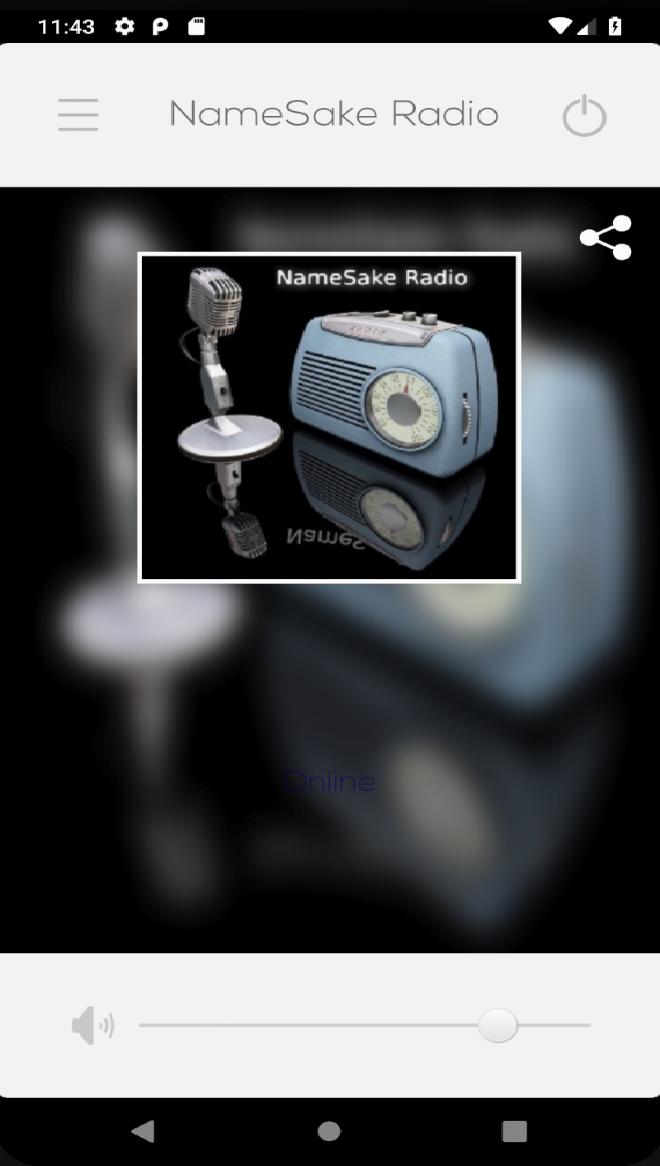
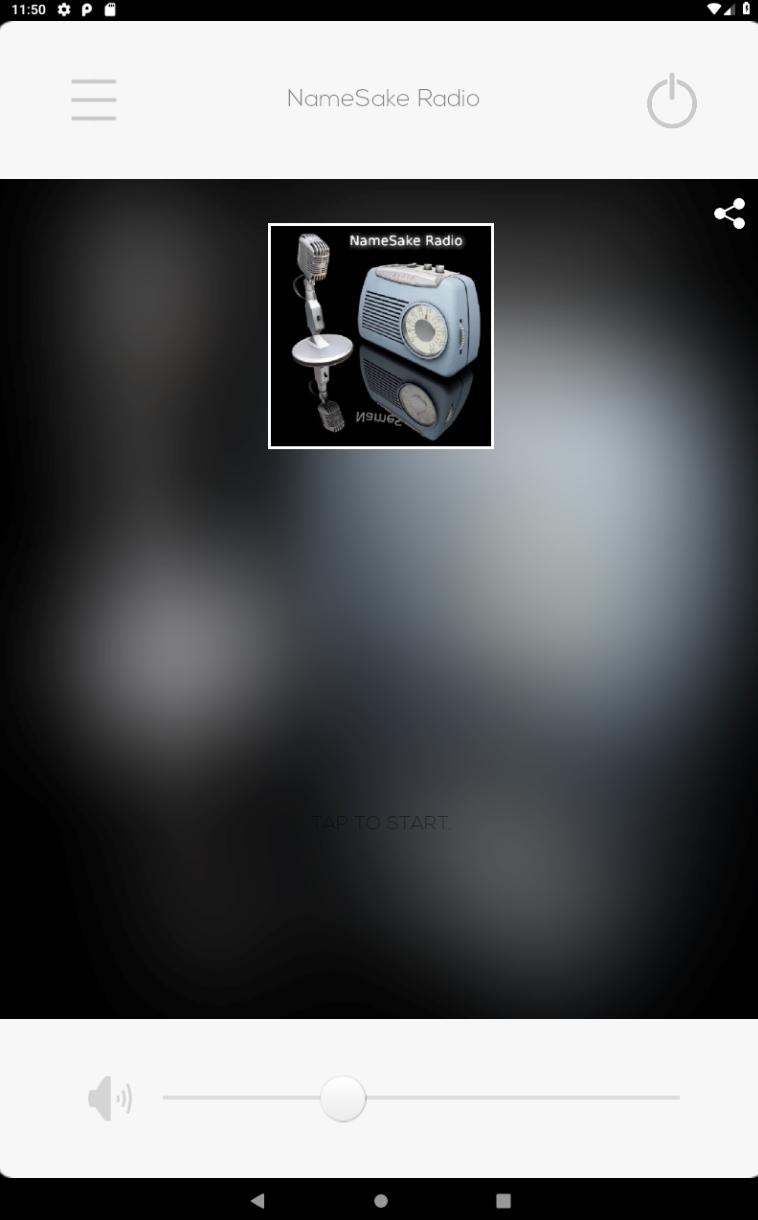
Pratinjau
Tag
HiburanInformasi
Pengembang
My Radio Pal
Versi Terbaru
1.0
Terakhir Diperbarui
2019-06-01
Kategori
Hiburan
Tersedia di
Google Play
Menampilkan lebih banyak
Cara memainkan NameSake Radio dengan GameLoop di PC
1. Download GameLoop dari situs resminya, lalu jalankan file exe untuk menginstal GameLoop.
2. Buka GameLoop dan cari “NameSake Radio”, temukan NameSake Radio di hasil pencarian dan klik “Install”.
3. Nikmati bermain NameSake Radio di GameLoop.
Minimum requirements
OS
Windows 8.1 64-bit or Windows 10 64-bit
GPU
GTX 1050
CPU
i3-8300
Memory
8GB RAM
Storage
1GB available space
Recommended requirements
OS
Windows 8.1 64-bit or Windows 10 64-bit
GPU
GTX 1050
CPU
i3-9320
Memory
16GB RAM
Storage
1GB available space