Game Updates for PC
CProductions
Unduh Game Updates di PC Dengan Emulator GameLoop
Game Updates di PC
Game Updates, berasal dari pengembang CProductions, berjalan di sistem Android di masa lalu.
Sekarang, Anda dapat memainkan Game Updates di PC dengan GameLoop dengan lancar.
Unduh di perpustakaan GameLoop atau hasil pencarian. Tidak ada lagi memperhatikan baterai atau panggilan frustasi pada waktu yang salah lagi.
Nikmati saja Game Updates PC di layar besar secara gratis!
Game Updates Pengantar
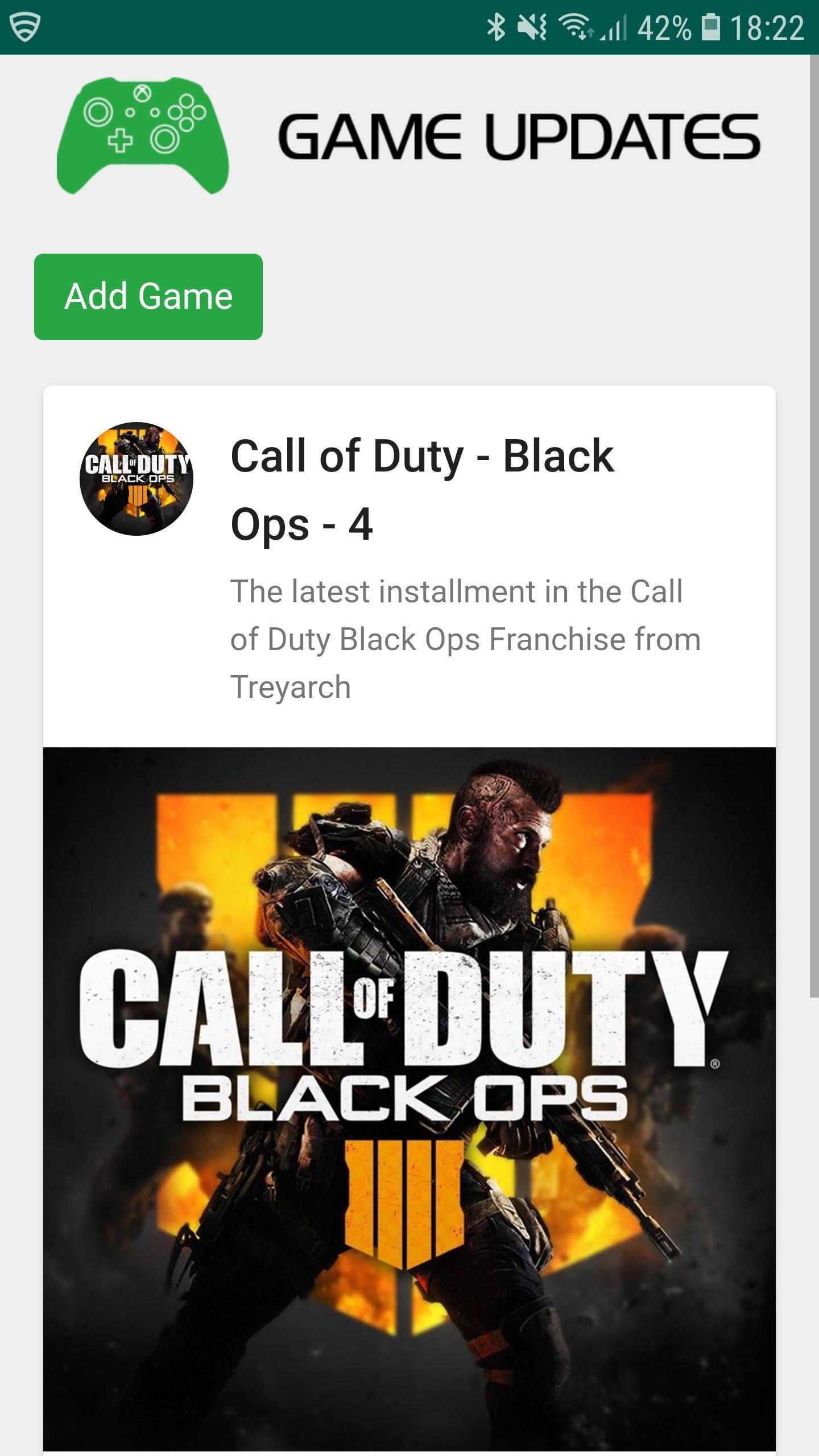
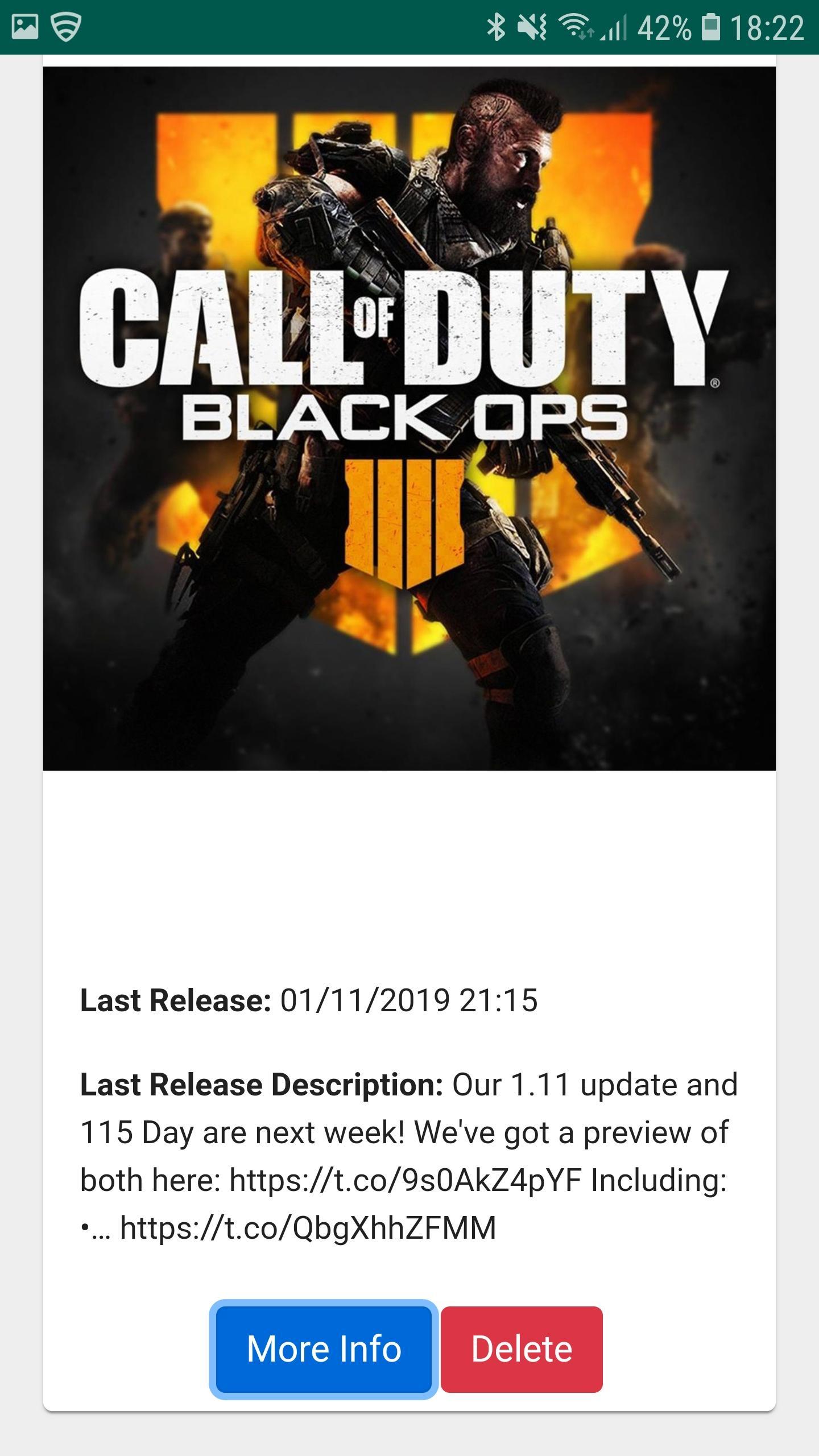
Game Updates shows you patch notes, change logs, update dates from your favourite games, all in one easy to see app.
Simply choose your favourite games and Game Updates will do the rest, showing you a list of your games along with when the last patch was released and what was included (bug fixes and features) allowing you to stay better informed about updates to your favourite games.
Fed up of waiting for your playstation, xbox or pc to download updates? Now you can plan when to update your game by being notified when game updates have been published - which maximises your game play time. Don't waste your valuable game play time by waiting for game updates.
1. Be Notified of your Game being updated via Game Updates App.
2. Turn on your Console / PC to Update your favourite game whilst you make some bacon and coffee.
3. Eat bacon and drink coffee.
4. Return to Console / PC to enjoy your updated game.
Download Game Updates today and never miss a PS4, Xbox One, Nintendo Switch, PC or Console Game Update again.
Pratinjau
Informasi
Pengembang
CProductions
Versi Terbaru
1.2
Terakhir Diperbarui
2019-05-19
Kategori
Hiburan
Tersedia di
Google Play
Menampilkan lebih banyak
Cara memainkan Game Updates dengan GameLoop di PC
1. Download GameLoop dari situs resminya, lalu jalankan file exe untuk menginstal GameLoop.
2. Buka GameLoop dan cari “Game Updates”, temukan Game Updates di hasil pencarian dan klik “Install”.
3. Nikmati bermain Game Updates di GameLoop.
Minimum requirements
OS
Windows 8.1 64-bit or Windows 10 64-bit
GPU
GTX 1050
CPU
i3-8300
Memory
8GB RAM
Storage
1GB available space
Recommended requirements
OS
Windows 8.1 64-bit or Windows 10 64-bit
GPU
GTX 1050
CPU
i3-9320
Memory
16GB RAM
Storage
1GB available space