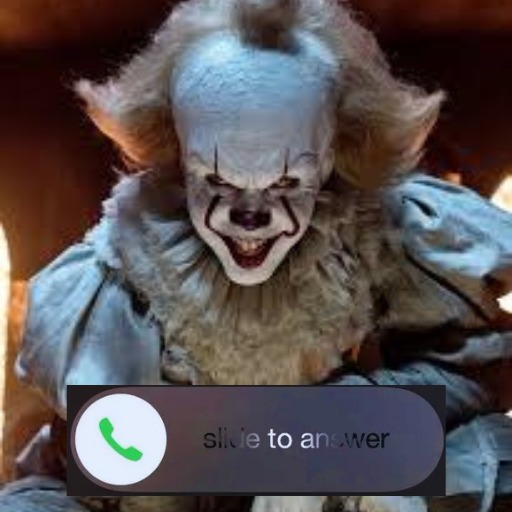
Creepy Pennywise Video Call for PC
Unique App Solutions
Unduh Creepy Pennywise Video Call di PC Dengan Emulator GameLoop
Creepy Pennywise Video Call di PC
Creepy Pennywise Video Call, berasal dari pengembang Unique App Solutions, berjalan di sistem Android di masa lalu.
Sekarang, Anda dapat memainkan Creepy Pennywise Video Call di PC dengan GameLoop dengan lancar.
Unduh di perpustakaan GameLoop atau hasil pencarian. Tidak ada lagi memperhatikan baterai atau panggilan frustasi pada waktu yang salah lagi.
Nikmati saja Creepy Pennywise Video Call PC di layar besar secara gratis!
Creepy Pennywise Video Call Pengantar
Today you can prank with your friends and show them that you just had a call with Pennywise (scary clown).
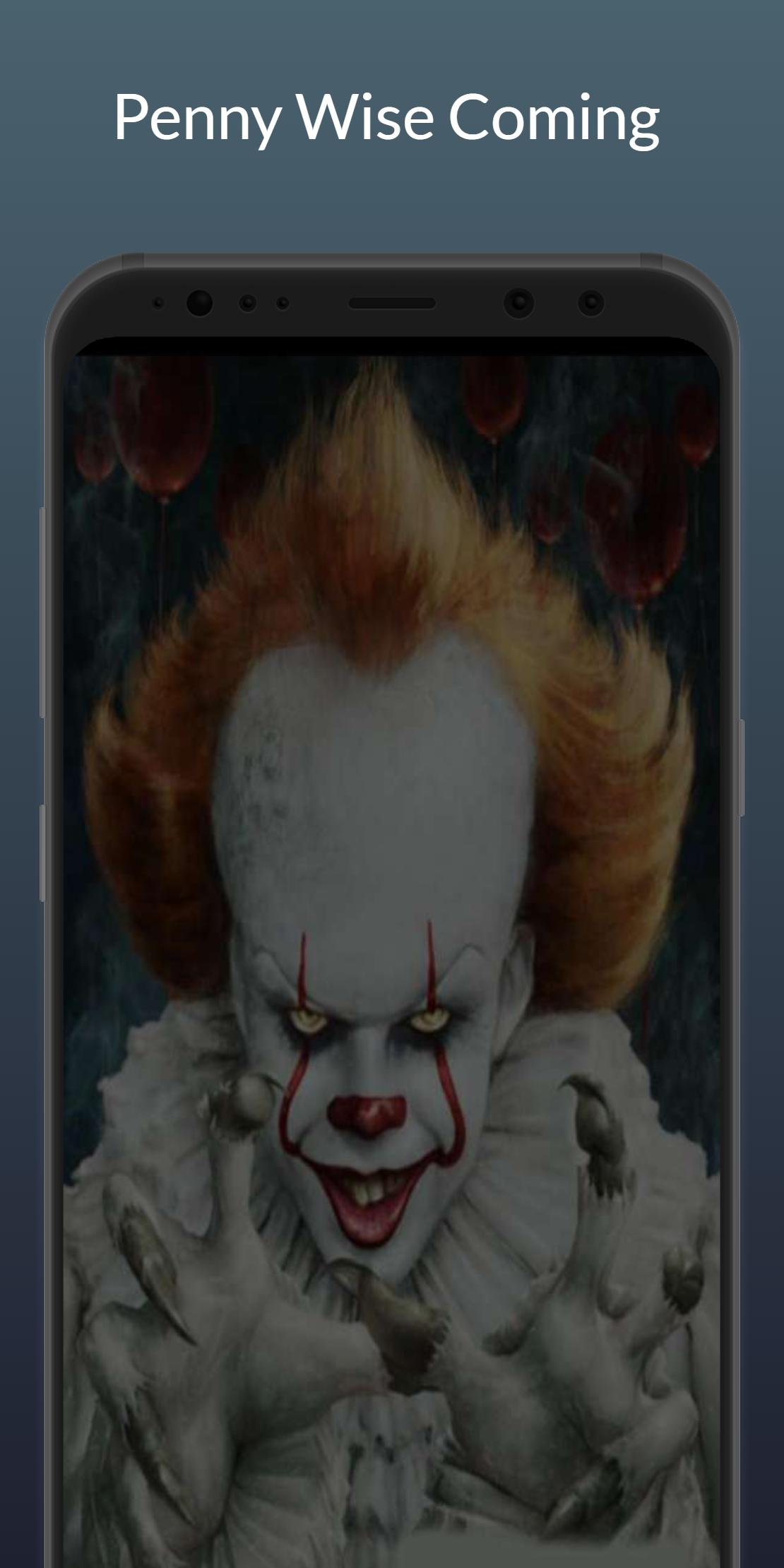
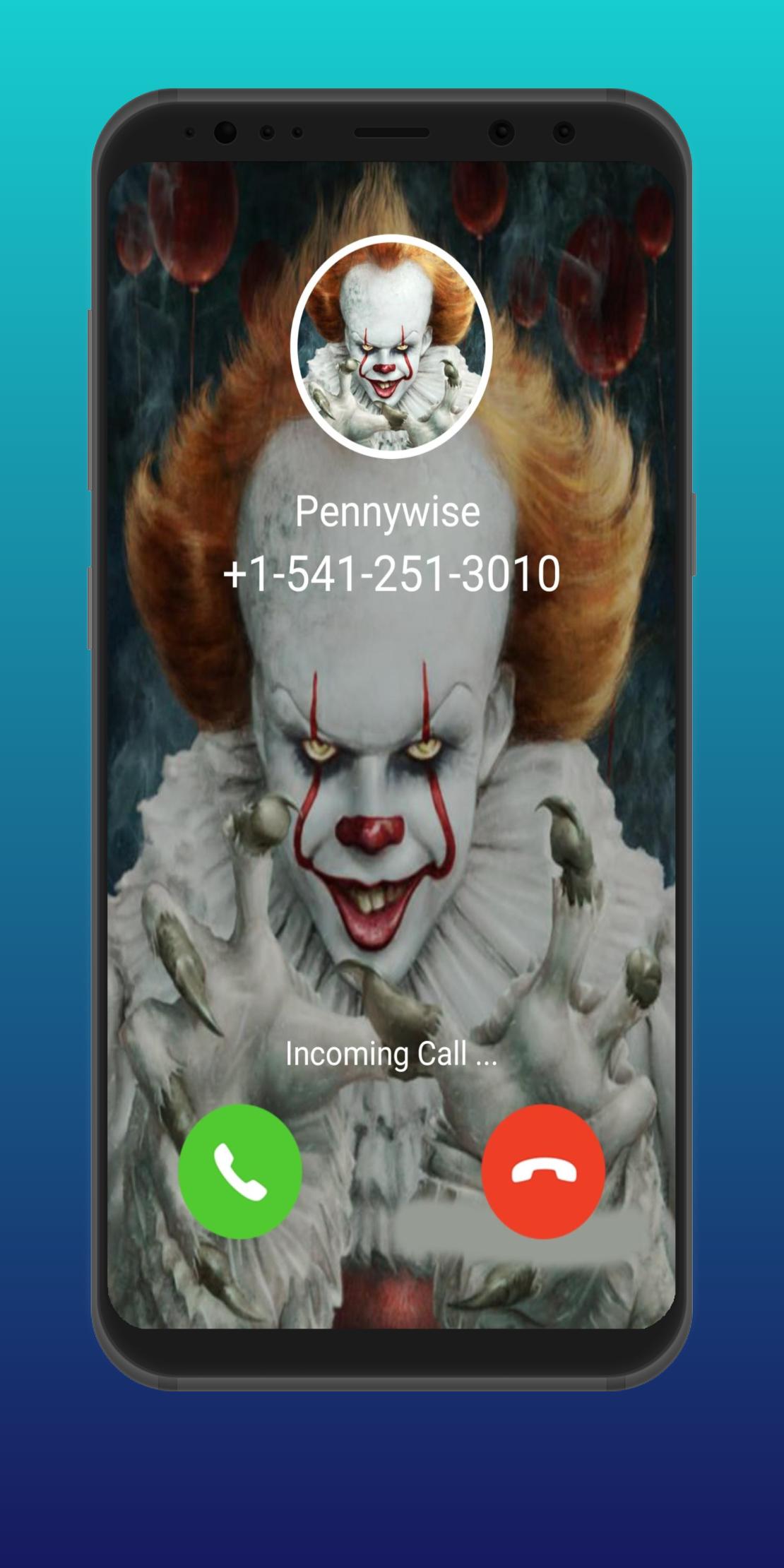
Fake Call Penny wise is a simple yet amazing prank caller app that lets you start a prank call from a Penny-wise character as if it’s a real Penny-wise calling you on your phone.
fake Video Call from Creepy Annabelle Doll. Surprised and Prank with your friend & family with creepy fake voice, video calls & chat.
Creepy Pennywise ☎️ Calling Me - Fake Call with Scary Clown App Feature: -
- Video Call from Creepy Pennywise
- Voice Call from Creepy Pennywise
- Chat With Creepy Pennywise
- Simulation Call
- Set timing for prank call
When a Penny-wise calls on your phone, you will listen to your phone’s regular ringtone with a Penny-wise photo and when you attend the call, you will see a scary Penny-wise video and the scariest ever Penny-wise sounds from the other side of the phone call from Penny wise.
DISCLAIMER: -
This is not a real call. just for fun and entertainment yourself. this (Creepy Pennywise ☎️ Calling Me - Fake Call with Scary Clown) app is not affiliated with any company.
If you love adventures, you will love starting a prank call from Penny wise. It is also suited for anyone who wants to play a prank with their friends to scare them.
If you liked this app (Creepy Pennywise ☎️ Calling Me - Fake Call with Scary Clown) then please rate ⭐⭐⭐⭐⭐ for us.
Pratinjau
Tag
HiburanInformasi
Pengembang
Unique App Solutions
Versi Terbaru
1.0
Terakhir Diperbarui
2022-10-13
Kategori
Hiburan
Tersedia di
Google Play
Menampilkan lebih banyak
Cara memainkan Creepy Pennywise Video Call dengan GameLoop di PC
1. Download GameLoop dari situs resminya, lalu jalankan file exe untuk menginstal GameLoop.
2. Buka GameLoop dan cari “Creepy Pennywise Video Call”, temukan Creepy Pennywise Video Call di hasil pencarian dan klik “Install”.
3. Nikmati bermain Creepy Pennywise Video Call di GameLoop.
Minimum requirements
OS
Windows 8.1 64-bit or Windows 10 64-bit
GPU
GTX 1050
CPU
i3-8300
Memory
8GB RAM
Storage
1GB available space
Recommended requirements
OS
Windows 8.1 64-bit or Windows 10 64-bit
GPU
GTX 1050
CPU
i3-9320
Memory
16GB RAM
Storage
1GB available space