Animatronik mod Minecraft for PC
Minecraft Master Mod
Unduh Animatronik mod Minecraft di PC Dengan Emulator GameLoop
Animatronik mod Minecraft di PC
Animatronik mod Minecraft, berasal dari pengembang Minecraft Master Mod, berjalan di sistem Android di masa lalu.
Sekarang, Anda dapat memainkan Animatronik mod Minecraft di PC dengan GameLoop dengan lancar.
Unduh di perpustakaan GameLoop atau hasil pencarian. Tidak ada lagi memperhatikan baterai atau panggilan frustasi pada waktu yang salah lagi.
Nikmati saja Animatronik mod Minecraft PC di layar besar secara gratis!
Animatronik mod Minecraft Pengantar
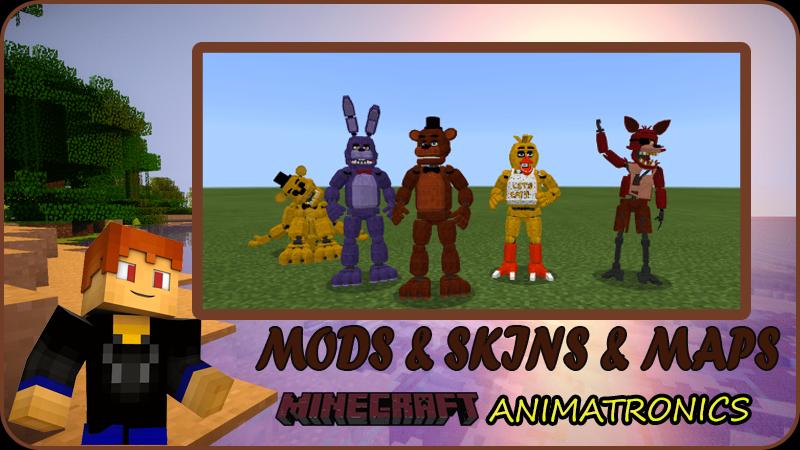
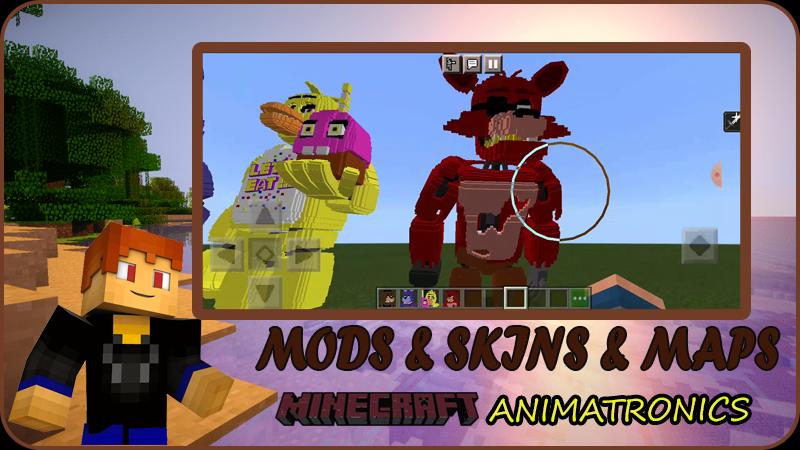
Animatronics' Five Nights at Freddy's: Sister Location map adds rendered voices, scary sounds and scary textures.
As soon as you start the game with the fnf mod, you will hear the voice of the narrator. He will help you progress through the game.
Always be ready. You will always be pursued by the scary Animatronics !!!!!!
Funny fnf robots do not like jokes, despite their funny appearance. FNF animatronics wants to spread fear and terror in the Minecraft world.
FNF for Minecraft PE will give you the opportunity to have fun and easy time with your friends in an unusual world.
Download now and enjoy horror games freddy Minecraft PE on your smartphone or tablet without connecting to Minecraft servers.
Ready for an adventure? If yes, then invite your friends and play with them.
Features of fnaf world for MCPE:
- Installation on your phone in a couple of clicks;
- Work Minecraft fnaf mod offline !!!
- Support for all versions of Android;
- Easy and understandable installation instructions;
- Mod does not require a block launcher;
- Master Mods includes: fnaf 2, fnaf 6, fnaf 4, fnaf 3, and many more.
Install Animatronics 4 nights at freddy's mod and share your impressions in the comments and with your friends.
DISCLAIMER: This Minecraft fnaf mod is not an official Minecraft product. Not endorsed or affiliated with Mojang.
Pratinjau
Tag
HiburanInformasi
Pengembang
Minecraft Master Mod
Versi Terbaru
3.13
Terakhir Diperbarui
2021-12-08
Kategori
Hiburan
Tersedia di
Google Play
Menampilkan lebih banyak
Cara memainkan Animatronik mod Minecraft dengan GameLoop di PC
1. Download GameLoop dari situs resminya, lalu jalankan file exe untuk menginstal GameLoop.
2. Buka GameLoop dan cari “Animatronik mod Minecraft”, temukan Animatronik mod Minecraft di hasil pencarian dan klik “Install”.
3. Nikmati bermain Animatronik mod Minecraft di GameLoop.
Minimum requirements
OS
Windows 8.1 64-bit or Windows 10 64-bit
GPU
GTX 1050
CPU
i3-8300
Memory
8GB RAM
Storage
1GB available space
Recommended requirements
OS
Windows 8.1 64-bit or Windows 10 64-bit
GPU
GTX 1050
CPU
i3-9320
Memory
16GB RAM
Storage
1GB available space