Horror Skins for Minecraft for PC
padadangpul
Unduh Horror Skins for Minecraft di PC Dengan Emulator GameLoop
Horror Skins for Minecraft di PC
Horror Skins for Minecraft, berasal dari pengembang padadangpul, berjalan di sistem Android di masa lalu.
Sekarang, Anda dapat memainkan Horror Skins for Minecraft di PC dengan GameLoop dengan lancar.
Unduh di perpustakaan GameLoop atau hasil pencarian. Tidak ada lagi memperhatikan baterai atau panggilan frustasi pada waktu yang salah lagi.
Nikmati saja Horror Skins for Minecraft PC di layar besar secara gratis!
Horror Skins for Minecraft Pengantar
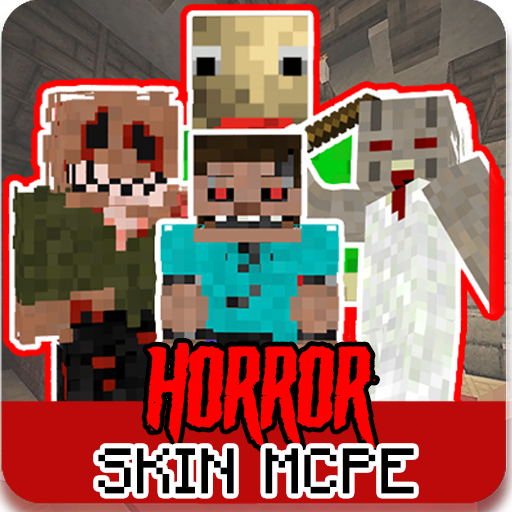
Hello! welcome to Horror Skin for Minecraft. there is more than 100+ skin of Horror Skin for minecraft from horror films. animatronic
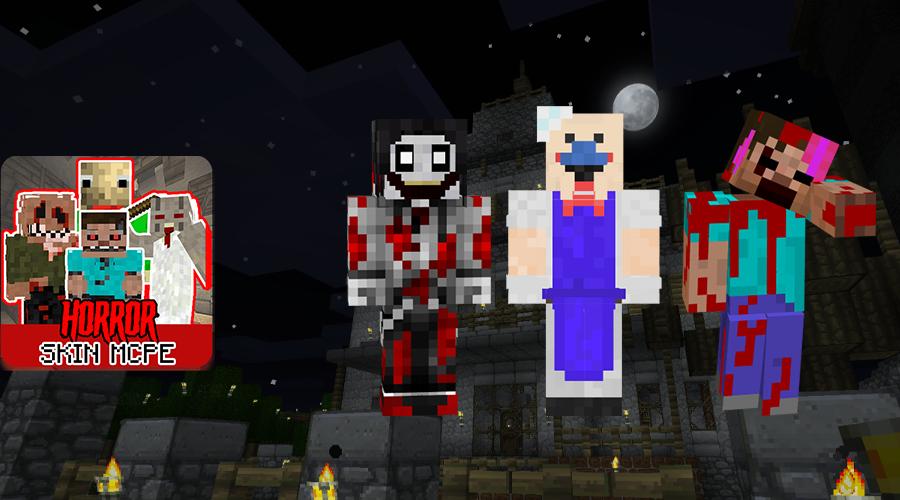
Also there is some popular and famous character like granny, slenderman, enderman, animatronic, bald guy and other horror skin.
In This Horror Skin for Minecraft app. you can find the newest and the best Horror Skin for minecraft. if you playing with your friends. you friends might be jealous with you!! because you using the best Horror Skin for Minecraft dude.
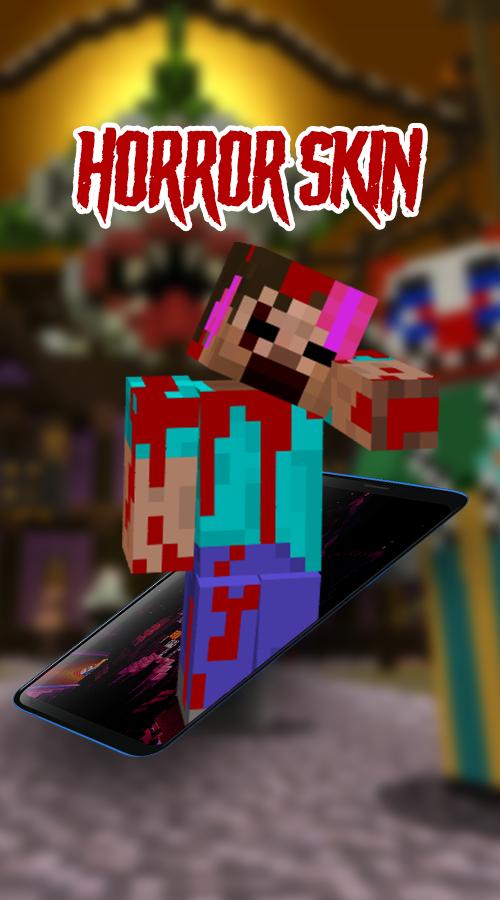
there is some skin that really scary like demon skin, devil lucifer skin or maybe clown peny skin.
Feature:
- More than 100+ Skin
- Weekly Update Skin
- Easy to Use
- Newest Horror Skins
install Horror Skins for Minecraft app and you'll find amazing horror skin, scary skin, animatronic skins, granny skins, freddy skins, jason skins, enderman skins, and other monster skins.
DISCLAIMER:
This is an unofficial application for Minecraft. This application is in no way affiliated with Mojang AB.
The name Minecraft, the Minecraft brand and Minecraft assets are the property of Mojang AB or their respected owner.
All rights reserved. According to http://account.mojang.com/documents/brand_guidelines
Pratinjau
Informasi
Pengembang
padadangpul
Versi Terbaru
3.1.2
Terakhir Diperbarui
2020-07-10
Kategori
Hiburan
Tersedia di
Google Play
Menampilkan lebih banyak
Cara memainkan Horror Skins for Minecraft dengan GameLoop di PC
1. Download GameLoop dari situs resminya, lalu jalankan file exe untuk menginstal GameLoop.
2. Buka GameLoop dan cari “Horror Skins for Minecraft”, temukan Horror Skins for Minecraft di hasil pencarian dan klik “Install”.
3. Nikmati bermain Horror Skins for Minecraft di GameLoop.
Minimum requirements
OS
Windows 8.1 64-bit or Windows 10 64-bit
GPU
GTX 1050
CPU
i3-8300
Memory
8GB RAM
Storage
1GB available space
Recommended requirements
OS
Windows 8.1 64-bit or Windows 10 64-bit
GPU
GTX 1050
CPU
i3-9320
Memory
16GB RAM
Storage
1GB available space