
Pikchar for PC
Good Game Dynamix
Unduh Pikchar di PC Dengan Emulator GameLoop
Pikchar di PC
Pikchar, berasal dari pengembang Good Game Dynamix, berjalan di sistem Android di masa lalu.
Sekarang, Anda dapat memainkan Pikchar di PC dengan GameLoop dengan lancar.
Unduh di perpustakaan GameLoop atau hasil pencarian. Tidak ada lagi memperhatikan baterai atau panggilan frustasi pada waktu yang salah lagi.
Nikmati saja Pikchar PC di layar besar secara gratis!
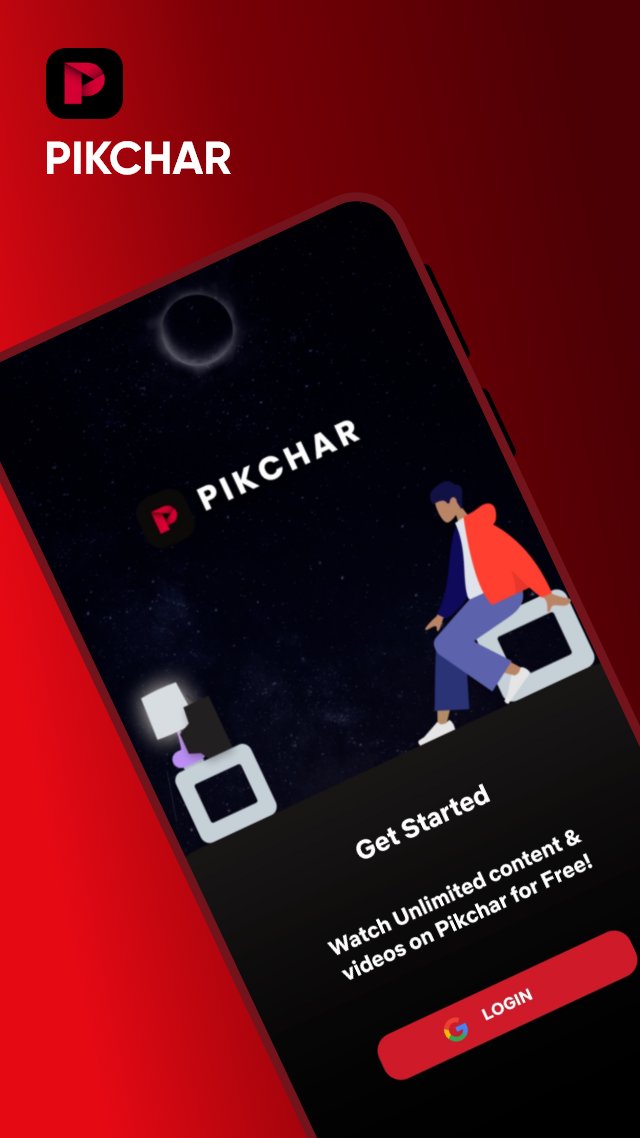
Pikchar Pengantar
Download our app today to enjoy new features!
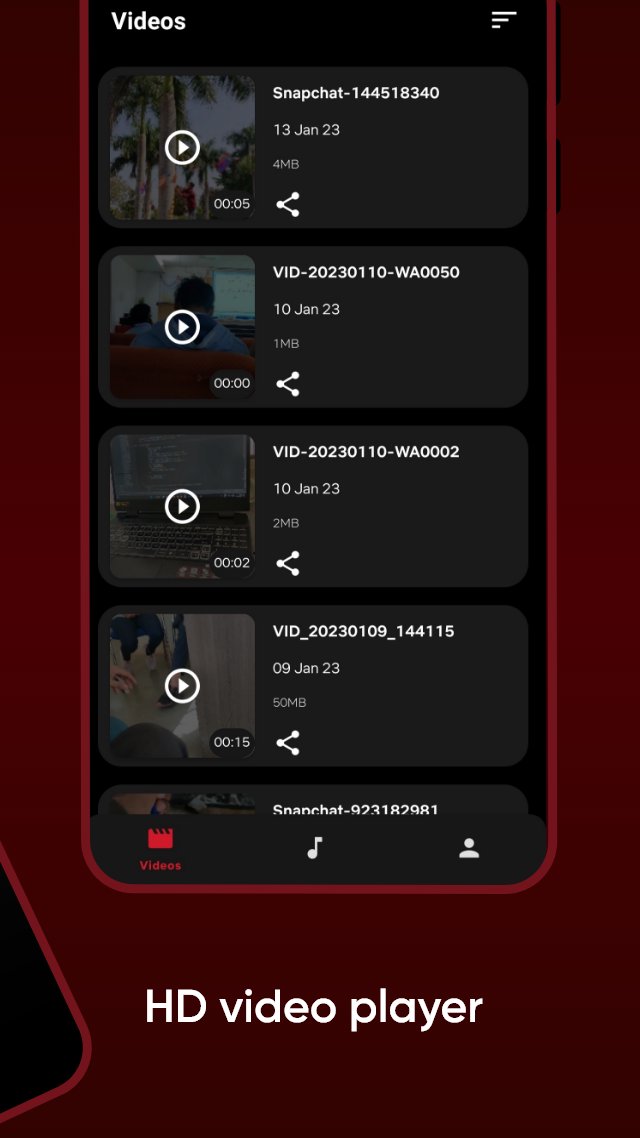
Video player supporters all formats to play media files.
🍿All format videos supported
HD sax video player for all format: 4k videos, 1080p videos, MKV videos, FLV videos, 3GP videos, M4V videos, TS videos, MPG videos
🔍Auto-detect and manage local media files
Auto-detect all video files on Android device and SD card, All format video downloaded and analyzed by HD video remain high-definition.
Pikchar Features :
✔️ Smooth User Interface.
✔️ Fast content loading.
✔️ Quality caption
✔️ Get notifications of newly uploaded free content
Disclaimer :
All Content provided in this app is available in the public domain. We do not show any modified content. All the data in this app is publicly available on different public platforms. We neither own this data nor reuse it.
Pratinjau
Tag
HiburanInformasi
Pengembang
Good Game Dynamix
Versi Terbaru
31.4
Terakhir Diperbarui
2026-03-10
Kategori
Hiburan
Tersedia di
Google Play
Menampilkan lebih banyak
Cara memainkan Pikchar dengan GameLoop di PC
1. Download GameLoop dari situs resminya, lalu jalankan file exe untuk menginstal GameLoop.
2. Buka GameLoop dan cari “Pikchar”, temukan Pikchar di hasil pencarian dan klik “Install”.
3. Nikmati bermain Pikchar di GameLoop.
Minimum requirements
OS
Windows 8.1 64-bit or Windows 10 64-bit
GPU
GTX 1050
CPU
i3-8300
Memory
8GB RAM
Storage
1GB available space
Recommended requirements
OS
Windows 8.1 64-bit or Windows 10 64-bit
GPU
GTX 1050
CPU
i3-9320
Memory
16GB RAM
Storage
1GB available space