ARtology™ for PC
Red Frog Digital Limited
Unduh ARtology™ di PC Dengan Emulator GameLoop
ARtology™ di PC
ARtology™, berasal dari pengembang Red Frog Digital Limited, berjalan di sistem Android di masa lalu.
Sekarang, Anda dapat memainkan ARtology™ di PC dengan GameLoop dengan lancar.
Unduh di perpustakaan GameLoop atau hasil pencarian. Tidak ada lagi memperhatikan baterai atau panggilan frustasi pada waktu yang salah lagi.
Nikmati saja ARtology™ PC di layar besar secara gratis!
ARtology™ Pengantar
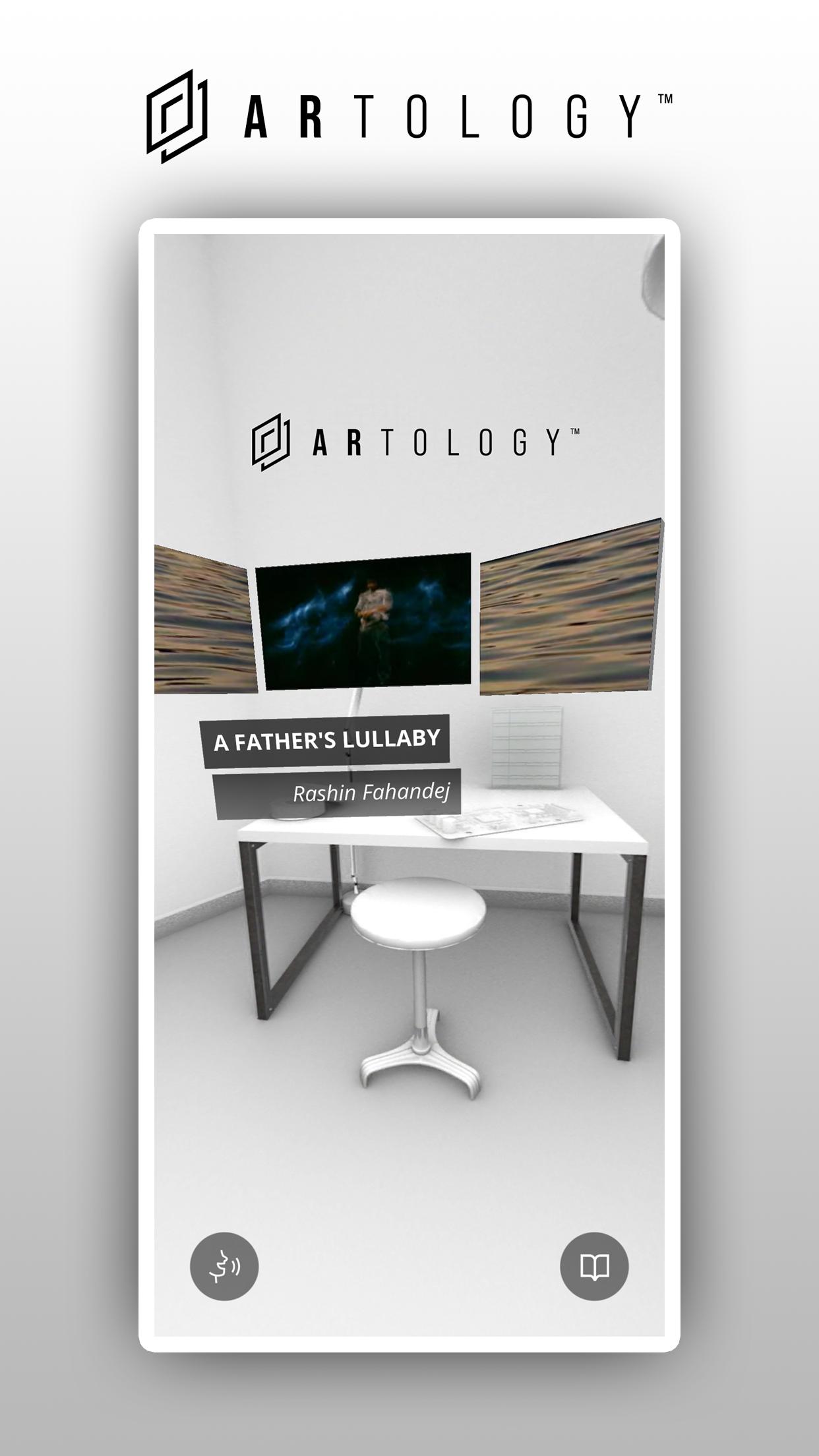
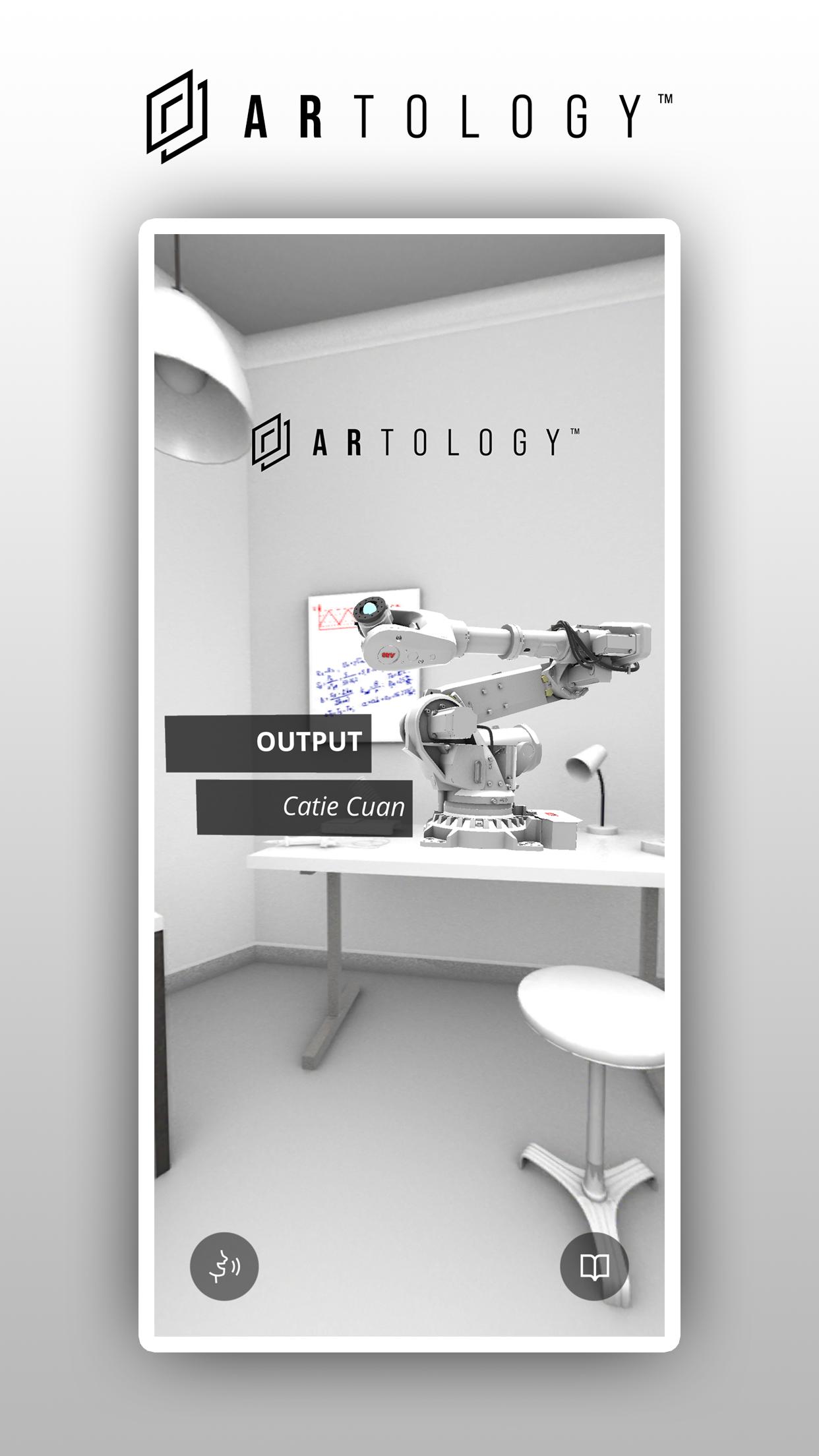
ARtology brings you a new way to experience how art and technology can come together to help us understand and navigate complex issues. The app uses augmented reality to create thoughtful, inspiring art and technology experiences. We’ve worked with leading artists who drive technology innovation and re-examine society, while exploring our relationship with robotics, seismic activity, and volumetric filmmaking.
Each artist undertook a residency with ThoughtWorks Arts, a global research lab working with artists to explore emerging technology and its impact on society. The artists collaborated with technologists from ThoughtWorks to produce prototypes that inform critical thinking and share technical innovation and new ideas with the world.
This experience is both visual and auditory, which is why we recommend using headphones. The app also needs access to the camera, microphone and photo gallery on your device for the AR experience to work, and to save photos directly to your device. This data remains anonymous and will not be stored or shared externally.
Learn more about ThoughtWorks Arts:
https://thoughtworksarts.io/
Pratinjau
Tag
HiburanInformasi
Pengembang
Red Frog Digital Limited
Versi Terbaru
1.0.1
Terakhir Diperbarui
2021-09-27
Kategori
Hiburan
Tersedia di
Google Play
Menampilkan lebih banyak
Cara memainkan ARtology™ dengan GameLoop di PC
1. Download GameLoop dari situs resminya, lalu jalankan file exe untuk menginstal GameLoop.
2. Buka GameLoop dan cari “ARtology™”, temukan ARtology™ di hasil pencarian dan klik “Install”.
3. Nikmati bermain ARtology™ di GameLoop.
Minimum requirements
OS
Windows 8.1 64-bit or Windows 10 64-bit
GPU
GTX 1050
CPU
i3-8300
Memory
8GB RAM
Storage
1GB available space
Recommended requirements
OS
Windows 8.1 64-bit or Windows 10 64-bit
GPU
GTX 1050
CPU
i3-9320
Memory
16GB RAM
Storage
1GB available space