Mikode for Miko 2 for PC
Emotix
Unduh Mikode for Miko 2 di PC Dengan Emulator GameLoop
Mikode for Miko 2 di PC
Mikode for Miko 2, berasal dari pengembang Emotix, berjalan di sistem Android di masa lalu.
Sekarang, Anda dapat memainkan Mikode for Miko 2 di PC dengan GameLoop dengan lancar.
Unduh di perpustakaan GameLoop atau hasil pencarian. Tidak ada lagi memperhatikan baterai atau panggilan frustasi pada waktu yang salah lagi.
Nikmati saja Mikode for Miko 2 PC di layar besar secara gratis!
Mikode for Miko 2 Pengantar
Mikode brings code alive, right in front of your children's eyes. Immersive by design to hold children's attention, unlike any coding terminal can! An all-important skill that school doesn't teach. Gift your child coding prodigy a head start with Mikode!
Early childhood education needs to better inculcate coding in the curriculum. Mikode is a path-breaking attempt at bringing coding to the real-world from consoles.
• Visual & Colorful
• Real-world coding experience
• Code the Miko robot
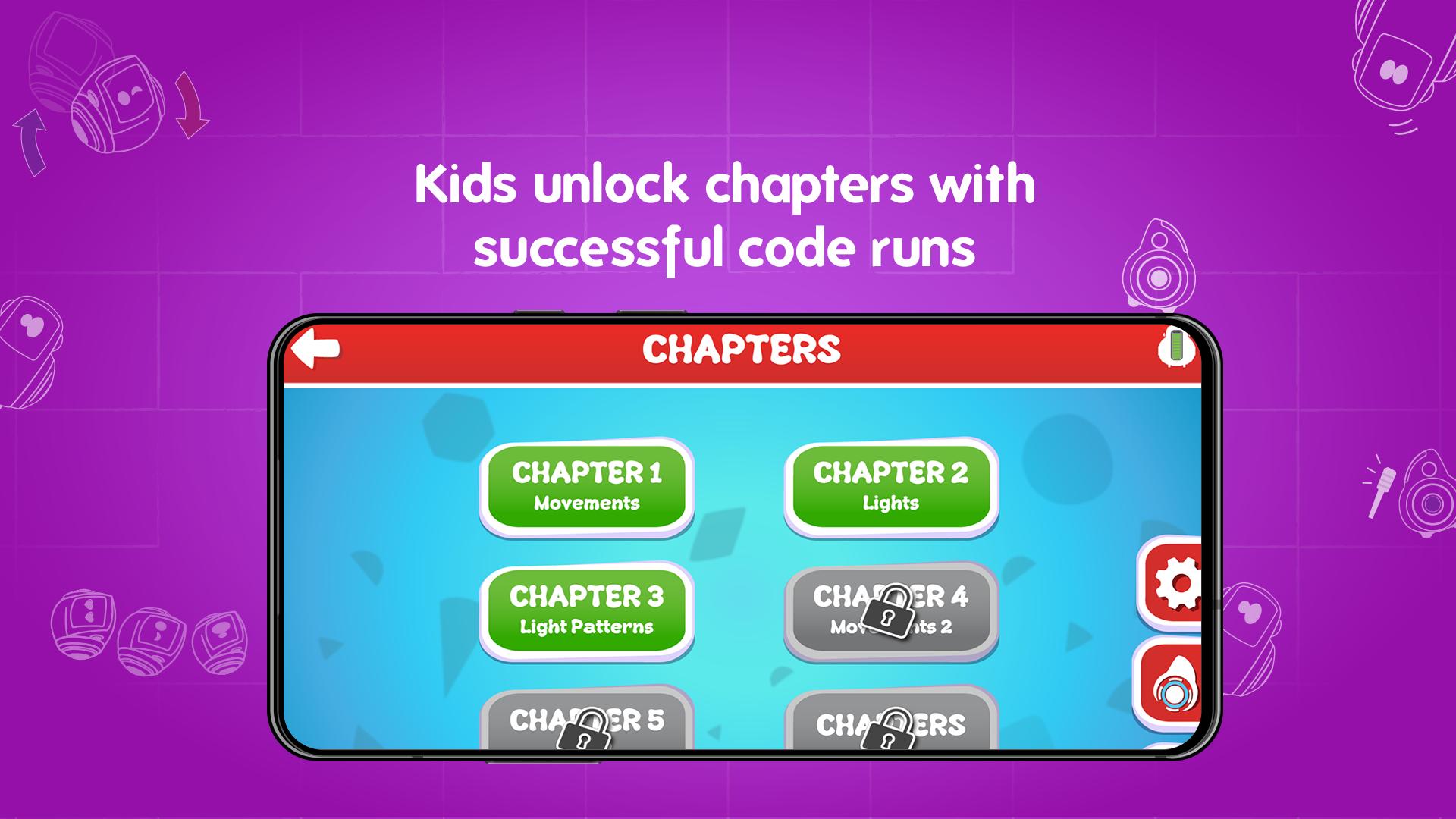
• Comprehensive curriculum
Children are good with shapes, objects, and colors. Not so much with syntax and dull, boring terminals. If it's teaching them coding, it's got to be bright, cheerful, and never out of the reach of their tiny fingers. Your 5-10-year-old can run their code and watch it burst to life on a Miko: moving, dancing, coding!
Grab Mikode's innovative curriculum that lays the groundwork for the up and coming coder in your child!
Pratinjau
Informasi
Pengembang
Emotix
Versi Terbaru
1.6
Terakhir Diperbarui
2020-10-15
Kategori
Pendidikan
Tersedia di
Google Play
Menampilkan lebih banyak
Cara memainkan Mikode for Miko 2 dengan GameLoop di PC
1. Download GameLoop dari situs resminya, lalu jalankan file exe untuk menginstal GameLoop.
2. Buka GameLoop dan cari “Mikode for Miko 2”, temukan Mikode for Miko 2 di hasil pencarian dan klik “Install”.
3. Nikmati bermain Mikode for Miko 2 di GameLoop.
Minimum requirements
OS
Windows 8.1 64-bit or Windows 10 64-bit
GPU
GTX 1050
CPU
i3-8300
Memory
8GB RAM
Storage
1GB available space
Recommended requirements
OS
Windows 8.1 64-bit or Windows 10 64-bit
GPU
GTX 1050
CPU
i3-9320
Memory
16GB RAM
Storage
1GB available space