Baby Games for PC
boldfish
Unduh Baby Games di PC Dengan Emulator GameLoop
Baby Games di PC
Baby Games, berasal dari pengembang boldfish, berjalan di sistem Android di masa lalu.
Sekarang, Anda dapat memainkan Baby Games di PC dengan GameLoop dengan lancar.
Unduh di perpustakaan GameLoop atau hasil pencarian. Tidak ada lagi memperhatikan baterai atau panggilan frustasi pada waktu yang salah lagi.
Nikmati saja Baby Games PC di layar besar secara gratis!
Baby Games Pengantar
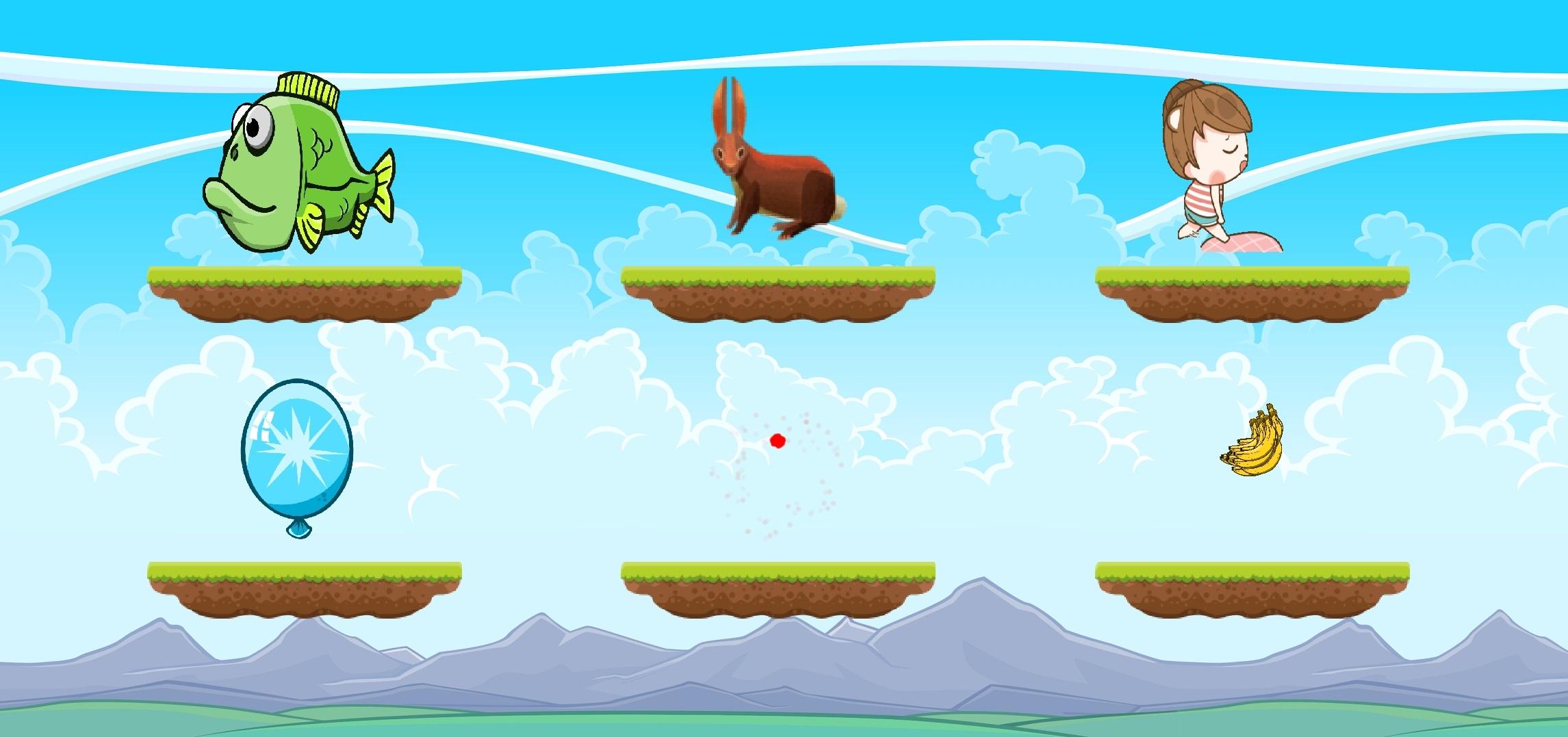
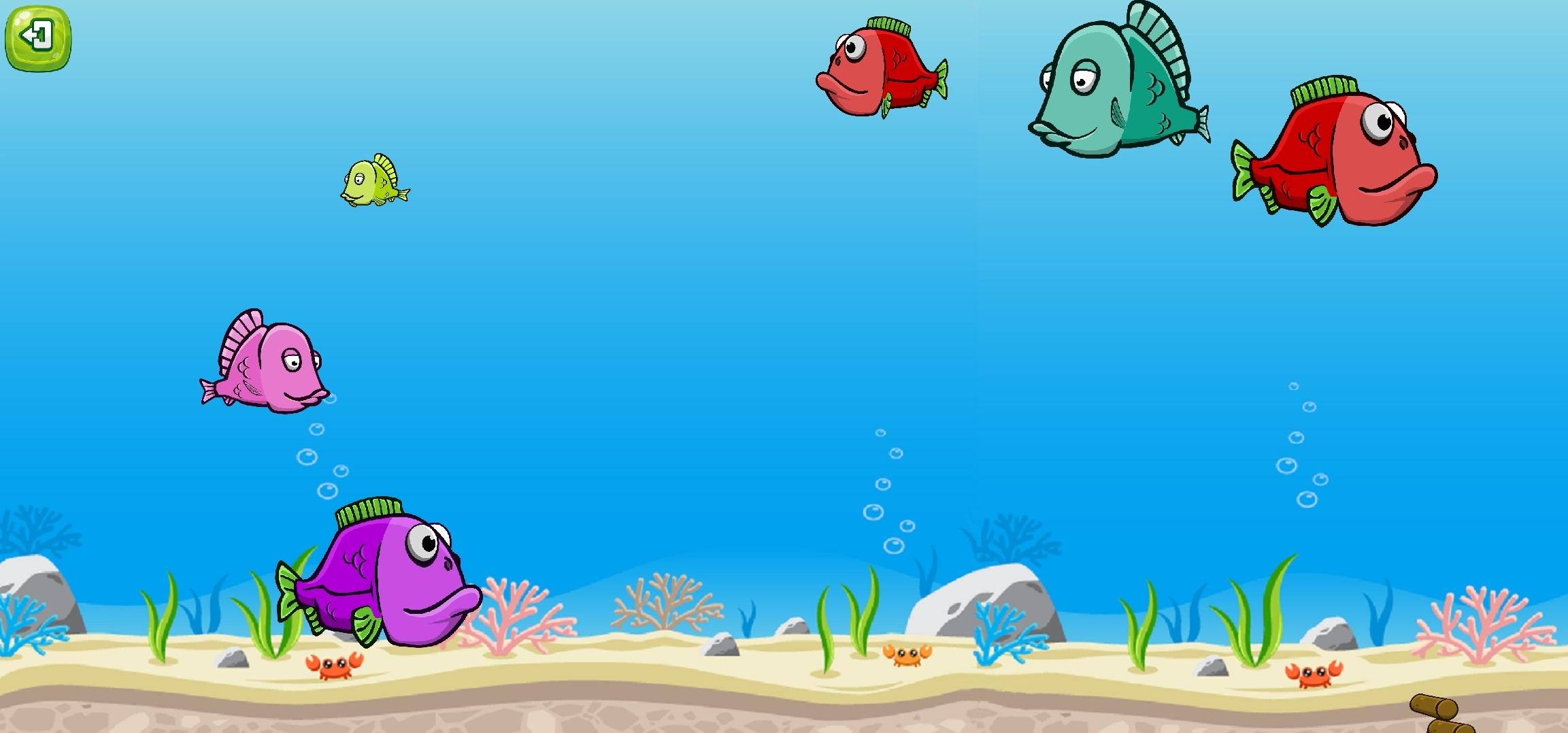
Simple, educative and fun baby games for your lovely toddlers. This game is consists of 6 different games which are targeted to 1+ years old children. This game aims to improve your children's touching skills, color and sound differentiation. It also helps your children to learn different fruits, animal sounds. There is also a lullaby game which has unlimited length of lullaby for your children to sleep well.
Learning is fun with Baby Games, and there are plenty of mini-games and educational activities here to keep babies interested. It starts with pictures of animals, children can match to the sounds they make. There are also balloon popping games, musical learning modes, fun activities, and more. It's the perfect baby phone game to keep the little ones entertained.
Baby Games has a lively and easy to use interface that's perfect for kids between six and twelve months old. One and two year old toddlers or even kindergarteners will have fun with it, too! While playing, children of all ages will laugh and giggle as they explore all the fun activities at their fingertips, helping to develop attention and observational skills along with memory and fine motor control.
Pratinjau
Tag
KasualInformasi
Pengembang
boldfish
Versi Terbaru
1.0
Terakhir Diperbarui
2021-05-25
Kategori
Pendidikan
Tersedia di
Google Play
Menampilkan lebih banyak
Cara memainkan Baby Games dengan GameLoop di PC
1. Download GameLoop dari situs resminya, lalu jalankan file exe untuk menginstal GameLoop.
2. Buka GameLoop dan cari “Baby Games”, temukan Baby Games di hasil pencarian dan klik “Install”.
3. Nikmati bermain Baby Games di GameLoop.
Minimum requirements
OS
Windows 8.1 64-bit or Windows 10 64-bit
GPU
GTX 1050
CPU
i3-8300
Memory
8GB RAM
Storage
1GB available space
Recommended requirements
OS
Windows 8.1 64-bit or Windows 10 64-bit
GPU
GTX 1050
CPU
i3-9320
Memory
16GB RAM
Storage
1GB available space