UOG GPA CGPA Calculator for PC
AIMS Studio
Unduh UOG GPA CGPA Calculator di PC Dengan Emulator GameLoop
UOG GPA CGPA Calculator di PC
UOG GPA CGPA Calculator, berasal dari pengembang AIMS Studio, berjalan di sistem Android di masa lalu.
Sekarang, Anda dapat memainkan UOG GPA CGPA Calculator di PC dengan GameLoop dengan lancar.
Unduh di perpustakaan GameLoop atau hasil pencarian. Tidak ada lagi memperhatikan baterai atau panggilan frustasi pada waktu yang salah lagi.
Nikmati saja UOG GPA CGPA Calculator PC di layar besar secara gratis!
UOG GPA CGPA Calculator Pengantar
UOG GPA-CGPA Calculator is an android app specially designed for students of University of Gujrat (UOG). But other universities students can also use this app to calculate their GPA-CGPA or Assignment-Quiz Marks. This app includes grading scheme criteria according to UOG rules but other universities students can edit the Grade field according to their perspective.
Feature:
►Calculate GPA:
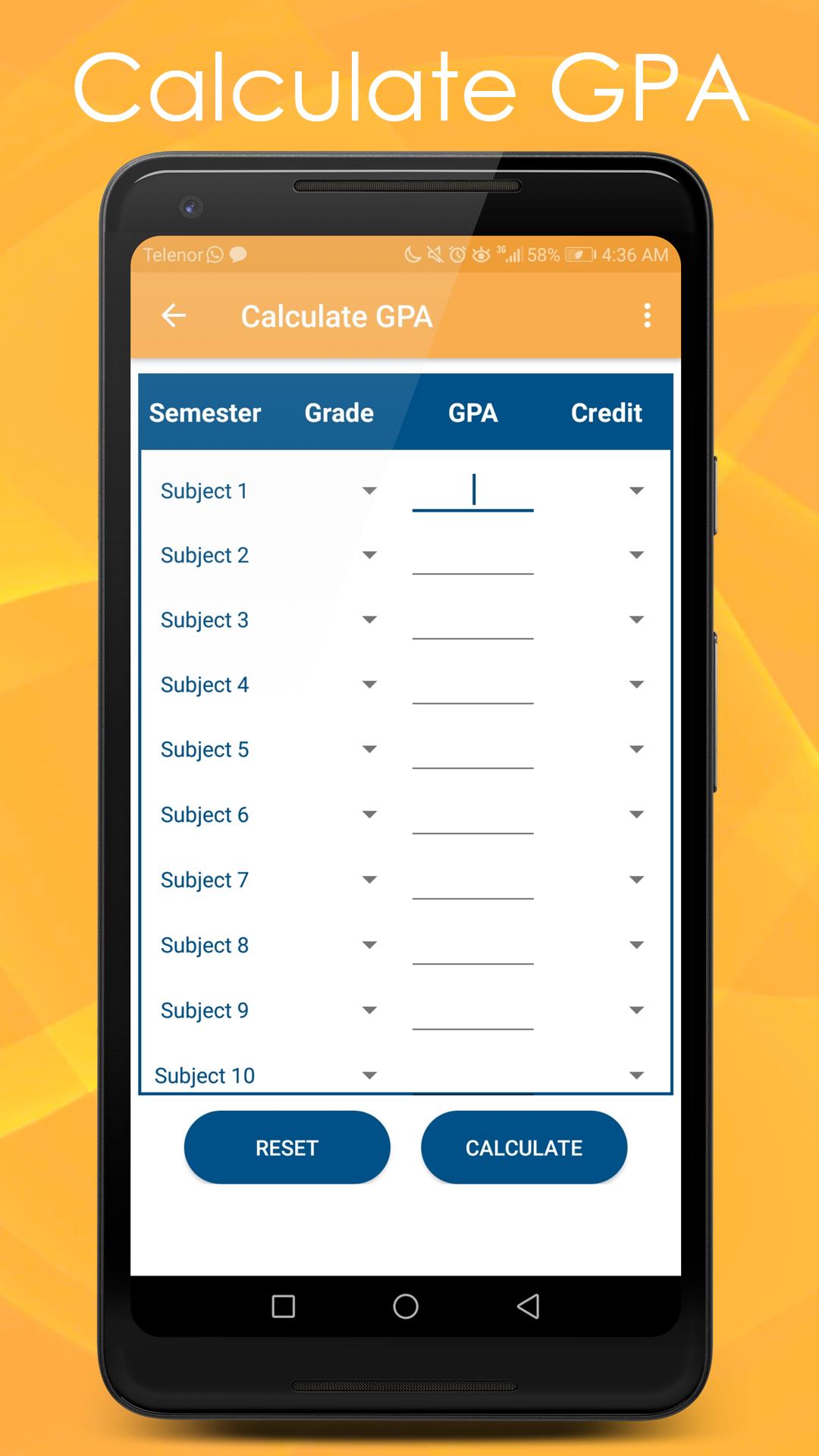
With the help of this option students can calculate their GPA of maximum 10 subjects. In order to calculate GPA you need enter Grades and Credit Hours of your current semester subjects and then press the calculate button.
Before processing to calculation you need to entre at least one subject information.
In this option you can only enter Grade Points between 0.0 – 4.0 and Credit Hours between 1 – 21
You can also enter average Grade Points automatically by selecting the Grade Letter or you can enter Grade Points manually.
►Calculate CGPA:
With the help of this option students can calculate their overall CGPA of maximum 10 Semesters. In order to calculate CGPA you need enter GPA and Credit Hours of respective semesters and then press the calculate button.
Before processing to calculation you need to enter at least one Semester information.
In this option you can only enter GPA between 0.0 – 4.0 and Credit Hours between 1 – 21
You can also enter average Grade Points automatically by selecting the Grade Letter or you can enter Grade Points manually.
►Calculate Assignment-Quiz Marks:
By selecting this open students can calculate their over score for Assignments and Quizzes in whole semester. To calculate score you need to enter weight percentage of Assignment or Quiz final result. Then enter the total and obtained marks for all of your assignments and Quizzes.
Before processing to calculation you need to entre at least one activity information.
In this option you can only enter total and obtained marks between 1 –100
►Grading Scheme:
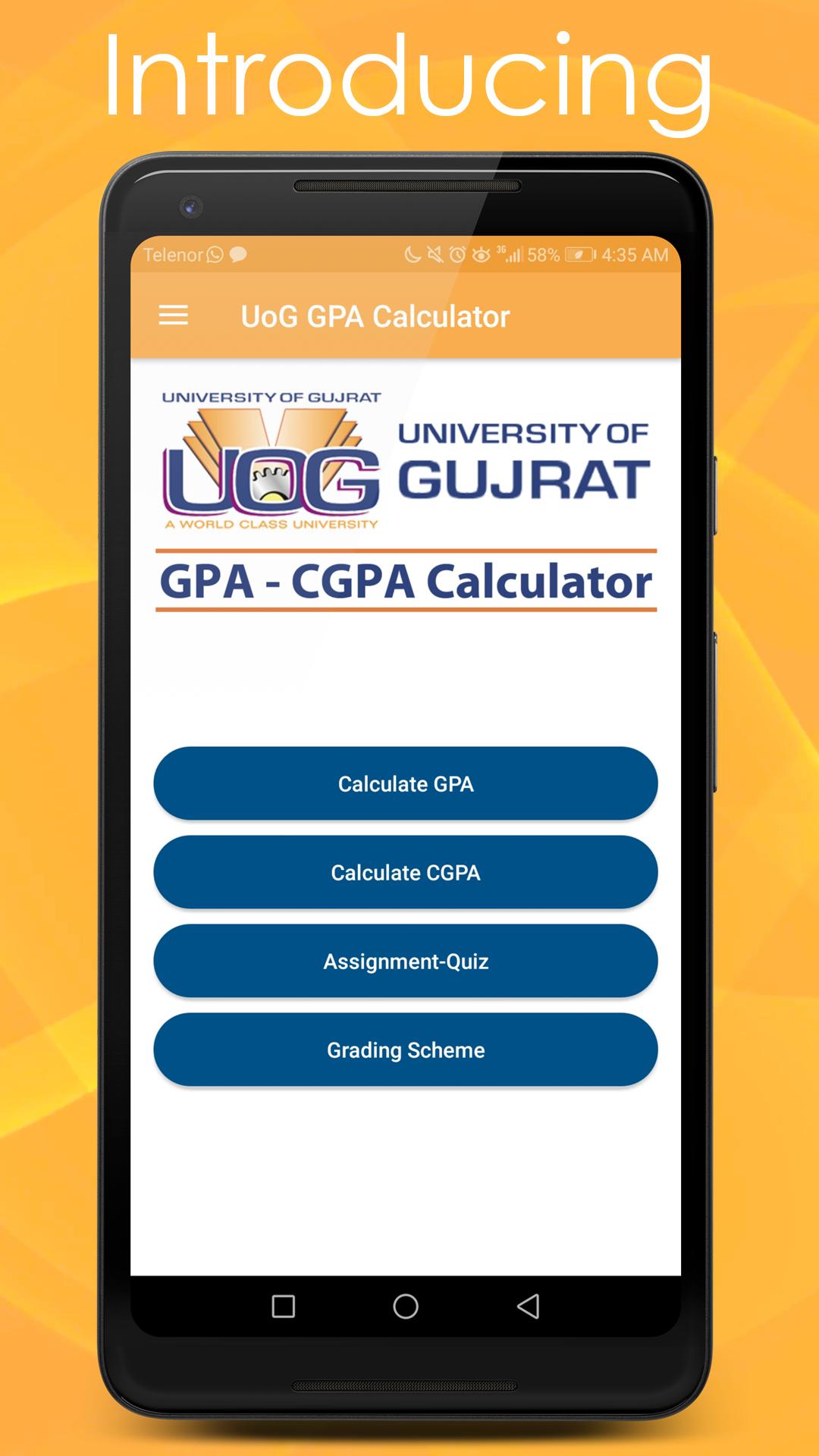
This option provides the Grading Scheme criteria of University of Gujrat (UOG).
►Support Us:
Please don’t forget to rate this app and also give your valuable feedback, love and support.
If you have any problem regarding this app or want to contact us you can find us at:
aimsstudio24@gmail.com
Pratinjau
Informasi
Pengembang
AIMS Studio
Versi Terbaru
1.3
Terakhir Diperbarui
2019-01-14
Kategori
Pendidikan
Tersedia di
Google Play
Menampilkan lebih banyak
Cara memainkan UOG GPA CGPA Calculator dengan GameLoop di PC
1. Download GameLoop dari situs resminya, lalu jalankan file exe untuk menginstal GameLoop.
2. Buka GameLoop dan cari “UOG GPA CGPA Calculator”, temukan UOG GPA CGPA Calculator di hasil pencarian dan klik “Install”.
3. Nikmati bermain UOG GPA CGPA Calculator di GameLoop.
Minimum requirements
OS
Windows 8.1 64-bit or Windows 10 64-bit
GPU
GTX 1050
CPU
i3-8300
Memory
8GB RAM
Storage
1GB available space
Recommended requirements
OS
Windows 8.1 64-bit or Windows 10 64-bit
GPU
GTX 1050
CPU
i3-9320
Memory
16GB RAM
Storage
1GB available space