
Origami For Kids for PC
EzVentureApp
Unduh Origami For Kids di PC Dengan Emulator GameLoop
Origami For Kids di PC
Origami For Kids, berasal dari pengembang EzVentureApp, berjalan di sistem Android di masa lalu.
Sekarang, Anda dapat memainkan Origami For Kids di PC dengan GameLoop dengan lancar.
Unduh di perpustakaan GameLoop atau hasil pencarian. Tidak ada lagi memperhatikan baterai atau panggilan frustasi pada waktu yang salah lagi.
Nikmati saja Origami For Kids PC di layar besar secara gratis!
Origami For Kids Pengantar
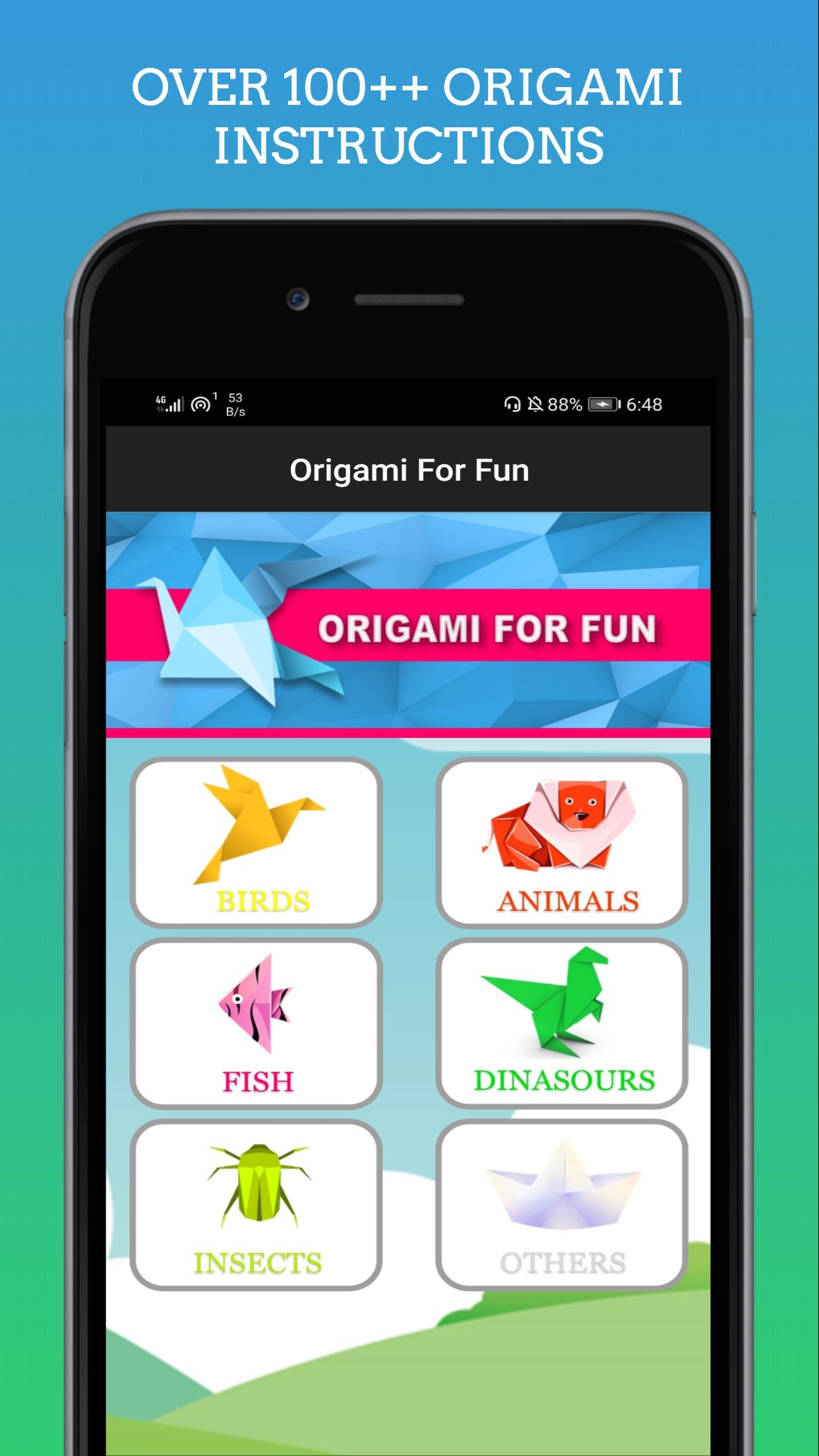
Easy origami instructions to play with your kids.
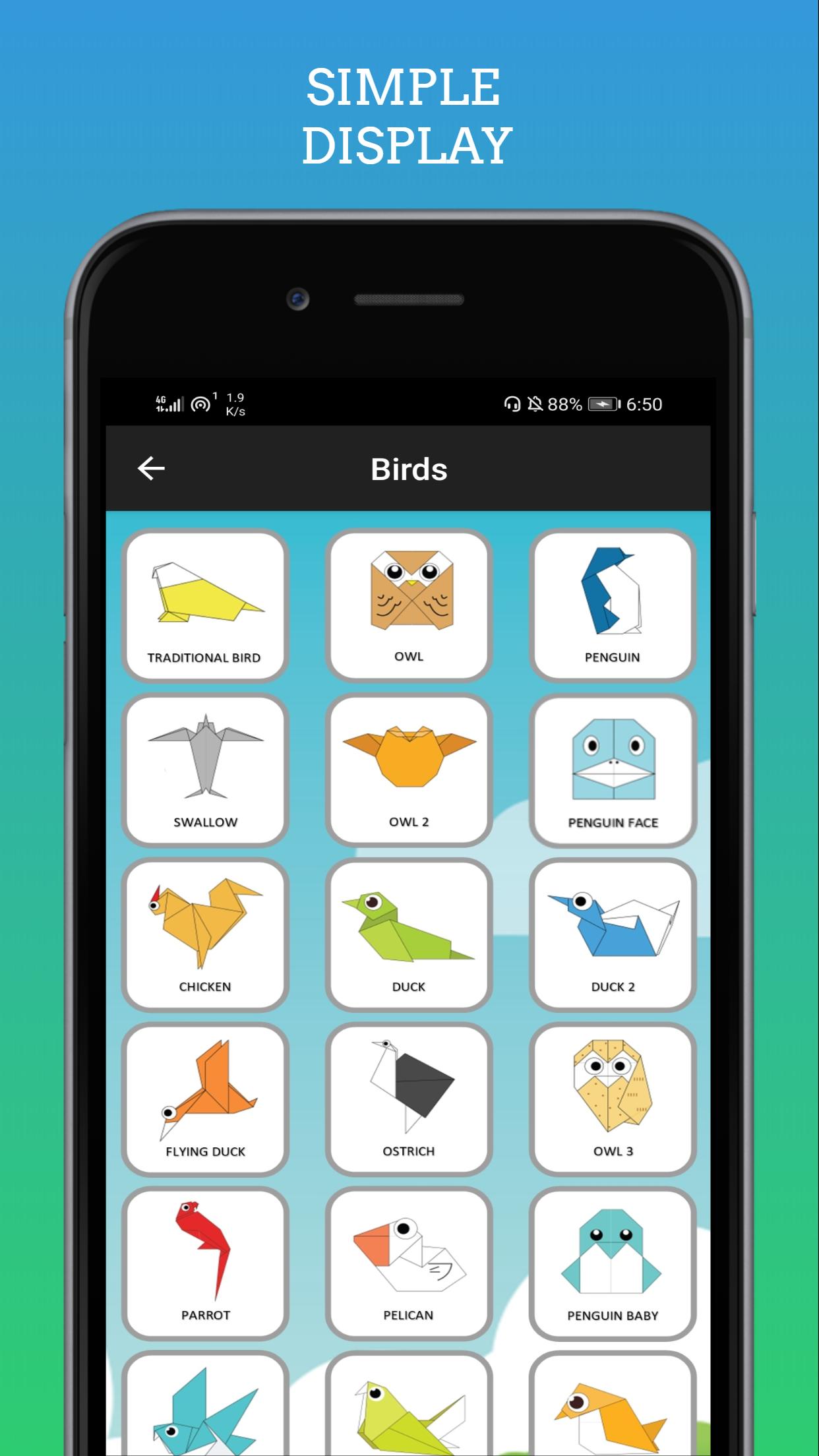
• lots of different origami instructions
• simple and advanced models
• best for fantasy and creativity
Below you may find the list of other amazing features:
• each model is divided into a number of steps which are easy to follow.
• starting to fold a piece of paper, you’ll end up with a complete figure of animal, bird, or insect, etc.
Take a piece of paper, make some folds and creases and cute dog, or cat, or flower is ready. 'Are you a magician?' - someone is asking you. No, it's not a trick or magic. It's your fantasy and creativity.
Enjoy and have fun!
Pratinjau
Tag
PendidikanInformasi
Pengembang
EzVentureApp
Versi Terbaru
1.0
Terakhir Diperbarui
2020-06-26
Kategori
Pendidikan
Tersedia di
Google Play
Menampilkan lebih banyak
Cara memainkan Origami For Kids dengan GameLoop di PC
1. Download GameLoop dari situs resminya, lalu jalankan file exe untuk menginstal GameLoop.
2. Buka GameLoop dan cari “Origami For Kids”, temukan Origami For Kids di hasil pencarian dan klik “Install”.
3. Nikmati bermain Origami For Kids di GameLoop.
Minimum requirements
OS
Windows 8.1 64-bit or Windows 10 64-bit
GPU
GTX 1050
CPU
i3-8300
Memory
8GB RAM
Storage
1GB available space
Recommended requirements
OS
Windows 8.1 64-bit or Windows 10 64-bit
GPU
GTX 1050
CPU
i3-9320
Memory
16GB RAM
Storage
1GB available space