
LIKO-12 for PC
Rami Sabbagh
Unduh LIKO-12 di PC Dengan Emulator GameLoop
LIKO-12 di PC
LIKO-12, berasal dari pengembang Rami Sabbagh, berjalan di sistem Android di masa lalu.
Sekarang, Anda dapat memainkan LIKO-12 di PC dengan GameLoop dengan lancar.
Unduh di perpustakaan GameLoop atau hasil pencarian. Tidak ada lagi memperhatikan baterai atau panggilan frustasi pada waktu yang salah lagi.
Nikmati saja LIKO-12 PC di layar besar secara gratis!
LIKO-12 Pengantar
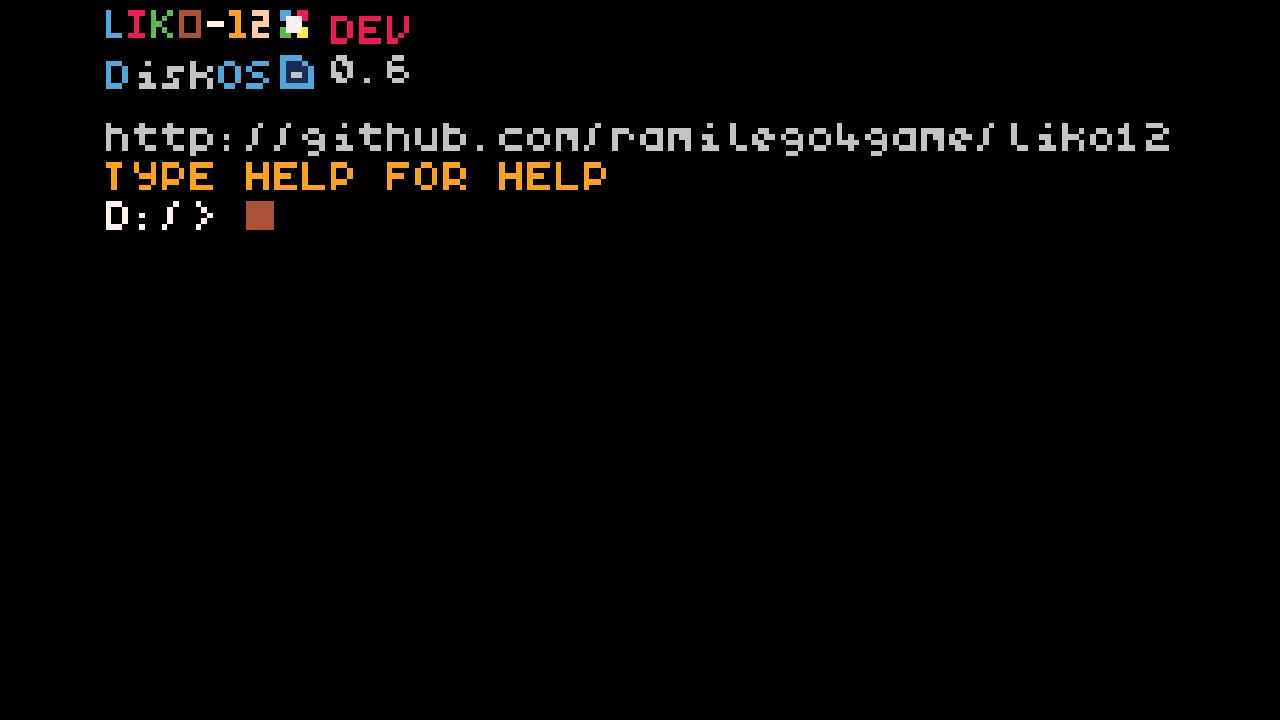
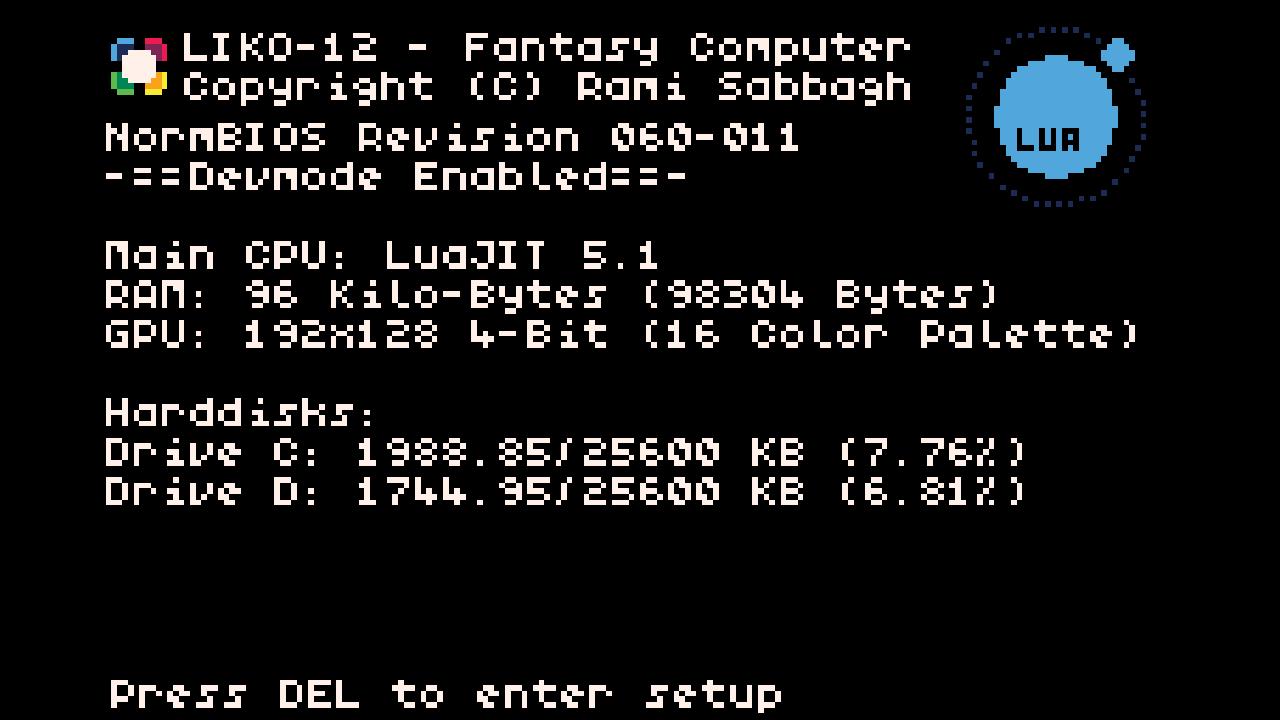
LIKO-12 is a fantasy computer that you can use to make, play and share tiny retro-looking games and programs. It comes with a default, fully customizable, DOS-like operating system installed, called DiskOS.
DiskOS provides an environment with basic command line programs and visual game editors.
The created games and programs are saved as disk files that can be easily shared to friends or anyone else.
Specifications:
CPU LuaJIT (Lua 5.1)
GPU 192x128 4-Bit Screen
Map 144x128 Cell (255 Tile)
HDD 2x 25mb drives
Input Keyboard, Mouse, Touch, and Gamepad
Social links:
Twitter @rami_sab07
Discord (Chat) https://discord.gg/adjqkd639F
Github https://github.com/LIKO-12/LIKO-12
Documentation http://liko-12.github.io/
Note:
LIKO-12 is still in it's early stages, and if you got any bugs, questions or ideas feel free to send me an email or create a GitHub issue.
Pratinjau
Tag
PendidikanAlatInformasi
Pengembang
Rami Sabbagh
Versi Terbaru
1.0.1
Terakhir Diperbarui
2022-09-07
Kategori
Pendidikan
Tersedia di
Google Play
Menampilkan lebih banyak
Cara memainkan LIKO-12 dengan GameLoop di PC
1. Download GameLoop dari situs resminya, lalu jalankan file exe untuk menginstal GameLoop.
2. Buka GameLoop dan cari “LIKO-12”, temukan LIKO-12 di hasil pencarian dan klik “Install”.
3. Nikmati bermain LIKO-12 di GameLoop.
Minimum requirements
OS
Windows 8.1 64-bit or Windows 10 64-bit
GPU
GTX 1050
CPU
i3-8300
Memory
8GB RAM
Storage
1GB available space
Recommended requirements
OS
Windows 8.1 64-bit or Windows 10 64-bit
GPU
GTX 1050
CPU
i3-9320
Memory
16GB RAM
Storage
1GB available space