
SIPO for PC
Sumita Arora Integrated Learning
Unduh SIPO di PC Dengan Emulator GameLoop
SIPO di PC
SIPO, berasal dari pengembang Sumita Arora Integrated Learning, berjalan di sistem Android di masa lalu.
Sekarang, Anda dapat memainkan SIPO di PC dengan GameLoop dengan lancar.
Unduh di perpustakaan GameLoop atau hasil pencarian. Tidak ada lagi memperhatikan baterai atau panggilan frustasi pada waktu yang salah lagi.
Nikmati saja SIPO PC di layar besar secara gratis!
SIPO Pengantar
While studying from technical books such as Computer Science text books, you often encounter situations where you want detailed illustrations, animations, videos, examples, and so forth, describing the concept.Printed books, especially the syllabus based books have some limits on the coverage and examples etc.
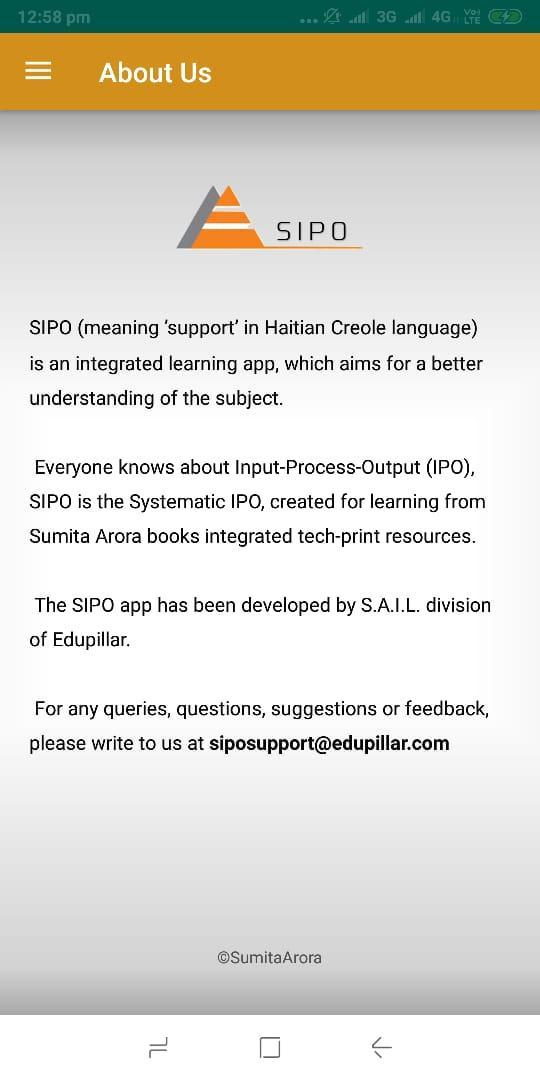
The SIPO app, by ‘Sumita Arora Integrated Learning’ division of Edupillar, comes here to fill the gap.With SIPO, you can get access to linked learning resources (animations/videos/images/illustrations) with the books written by Sumita Arora.
In a SIPO linked book, you will find a QR code next to a topic/concept or Assignment. All you need to do is to scan the QR code with the SIPO app and you will have instant access to the linked learning resource, which may be a video or animation or an illustration/image or simple text-based assignment solution.
The app SIPO intends to bridge the gaps in your learning. The SIPO app is currently linked to Computer Science books written by Sumita Arora.
New resources and new books will get added to SIPO from time to time.
App Developer: Amit Malhotra
fonappsolutions.business@gmail.com
Pratinjau
Informasi
Pengembang
Sumita Arora Integrated Learning
Versi Terbaru
15.2
Terakhir Diperbarui
2019-08-17
Kategori
Pendidikan
Tersedia di
Google Play
Menampilkan lebih banyak
Cara memainkan SIPO dengan GameLoop di PC
1. Download GameLoop dari situs resminya, lalu jalankan file exe untuk menginstal GameLoop.
2. Buka GameLoop dan cari “SIPO”, temukan SIPO di hasil pencarian dan klik “Install”.
3. Nikmati bermain SIPO di GameLoop.
Minimum requirements
OS
Windows 8.1 64-bit or Windows 10 64-bit
GPU
GTX 1050
CPU
i3-8300
Memory
8GB RAM
Storage
1GB available space
Recommended requirements
OS
Windows 8.1 64-bit or Windows 10 64-bit
GPU
GTX 1050
CPU
i3-9320
Memory
16GB RAM
Storage
1GB available space