E-DAC Digital for PC
EDAC Digital
Unduh E-DAC Digital di PC Dengan Emulator GameLoop
E-DAC Digital di PC
E-DAC Digital, berasal dari pengembang EDAC Digital, berjalan di sistem Android di masa lalu.
Sekarang, Anda dapat memainkan E-DAC Digital di PC dengan GameLoop dengan lancar.
Unduh di perpustakaan GameLoop atau hasil pencarian. Tidak ada lagi memperhatikan baterai atau panggilan frustasi pada waktu yang salah lagi.
Nikmati saja E-DAC Digital PC di layar besar secara gratis!
E-DAC Digital Pengantar
Our Experiential Curriculum is based on E-DAC continuous spiral which takes a learner through the 4 fold learning process, aiming to create self-directed learners, with values and life skills to tackle challenges of 21st century. It has specially curated lesson plans to cater different types of learners and learning styles.
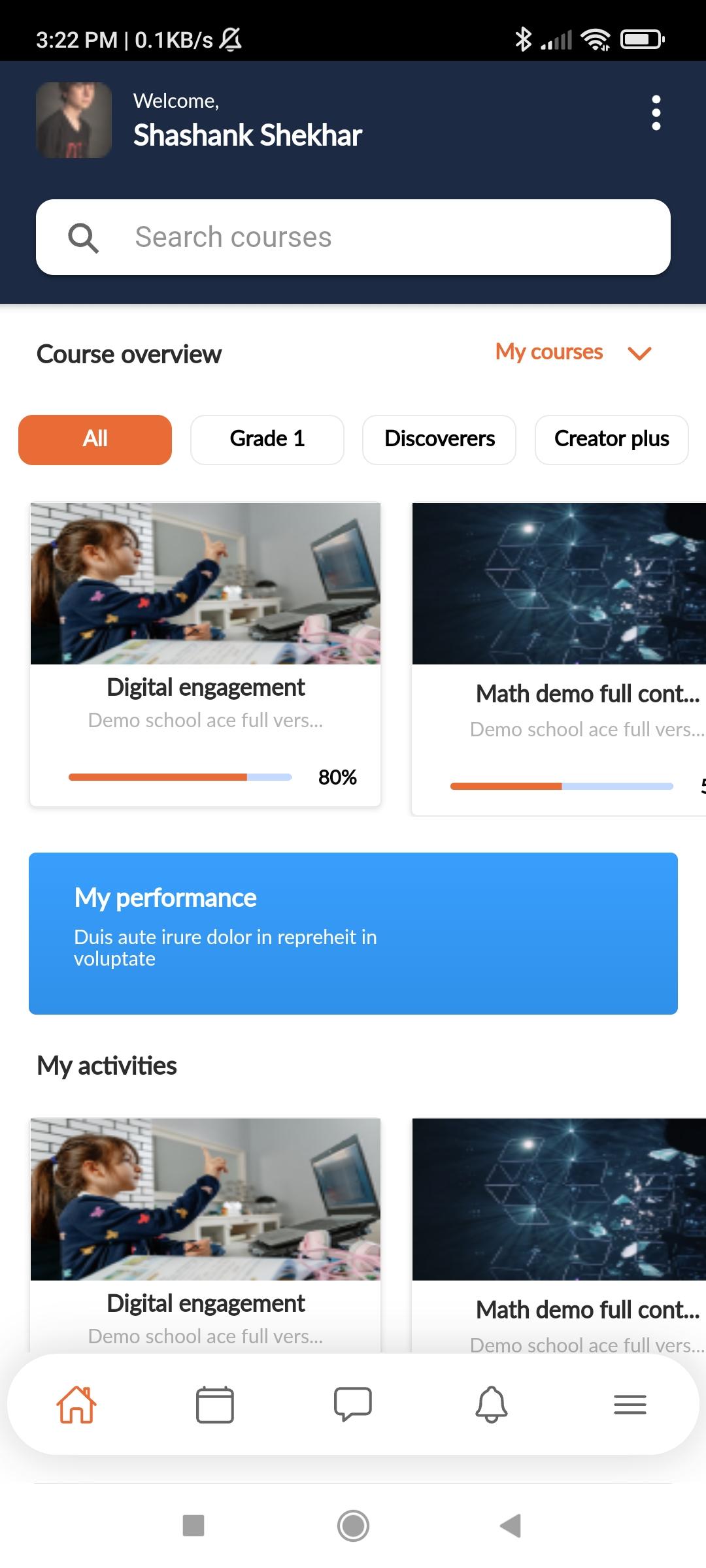
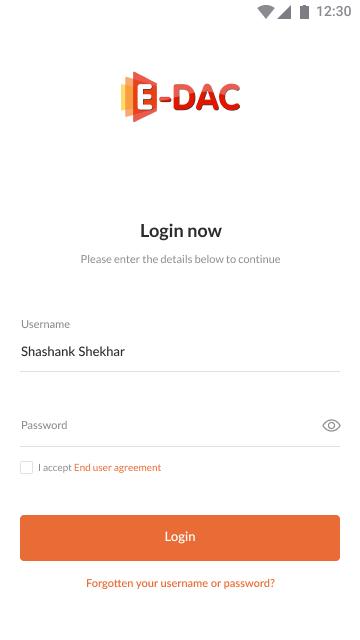
Customized login id for teachers, students, parents and school management. Collaboration between all stakeholders made easy at one platform which is compatible on mobile, tab and computer.
Excellent Education through:
1. 1000+ E-DAC e-Books,
2. 310+ Worksheets per grade
3. 620+ Homework per grade
4. 9000+ Assignments
5. 20,000+ Quizzes
Experiential and Discovery based homework which will increase -
1. Parent engagement
2. Real life application
3. Developing Critical thinking and problem solving abilities
We aim to give equal opportunities to all learners to express their views and become confident speakers
Gamified quizzes with 30000 + skill based questions and 15000+ assignment questions to make learning experience fun and fulfilling
6500+ 2D and 3D animated videos for fun and engaging learning experience. This helps a child to :
1. Visualize the concept
2. Improved understanding leading to higher learning outcomes and scores
1. Auto-Generated and downloadable score cards to map the progress of every learner
2. Comparative analysis of student scores will help the teachers to identify the gaps in learning and decide the remedial action plan.
Schools and Teachers can fetch activity logs of students on real time basis.
This helps them to:
1. Monitor regular activities of students
2. Track student progress on various quizzes and assignments
Trainings and Support :
1. Teachers are empowered to facilitate engaging classrooms through our rigorous trainings programs
2. We ensure that the teachers are well aware and comfortable utilising different features for an effective and engaging teaching-learning experience
3. Our dedicated Support team works around the clock to troubleshoot any user query and hence ensuring a satisfactory and hassle-free user experience.
Pratinjau
Tag
PendidikanInformasi
Pengembang
EDAC Digital
Versi Terbaru
1.0.6
Terakhir Diperbarui
2022-08-16
Kategori
Pendidikan
Tersedia di
Google Play
Menampilkan lebih banyak
Cara memainkan E-DAC Digital dengan GameLoop di PC
1. Download GameLoop dari situs resminya, lalu jalankan file exe untuk menginstal GameLoop.
2. Buka GameLoop dan cari “E-DAC Digital”, temukan E-DAC Digital di hasil pencarian dan klik “Install”.
3. Nikmati bermain E-DAC Digital di GameLoop.
Minimum requirements
OS
Windows 8.1 64-bit or Windows 10 64-bit
GPU
GTX 1050
CPU
i3-8300
Memory
8GB RAM
Storage
1GB available space
Recommended requirements
OS
Windows 8.1 64-bit or Windows 10 64-bit
GPU
GTX 1050
CPU
i3-9320
Memory
16GB RAM
Storage
1GB available space