Computer Magic 8 for PC
Ratna Sagar
Unduh Computer Magic 8 di PC Dengan Emulator GameLoop
Computer Magic 8 di PC
Computer Magic 8, berasal dari pengembang Ratna Sagar, berjalan di sistem Android di masa lalu.
Sekarang, Anda dapat memainkan Computer Magic 8 di PC dengan GameLoop dengan lancar.
Unduh di perpustakaan GameLoop atau hasil pencarian. Tidak ada lagi memperhatikan baterai atau panggilan frustasi pada waktu yang salah lagi.
Nikmati saja Computer Magic 8 PC di layar besar secara gratis!
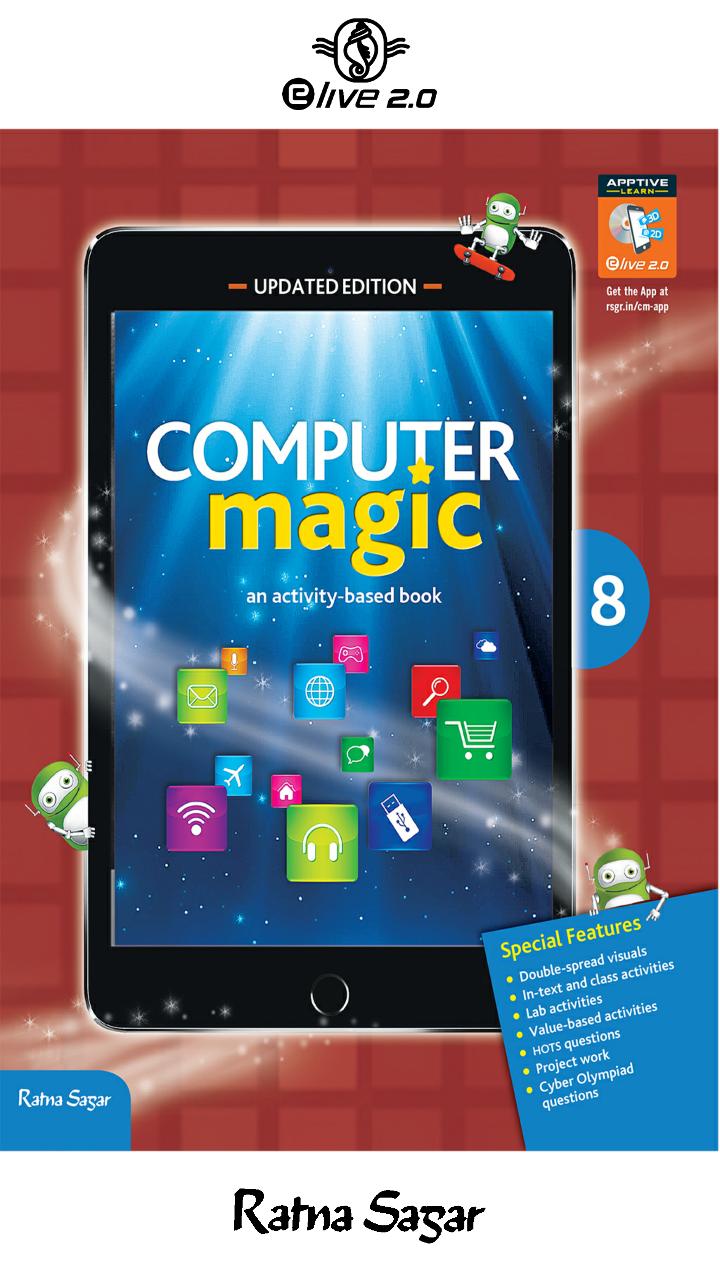
Computer Magic 8 Pengantar
While textbooks offer the best learning materials and teachers can almost explain everything to them by giving examples, sometimes children find it hard (or boring) to understand. This is mostly because they fail to visualise. Children find it easy to understand concepts when knowledge is imparted through visual learning, and it is needless to say that now-a-days they spend most of their time staring at a screen.
Ratna Sagar's Computer Magic App brings a comprehensive collection of grade-specific, visual assets such as 2D or 3D animations and explainer videos; visual assets such as infographics and slideshows, and interactive assets such as practice exercises on a single app to make learning Computer Science interesting and engaging.
Built with a user-friendly interface that can be used in a range of smartphones and different operating systems, the Computer Magic App promises to make learning dynamic, interactive and enjoyable.
Children learn by watching. Ratna Sagar's Computer Magic App has evocative animations that make challenging concepts easily understandable. Built on 2D and 3D versions for short stretches of time, using funny/amusing characters that kids love to watch, they are created specifically to ensure that the children get the most out of their screen time.
The annotated infographics impart additional and valuable information related to various concepts and facilitate recapitulation of the contents at a glance.
Slideshows enhance the learning by providing additional information on themes related to the chapters.
Each set of a series of slides (on topics ranging from History of computers to Computer ethics and cybercime, from QBASIC to HTML) help students attain expertise on every topic they attempt to learn.
Children learn by doing. The App provides an interactive set of exercises containing series of objective type questions based on the concepts taught in a particular chapter. Each set has different interactivity, including click-and-choose and typing. These help in assessing the knowledge and understanding of students.
This distinct approach of learning Computer Science will help children to nurture the budding technologists in them. The real interaction of concepts with audio-visuals allows the students to explore a variety of ways to deal with the concepts.
Here is the link to what the app has in store for you-https://www.youtube.com/watch?v=W7CJaAxwVP4&feature=youtu.be
Pratinjau
Informasi
Pengembang
Ratna Sagar
Versi Terbaru
1.2
Terakhir Diperbarui
2018-07-11
Kategori
Pendidikan
Tersedia di
Google Play
Menampilkan lebih banyak
Cara memainkan Computer Magic 8 dengan GameLoop di PC
1. Download GameLoop dari situs resminya, lalu jalankan file exe untuk menginstal GameLoop.
2. Buka GameLoop dan cari “Computer Magic 8”, temukan Computer Magic 8 di hasil pencarian dan klik “Install”.
3. Nikmati bermain Computer Magic 8 di GameLoop.
Minimum requirements
OS
Windows 8.1 64-bit or Windows 10 64-bit
GPU
GTX 1050
CPU
i3-8300
Memory
8GB RAM
Storage
1GB available space
Recommended requirements
OS
Windows 8.1 64-bit or Windows 10 64-bit
GPU
GTX 1050
CPU
i3-9320
Memory
16GB RAM
Storage
1GB available space