
Unity Connect Softphone for PC
Unity Connected Solutions
Unduh Unity Connect Softphone di PC Dengan Emulator GameLoop
Unity Connect Softphone di PC
Unity Connect Softphone, berasal dari pengembang Unity Connected Solutions, berjalan di sistem Android di masa lalu.
Sekarang, Anda dapat memainkan Unity Connect Softphone di PC dengan GameLoop dengan lancar.
Unduh di perpustakaan GameLoop atau hasil pencarian. Tidak ada lagi memperhatikan baterai atau panggilan frustasi pada waktu yang salah lagi.
Nikmati saja Unity Connect Softphone PC di layar besar secara gratis!
Unity Connect Softphone Pengantar
Work seamlessly, from anywhere.
Stay connected and responsive while-on-the-go with the Unity Connect Softphone mobile app.
Keep collaborating.
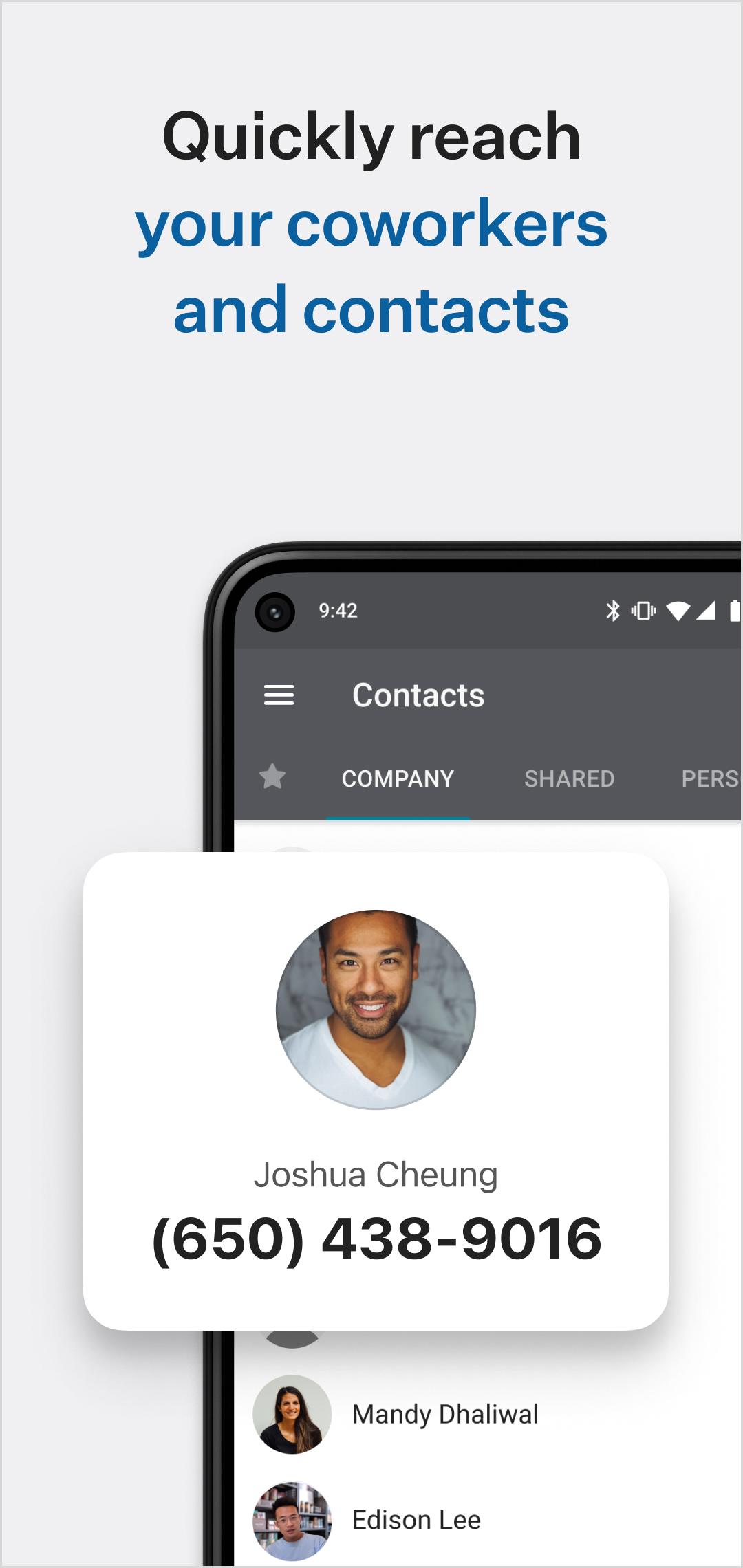
Search your company directory and easily connect to coworkers with internal peer to peer or group messaging (chat), three-way calls and extension dialing, allowing you connect to colleagues whenever you need to, from wherever you are.
Never miss a call.
Forget about missing important calls by routing all your important business phone calls right to the Unity Connect Softphone app. Manage your outgoing phone number (Mobile, Direct, Montreal Office, Vancouver Office) as well as follow-me/call forwarding rules.
Manage business calls better.
Easily transfer calls to your co-workers to help clients and customers get the help they need faster. Make calls over Wi-Fi, 3G or LTE, from anywhere in the world. (Even disable mobile data while roaming and use only Wi-Fi! Great for staying in touch while traveling abroad without having to buy a local phone plan!)
On-the-go voicemail, call recordings and fax access.
Check your voicemail from wherever you are right within the Unity Connect Softphone mobile app, view transcriptions for a quicker response. Access call recordings and faxes.
Unity Connect Softphone mobile app requires an existing account with Unity Connected. To enable new features, reach out to your administrator, account manager or support.
***** IMPORTANT NOTICE - PLEASE READ *****
The Unity Connect Softphone mobile app works best with the latest mobile operating systems. Please ensure you’re on the most recent operating system for your device. Be aware that some mobile network operators prohibit or restrict the use of VoIP (Voice over Internet Protocol) over their network. They may prohibit the use of VoIP over their network or impose additional fees and/or charges when using VoIP over their network. By using Unity Connect Softphone over 3G/4G/LTE, you agree to familiarize yourself with and abide by any restrictions your cellular carrier imposes and agree that Unity Connected Solutions will not be held liable for any charges, fees or liability imposed by your carrier for using Unity Connect Softphone over their 3G/4G/LTE network.
Pratinjau

Tag
KomunikasiInformasi
Pengembang
Unity Connected Solutions
Versi Terbaru
3.1
Terakhir Diperbarui
2022-06-17
Kategori
Komunikasi
Tersedia di
Google Play
Menampilkan lebih banyak
Cara memainkan Unity Connect Softphone dengan GameLoop di PC
1. Download GameLoop dari situs resminya, lalu jalankan file exe untuk menginstal GameLoop.
2. Buka GameLoop dan cari “Unity Connect Softphone”, temukan Unity Connect Softphone di hasil pencarian dan klik “Install”.
3. Nikmati bermain Unity Connect Softphone di GameLoop.
Minimum requirements
OS
Windows 8.1 64-bit or Windows 10 64-bit
GPU
GTX 1050
CPU
i3-8300
Memory
8GB RAM
Storage
1GB available space
Recommended requirements
OS
Windows 8.1 64-bit or Windows 10 64-bit
GPU
GTX 1050
CPU
i3-9320
Memory
16GB RAM
Storage
1GB available space