
HD video call Tips conference for PC
T Granhara
Unduh HD video call Tips conference di PC Dengan Emulator GameLoop
HD video call Tips conference di PC
HD video call Tips conference, berasal dari pengembang T Granhara, berjalan di sistem Android di masa lalu.
Sekarang, Anda dapat memainkan HD video call Tips conference di PC dengan GameLoop dengan lancar.
Unduh di perpustakaan GameLoop atau hasil pencarian. Tidak ada lagi memperhatikan baterai atau panggilan frustasi pada waktu yang salah lagi.
Nikmati saja HD video call Tips conference PC di layar besar secara gratis!
HD video call Tips conference Pengantar
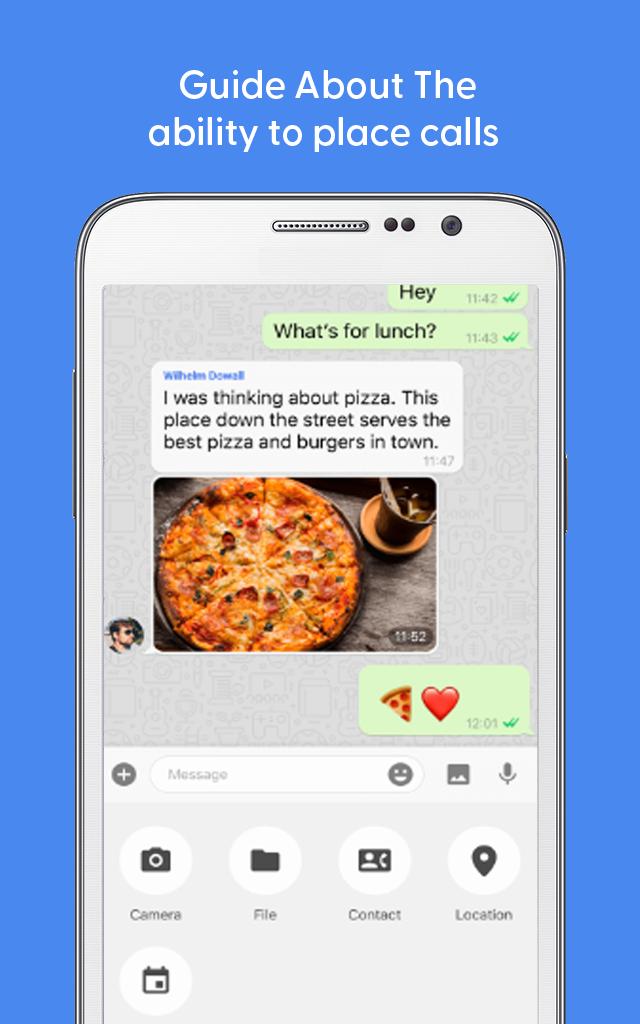
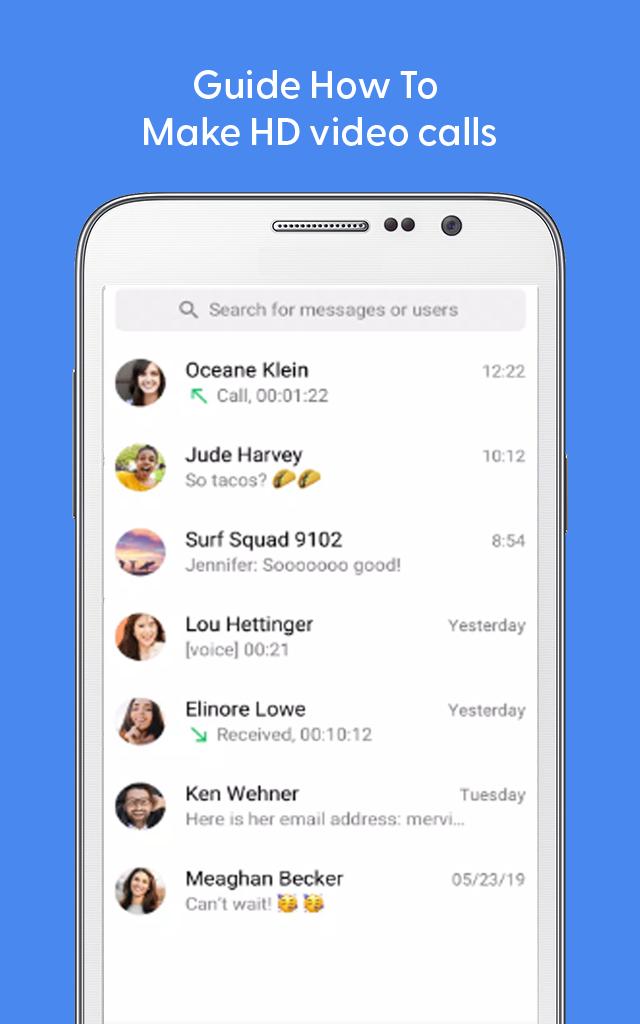
Totok free app offers free messaging, voice calls and video calls. Totok messaging app is super easy to use, and all you need is an internet connection. Just open ToTok - Free HD Video Calls & Voice Chats and start talking to your friends and family wherever they are.
Totok chat app 🗫 comes with following main features:
1)Make totok audio and video calls.
2)Hold important meetings, conferences👨💼 involving up to 20 people.
3)Send totok voice🗣️ messages instead of typing.
4)Retouch filter for video call.
5)Customize your chat with various totok wallpapers.
6)Express yourself with totok stickers, emojis.
There also exist totok Other Party's Time features, which allows you to avoid disturbing your family and friends living abroad by checking out their local time on the one on one chat.
Totok application is a simple and secure application for all your social needs. If you need an app that is secure, fast, requires less data, provides more features, then ToTok can be your new favorite app. So, download totok for android now and send messages to anyone on your contact list with ease.
Disclaimer:❗
This app is not an official app. Just be aware of the app and in case of any questions, give us feedback.
Pratinjau
Tag
KomunikasiInformasi
Pengembang
T Granhara
Versi Terbaru
1.0.1
Terakhir Diperbarui
2022-11-21
Kategori
Komunikasi
Tersedia di
Google Play
Menampilkan lebih banyak
Cara memainkan HD video call Tips conference dengan GameLoop di PC
1. Download GameLoop dari situs resminya, lalu jalankan file exe untuk menginstal GameLoop.
2. Buka GameLoop dan cari “HD video call Tips conference”, temukan HD video call Tips conference di hasil pencarian dan klik “Install”.
3. Nikmati bermain HD video call Tips conference di GameLoop.
Minimum requirements
OS
Windows 8.1 64-bit or Windows 10 64-bit
GPU
GTX 1050
CPU
i3-8300
Memory
8GB RAM
Storage
1GB available space
Recommended requirements
OS
Windows 8.1 64-bit or Windows 10 64-bit
GPU
GTX 1050
CPU
i3-9320
Memory
16GB RAM
Storage
1GB available space